
I mean, at my age, I just like everyone to know I'm still alive.

Having just stumbled through my Duolingo lessons for the day, I'm in no position to criticize. ;)


What does he have to say about his wife's apparent support for "necklacing"?
The punchline is that this post was also AI-improved, and that's why it says "begs" instead of "raises". 😂


Someone tell nostr:npub1hq0kkf67h5n63uz0l5zac94un73jnjudn3ryh3aahagx3qvwq0qq8wf9mp we need to bring this back right now.

I'm also gonna need one of them tables with, like, Ms. Pac-Man built in.



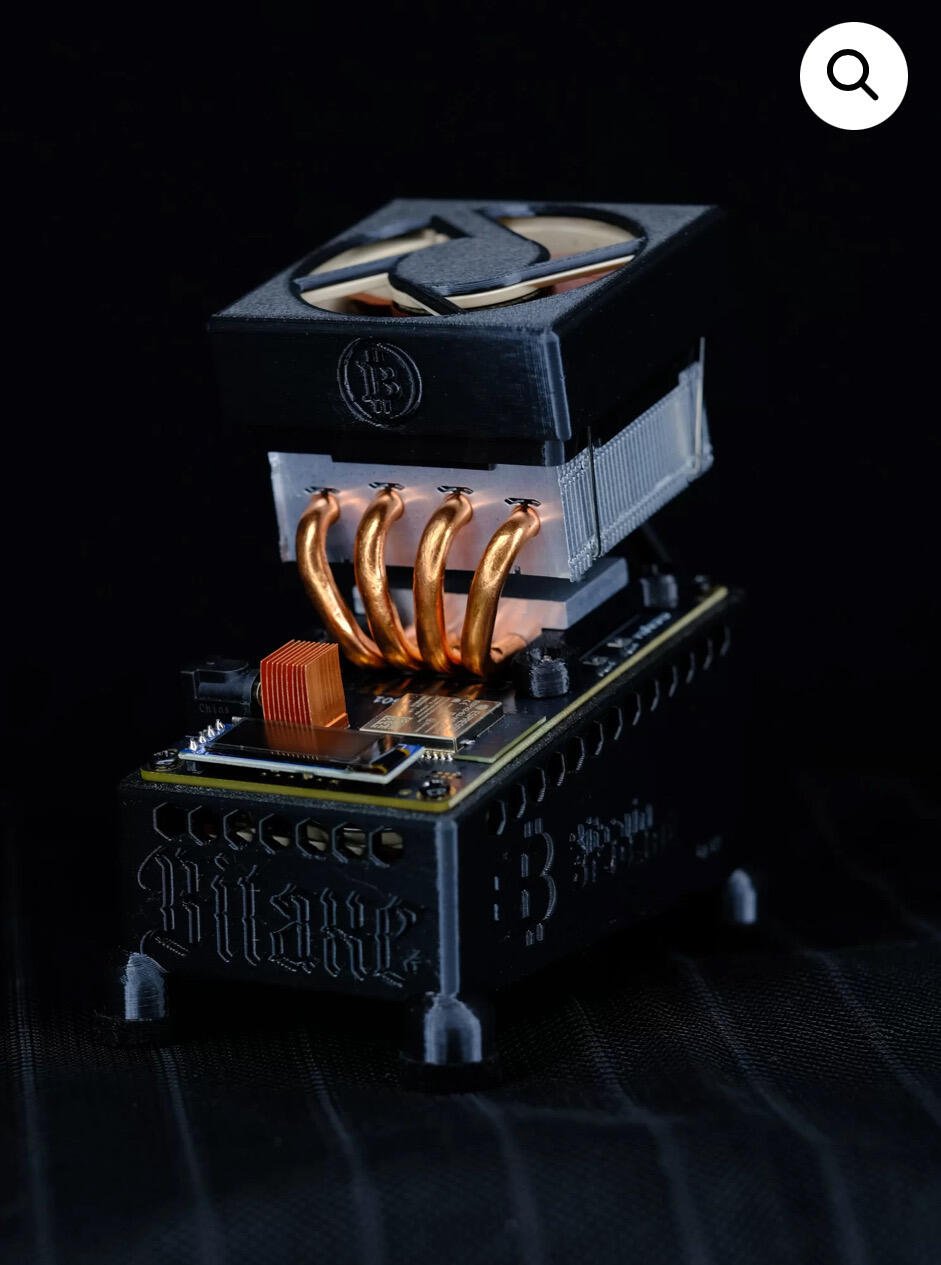
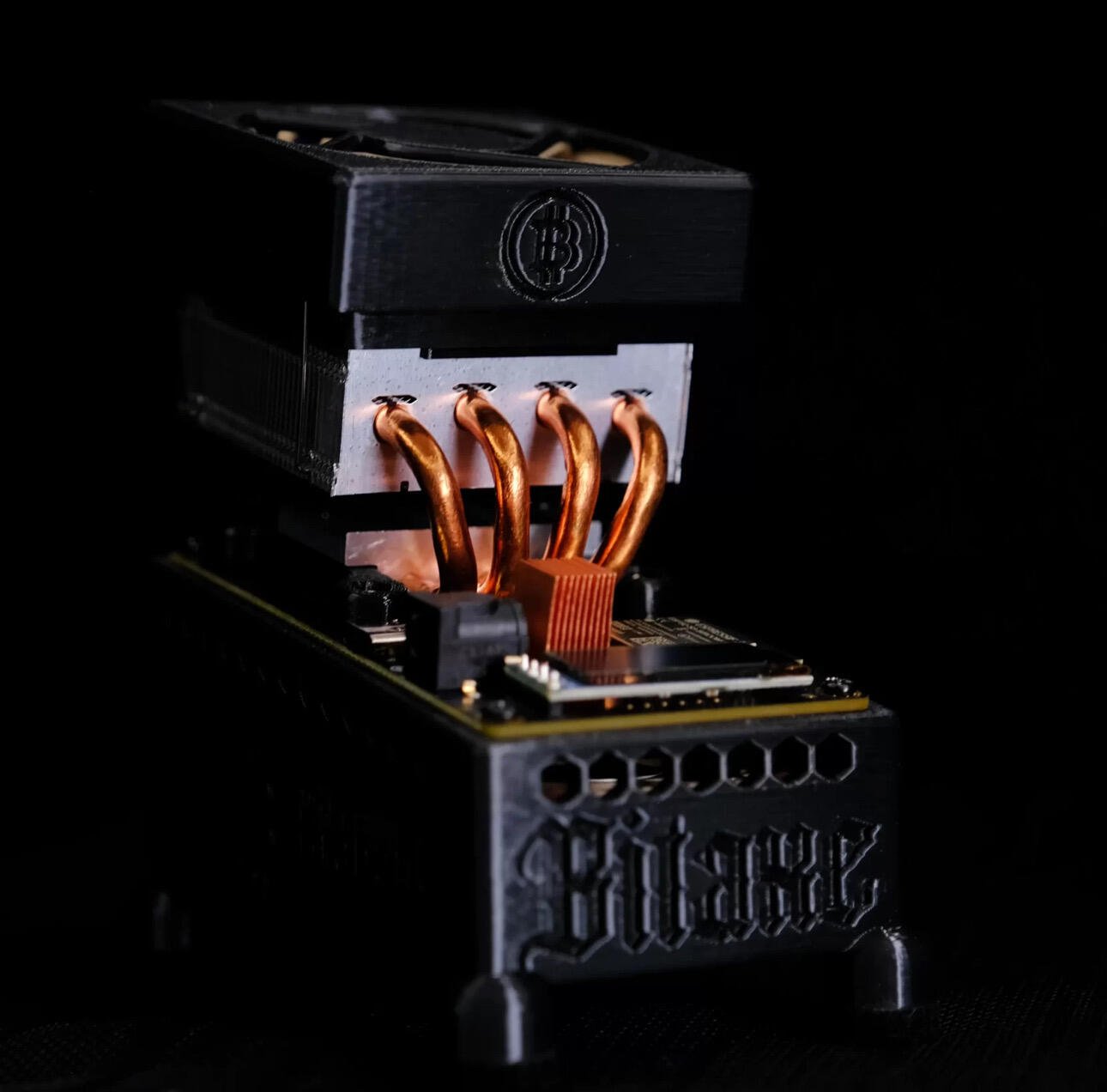

Elon Musk wants the U.S. Treasury to be on a blockchain. That’s a terrible idea—take it from a big proponent of the technology
https://fortune.com/2025/02/14/elon-musk-us-treasury-blockchain-technology/
Vitalik. I hear he likes communism.

Nice. EAC is pretty much the only Windows software I need for non-work purposes, so it's good to know that's an option!

s/updated name/government-imposed newspeak/
Newsgroups. You've invented newsgroups.





Just fake money with bible verses and stuff. Lame. At least leave a Chick tract.
Perfect CD Ripping to FLAC with Exact Audio Copy Guide
https://flemmingss.com/perfect-cd-ripping-to-flac-with-exact-audio-copy/
EAC is a Windows application but it can be installed on Linux with Wine.
Example: Fedora
1. Install Wine
sudo dnf install wine winetricks
2. Download EAC from official website
https://www.exactaudiocopy.de/en/index.php/resources/download/
3. Install EAC using Wine
wine eac-1.8.exe
*or current version (check downloaded file name/version)
4. (Optional) Go to Apps -> Wine Configuration -> Graphics -> Set Screen resolution setting to size in dpi
5. Launch EAC and follow the guide for perfect archival-quality CD rips
#IKITAO #Audiophile #Tech
I am literally ripping a CD with EAC right now. It's the GOAT.
Does it actually get the access to the hardware that it needs to ensure a perfect rip when running under WINE?

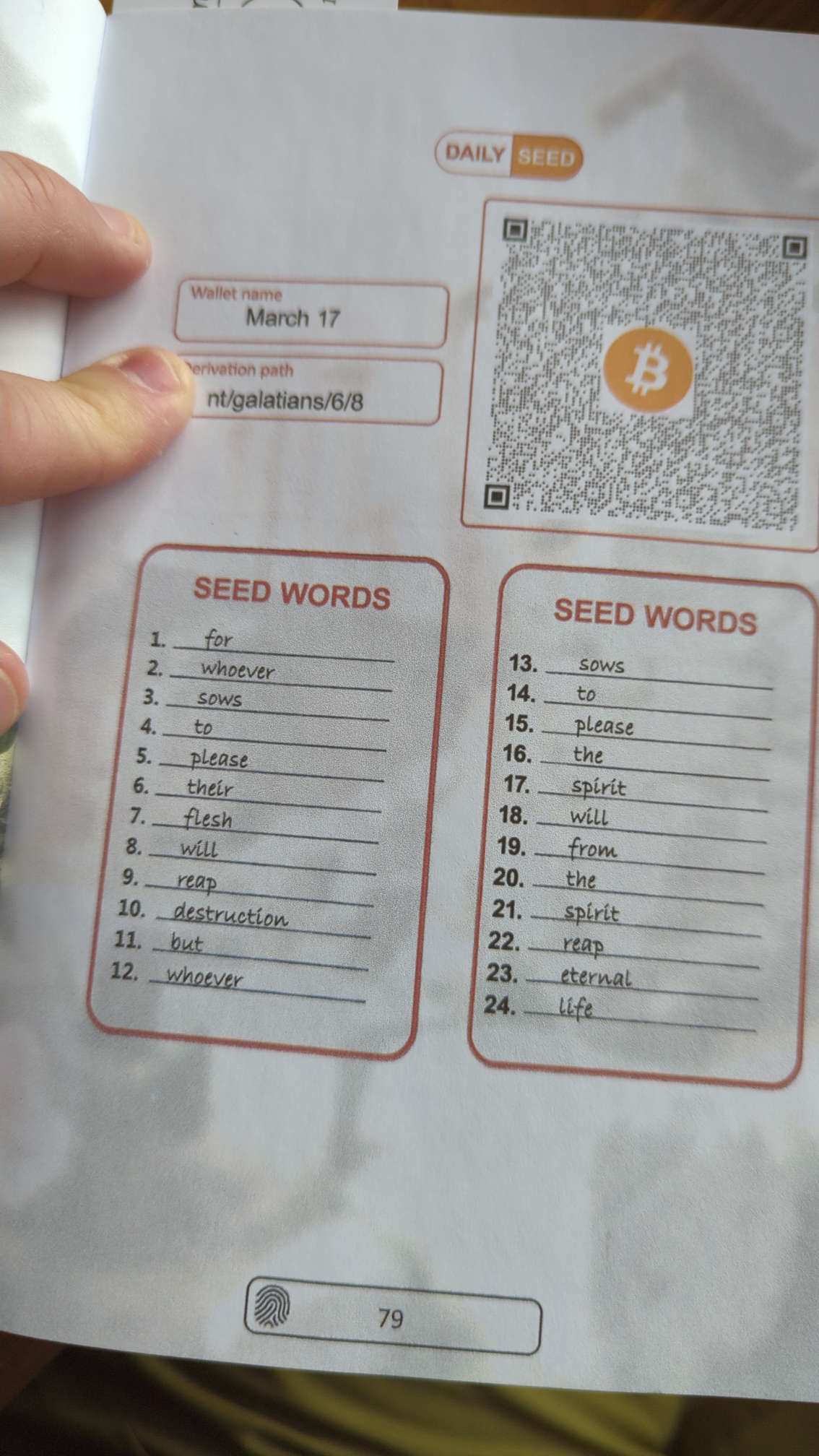
As an ex-waiter, I am now triggered by the memory of "tips" that were actually Christian propaganda. 😆

All I have to offer is the advice to check and make sure you can run it while it's charging. I bought a smaller one on sale, thinking I could just leave a Bitaxe plugged in, but then realized I'd have to disconnect it when charging.
It's pretty nice for what it is, though.