nostr:npub1yfg0d955c2jrj2080ew7pa4xrtj7x7s7umt28wh0zurwmxgpyj9shwv6vg is you mobile app open source? I’d like to add some commits.
The readme could probably use some love... Reach out if you have issues running it. There is a firebase dependency right now that should probably be feature flagged, that may give you some trouble.
I was able to figure out the issue here, it's a pretty significant bug but a fix is in for the next app release. If you're a user with 0 sats in your wavlake NWC wallet, it crashes the app 😱 not great for new users 😅
The wallet stuff can be a bit confusing. On the mobile app, you're basically treated as a "listening user" for now, and the wallet is used to fund any zaps you send out from the app. You can select an external wallet app like Phoenix, and it should switch to that app when you try to zap (so you can pay the invoice). If you select wavlake NWC (which should auto connect if you have a wavlake wallet), then it'll use that to pay zap invoices. There's not much to be done as an "artist user" from the app. The artist photos and user photos are separate, so you'll need to set your user photo to match your artist photo, if that's what you want.


This one is on the radar, there are a few other navigation related kinks like this that still need to be ironed out.
Was able to figure out fixes for all three bugs, should have these deployed soon. Let me know if refreshing the page doesn't fix the issue for #1
nostr:npub1yfg0d955c2jrj2080ew7pa4xrtj7x7s7umt28wh0zurwmxgpyj9shwv6vg I’m trying to set up a Wavlake account but running into a couple of issues:-
1. There is the option of setting up a built-in wallet or linking existing wallet. I’m opting for the built-in wallet first and it seems to be set up, but when I try to fund the wallet it gets stuck in a loop after clicking the “verify location” button. This is on desktop.
2. In the artist settings there’s a field for YouTube channel and despite putting the correct address format (and tried multiple variations) it still shows an error that the format is wrong
3. In the iOS TestFlight app I’m stuck with the following error message: “Text strings must be rendered within a <…” and I can’t see the rest of the message. This doesn’t go away after closing the app, so the only fix is to delete and reinstall, but then I get back to the same error later during setup process
Much appreciated if anyone can help on this, as I’m hoping to upload a new release by tomorrow
Looks like you've found a couple of bugs, we should be able to get these sorted out. Thanks for all of the detail, its super helpful to get bug reports like this 🙂
1. After clicking that "verify" button, were you able to submit your first/last name? Once you've submitted that, you should see a success screen, and you'll be able to fund your wallet. I'm seeing the same loop issue, looks like its a caching problem that can be fixed by refreshing the page.
2. Yeah this looks like a youtube validation issue, we'll get a fix deployed for this shortly.
3. From the testflight app, can you see which Wavlake build you are on? Are you going through the sign-up process on mobile when you encounter that error message? Any idea which step specifically is resulting in the error?
The latest APK file can be found here too https://github.com/wavlake/mobile/releases/

Open source on GitHub too, latest APK can be found here https://github.com/wavlake/mobile/releases/
"do you think school is 7 hours long so that you have enough time to learn things or is it practice for what's coming next - an 8 hour work day?" - anon fiat miner
#foundart #fiatminer 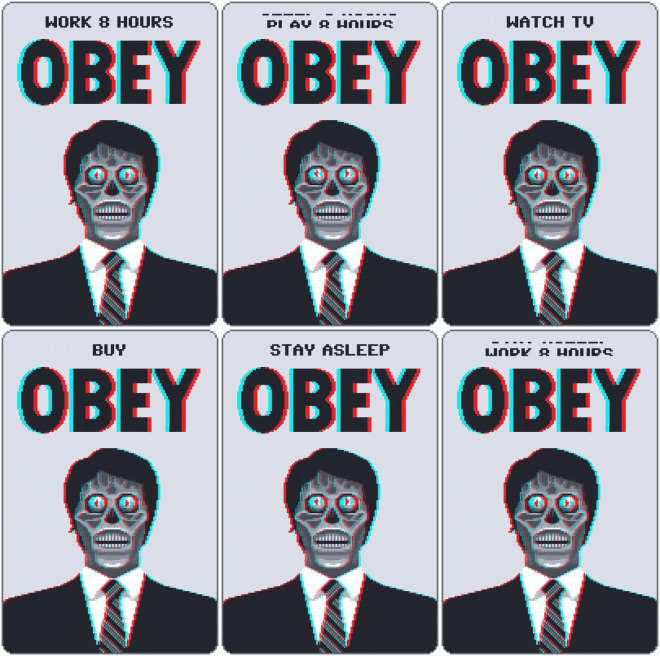
Loving the mountain landscapes in Tenerife
https://video.nostr.build/4d201d1ca637c49803cb800d3a27a6e89955eebcc9f1d30981611f50cd7086a6.mp4

I've got an HP elitedesk 800, running proxmox, works pretty well

Yeah I'm a fan of winging most of it
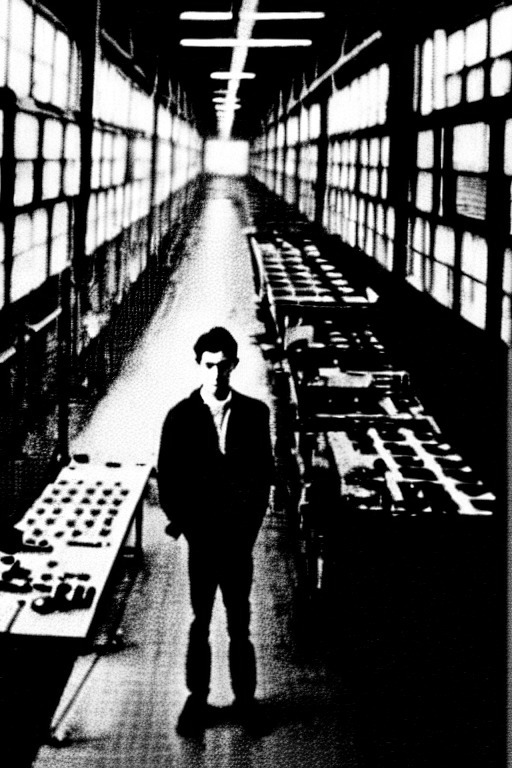
Next time someone asks me "what is this #Bitcoin thing?" I'm gonna attempt to use the analogy of explaining it as air or internet.
The abuse of power will continue until decentralization is achieved
Canal Street railroad bridge in #chicago #photo 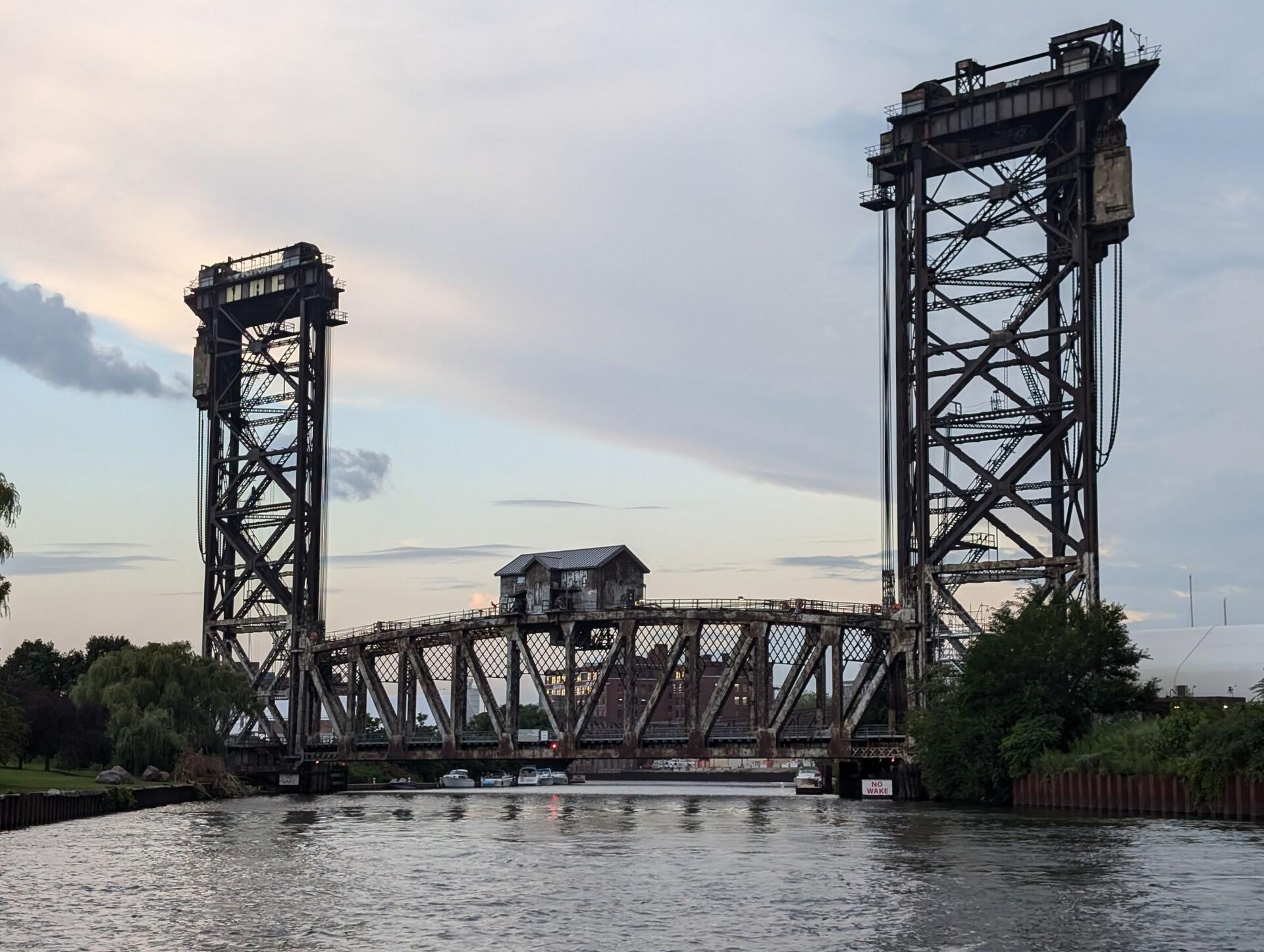
My buddy fed his venus fly trap #plantstr #gardenstr 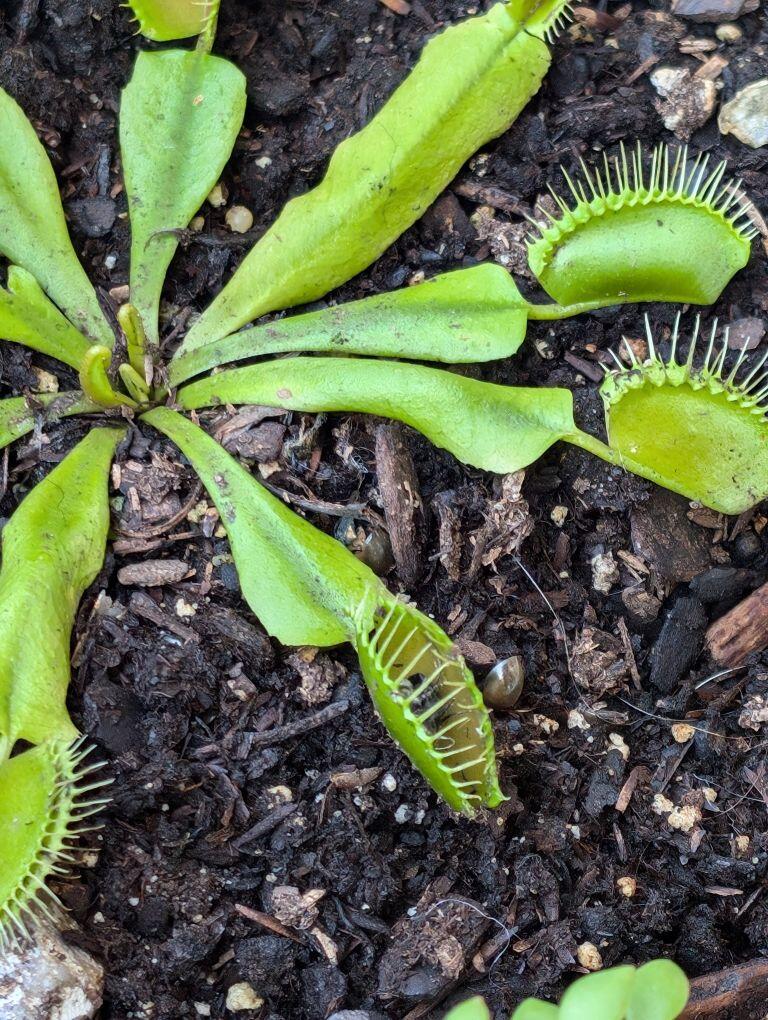
Can anyone recommend a good interview on the electrical grid benefits of Bitcoin #mining?
I'm chatting with a friend who works in the industry and doesn't quite get it. I've seen a bunch of #WBD episodes on mining and going to try re-listening to some in hopes I'll find a good candidate to share.