


GM 
Thats what you added as your lightning address (no idea how you generated that string. Don’t use the “Wallet” tab in the settings of Damus!):
nostr+walletconnect://69effe7b49a6dd5cf525bd0905917a5005ffe480b58eeb8e861418cf3ae760d9?relay=wss://relay.getalby.com/v1&secret=78f5861f293886b1a3b718c6e87538911ec63272b1e0e7f6bcc43033d61f4a8d&lud16=redshape3@getalby.com
But it has to look like this:
Username@getalby.com
Go to getalby.com with your browser, create an account and copy the lightning address.
Here a series of 3 screenshots where to add this: 


It’s time to update Ledger’s bio 
Liquidation candles are beautiful. Stay humble, stack sats!

Yes you are right. Phoenix and Mutiny can only be used for sending, not receiving.
In Damus:
Profile -> Edit -> Lightning address
This is your receiving address which must be a LNURL address (like an email address). Best wallets are of course non custodial wallets like Zeus, Phoenix or Mutiny. However, they often come with some fees which is not optimal for low zap amounts.
On getalby.com you can easily create a lightning address, which you can add as receiving address. But be aware, this is custodial and therefore only suitable for low amounts.
You can employ the same receiving address for multiple accounts, provided you don't mind it being apparent that these accounts belong to the same owner.
Settings-> Zaps -> Wallet
This is your sending lightning wallet which may differ from your receiving one.
GM 

Das wäre ein mega Geschenk nostr:npub1x2wvnvz2wt5lftquwsqn7mn4x5nttp4veuau0azu7nl34muhtk6sel0r8r

Finally crossed 3 million sats earned on my node! Thanks to those who have channels with me:
nostr:npub1vwymuey3u7mf860ndrkw3r7dz30s0srg6tqmhtjzg7umtm6rn5eq2qzugd nostr:npub1eequz6v23szzyx9utphsh8kg6kll50wte6sfh4vah8gdjtplcz6qg7at9s nostr:npub1hycynfhz23ardfmf9kgwfw4gpyqj2fsh24r2zuehg4x7lx4kn5cqsqv4y3

Congrats 🙌

Nostr is an open protocol, ensuring immunity from bans or censorship. Technological solutions can't resolve disagreements.
Fiat and platforms are the road to serfdom.
#Bitcoin and #nostr are the road to freedom.



GM 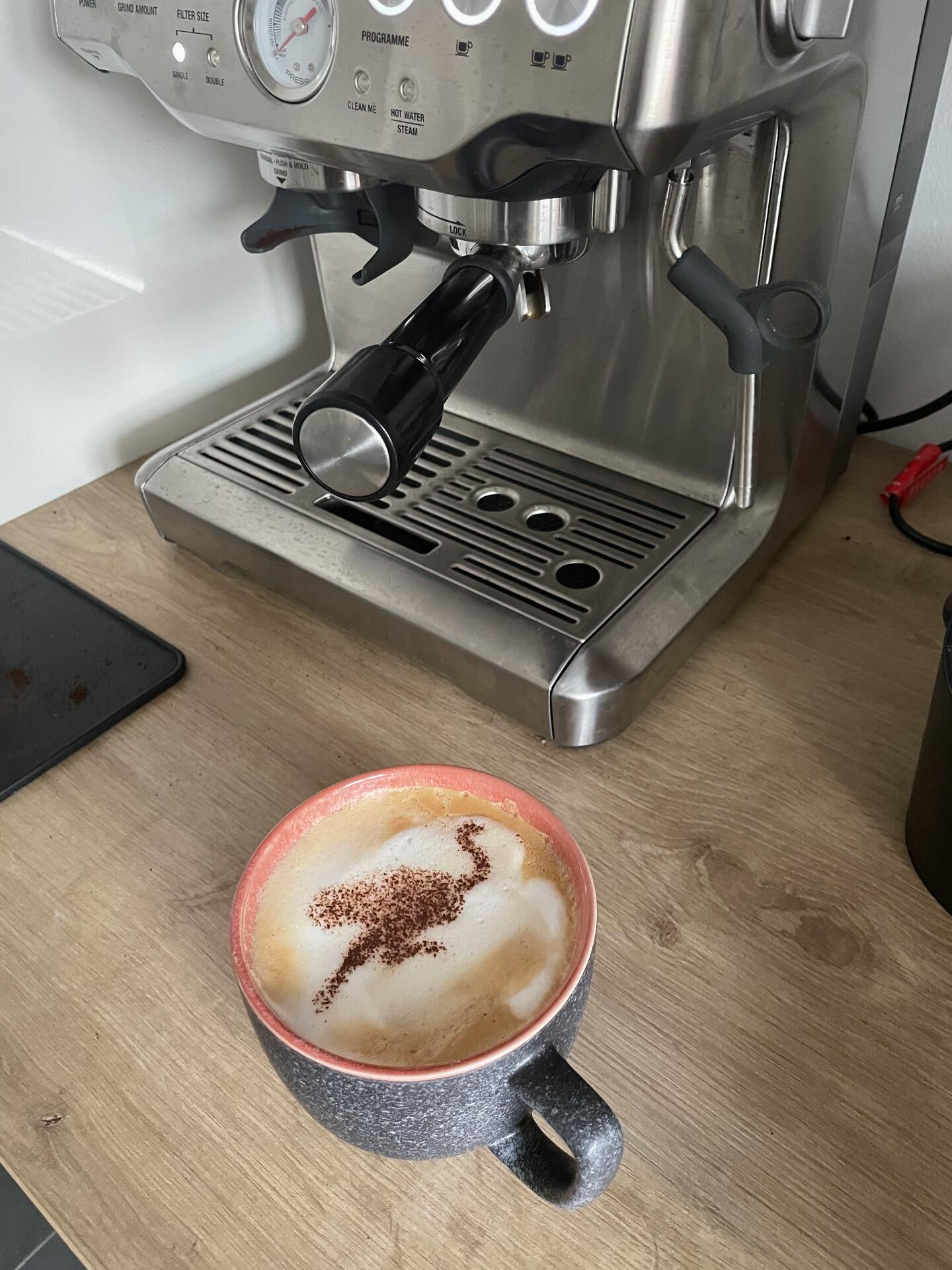
🧡 
