

Right now it uses a default mint. I am working on an API to change the mint. Should be available next week 🤙
🚀 A new day, a new npub.cash update 🚀 I finally managed to launch our nutification service. A sleek Go script leveraging go-nostr and postgres’ NOTIFY, will keep you updated with payment notifications on nostr. 💜 Right now there are some default settings, but soon users will be able to control their notifications. For example you can ask the service to include your nuts directly in the notification. Look out for DM’s coming from nostr:npub1s4m06xdlu6fuhfhs4m3nhpp8xdpsdprwccdktckkzusfu8qzzprqnfpz6a and zap deez nuts! 🥜

Not directly, but your mint will be able to pay the Lightning invoice for you
Exactly 🤙
What login method are you using? Any error messages / console logs?

That is so super weird, because for this to happen there still must be a valid event signature sent to the server. Are you using multiple accounts in nostore?
nostr:npub1mhcr4j594hsrnen594d7700n2t03n8gdx83zhxzculk6sh9nhwlq7uc226
I claimed ghost@npub.cash and paid my sats but not showing on my account. I tried to claim it again and it says that name is already taken. Any help?
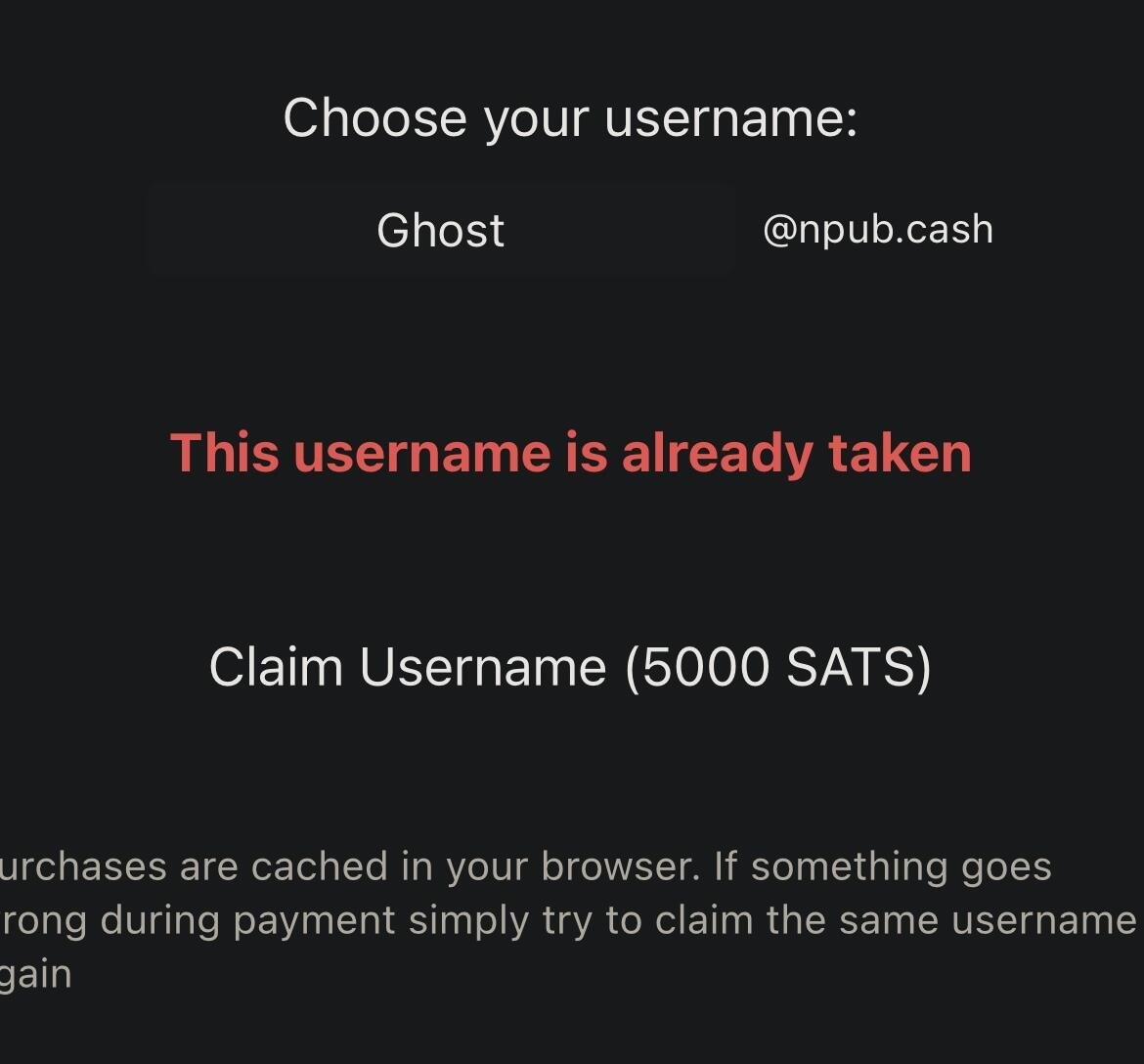
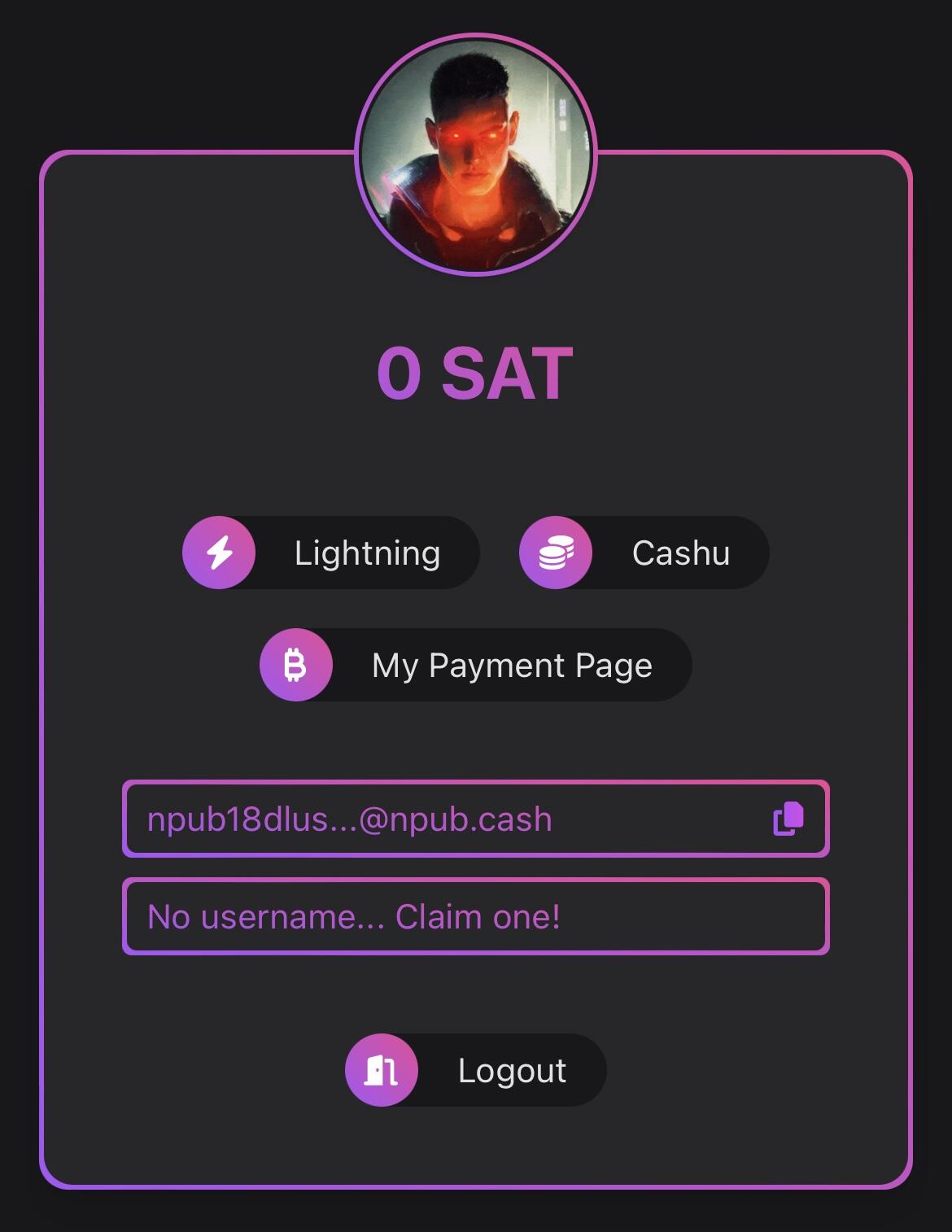
That weird. I see the username in the db, but it’s not associated with your pubkey. The pubkey the username gets added to is derived from the auth header. What login method did you use?
By the way… it’s really easy to integrate npub.cash into your own projects and zap deez nuts! Thanks to the SDK i built it really is only a few lines of code ⚡️
https://github.com/lightning-digital-entertainment/cashu-address-sdk
It abstracts pretty much everything and supports different signing methods (nsec, nip46 and nip07) out of the box.
Definitely a bug. Can you try to zap this post?
Good evening everyone 💜 Another update for https://npub.cash just dropped 🔥
🔐 nsec / ncrypt login
You can now login with your nsec and store it locally. All keys are only stored encrypted with a Passphrase you choose (NIP-49). You can also import an encrypted key directly (ncrypt).
⚡️ optimised payment flow (username)
Claiming a username was prone to errors, especially with polling issues. The UI got an upgrade, copyable / clickable invoice and some failsafes. Thank you nostr:npub1wmr34t36fy03m8hvgl96zl3znndyzyaqhwmwdtshwmtkg03fetaqhjg240 for your really awesome feedback.
What’s next? I just pushed the code for the notification service and we are testing it with a couple of users. Once that goes well all npub.cash payments will trigger DM notifications 🤙 And there is even more in the pipe. I am still trying to get the Hattrick done this week 🔥
Does your browser clear localstorage automatically? Nip-46 Client keys are saved locally.
Evolution is a beautiful thing 🤣 #npubcash 

hey nostr:npub1mhcr4j594hsrnen594d7700n2t03n8gdx83zhxzculk6sh9nhwlq7uc226, I'm loving my mattcrv@npub.cash, congrats!
is there a way I could set up to receive the ecash notes via DM? Or at least get notified via DM when there are notes to be claimed?
Thanks! Happy to hear that you like it. I am currently working on a little go program that will do exactly that. Will go live sometime this week

So I tried the npub.cash thing, and honestly it’s not so easy to setup. I know it’s a proof of concept, so I expect things to be less than smooth. That’s fine. I’m providing feedback in the hopes it gets better.
It took several tries to login, when I tried with Nostore and my iPad, it didn’t work at first. After a few tries it did, and I was able to try and claim a username, but then it presented a QR code on my iPad to pay. The mobile wallet apps I’ve got can’t scan a QR code from a web page I’m looking at on the same device.
I have a wallet in Primal… nifty, it’s powered by Strike and I was able to load up some sats via apple pay, not a good exchange rate, but it was damned easy. The thing is, Primal’s iOS wallet lets me scan a QR code using my device’s camera, send sats to a nostr contact I have (which is a really cool feature) or to a lighting address… I’m not sure how to tell if something’s a valid address or if it validates them, what happens if you paste in a bitcoin wallet address or say ethereum one? The thing is, npub.cash only shows a QR code. How do I scan a QR code on my phone from my phone? Dunno. I’m guessing npub.cash could have given an option to copy the lightning address as text… but that’s not there yet, that would have been helpful. I failed and gave up on npub.cash, went to sleep.
Then today I decided to give it another try. I went to my desktop, then used nos2x to connect, the login worked fine, but then I also got a QR code, this time on my computer. I thought, great, I’ve got an Alby wallet… but when I went to go scan the QR code in Alby it says I need to enable the camera. The thing is, the QR code is right here, on the same web page from which I loaded the Alby extension. What’s implied is that I should maybe print out the QR code? Or perhaps take a picture of it on my phone, then present that to the computer camera? All so I can make a transaction from chrome to a chrome extension in the same window?
The npub.cash payment screen suggests I copy the QR code… copy it and do what exactly? As far as I know, the wallet apps don’t accept pasting in images of QR codes, at least not that I’ve found.
I was able to open up primal’s wallet, scan my desktop QR code and pay the 5000 sats… So I now have a cashu wallet and address of rabble@npub.cash. Not sure what to do with it, but it was easy to setup… Mostly because the full version is at nostr:npub1wmr34t36fy03m8hvgl96zl3znndyzyaqhwmwdtshwmtkg03fetaqhjg240@npub.cash and I think it worked without me even logging in… kind of a we’ll hold all of your sats until you login with nostr to retrieve them. Which is cool.
I don’t really want to learn how cashu or lightning work under the hood, because if we have to understand them to use them, then it’ll be too complicated still for most people. This is getting closer.
Lastly, the code claims it’s open source, but that’s also not strictly true. It appears to be published publicaly on GitHub without a license at all, so while we can view the code, we can’t modify it or use it for our own purposes. This seems to be an oversight that applies to all of Lightning Digital Entertainment’s repos: https://github.com/orgs/lightning-digital-entertainment/repositories?type=all
Hey man, npub.cash lead maintainer here. Thank you so much for taking the time to write this. It’s really valuable feedback and I’ll make sure to incorporate it in the next releases.
Regarding the licenses, you are absolutely right. It’s an oversight (and not a trivial one) and I will make sure this is cleared up asap.
I almost managed to make it a hattrick, adding support for locally saved ncrypt / nsec. However the unlock mechanism needs more time, so there won’t be another update to npub.cash today…
Should be live tomorrow though 💜
The beauty of eCash is that you can choose the level of custodianship quite easily. Use your personal mint, your families mint, your appartment complex mint, your towns mint… depending on the level of trust and convenience. Very similar to Lightning custodians, but better.

Cannot believe this… 🤯 Waking up and seeing a big portion of nostr talking about npub.cash is just unreal.
Thank you all for your support and feedback. We are just getting started and there is so much more to build 🥜💜 LFG