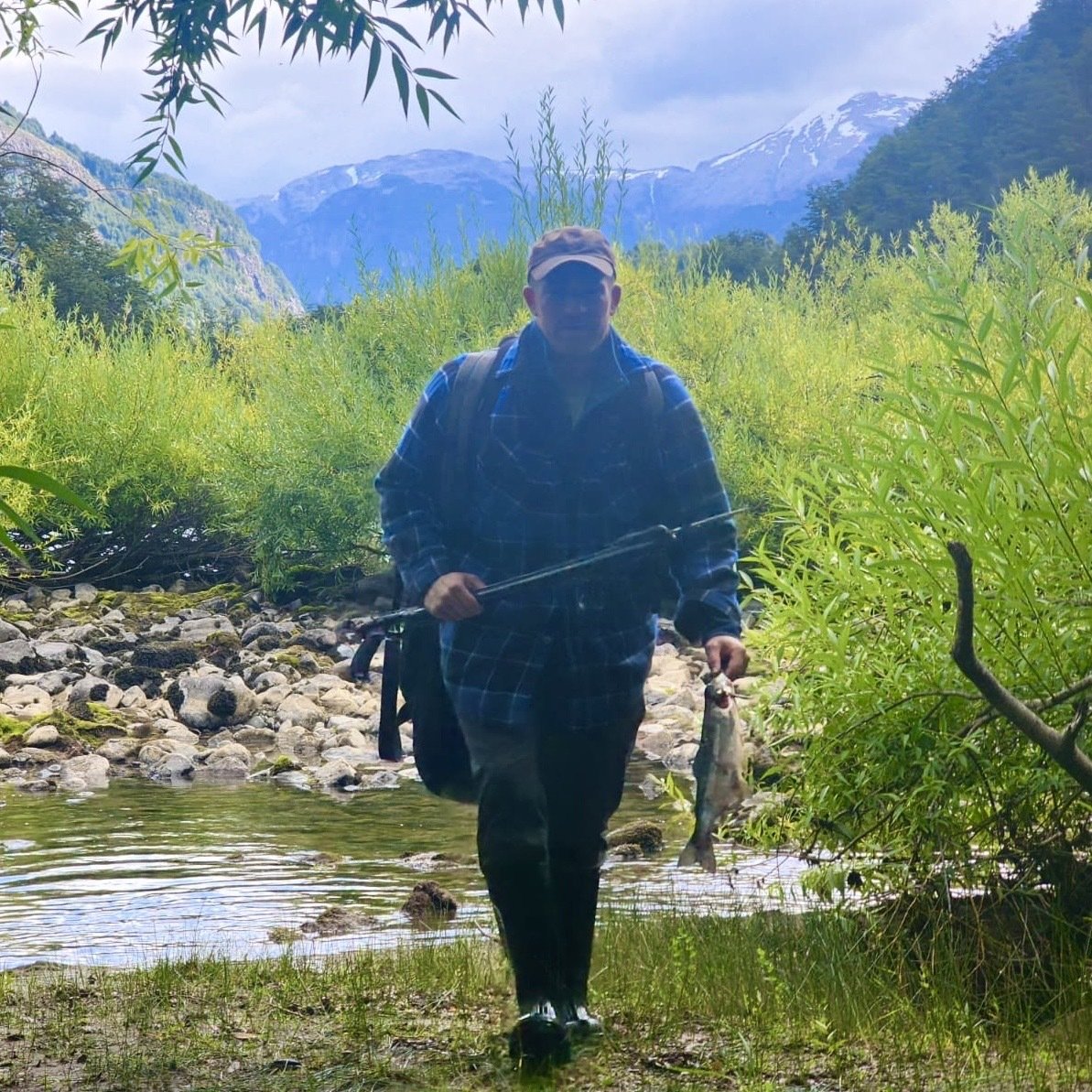

nostr:npub1uxyr95fq6jefwujk52s9nuzq06casvra2uf2sr50xmxk3jtstvfspvtejh Blockscreen tech support, how may I help you?
Have you tried turning it off and on again?
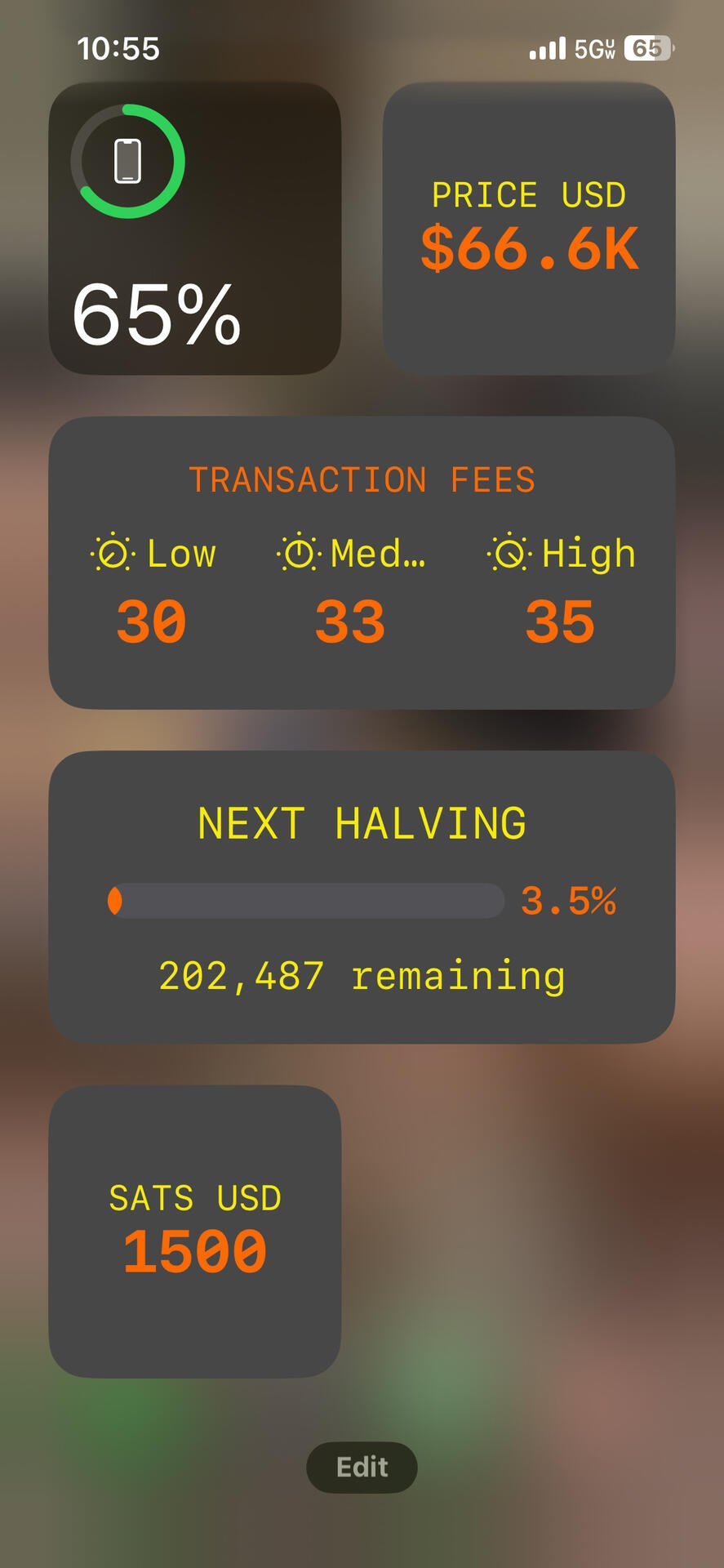
nostr:npub1uxyr95fq6jefwujk52s9nuzq06casvra2uf2sr50xmxk3jtstvfspvtejh Blockscreen tech support, how may I help you?
Have you tried turning it off and on again?
😂
After checking your feed that’s the first thing I did.
I think I figured it out. You just have to keep adding widgets with the data set that you want?
How do I edit #blockscreen widget? I see cool screenshots from others but mine will only show one thing.
#asknostr


100% some do it all the time. They most likely refer to themselves in the 3rd person too. Fiat minds.
#narcissism
Buy a #bitaxe and plug it in.
I like seeing panhandlers begging for zaps in a note and their notes don’t have any zaps. Sometimes it’s the little things in life that bring me joy.

Nothing beats a Berkey.

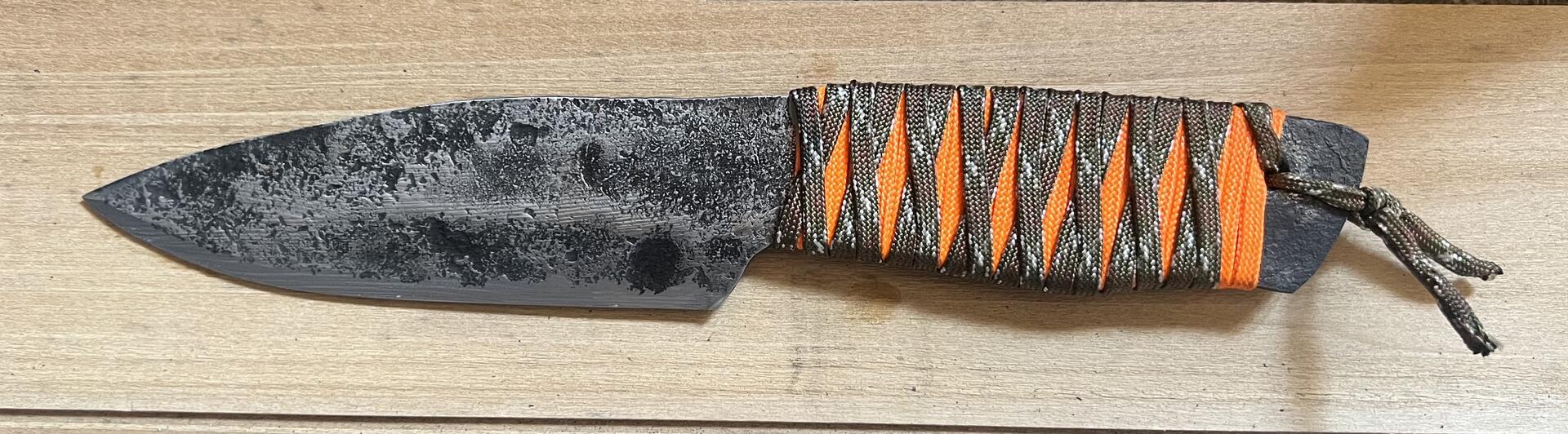
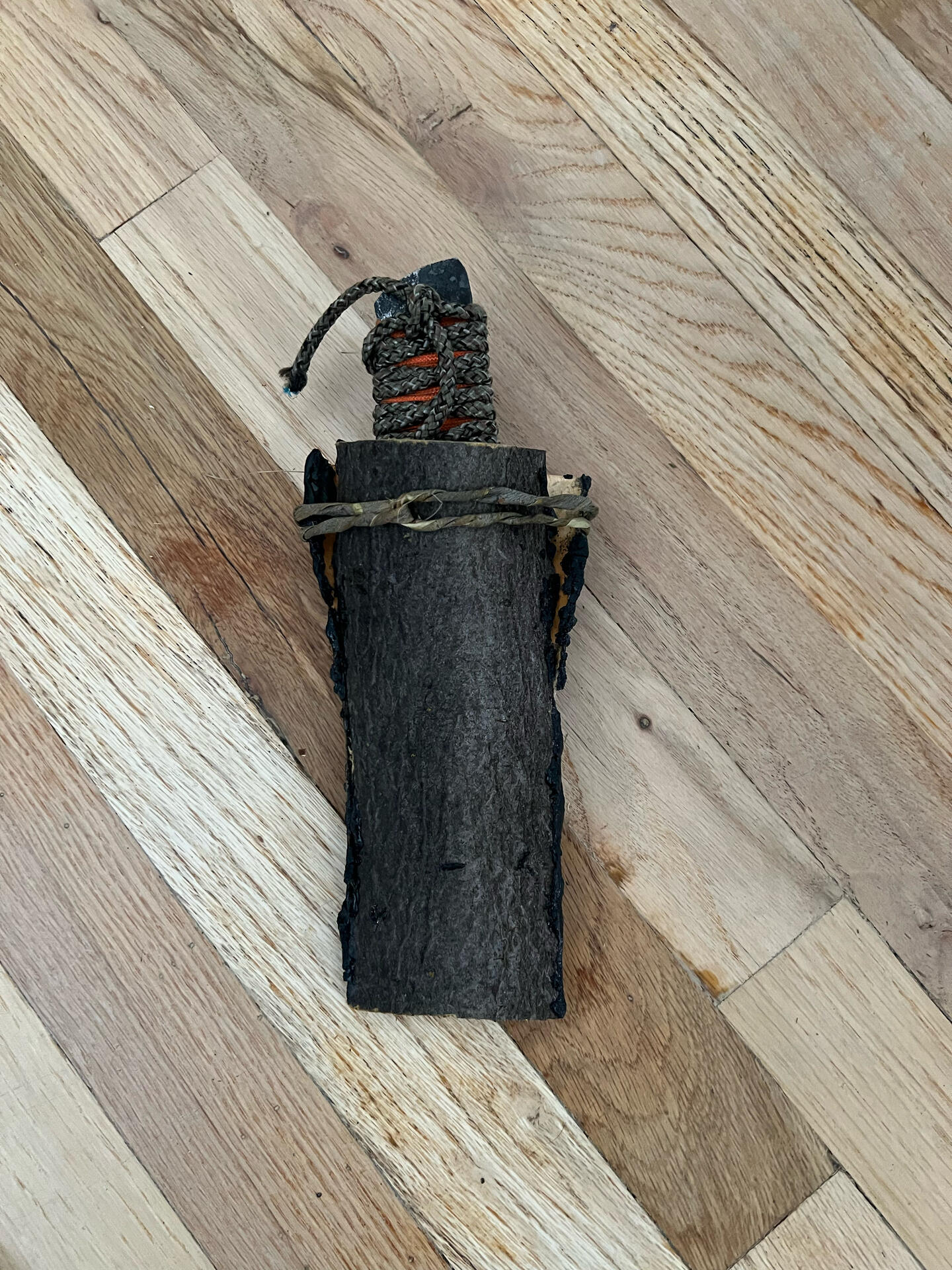
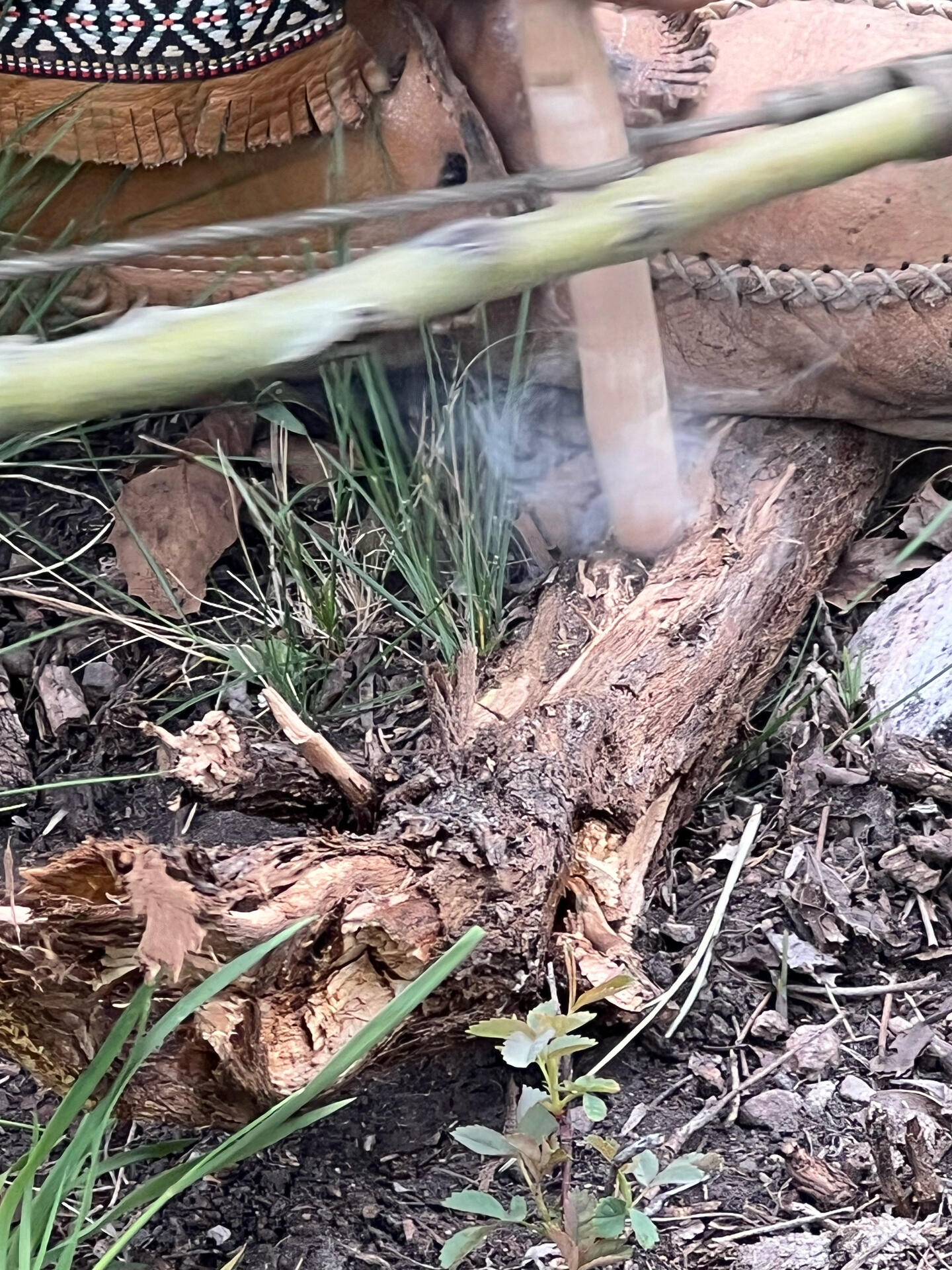
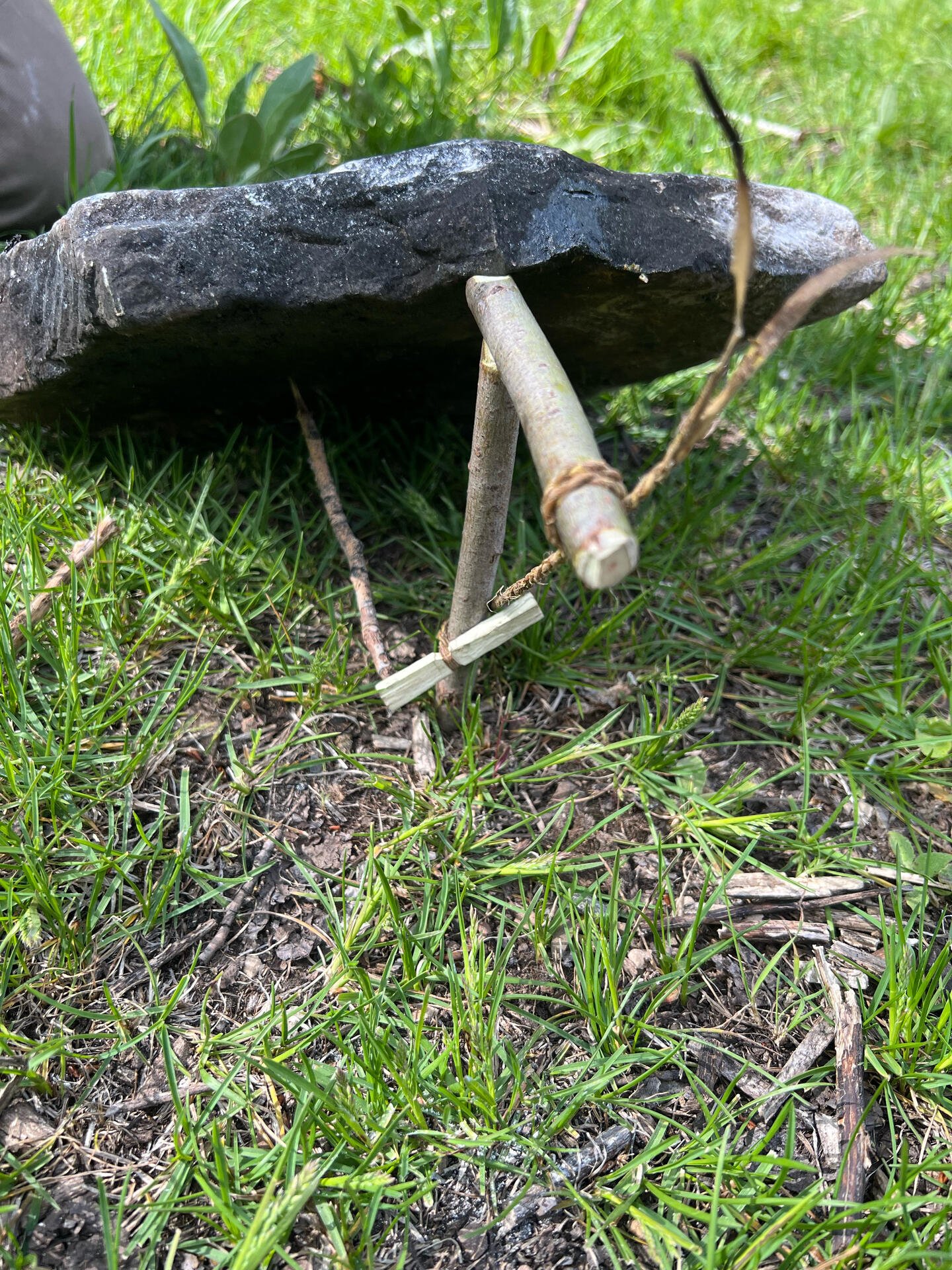
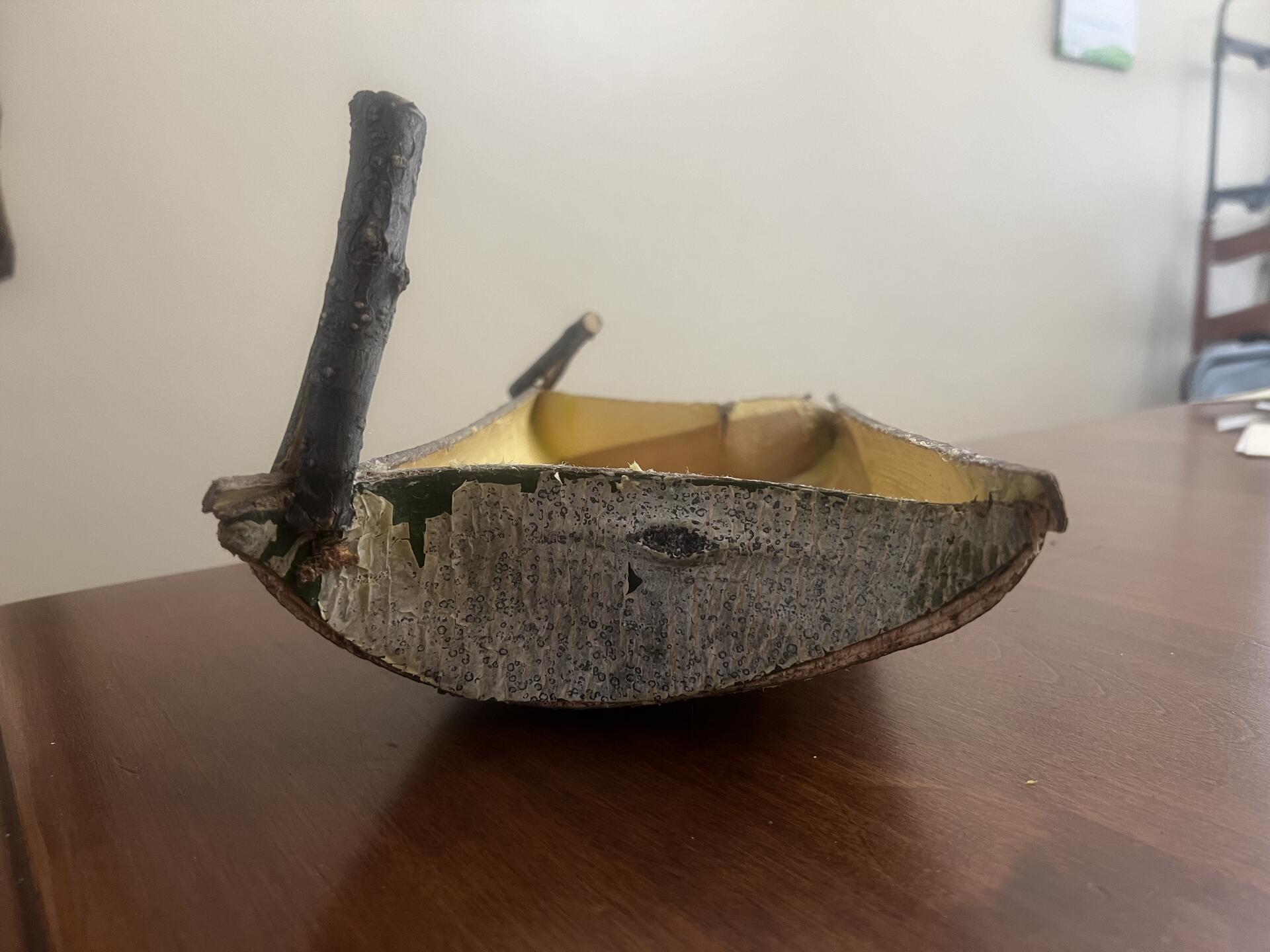
That sounds like a blast. Dope knife!

Must be some hideous women over there.
nostr:note1f0tyyc4tvghvxlm8zjmw7e5rul7kp54w4cfmav64sn3phuddyt8sdr3khw
This gives me a nostr boner!

🚨🚨🚨 GIVEAWAY TIME 🚨🚨🚨
Proof Of Ink is giving away a FREE NOSTR COWBOY T-SHIRT 🤠
(Free Shipping inside U.S)
All you have to do to enter for a chance to win 🏆 is reply to this note with your nsec (just kidding) 🤣 reply with mentioning your favorite thing about #Nostr
The winner will be chosen at random on Monday June 10th @ 4:20 PM EST by https://wheelofnames.com
BEST OF LUCK PLEBS 🍀
If you want to support Proof Of Ink nostr:npub1lqpuy5pgpce04rw48sdvp5khfm60j3d5vv8ufugdp97jt59rlhasry9h3r & me by purchasing this T-Shirt it is currently available for sale —> https://proofofink.com/product/nostr-cowboy/ <— thank you all so much 🫂 
My favorite thing about nostr is that it is an unstoppable communication system that when coupled with bitcoin and all of the other cool ass tools/apps/wallets that developers are releasing daily, will change the world.
Bitcoin and nostr are a power couple!
My favorite thing about nostr is that it is an unstoppable communication system that when coupled with bitcoin and all of the other cool ass tools/apps/wallets that developers are releasing daily, will change the world.
Bitcoin and nostr are a power couple!

Sometimes those little shits do stuff like that and make us proud to be parents. Well done!

I met an OG bitcoiner a few weeks ago that used to sell copies of the book on Silk Road.
He recently realised he had some copies left that had been sitting in his loft for years.
He wanted to sell them to bitcoiners, so I’m listing them on my website for a bargain price of £60 (copies are going for £294 on Amazon right now)
https://thebitcoinshop.uk/product/a-lodging-of-wayfaring-men/
No shipping to USA 😥


Little side project: a $30 bitcoin ticker for on my desk.
I have been working on it this weekend and it's pretty fun what you can achieve with some time (and ChatGPT):

- Shows the price, 24h change, block height and fee rate. Font color of the price is red when 24h change is negative, green when it is positive.

- Made a second screen showing the fee environment. It shows fast, medium and low fee. It also shows the mempool status (based on fee rate): Good (green), OK (orange) and Bad (red).

- Third screen is about the block fees versus total reward. It shows the average reward per block (for the last 144 blocks). It also shows the average fee per block and calculates the fee/subsidy ratio. Lastly it shows if the fee ratio is good (green) or bad (red).

- I added a Welcome screen during startup while the API's are fetching the data.

- I added an Exit screen when the script is stopped (you can do this by pushing the x button).
- All buttons work and can be used to cycle through the screens or to break the loop (so you can connect the pi to your laptop to update).
- I use the Coingecko and nostr:npub18d4r6wanxkyrdfjdrjqzj2ukua5cas669ew2g5w7lf4a8te7awzqey6lt3 API to fetch the data. You can easily adjust the polling interval. When the data is fetched, the led turns red.

- Next thing I'm working on is pulling a LNURL from my LNbits server and showing it as a QR code. I got this working, but the QR takes to much space. Need to make this more efficient.
- Also looking for a way to make a aluminium case.
Anyway, hope you guys like it.
This is really cool. Probably can’t just flash and go huh? Must require some coding?
I’m currently reading ‘A Lodging of Wayfaring Men’. Why have I not heard about this book before and why do bitcoiners not mention it more often?
Copies of it used to sell like hotcakes on Silk Road.
It discusses themes of freedom, privacy, and decentralization. It’s a perfect fit for #Nostr and #Bitcoin.
I met an OG bitcoiner a couple of weeks ago that had a few copies in his attic.
Copies are going for £294 on Amazon but we agreed a deal to sell them for just £60.
These are mint condition, some are still shrink wrapped.
They are selling fast so be quick.
https://thebitcoinshop.uk/product/a-lodging-of-wayfaring-men/
Damn, no shipping to USA