

You mean you can open the dashboard but don’t see the WoT and Proxy options? Could you let me know what system you're using and which installation package you downloaded? It's likely that you're opening an older version.
Good morning nostr:npub1syjmjy0dp62dhccq3g97fr87tngvpvzey08llyt6ul58m2zqpzps9wf6wl ! I downloaded and installed this and I do not see the new WOT & POW and Proxy options. What did I do wrong? I uninstalled the last one completely and even deleted the folders in App Data folders. Not sure what's up
Discussion
Hey Cody! Thanks for the reply. I am using Windows 11 and I downloaed and installed the nostr-relay-tray.Setup.2.0.0.exe package
Can you open it successfully? If so, could you share a screenshot?
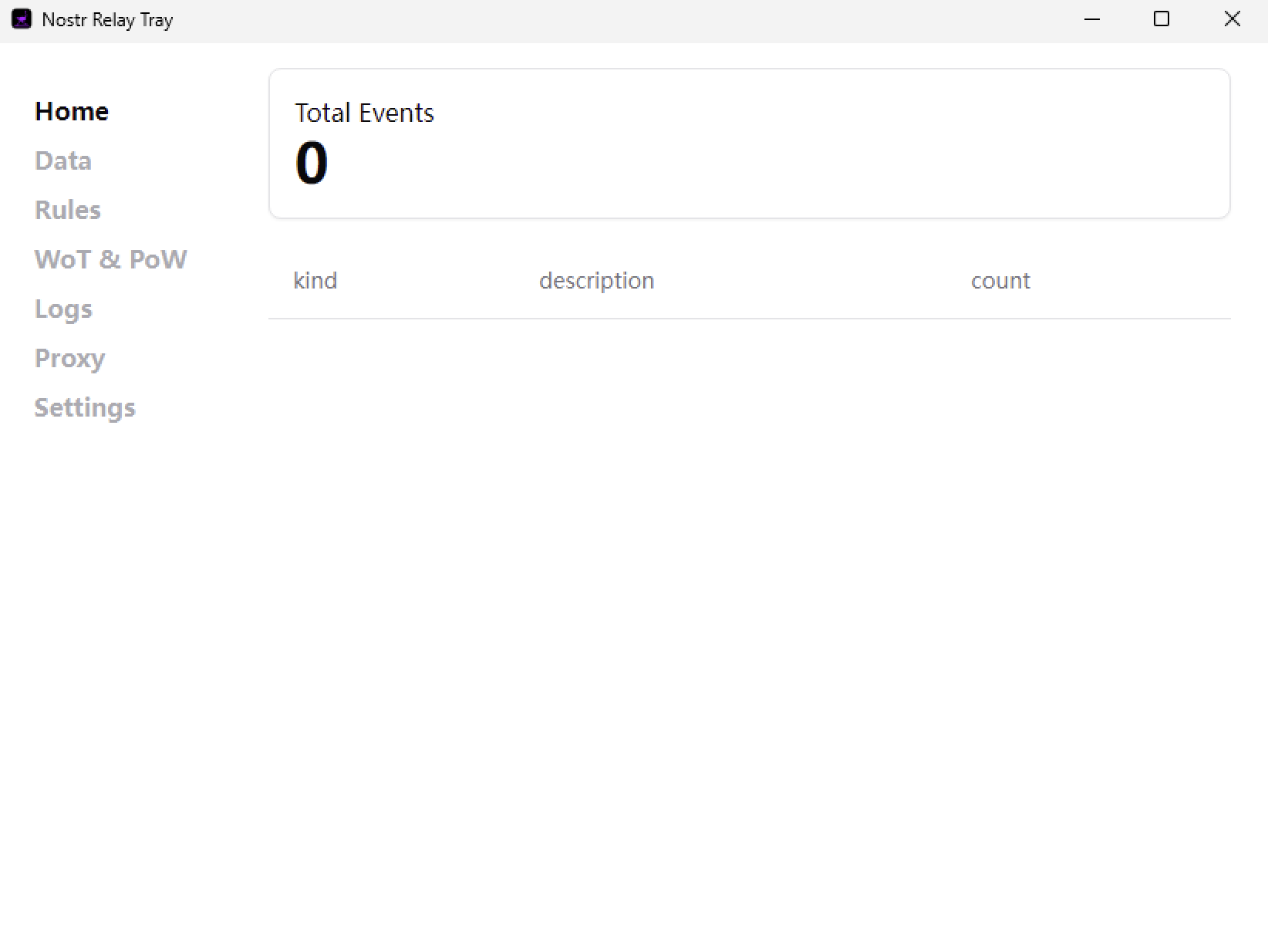
I can open it successfully and here is the screenshot of the installed 2.0.0 dashboard

This should be v1.8.0, could it be that I uploaded the wrong installation package? Let me try it on a Windows VM to see.
Ok. Thanks! I always assume I am doing something wrong so I wanted to check lol
I tested the installation package from GitHub on my virtual machine, and it works fine. Could it be that your installation failed?
I never got any message of failure. Let me try again I guess
Ok. I think I know what happened. The old one, once you choose quit, keeps running in the background. I got a message during install last time that the other one was still running so installation could not continue and it asked me if I wanted to retry. I clicked retry and it then acted like it was installing and completed. No error message of failure or anything. So, what I had to do was end the task in task manager, after I had already chose to quit the application just to get it to quit so I could install this new one. I do now have the 2.0.0 dashboard