Inside photos
Discussion
Settings-apps-photos - enhance visual search turn on
I already had that on
That’s odd. Works fine on my end. I’ve been using this for years (the search). Makes it super convenient
If you search for a city name where you took pics, nothing shows up?
I block locations from my camera so it doesn’t know that info. But I had videos with specific names and they don’t pop up when I search it in the photos app.
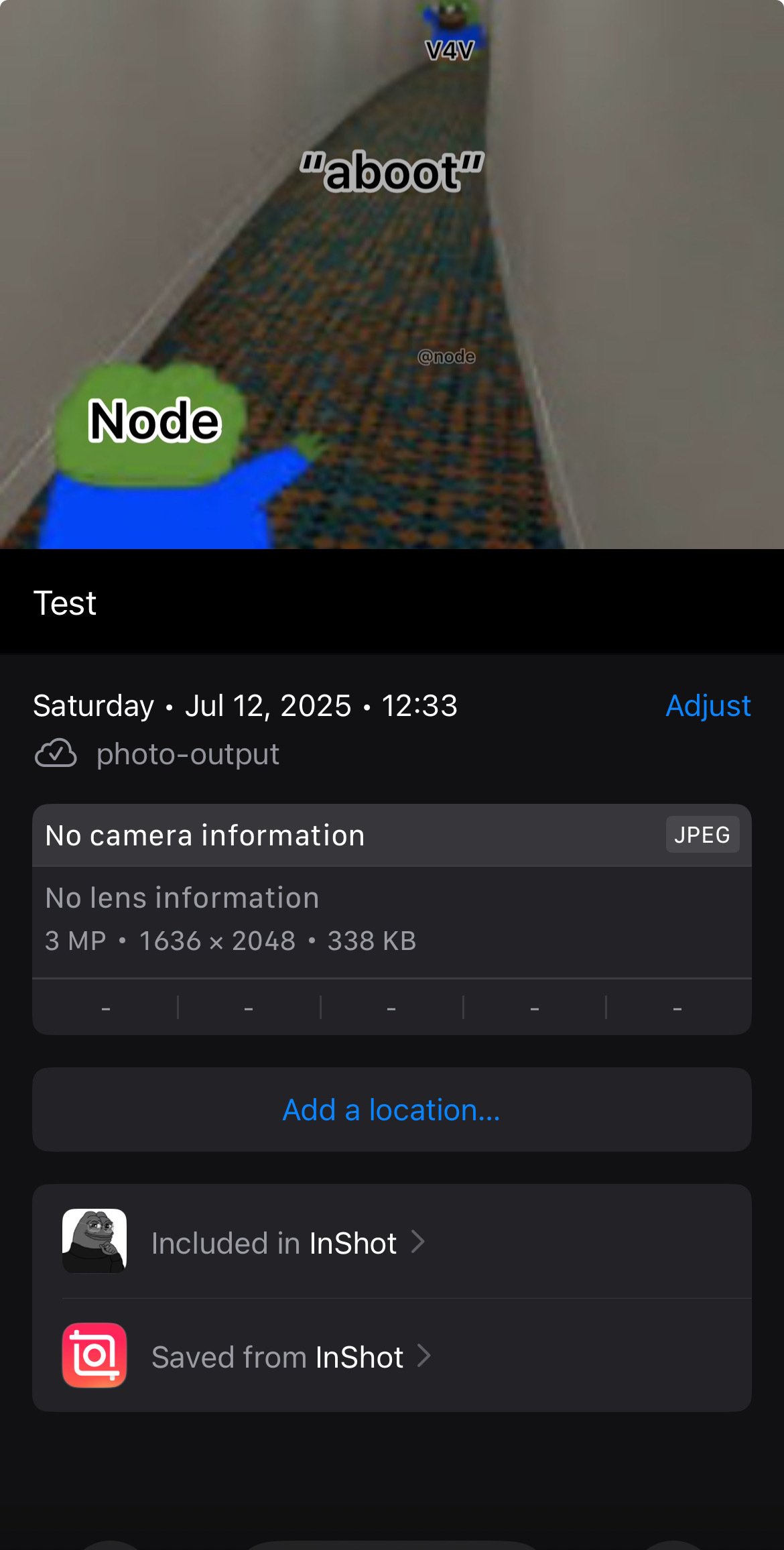
So it shouldn’t work for location. But I just tested adding a caption and then searching for it. That should work
A caption not a file name

How do you add a caption?
When you’re on the pic swipe up, there should be a caption field. Write something

Lug nut. Fixed it.

Oh wow it’s working now. Why the fuck can’t I search the file name? SMH

You can also search by folder name (if you put it in a folder) or by app name (if it comes from an app). Here folder name and app name are the same