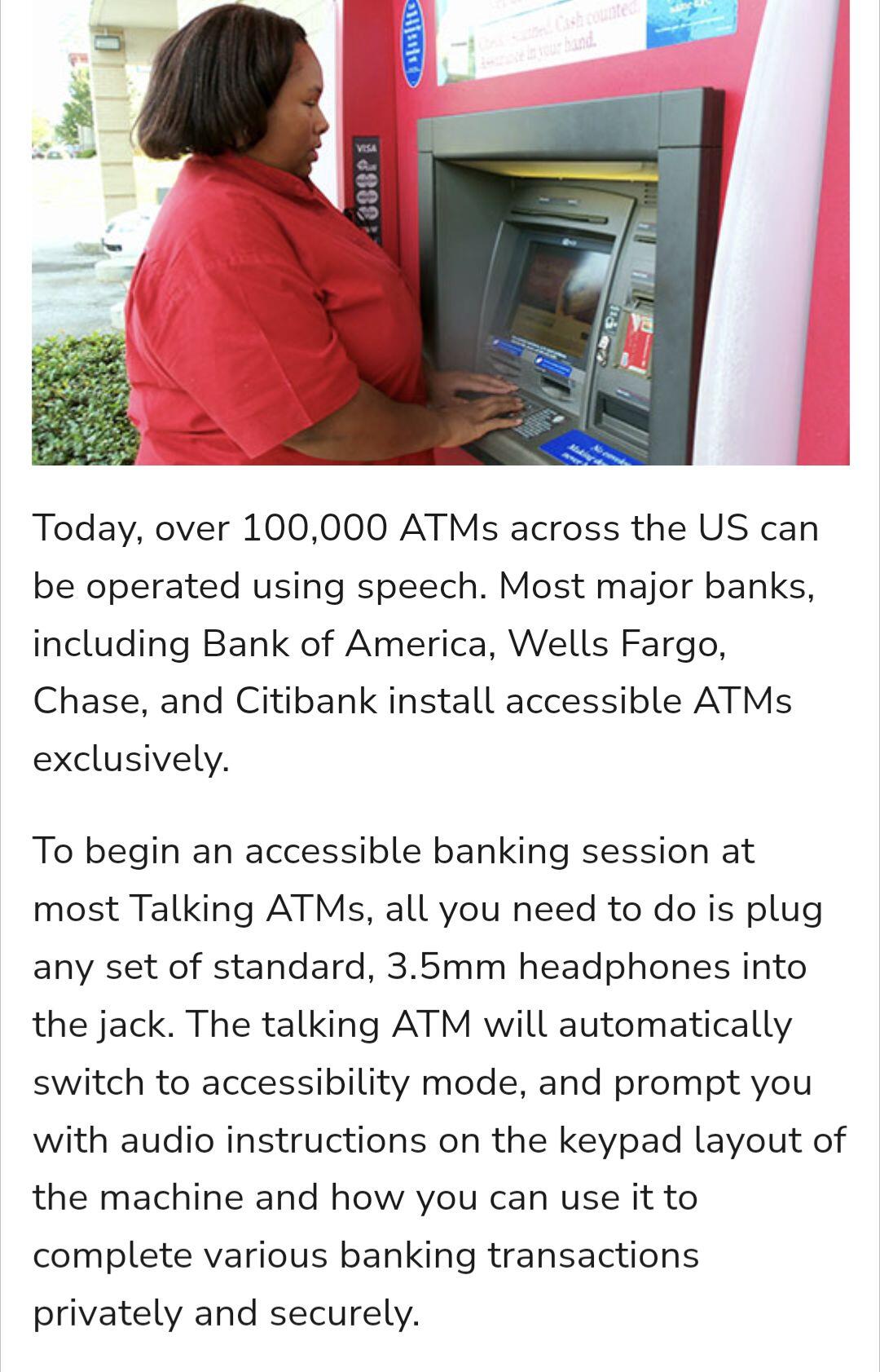
Does anyone know of #Bitcoin hardware or software wallets that are accessible for blind users?
Looking for options with strong accessibility features. Any recommendations would be greatly appreciated!
Does anyone know of #Bitcoin hardware or software wallets that are accessible for blind users?
Looking for options with strong accessibility features. Any recommendations would be greatly appreciated!
I wish and hope such a thing existed.
nostr:note14gnnc8e2ul7wew3yhyhnl5xe6nryfuz7d0rwvq3guhffh7dxdfhsefsxhg
nostr:npub1aeh2zw4elewy5682lxc6xnlqzjnxksq303gwu2npfaxd49vmde6qcq4nwx I love each and every time you post “there is no bitcoin standard without an accessibility standard”.
Bitcoin isn’t for everyone if it’s not for people with disabilities. They are some of the ones who need it most. And every one of us could end up in that situation. How would we access our cold storage if we didn’t have our sight or ability to use our hands? I think about this a lot.
Exactly. I remember the first time I posted about vision loss + bitcoin and you responded with that. It was awesome to hear - thanks for consistently boosting these types of notes.
I think I can “press & hold to approve” on a trezor with my pp if it comes down to that 😂
I've wondered this before too. Have a friend with partial sight loss and wouldn't know how they would navigate it. It's hard enough as is
Hey 👋 I’ve done a lot of looking for accessible wallets, and apps. I had low vision when I first found bitcoin and have tried a wide variety of ln wallets. Are you looking for apps/wallets that specifically have accessibility options, or those that at a minimum respect your device font requirements?
Both.
Apps that meet a minimum standard of accessibility, i.e. are at least operable, and those that focus specifically on accessibility and are great to use. If any.
Same for cold storage.
Planning on putting a little guide together.
Oh if only there were accessibility focused Bitcoin tech development! Most of it seems to have been developed without even testing large font sizes…
Here’s some of my thoughts and experiences.
1. Hardware wallets - the average low vision user is going to need help. Imagine trying to “don’t trust verify” but the font is just too small to verify. Pretty frustrating. I got through it with a magnifier- but in my mind none of them are hitting the mark. HW Interfaces are hit and miss when using window’s accessibility tools. I’ve found Sparrow wallet the easiest layout to manipulate with a magnifier - but this is relying on the computer system’s accessibility tools, not the application’s. Unfortunately I just don’t think HWs are accessible enough to eliminate custodial trust for a lot of low vision users yet.
2. Hot wallets - these wallets have a huge edge in accessible interfaces and the few iPhone app compatible exchanges I have used are much more likely to accommodate device font sizes - and have simplified interfaces.
3. LN Wallets - custodial WoS is doing accessibility right. Their app respects font size and has a simplified interface without too many nested fonts (meaning there isn’t more and more info in smaller and smaller font). Non custodial Zeus made changes so that their app is more compatible with larger font sizes.
3. Podcasts - just a quick comparison of the fountain home screen with other podcast apps, shows why navigation is much more challenging when your font is on bust. I have relied on podcasts and audiobooks for a long time, but Bitcoin platforms just aren’t on par with other apps.
4. Nostr - apps like primal have incorporated a sliding font size bar, but it doesn’t even touch the midpoint of available font sizes on an Apple device.
Damus respects font sizes, but nested. Meaning I have to click on a note in order to see it in my device’s font preference. When you scroll your feed it’s in your device font preference two steps down.
Overall my experience has had a ton of visual road blocks in it. I will say that some of the developers are receptive via telegram and Nostr, but it puts the onus of requesting changes on the user.
Would love to discuss more specifics and contribute however I can.
I know, i know, not nostr, but I think talking to this guy is your best bet.
Thx! Good tip.