
If you wouldn't mind, here are the steps to get the error message:
- Right click anywhere on the page and click "Inspect"
- A new window will pop up, click "Console"
- Take a screenshot
If you wouldn't mind, here are the steps to get the error message:
- Right click anywhere on the page and click "Inspect"
- A new window will pop up, click "Console"
- Take a screenshot
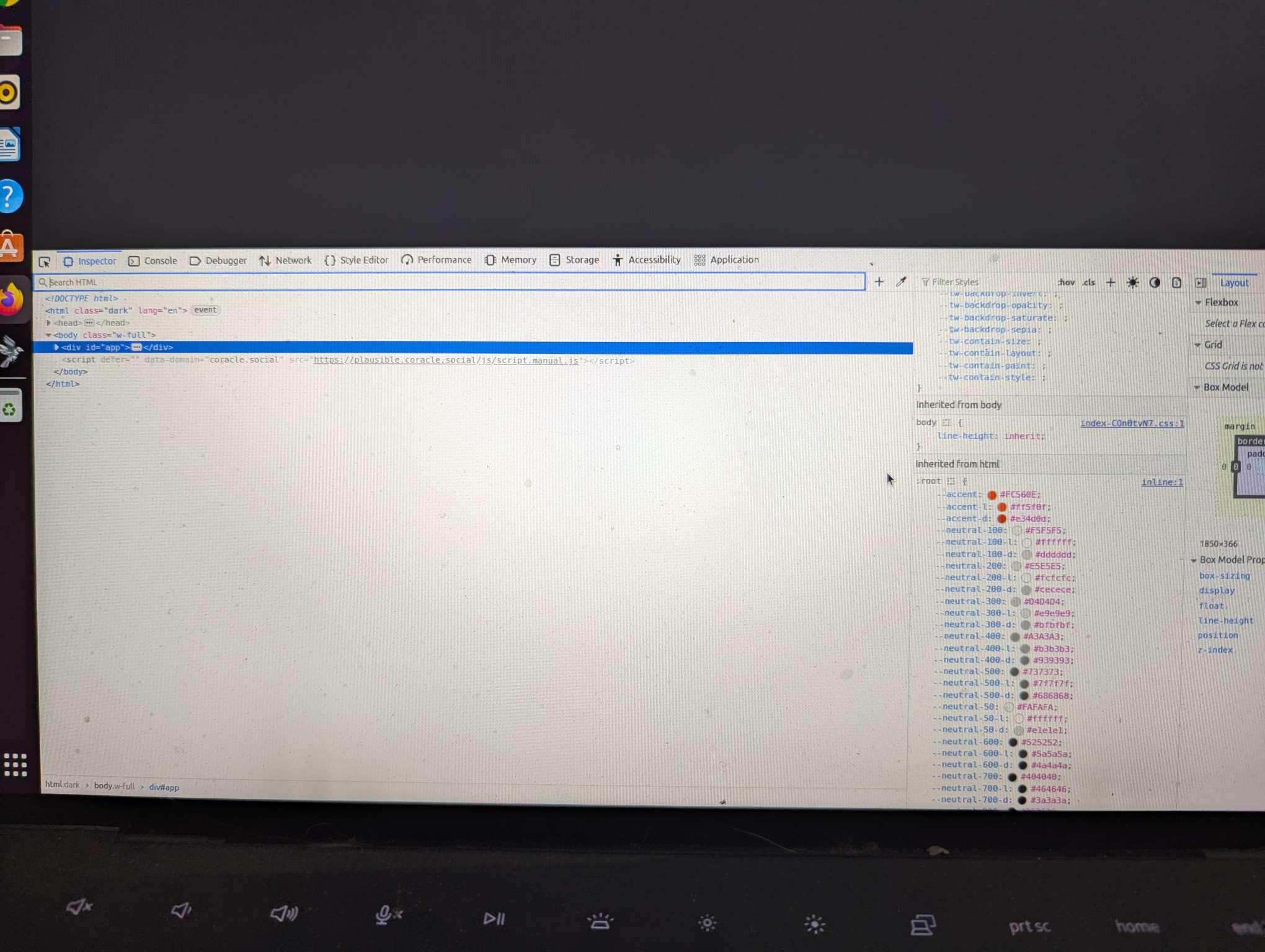
Ok, when I do that a screen with code pops up on bottom of page, but will not let me screenshot it.
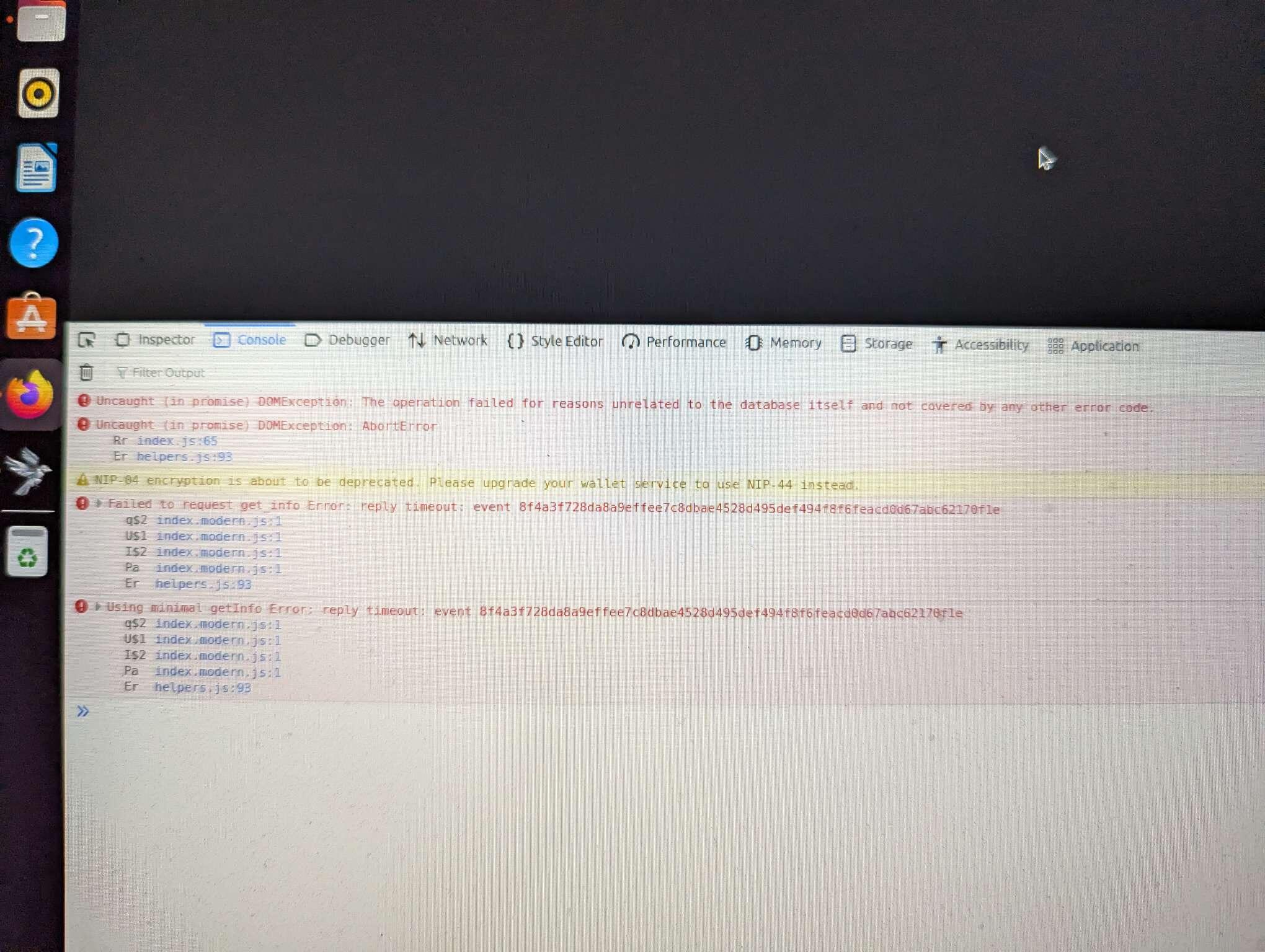
Oh, that's weird. Is there any red text under console?
I don't know if you're going to be able to see this, but...