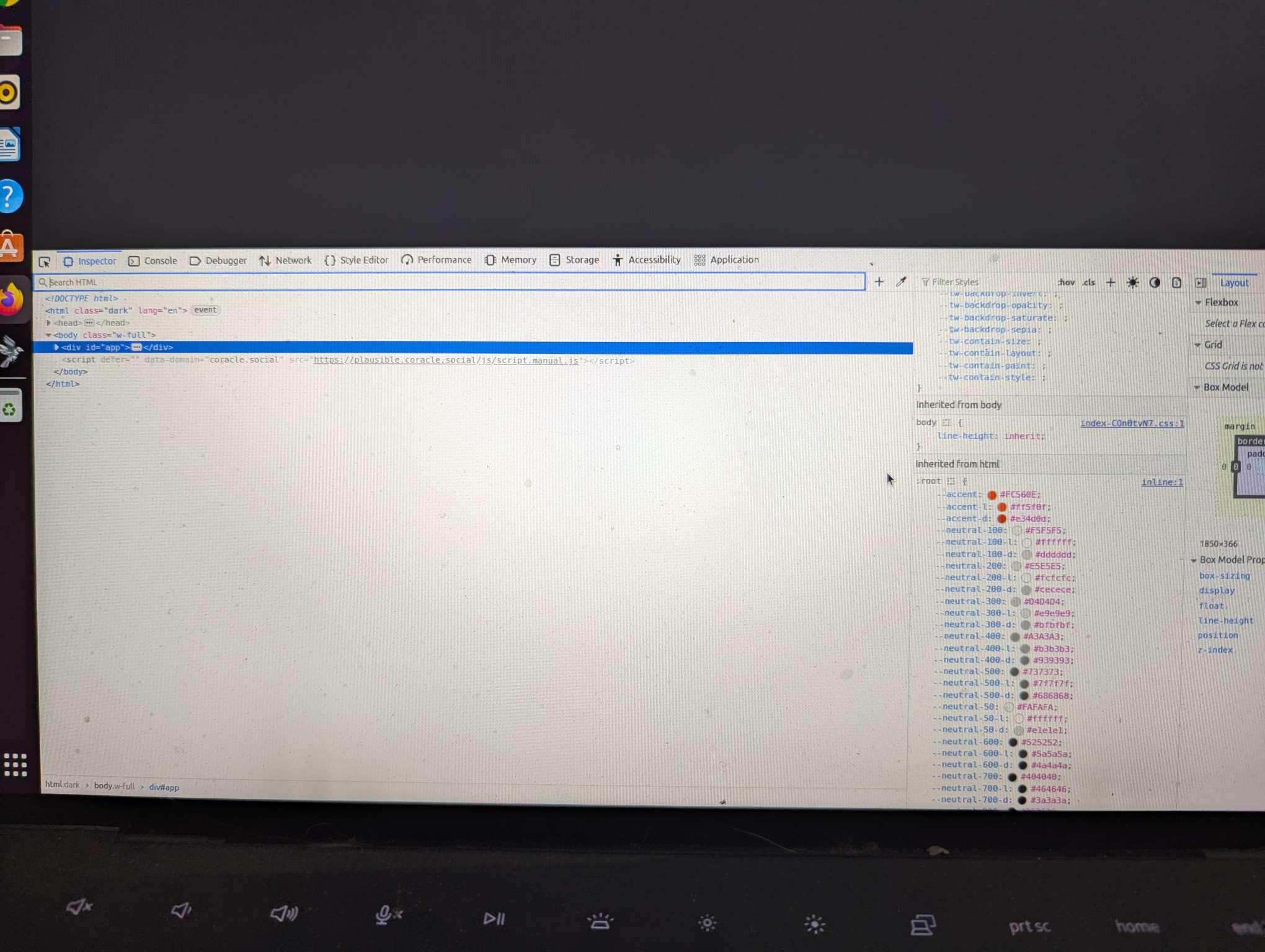

No, I have not sir. Just gives me a blank page, and kinda retarded when it comes to tech issues. 🤷
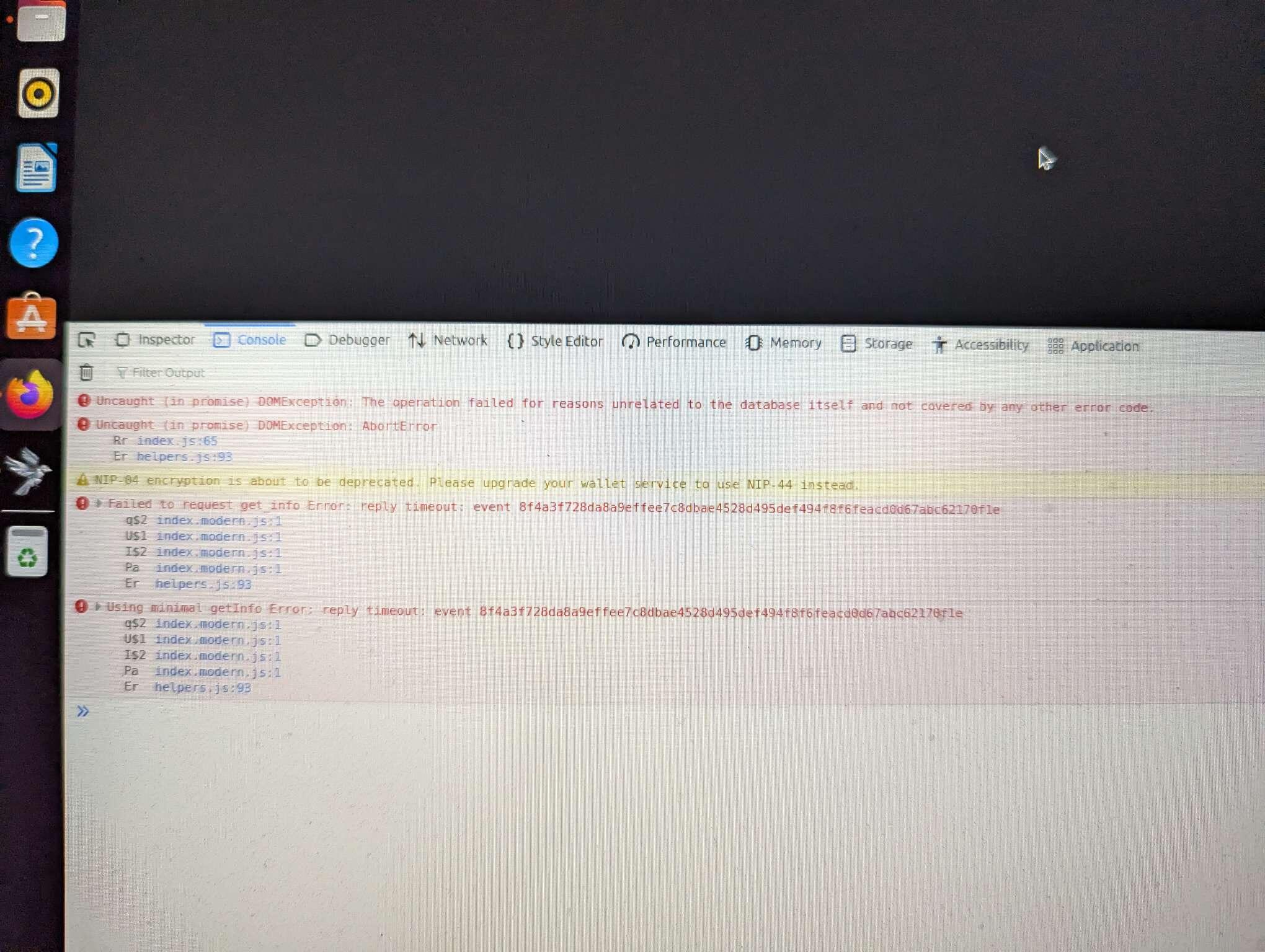
nostr:nprofile1qy88wumn8ghj7mn0wvhxcmmv9uq3vamnwvaz7tmwdaehgu3wwpexjmt69ehhyee0qyfhwumn8ghj7ur4wfcxcetsv9njuetn9uq3samnwvaz7tmhvvcjucm4wfex2mn59ehxjmn2vyhsz9mhwden5te0wfjkccte9ec8y6tdv9kzumn9wshsqgqskenqevr4f0acjfj5whtk0q6eaaz7c5nh352zv8gh6rfuk4g8muqyue6x have you been able to get coracle to load? Are there any errors in the devtools console?
Discussion
If you wouldn't mind, here are the steps to get the error message:
- Right click anywhere on the page and click "Inspect"
- A new window will pop up, click "Console"
- Take a screenshot
Ok, when I do that a screen with code pops up on bottom of page, but will not let me screenshot it.
Oh, that's weird. Is there any red text under console?
I don't know if you're going to be able to see this, but...