Suggestions:
It looks like you're dealing with the limitations of Carrier-Grade NAT (CGNAT) from your ISP, which restricts your ability to receive inbound connections directly. Here are a few potential solutions to work around this:
1. **VPN with Dedicated IP:**
- **VPN Service with Port Forwarding:** Some VPN providers offer dedicated IP addresses and port forwarding options. By using a VPN with a dedicated IP, you can route inbound traffic through the VPN, bypassing the CGNAT limitations.
- **Steps:**
1. Subscribe to a VPN service that offers dedicated IP addresses and port forwarding (e.g., NordVPN, PureVPN).
2. Configure your device to use the VPN and set up port forwarding as per the VPN provider's instructions.
3. Use the dedicated IP provided by the VPN for inbound connections.
2. **Dynamic DNS with VPN:**
- If your VPN service supports Dynamic DNS (DDNS), you can use a DDNS service to map a domain name to your changing IP address. This is useful if you don't have a static IP.
- **Steps:**
1. Set up a DDNS service (e.g., No-IP, DynDNS).
2. Configure the DDNS to update with your VPN-assigned IP.
3. Set up port forwarding on the VPN.
4. Use the DDNS hostname for inbound connections.
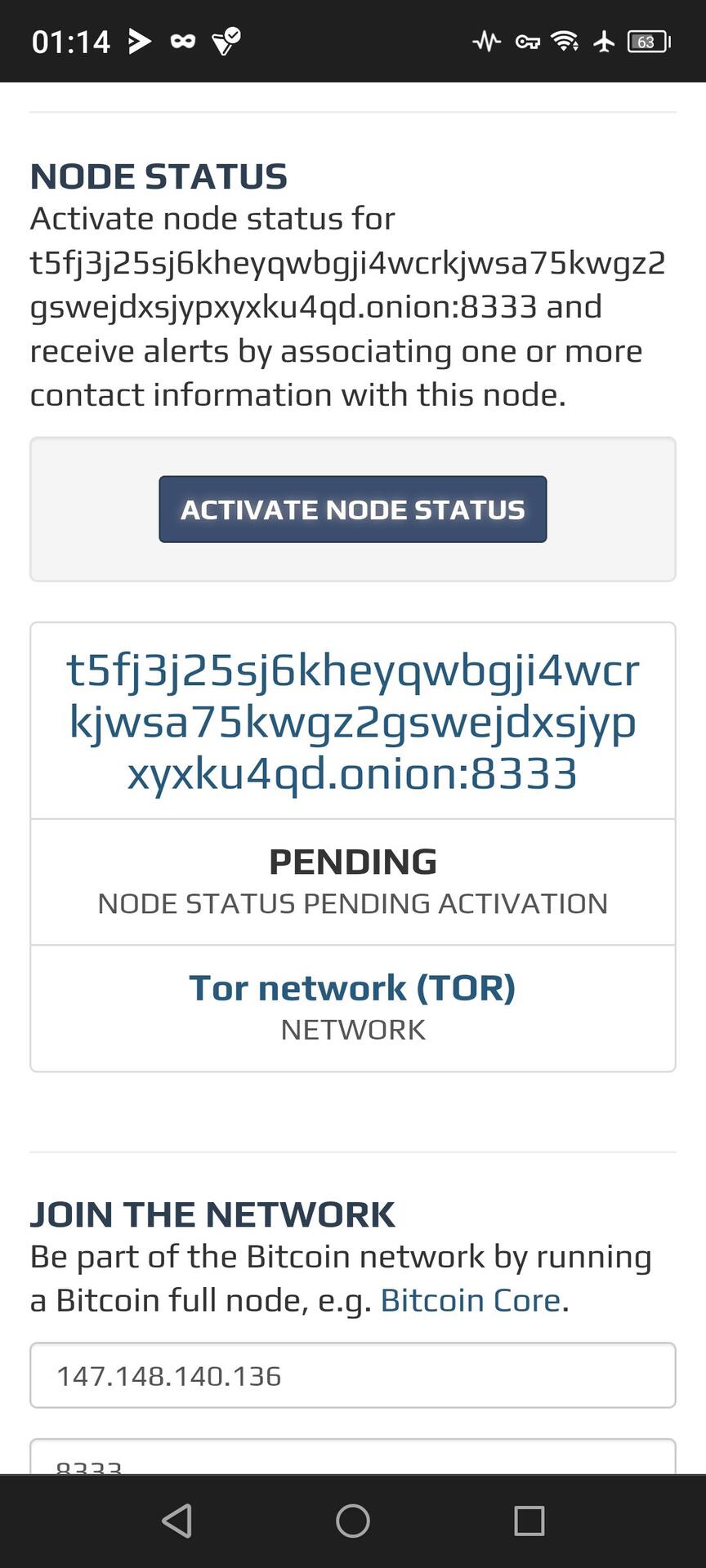
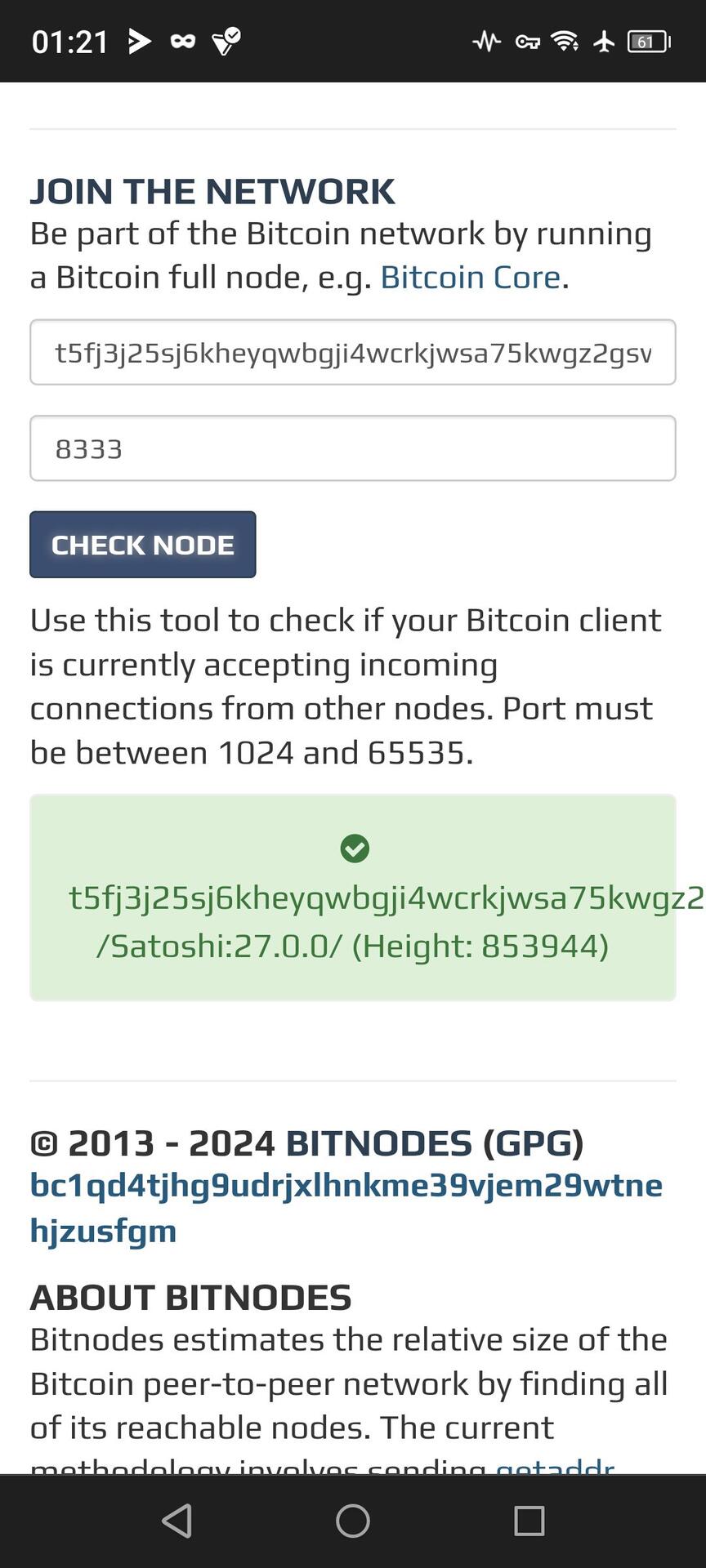
3. **Tor Network:**
- Tor can provide inbound connections without needing a public IP address, but it's more complex and may introduce latency.
- **Steps:**
1. Set up a Tor hidden service on your device.
2. Configure your application to use the .onion address provided by the Tor network for inbound connections.
3. This method is more suitable for use cases where privacy and anonymity are prioritized.
4. **Remote Access Services:**
- Use remote access services that work over the internet without requiring a public IP (e.g., TeamViewer, AnyDesk).
- **Steps:**
1. Install and configure the remote access software on your device.
2. Access your device remotely using the software’s service.
5. **Reverse SSH Tunnel:**
- Create a reverse SSH tunnel from your device to a remote server with a public IP.
- **Steps:**
1. Set up an SSH server on a remote host with a public IP.
2. Create an SSH reverse tunnel from your local machine to the remote server: `ssh -R [remote_port]:localhost:[local_port] user@remote_host`.
3. Connect to the remote host on the specified port, which will forward traffic to your local machine.
6. **Cloud-based Solutions:**
- Host the service in a cloud environment (e.g., AWS, Google Cloud, Azure) where you can get a public IP address.
- **Steps:**
1. Set up a VM or container in the cloud.
2. Configure your service on the cloud instance.
3. Use the cloud instance’s public IP for inbound connections.
### Additional Considerations:
- **Security:** Ensure that any solution you implement is secured properly to avoid unauthorized access.
- **ISP Contact:** If possible, contact your ISP to see if they offer an option for a static public IP or a business account with different NAT policies.
By using one of these methods, you can effectively bypass the limitations imposed by CGNAT and allow for inbound connections to your device.