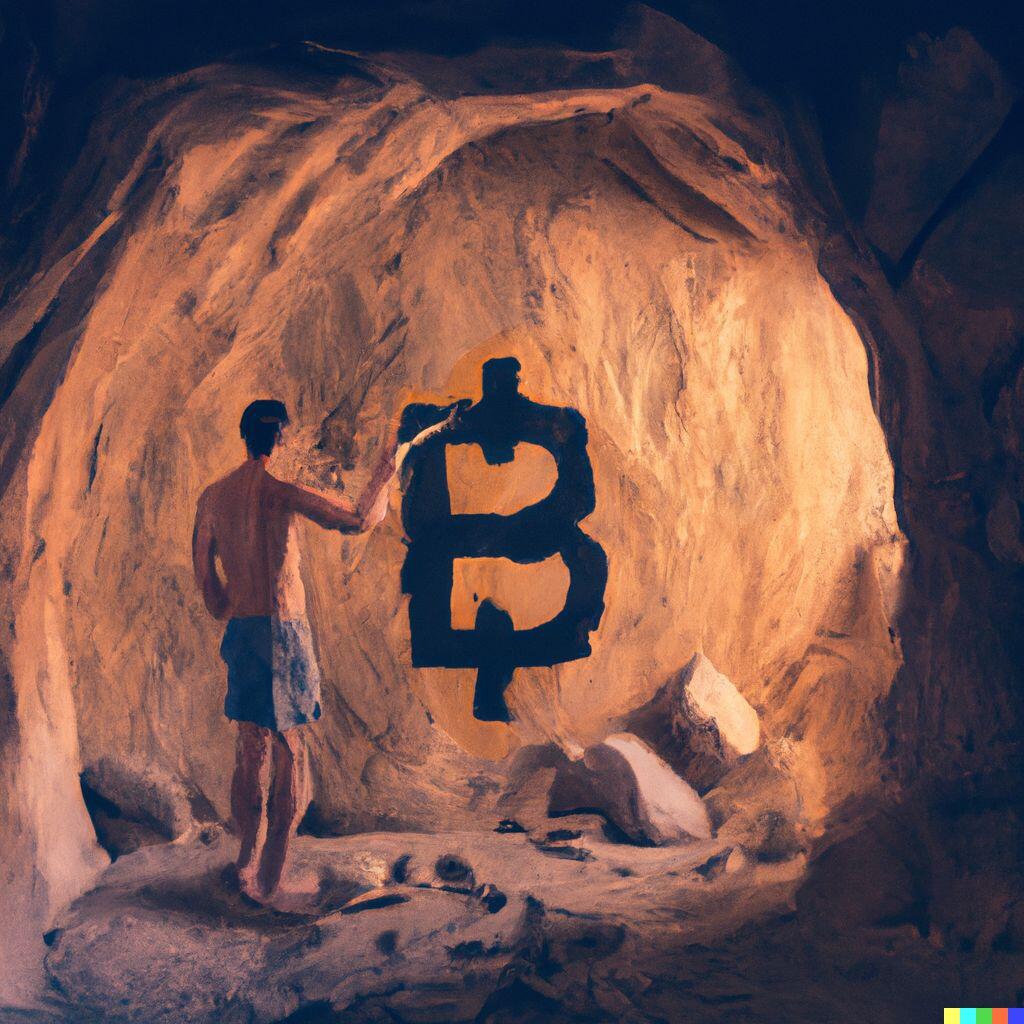
Note for all the new Damus Users coming in; put in 2 more minutes of effort to get yourself setup on Lightning to see the true power of Nostr.

1. Download Wallet of Satoshi on your phone

2. Tap “Receive”, then “@ Lightning Address” in the upper right

3. Tap the QR code to copy your LNURL address

4. Paste this LNURL in your “Bitcoin Lightning Tips” in Damus profile

Part 2.

Go back to “Lightning” tab in the upper left of WoS:

1. Tap “Set Custom Amount”

2. Type in 69

3. Tap “DONE”

4. Tap that QR code and paste it in a comment on Damus

Then watch the zaps ⚡️ roll in!
Reply to this note

Please Login to reply.

Discussion

Nope still not working. Follow this:

#[3]

Need to get yourself a lightning wallet and I’ll send you some Sats.

Follow this guide: #[4]

Yay 😆

lnbc690n1p37yfs2pp530h8cgkak98yjqu3d9egv7c0nqxgdc7s9z30sfnhth04kw6h7llqdqu2askcmr9wssx7e3q2dshgmmndp5scqzpgxqyz5vqsp50u4cu2a2hgrxpxr6tkc337l2vvye25eklu074g4632ne420duzkq9qyyssq9mfxh2ef99wgl8zcrx82jj89ad74csnx55s5qpk9qnyplnykreykssrvdf0lgs5l0ut9fmlactcay2jxudwa2r73tr8vcxlya8pdr9gqglsv6k

☯️

Thank you! 😄

#japan のみんなー!

69 #Satoshi もらえるよん😆

〈日本語訳〉

新しくDamusを導入される方は、あと2分ほどLightningのセットアップに時間をかけていただければ、Nostrの真の力を実感していただけると思います。

その1.

1. Wallet of Satoshiをスマホにダウンロードする。

2. 右上の「Receive」→「@ Lightningアドレス」をタップする。

3. QRコードをタップし、LNURLアドレスをコピーする。

4. このLNURLアドレスをDamusプロフィールの「Bitcoin Lightning Tips」に貼り付けます。

その2.

Wallet of Satoshiの左上にある「Lightning」タブに戻る。

1.「Add Custom Anount」をタップ。

2. 「69」を入力。

3. 「DONE 」をタップ。

4. QRコードをタップして、Damusのコメントに貼り付ける。

すると、⚡️ が転がり込んでくるのを見ることができます!

#Damus

#Nostr

#[4]

I don’t know muun but this will work on iOS and Android.

#[6]

Plz check if muun supports lightening network address and invoice pay. If yes, you can just use the LN address.

My phone doesn't support WoS, so I have to use Bluewallet + Lnmarkets.com

lnbc690n1p37susfpp5wrqru525zlnm5lmuax08p4ejxl0rz596hl96p7fagptpruarhskqdqu2askcmr9wssx7e3q2dshgmmndp5scqzpgxqyz5vqsp5fy60u0eknjy8awk9ank45jzg5vsac52h0snzujz20lfve84wamzs9qyyssqngjy463x4ypgc8hc4ava58ltmzgklfyq4zn3w8k4hy68zpaw95xn8jhxjaqduludfz3g8zdnxfrfh0yqgj6l95x325nml5ttqc4qn4cqfnrptl

You guys may enjoy this guide I prepared:

#[5]

Need a lightning wallet for us to zap you, see this guide: #[2]

I already have it in my profile. Perhaps it didn't get broadcasted. Added filter.nostr.wine with broadcast flag and saved profile again.

Let's hope it gets propogagted this time.

lnbc690n1p3lpzespp5h3mrq49eejc2764zagrsn4eck6dhfew97eg0lgnxjk2ty2mukc9qdqu2askcmr9wssx7e3q2dshgmmndp5scqzpgxqyz5vqsp53hmp2psakwvsx7mlvxyl4jlcz4vqq8g2kz7kjqn9znpppqgq6h5s9qyyssqmf2r6uj8ft8jpyl3j3tp83w65ly22leuatceyd3cfcs8jjcjhn44fzus365c8e06nkn3yyx0f39090cy8syvfn7m8stqjn59qlr49wgpm6dac9

Hey you’re not a newbie! Lucky I enjoy zapping so much

I couldnt hold myself back. The feeling of receiving 69 sats on a saturday morning is just too good😉❤️

Here's the tutorial

#[4]

lnbc690n1p3lzrhlpp5malvt8a9cj3aee4pvqc0463jxhhqe6et8fmn28hgqsshcx8wjq7sdqu2askcmr9wssx7e3q2dshgmmndp5scqzpgxqyz5vqsp5c3vyqs2duswmg92cd2ymmsp0uyy2sj2ygx6xzu4ey4tmemvgks0q9qyyssqnrl8gnt58cf95z4h5kz8k2n0lzt54kktwluf6mnvdzuxa9r048m8g3en554t45rjr73djlsnqs490gwn32rqffmn88hn3udxg8h078sp7mvn6x

I should already have link on actual profile.. i think

Followed 🫡

lnbc690n1p3lzr7vpp58v53uv5z3nzd24dd24kvmtdjls4pccaerjf5eruvh0u0thkxuetqdqu2askcmr9wssx7e3q2dshgmmndp5scqzpgxqyz5vqsp53n6lws3zme7ktvj3qgcvk02tmqylqfxyz77hs0s5eg3g6qmywrjq9qyyssq6ylaancwhd60qx9wtgzhf0qy3jlv967g6v748lp3snplrhhh9u6svg8kzgylkg2tnzvuamykv88tsxs7v206662c5j925h7wpm0ly3cqrl9ly4

Hey Ali, you may want to add a profile pic first in which case your best bet is upload to nostr.build and paste the URL in your profile. Next you need to get a lightning wallet, here’s how: #[3]

Does it work with a non-custodial wallet (like Muun wallet) and Amethyst?

Ok, you can take a look at the tutorial

#[5]

zapped ⚡️ You can take a look at this lightning setup guide.

#[3]

#[2]

You are unzappable for me. Do you have lightning setup?

#[2]