

Please excuse the newbie question, but must this OS be installed on pi hardware?
ParmanodL is out.
Easy AF #Bitcoin node for Pi4.
It's software that creates a Pi4 image using a desktop computer, and flashes it all in one go. Runs on Mac or Linux.
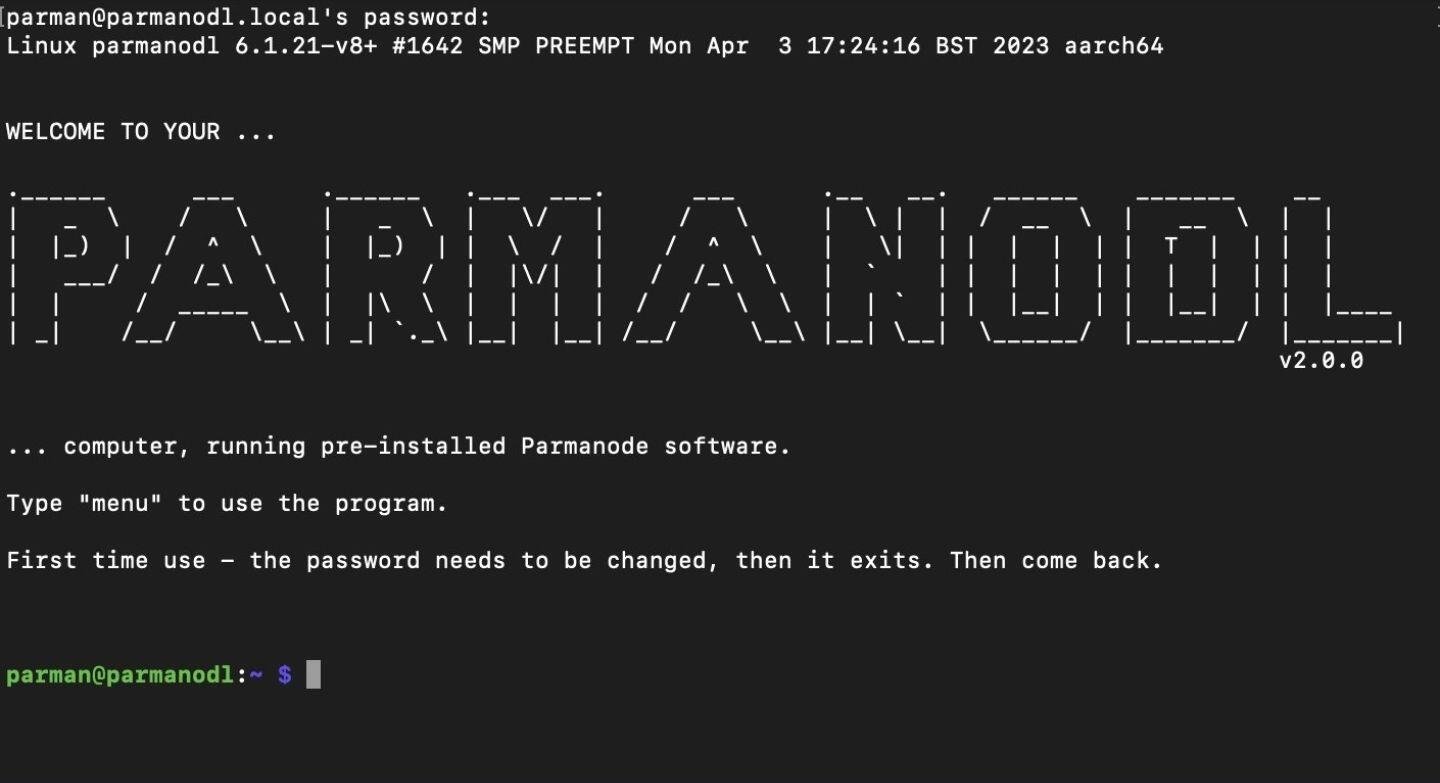
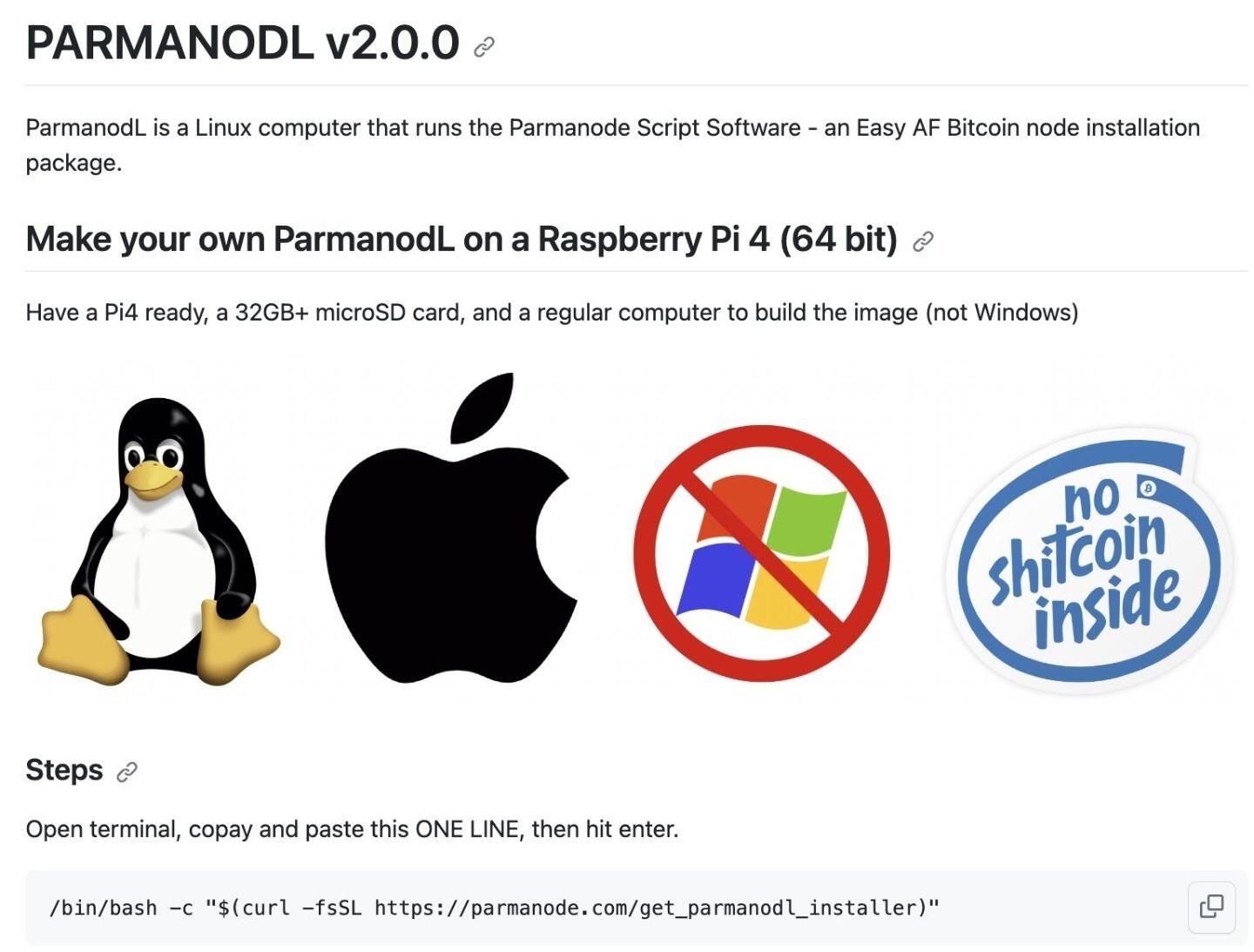
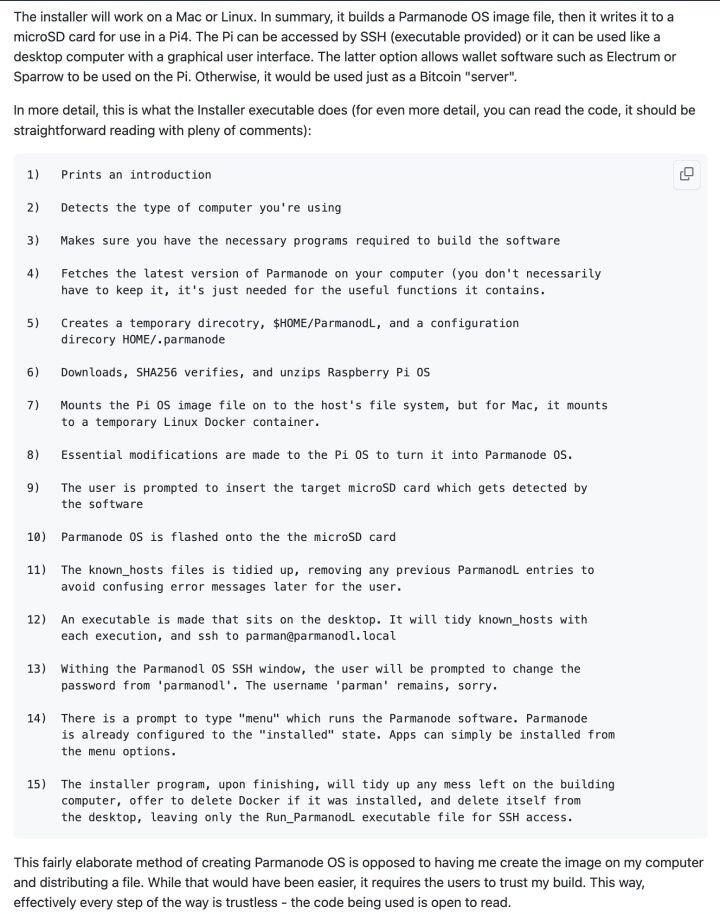
Copy/Paste SINGLE command
Insert microSD into your Mac/Linux when prompted
Put the microSD into a PI and turn it on.
Double click icon to run (no finding IP addresses or typing SSH required).
Once accessing the Pi, type 'menu'.
I've been feverishly coding, debugging, testing, and drinking max coffee for days, and it's finally ready.
The code is easy to read, so please do.
https://github.com/ArmanTheParman/parmanodl
Some advantages...
You only type 1 command to install.
No Balena etcher or other flashing software required
No pgp verification is required (it's all from written text)
There is one download (official Raspberry Pi OS) which is hashed for the user.
No SSH commands are required - use the icon made on the desktop. Double-click to access the ParmanodL terminal.
Easy starting Parmanode - type "menu"
"Parmanode" is pre-installed on the ParmanodL and the internal drive configuration is done.
Next update, going to make the installation apps with parmanode run automatically on the background. Ie non interactive. Given that it's for a Pi, much less unknowns exist, so I'll go ahead and make all the necessarily choices and have everything installed.
Systemd to run selected parmanode scripts I think will be the cleanest way.
Discussion
Great question, and the answer is "No, sort of"...
There is Parmanode and ParmanodL.
Parmanode is the node software which can be installed on mac or Linux (can be a Pi).
ParmanodL is a computer configured to run Parmanode.
Parmanode OS is Raspberyy Pi OS (Debian Linux) modified to be a ParmanodL. It'll work on a Pi 64 bit at this stage, but with slight adjustments, it'll be ready for regular PCs too - next version.
OK I'll wait.
I've got a node running on Raspblitz currently but wanted to also run another on my Ubuntu laptop.
Thank you Parman.
You already have Ubuntu installed, so all you need to do is type this into terminal, and away you go ...
curl https://parmanode.com/install.sh | sh
Excellent 👍