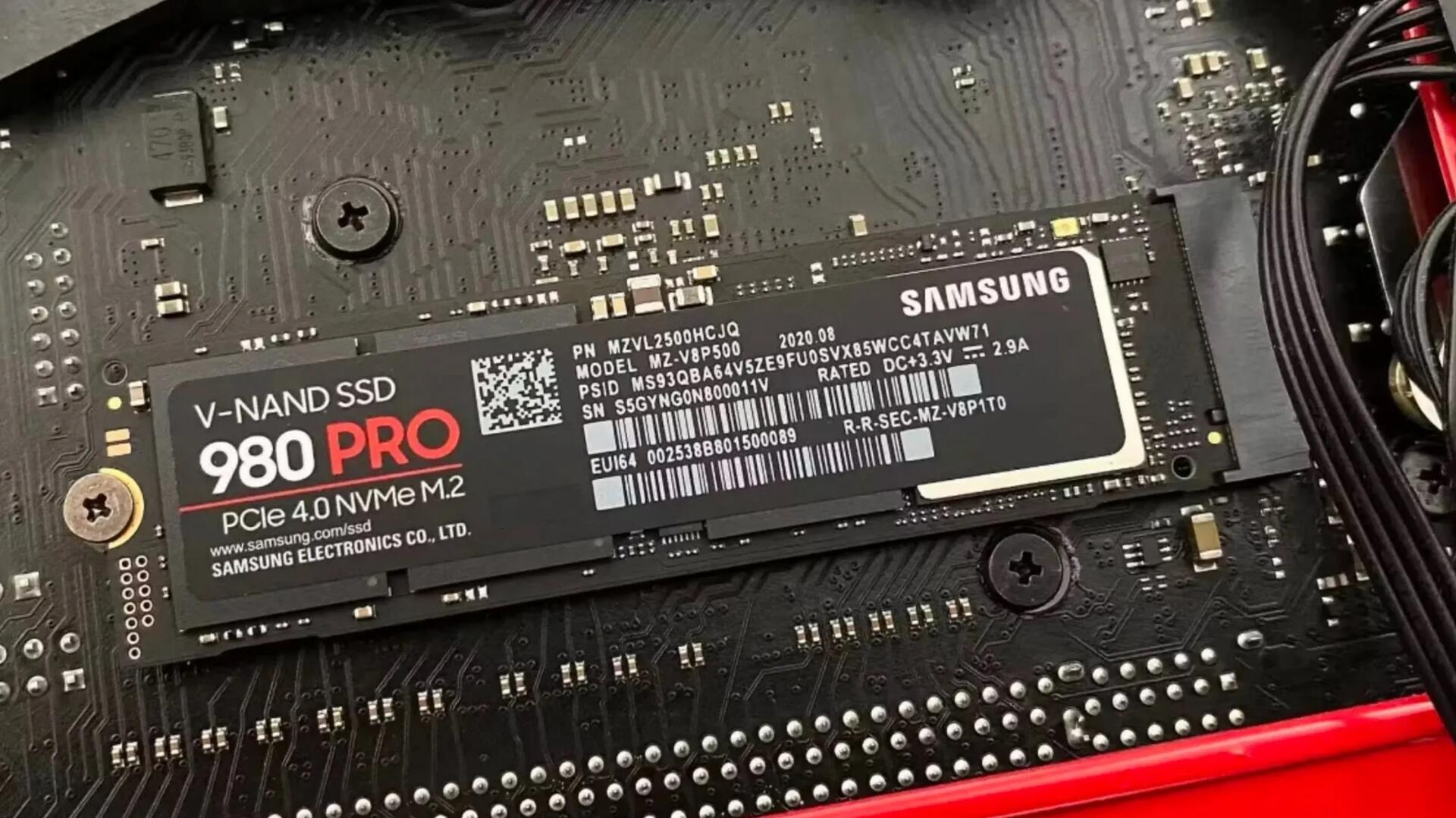
SSDs have a secret way to protect your data when they fail
Many SSDs will use SMART to keep track of how close they are to failure, and when they cross a threshold that indicates failure is imminent, they will lock down and enter a read-only state. This means that you can't write anything to them, but it's also a clear sign to the user to get everything off of the drive while it still works. You can tell if your SSD has entered that state if you can't unlock it to write to it.
This will be reassuring to many who think if an SSD fails, it is basically not usable and the data is gone. So, if you've used an SDD for quite a while (a good many years) and it suddenly no longer boots, check on another computer (it's SMART stats should show if it failed). You should be able to clone it to a new SDD drive and carry on working with your data intact.
See https://www.xda-developers.com/ssds-protect-data-when-fail
#technology #SSD