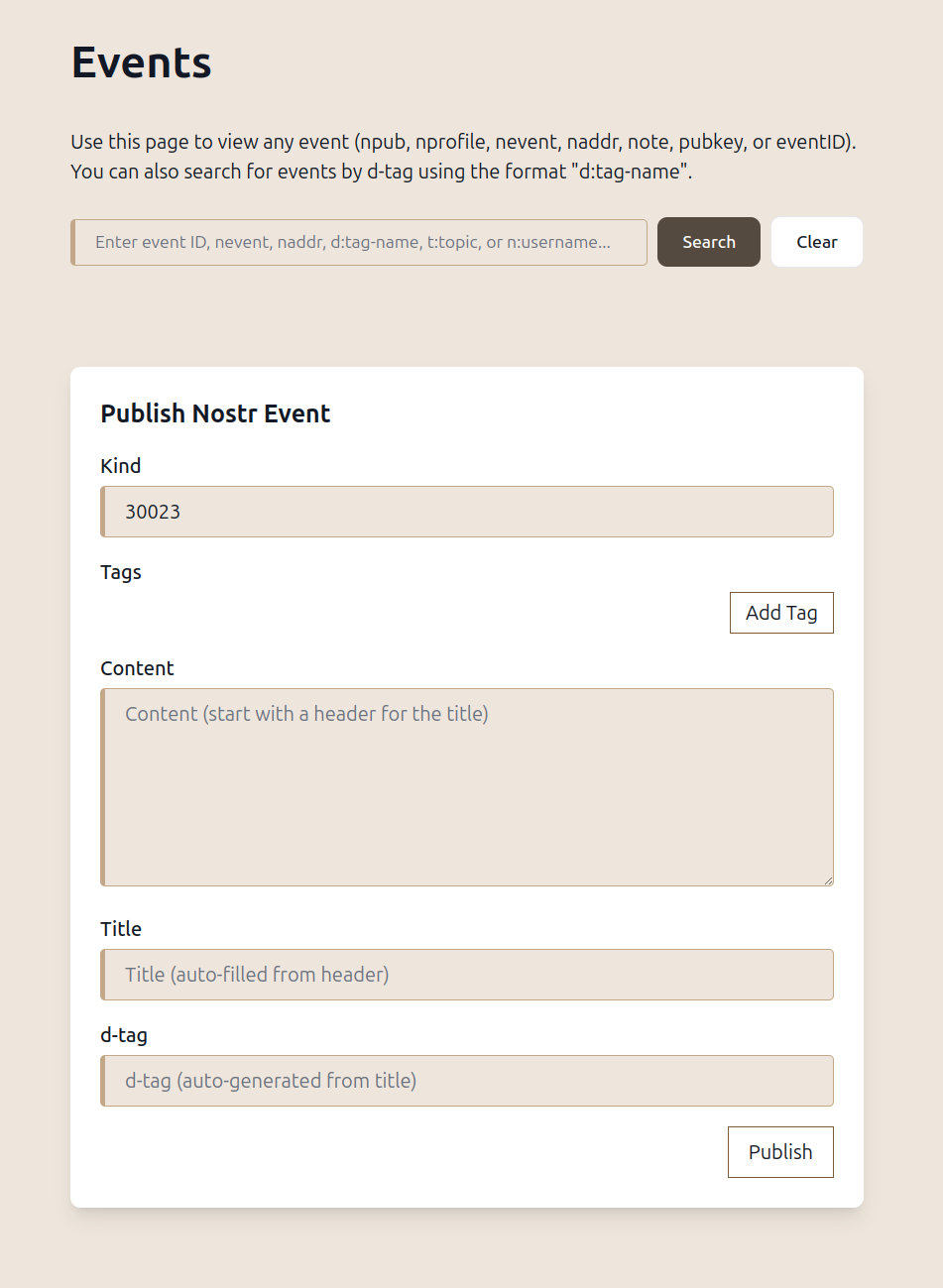
Well, I mean, I always build stuff, so that it *looks* really simple. In the background, there are hundreds or thousands of lines of logic, but it's just a button or a form with 4 input fields, or a drop-down box.
This is how we pack so many features into one app, without the interface degrading. It will look like the app with the _least_ features, if we do it right.
GRW is also like that, but even harder, as you navigate it all over the search bar. No menus. I hate menus, and you can already see Alex's navigation collapsing under menus. We'll have to do submenus and sub-submenus. Menu spaghetti 🍝. Ugh. And then it quickly turns into OMG WHERE IS THE PAGE BORDER FORMATTING MENU ITEM?!! 😱
If you have a search bar, you type in "page" or "border" or "page border" and get the suggestion back "Would you like to format the page border?" Yes. Yes, I would.
start very simple and expand to user needs and requests
Yes, but what nobody else on here understands is that you have to make the simple-looking thing complex underneath, from the very beginning, otherwise you can't expand without the app turning into a total mess.
This form has an entire architecture. It's not a normal input mask. It just _looks_ like a normal input mask.
People will just use it and it will just seem normal. They won't notice all of the complexity underneath.
with the add Tags button you can add more tags and if the tags match the available ones and are in the kind? so it's a complete thing, I didn't understand before
Yes, and I'll be predefining some kinds with mandatory and optional tags, so that the form morphs, depending upon the number you enter. I already do that for longform, wiki, and publication, but I'll do everything I think is useful.
And anything else, you have to figure out which tags to use, yourself, and add them. And you can add additional tags to the predefined ones.
So, you could use it to create a new event kind.
For Kind 0, what you put in the tags will automatically change the content, as that has the stringified json. So, I'll disable the content field, on that one.
Thread collapsed
Thread collapsed
Thread collapsed
Thread collapsed