
iPhone 16 and iPhone 16 Pro: How to Use All the New Features
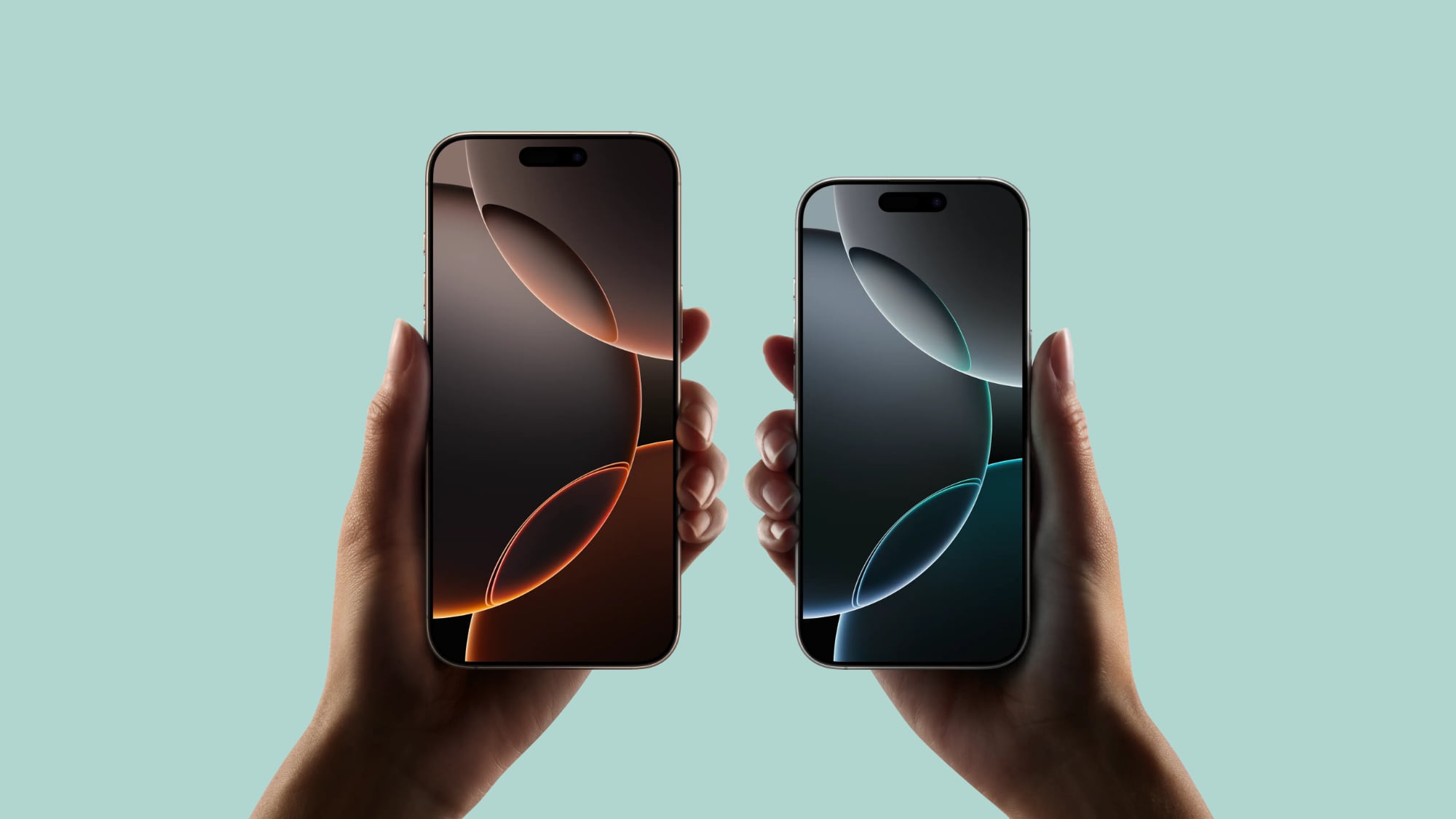
Apple's iPhone 16, iPhone 16 Plus, iPhone 16 Pro, and iPhone 16 Pro Max launched today in markets around the world. If you're the new owner of one of Apple's latest models, then keep reading. Whether you're upgrading from an older iPhone or completely new to the devices, this article will help you get the most out your iPhone 16.
With the first round of pre-ordered devices now being delivered to customers and availability in stores, MacRumors has put together the following series of dedicated iPhone 16 how-to articles explaining all the new features that can be found on Apple's newest models.
All iPhone 16 Models
iPhone 16 Camera Control: Everything You Need to Know
How to Adjust Camera Control Button Pressure
How to Disable Camera Control Clean Preview Mode
How to Disable Camera Control Light Press Adjustments
How to Use the Camera Control Button as a QR Code Scanner
How to Use the Camera Control Button as a Magnifier
How to Disable the Camera Control Button
How to Customize the Action Button
Adapt Your Shots in Real-Time With New Photographic Styles
How to Hard Reset or Force Restart All iPhone 16 Models
iPhone 16 Pro and iPhone 16 Pro Max
How to Use 5x Optical Zoom
Using the New ProRAW Shooting Formats
How to Shoot 4K Video at 120 fps to Slow Down Reality
iOS 18
All iPhone 16 models come with iOS 18 pre-installed. During the iOS 18 beta testing process from June to September, MacRumors wrote a series of in-depth feature guides highlighting every major new addition, plus how tos that walk you through using the new features. Be sure to refer to our ultimate walkthrough, and check out our AirPods Pro 2 new features roundup, to get yourself up to speed.
Ultimate iOS 18 Walkthrough: Guides and How Tos for New Features
Six New Features iOS 18 Brings to the AirPods Pro
Forgot to Pre-order?
Related Roundups: iPhone 16, iPhone 16 Pro
Buyer's Guide: iPhone 16 (Buy Now), iPhone 16 Pro (Buy Now)
This article, "iPhone 16 and iPhone 16 Pro: How to Use All the New Features" first appeared on MacRumors.com
Discuss this article in our forums
https://www.macrumors.com/guide/iphone-16-pro-how-to-use-new-features/