This, only work on the copy. Data recovery guys are actually really successful, but expensive.

I wouldn't run any scans. Are computers recognizing the drive at all? Does the external HD light up/show response?

Flash drive? SSD? M.2? Spinny disk drive?

Reply to this note

Please Login to reply.

Discussion

Why no scans?

It’s been running one for an hour now. It seems like it’s stuck.

That's why. haha

The less tampering the better until the exact problem is identified. What kind of drive? Lighting up (on the drive itself)? Computer recognizing the drive at least, just not populating files?

Yup. It’s an one touch Seagate drive.

Lightning up. Running. It just says access denied when I try to click on it it.

Good signs. Appears to be SSD.

Sounds encryption based. Did someone add a password? Was a password on it?

Do you get the same symptom when connected to any other devices? Not sure how I'd handle the scan you're stuck in now....

I plugged it into a friends laptop last this week to grab a bunch of files.

🙄

If you connected it to another computer, there's also the possibility of a virus, ransomware, etc? Maybe? ....

However, I've had the experience of using an external drive on different machines and it messing up the permissions on the drive. If it will mount on a linux machine running a live-dvd environment, you might see if it's only a permissions issue. If it is and the files are all only data files (videos, text, pictures, docs, etc) and not software or a system, you might get away with simply changing the permissions (which you could do under the live-dvd environment).

But again, I would only try that on a copy of the drive. My understanding is that playing around with a failing disk (even a scan) increases the risk of changing bits here and there and making a recovery more difficult.

Haha perfect. In the middle of a scan right now. 🤦🏼‍♂️

Here's a SUPER old documentation from SeaGate. Like Windows XP/7 old, but some settings may still apply on Win 10/11 in different settings menus.

Seems like a signing issue of some sort. Keep digging into "access denied external HD error".

There were some other "download this to fix files" tools on a quick Google. I would NOT, absolutely NOT trust or use them.

I would only trust manufacturer docs, specifically SeaGate, or similar (WesterDigital, Samsung, etc). Or Window docs.

As for the scan, it's been started so not much you can do. Give it more time. If it doesn't respond in 4-6hr I'd call it stuck and a failed attempt. No more scans IMO.

If unable to solve in a non-invasive solution manner, Brandon Computers appears to do Data Recovery. Also TecFix and TrueData in Winnipeg. The less you tamper, the higher their success rates. FWIW, I'll disassemble computers without hesitation, but I won't touch data recovery. Delicate finicky beast.

Good luck man!

https://www.seagate.com/ca/en/support/kb/access-denied-error-or-filefolder-permission-issues-on-an-external-drive-203795en/

Haha fuck. Sick to my stomach.

I really appreciate the assistance. Not many things seem to be working atm.

🤞🏽🤞🏽🤞🏽

Don't worry too much. The drive responds, the drive recognizes. Major plusses. Looks like signing/auth issue. Bad ejection, etc.

Looks like high chance of recovery bud. 🤞

Good attitude. hope you’re right.

We might be back.
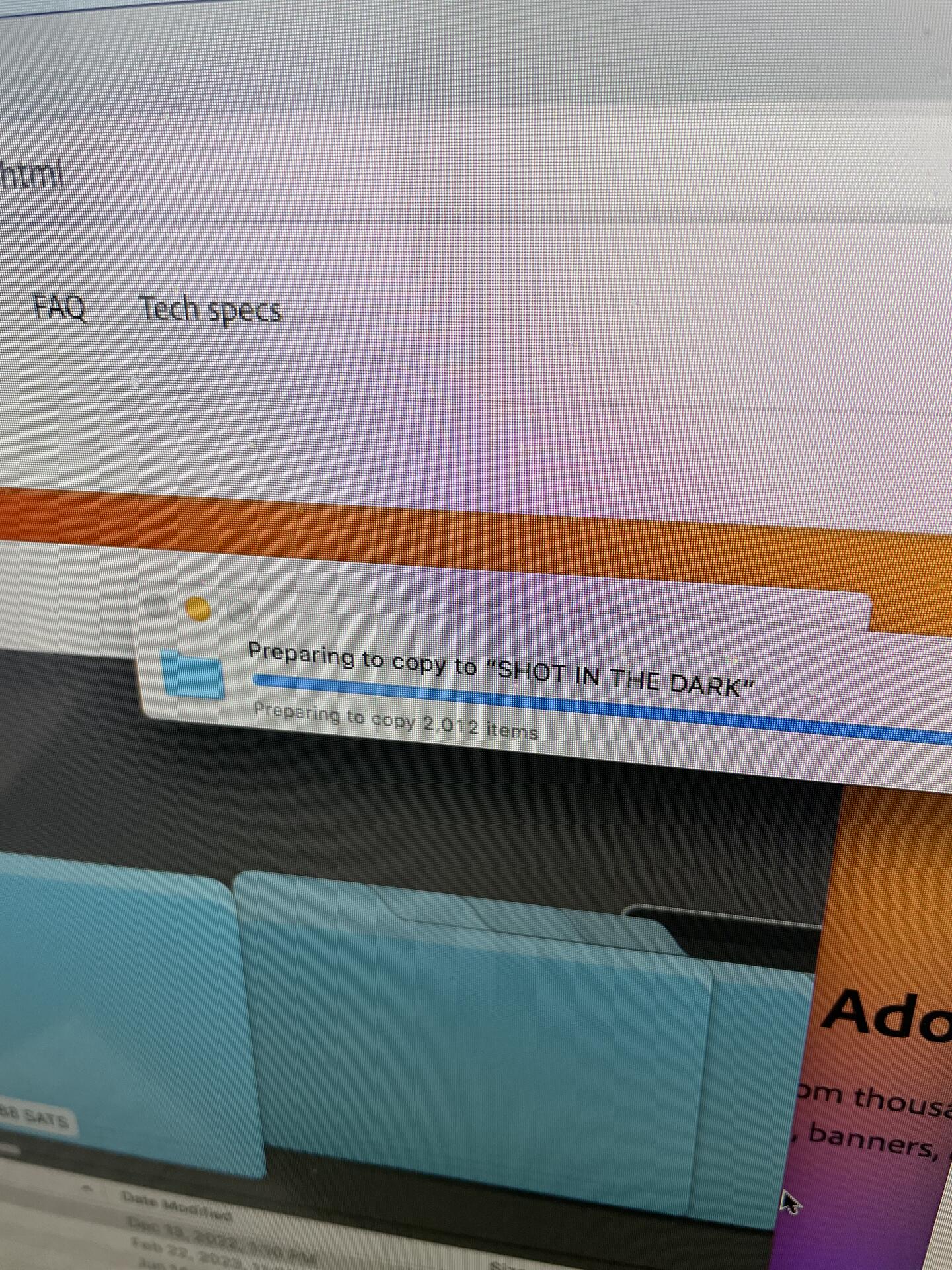
Well done man! Please tell me that's new(er) AC/DC - Shot In The Dark. If so, wicked tune. 🤘