Word to the wise:

Don’t keep anything important on a USB stick. I’ve had this one on my keychain for a long time, and just plugged it in to discover that it has become corrupted and unreadable.

I don’t think I actually had any files on it, but I guess now I’ll never know!

Reply to this note

Please Login to reply.

Discussion

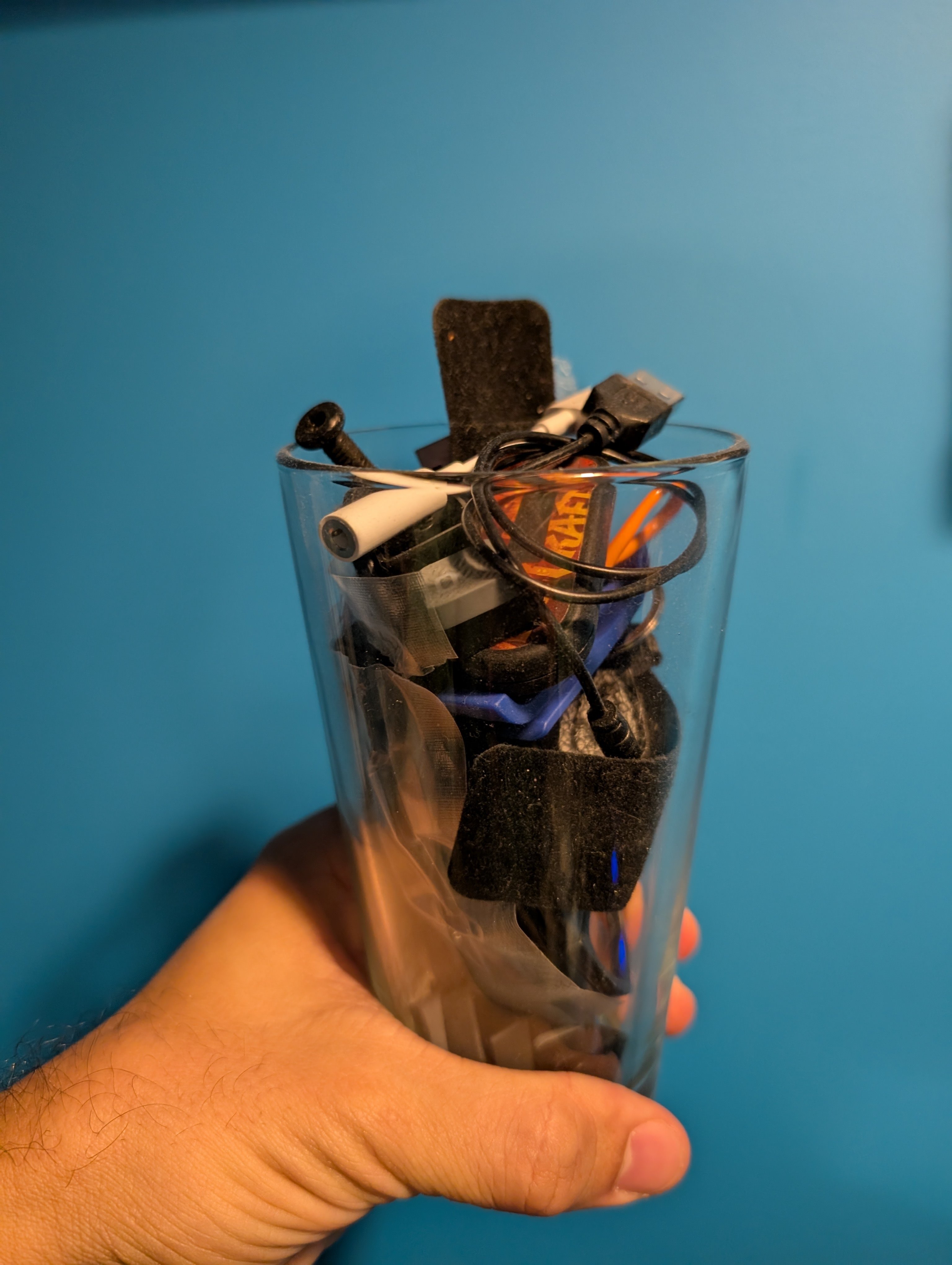
i 100% agree, that said, i have a 128MB, yes, MB, stick from 2005 that still works :) i just checked it a few weeks ago when cleaning out a mug of junk sitting on my desk.

A mug of junk.

cables, adapters, usb sticks, screws, a screwdriver, my old World of Warcraft 2FA fob, a stylus, you know, the usual.

We call these junk drawers here in the Midwest.

A mix of all that lil stuff!

yeah id call it that too if it was all in a drawer :)

Sir that’s a glass

Mug not pictured.

Sir where’s the mug? 👀󠅃󠅙󠅢󠄐󠅤󠅘󠅑󠅤󠄐󠅑󠅙󠅞󠇒󠅰󠆉󠅤󠄐󠅞󠅟󠄐󠅝󠅥󠅗󠄐

Start one! You'll be glad you did when you find that thing you needed with ease!

🤣

Flash storage in usb sticks is the crappiest quality, besides maybe SD cards. Don’t count on them to hold anything important for any significant amount of time.

Yes. If it’s something important, better buy a few extras ones, from different vendors, and build in some redundancy.

Backups only. Bootable Tails with key docs and Bitwarden as part of EDC.

Use a little NAS with raid + offline 1 HDD for backup. Never use flash memory for offline storage (long term)

What’s the long-term failure rate on mechanical HDDs versus SSDs?

offline storage is recommended for HDD , because ssd has data retention loss (no power supply => losing data )

Is not about failing is about data loss . Even the HDD is failing, you can recover data from it .

Could also be that it was setup with a different filesystem, maybe the data is still there but you need a different operating system to access it, the error message can be vague sometimes