
Replying to Avatar Laeserin

nostr:npub1wqfzz2p880wq0tumuae9lfwyhs8uz35xd0kr34zrvrwyh3kvrzuskcqsyn what do you think about those changes? Do they seem intuitive? And did you notice anything weird?

I mean, weird, other than the fact that the filter boxes are the wrong color. 🙈

I like the drop-downs that let you play with the search results. Both the search and filter are very responsive, which makes it fun. These will be awesome features as the volume of publications grows.

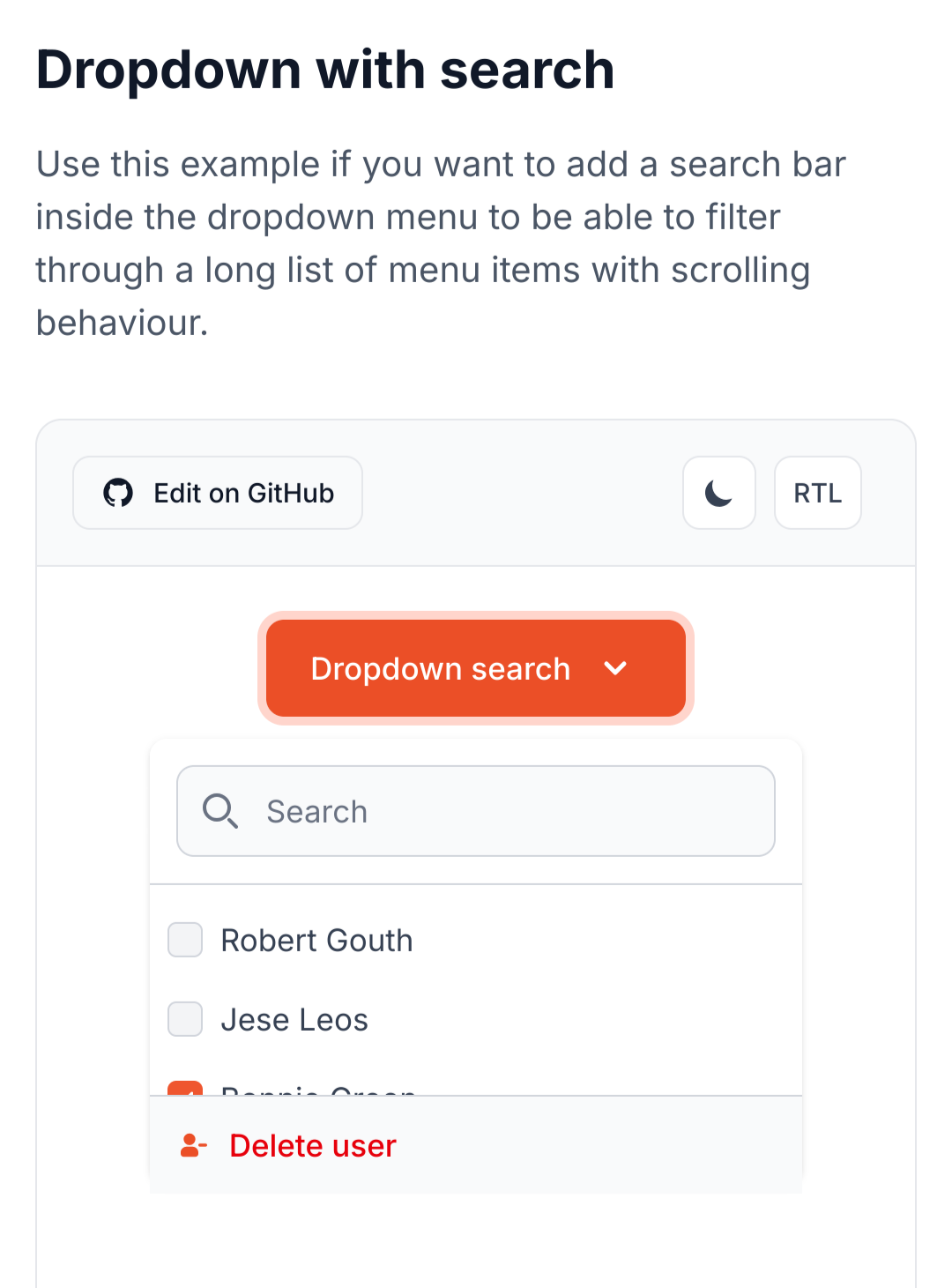
Some of the drop-downs should probably be comboboxes. Tags and lists, for instance, can have a near-infinite number of names. I should be able to type out tags, as well as pick them from a list.

I think the clear button can be moved within the search bar as a little "X" icon. "Clear" is a "negative" action, and we typically want to put less visual weight on "negative" actions. That's just a UI nitpick, though.

I also noticed how the colored boxes act as placeholders while images are loading. I appreciate that; it's an elegant UI.

Reply to this note

Please Login to reply.

Discussion

Love those! And the little border on the left side of the search bar! 🤌

Oh, yeah, combo boxes! Good idea.

Especially for tags, it'll get crazy, otherwise.

I think Flowbite Svelte has combobox components we could use.

This one looks good. Mutliselection and search.

That should cover all our bases. They're not usually too hard to style, too.

The flowbite stuff looks really sharp, too. Been using it more.

And it makes it easier to quickly spin up an elegant, accessible UI.

And sort the returns-while-typing by popularity?

Probably sort by best match while typing.

We can use tries to rapidly do this pattern matching.

https://brilliant.org/wiki/tries/

Ah, nice.

Good point about the clear. Also leaves more room for the search bar.

It also leaves room for actionable buttons to add later.

For instance, we could add a "deep search" sort of button that causes advanced, but slower, search features to kick in, like semantic search or LLM assistance.

Yeah, at the moment, I just check if they received no results and offer to "widen" the search to all available relays, if they aren't already relay-maxxing. I was going to add a bit more logic, including fuzzy logic, to the initial search, to improve the returns.

But we can have a "deepen" button, as well. That fits the concept I had, to always go least-to-most, to be stingy with sharing the users' data and save computation and bandwidth.

Yeah be quick and simple first, then go deeper when the user wants to spend more time and effort on a search.

Let's design a search that people don't have to yell at, to get it to find stuff. 😂

Please.

on mobile, yes, on desktop, annoying to not be able to do this. i use ctrl-u all the time on the shell to do exactly this

i say make it responsive, if the field is shorter than 640 or so characters then hide the X

also there is another alternative, once you start typing, change the magnifying glass to an X, then no space is lost

It's a responsive search. It launches as soon as you type three characters, as the page preloads the 30040s, 30041s, and 30818s from the relays, so you're searching through the local storage.

What the clear button does is clear the bar and the drop-downs. It doesn't just effect the search bar.

Hmm. Then I don't know if switching to an X is a good idea. Makes that functionality less clear.

But maybe the clear should be on the bottom row. 🤔

if the icon is on teh right most people will recognise the meaning

I think I kept the lazy-loading logic from you, nostr:npub1wqfzz2p880wq0tumuae9lfwyhs8uz35xd0kr34zrvrwyh3kvrzuskcqsyn , but it loads the 30040s immediately, and then the others trickle in. So, the cards appear quickly and the other data follows, at a delay.

I can't remember. What do you think is best?

I'd expect the "clear" button to clear the query in the search bar, as well, on an intuitive level.

I like the lazy-loading. We can do that easily via WebSocket connections. Send out a query to relays, setup a subscription, then sort the responses as they trickle in.

We have to make sure we have a limit on the number of search results returned, and pagination logic, or else we'll overwhelm the browser and network with an endless stream of matching events.

It's set to 100, at the moment. Was thinking maybe a smaller number for card view than table, tho, because of the image loading.

Maybe 32 for cards, and 128 for table? Those should be user-configurable.

probably should be dictated by the device based on its performance capabilities

it really depends on how fast the interface can assemble the list, and adding new elements.

Also needs to be a bit dynamic, for the grid view, as it's 3 columns on Laptop/PC, 2 on Tablets and 1 on Phone. So, you need mutliples of two or three, to keep from having an unsightly gap, at the bottom.

yeah, platform differences are the challenge

I'm going to leave this one to the Core Developers. It's getting too complex and out of scope for the viewer to figure out.