
No invoice generated, just a spinning circle. 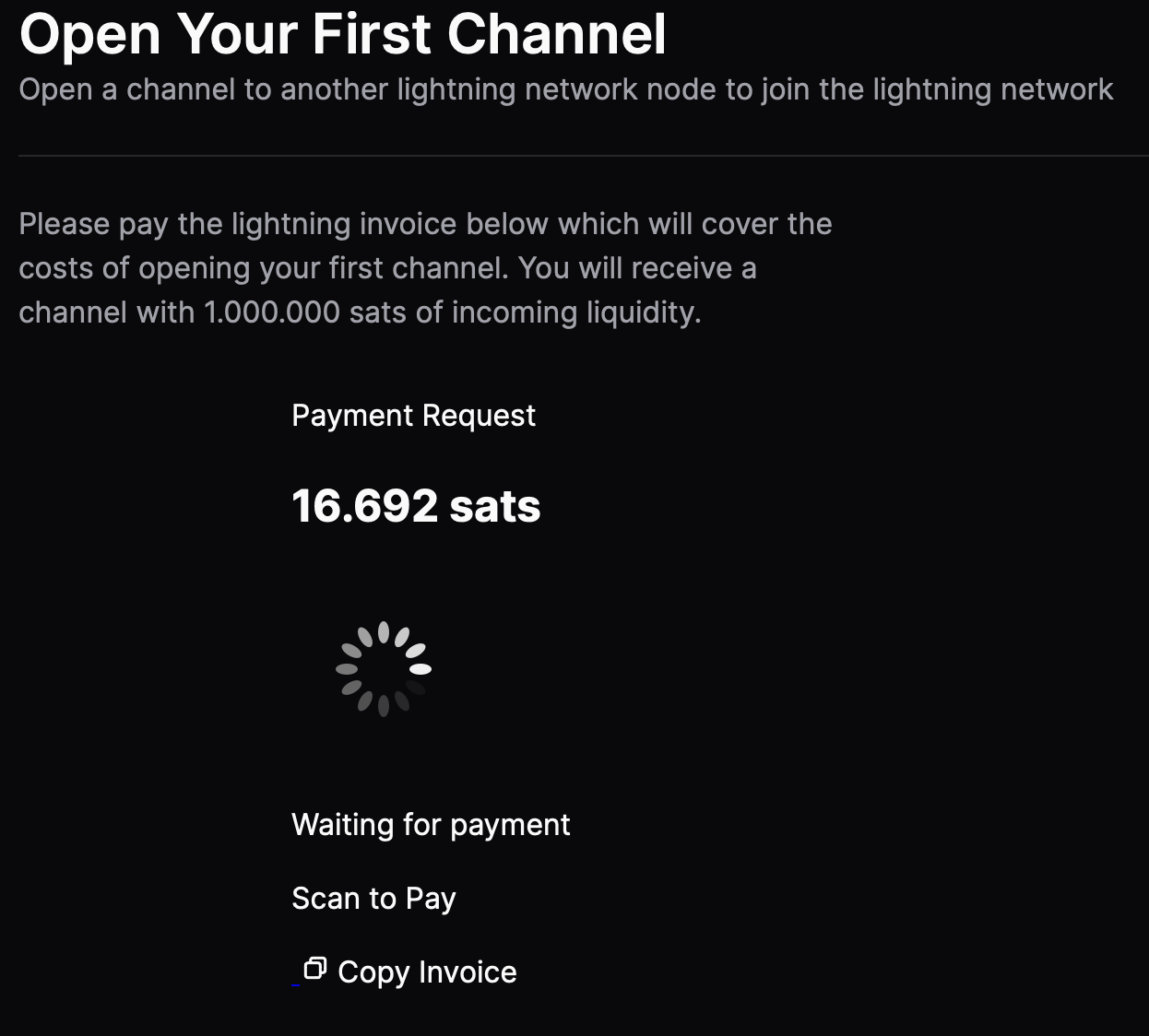
Trying to setup Alby hub, but the invoice keeps spinning. Even after trying it again. Looks like no invoice is being generated. How can I fix this nostr:npub1getal6ykt05fsz5nqu4uld09nfj3y3qxmv8crys4aeut53unfvlqr80nfm ?
Currently have no other lightning connections on this specific node. Might that be causing the issue?
Discussion

sadly there was an issue with showing the invoice QR code - which was directly fixed but you have to make sure to run on 1.5.3 - if you use the alby cloud you will see an update button in your alby account.
alternatively you have to "copy invoice" and past it into a ln wallet and pay it there.
Thanks for the reply. The update shows a QR now but I only get payment failed. Tried a few LN wallets, all the same result. Copy invoice button doesn’t work here on Safari and Firefox.
nostr:npub1getal6ykt05fsz5nqu4uld09nfj3y3qxmv8crys4aeut53unfvlqr80nfm even when trying to pay with GetAlby itself (via nostr:npub1xnf02f60r9v0e5kty33a404dm79zr7z2eepyrk5gsq3m7pwvsz2sazlpr5) I get this error 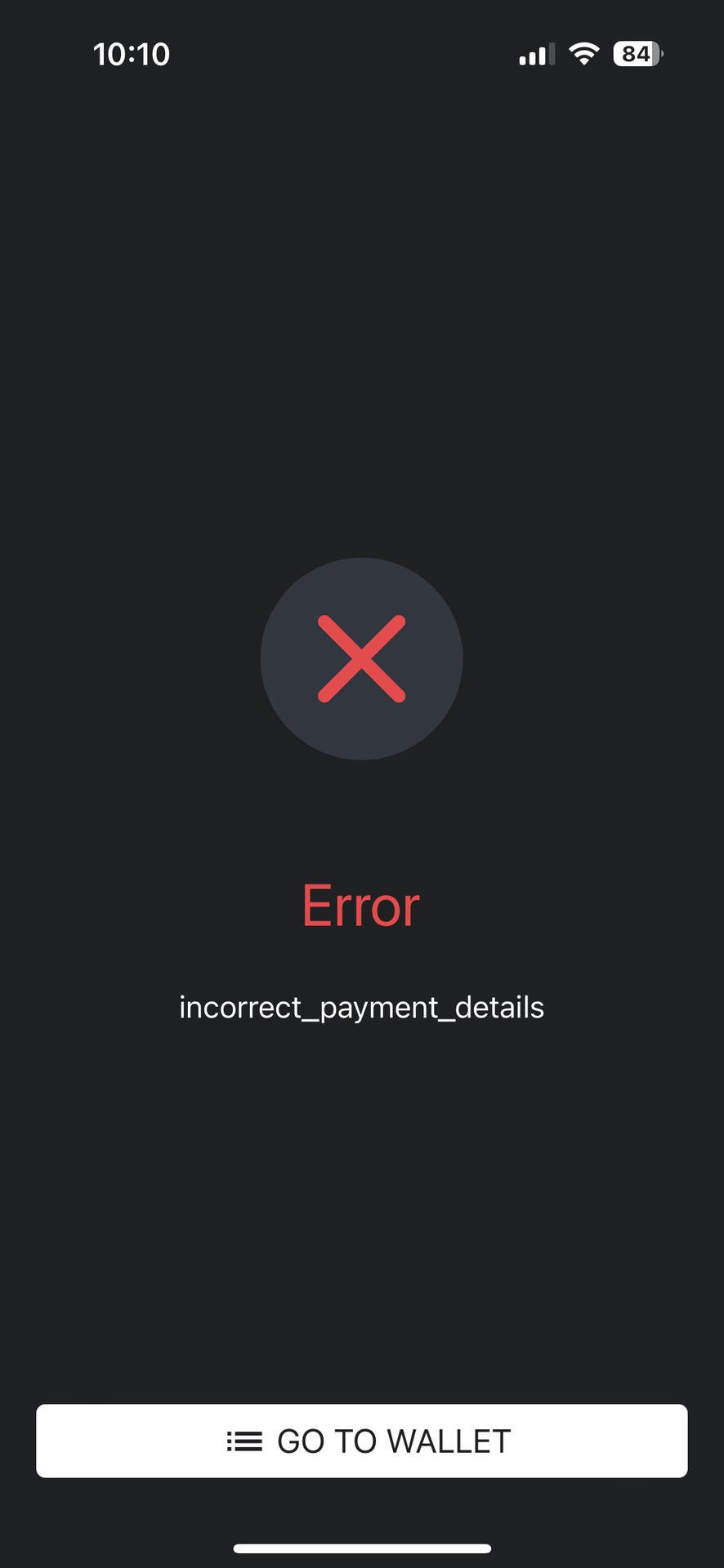
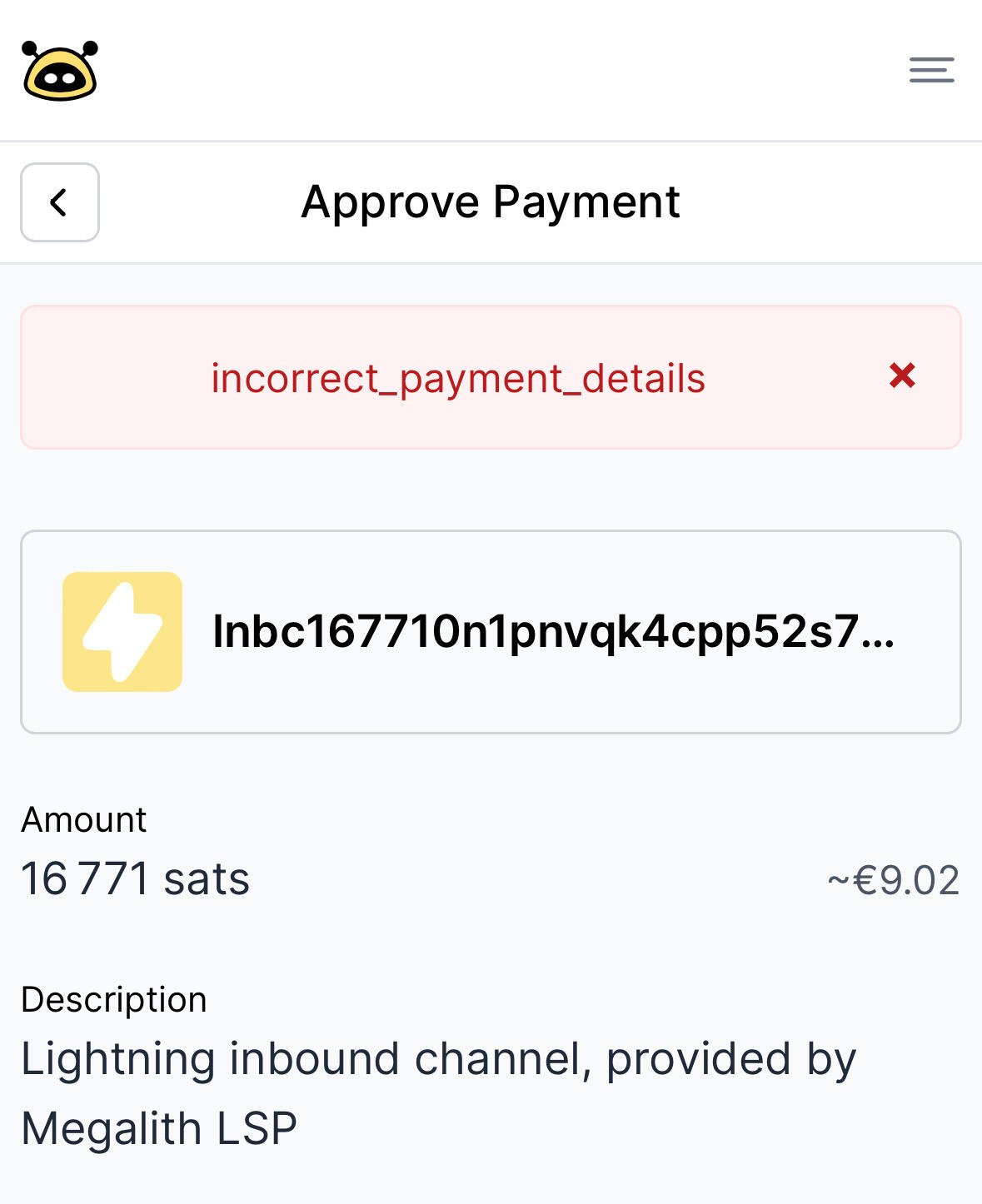

Hi, Zeus is also connected to your Alby Account, right? After you setup Alby Hub, you can no longer pay with your Alby Account until you open a channel. If you have more than 17k sats on your shared account, it should automatically use those to open the channel if you go to the onboarding checklist-> open your first channel
If you didn’t get it working can you send an email to Alby support? We can better help you there
Right, but it also doesn’t work from Alby itself, or Strike or any other LN wallet I use. All of them have sufficient amount in the wallets to open the channel. Will check with support, thanks