How to CPFP in Samourai Wallet
Steps for CPFP transaction:
1. First open the pending transaction and add a note to it (anything you like). This will help you in Step 3.
2. Go to your receive screen to generate a receive address. Then copy it to clipboard by tapping on the address at the top.
3. Open your UTXO screen and find the pending UTXO. (To open your UTXO screen, in the deposit account grey wallet screen long press on your bitcoin balance).
4. Locate the pending UTXO from your list. It will have the same note as the one you added in Step 1.
5. Long press on the UTXO to select it (indicated by a tick on the side)
6. Tap the send button in the top right corner.
7. Paste in your receive address (which you copied earlier).
8. Tap on "available balance". This will populate the spend amount with the full value of the UTXO so that you spend it to yourself in its entirety.
9. Tap "review transaction"
10. Choose a HIGH fee rate using the fee slider.
11. Tap Send
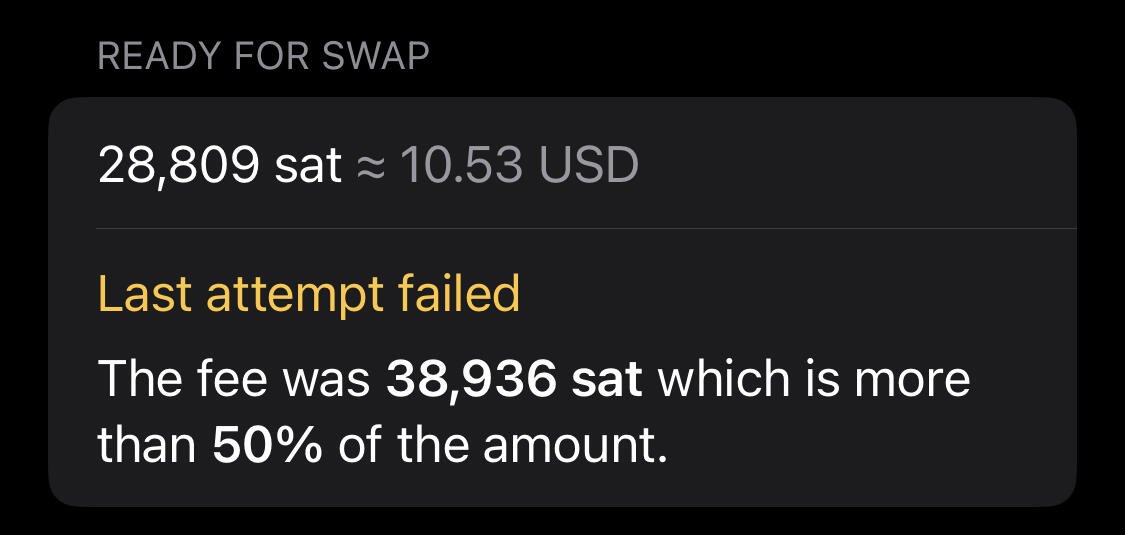
This will send the UTXO to yourself using a high miner fee rate. This will encourage a bitcoin miner to mine the original pending transaction (parent) and your second transaction (child) transaction, as the miner fee for the second transaction (child) cannot be claimed until the first transaction (parent) is mined into a block. Both the parent and child transaction will likely be mined into the same block.