No, they're supposed to stay in there because you need to either soder or hammer em with the right pins.
https://github.com/shishi21m/SeedSigner-Guides/blob/main/SeedSigner%20Build%20Guide.pdf
Are the pins that come with a Pi Zero supposed to just sit in the holes and fall out if I turn it upside down?
nostr:npub17tyke9lkgxd98ruyeul6wt3pj3s9uxzgp9hxu5tsenjmweue6sqq4y3mgl
No, they're supposed to stay in there because you need to either soder or hammer em with the right pins.
https://github.com/shishi21m/SeedSigner-Guides/blob/main/SeedSigner%20Build%20Guide.pdf
You need to have the right pins, they come with the hammer jig.
https://shop.pimoroni.com/products/gpio-hammer-header?variant=35643318026
What shishi said. But go with the soldered pins if you can. Sometimes the hammer ones work great, sometimes there are issues.
Taking a hammer to stuff isn't going to produce the most consistent results! 🫣🤣
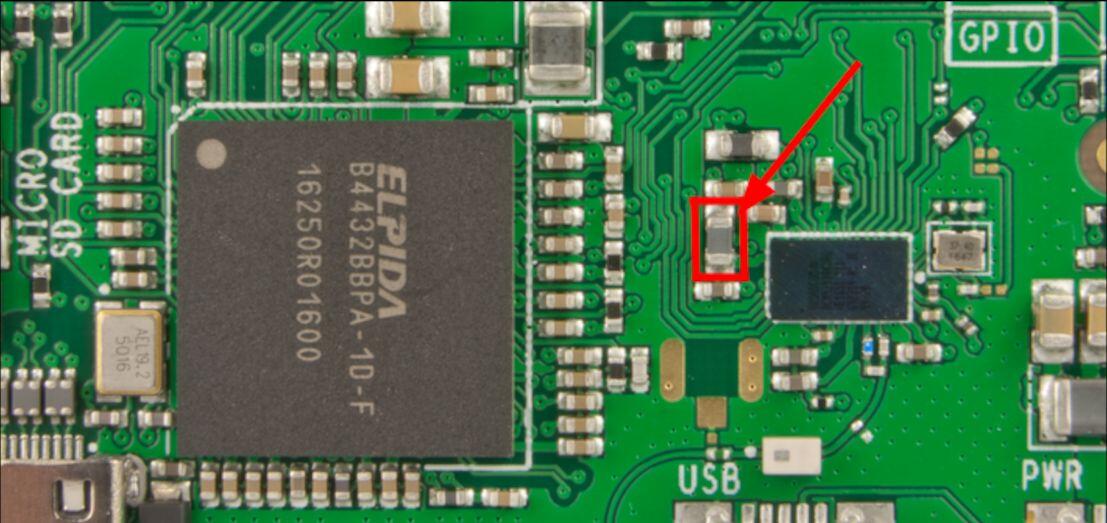
This is why I recommend buying this setup, because knocking off the WiFi/BT controller is easier than installing the GPIO pins.
Re: this model, unlike the 1.3, comes with a WiFi/BT chip that is easily disabled.
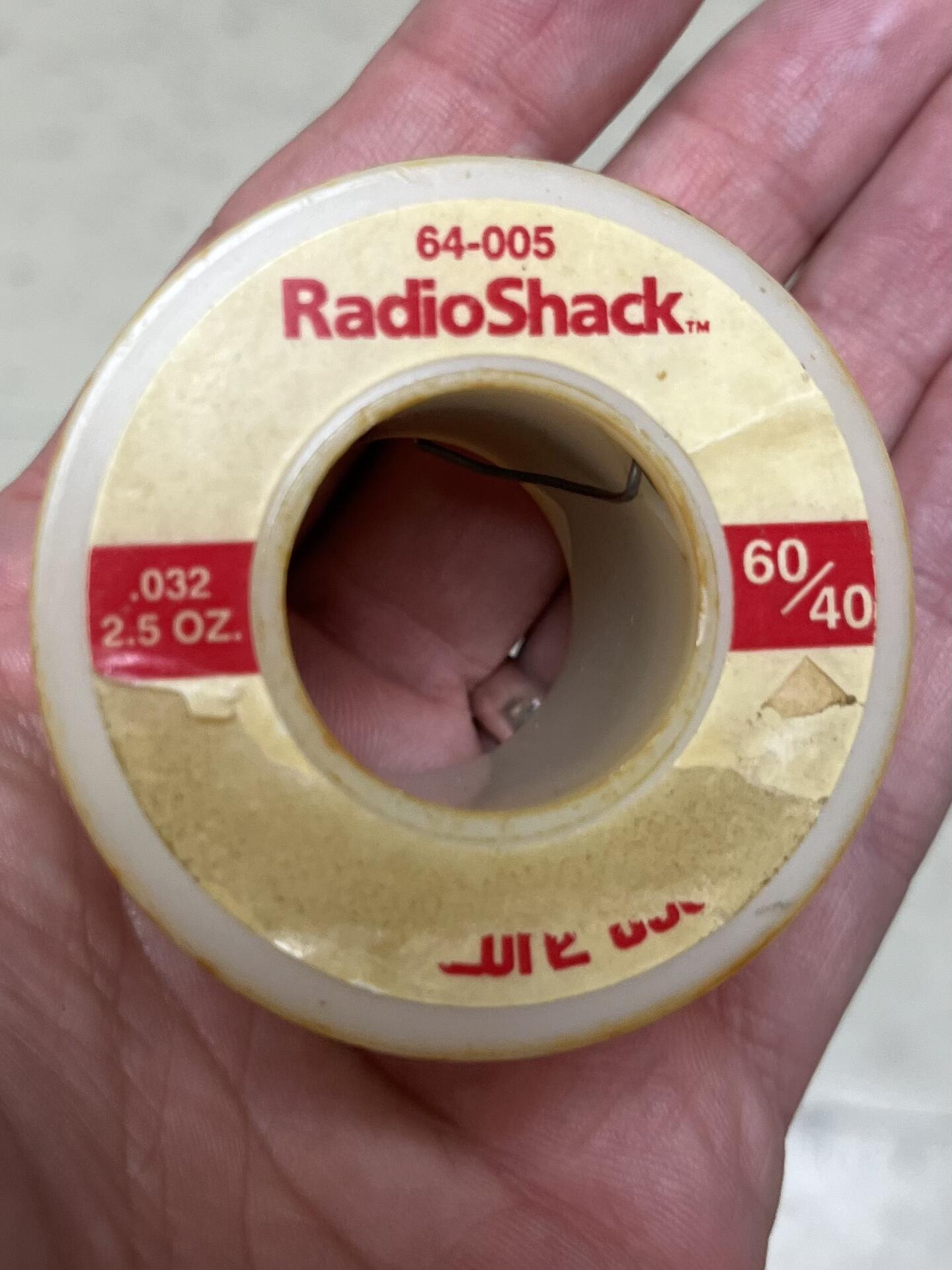
Hmmm my pins didn’t come with a jig. I guess I have to solder
Another pothole: make sure your camera ribbon cable is the right one - if the ribbon is white it's the wrong one.
Supposed to be brown 🤎
This should do it