
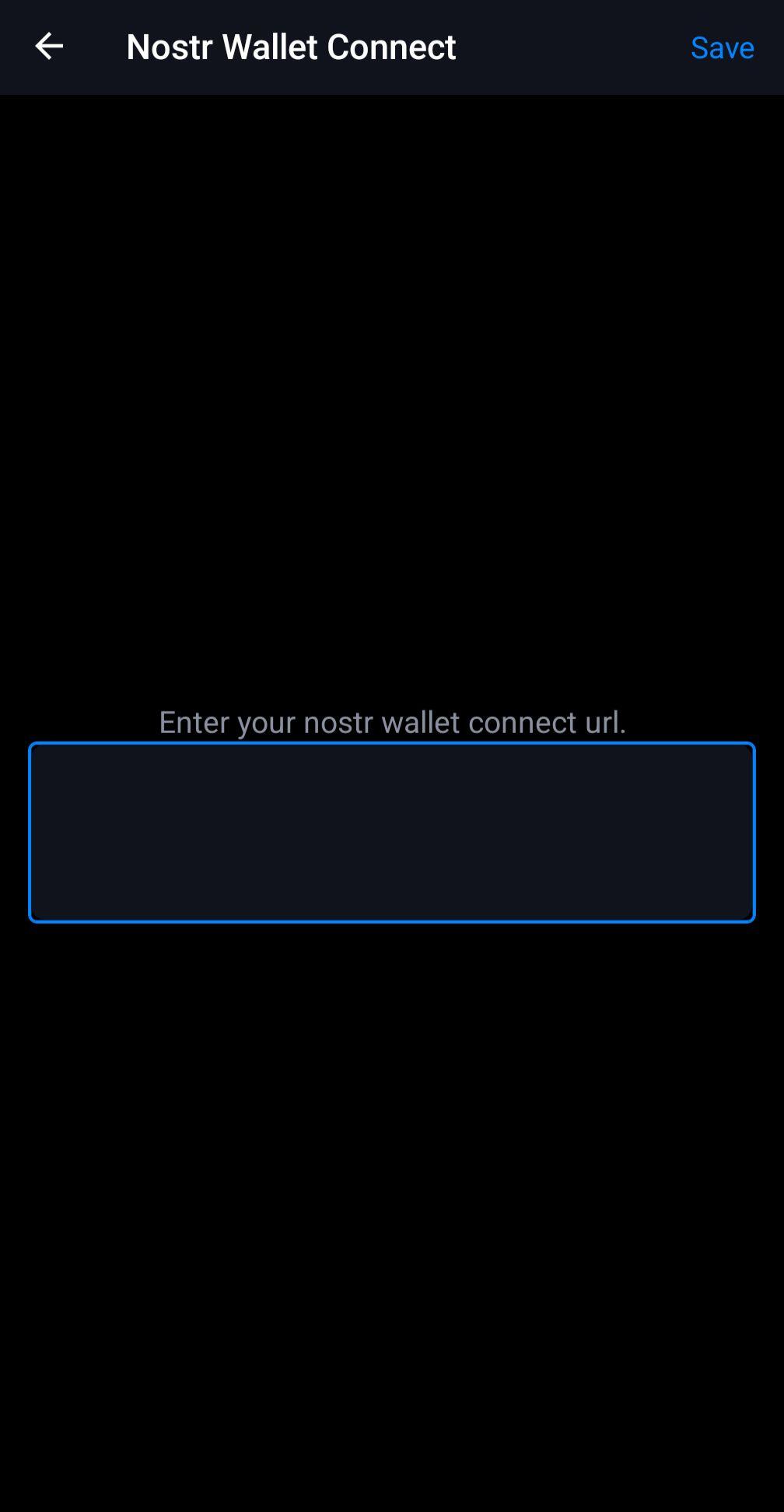
nostr:nprofile1qqs04xzt6ldm9qhs0ctw0t58kf4z57umjzmjg6jywu0seadwtqqc75spz4mhxue69uhhyetvv9ujuerpd46hxtnfduhsz9mhwden5te0wfjkccte9ec8y6tdv9kzumn9wshszxnhwden5te0wpuhyctdd9jzuenfv96x5ctx9e3k7mf0dv4ph5 , nostr:nprofile1qqsyv47lazt9h6ycp2fsw270khje5egjgsrdkrupjg27u796g7f5k0spzemhxue69uhk2er9dchxummnw3ezumrpdejz7qgwwaehxw309ahx7uewd3hkctcprdmhxue69uhkummnw3ez6vfwde3x7tnpdenkzmnf9e3k75xqss4, or #asknostr where can I find the URL to my NWC? I'm trying to add it within Olas and I just see the secret or QR code when I'm in the Alby Hub
Reply to this note

Please Login to reply.

Discussion

There should be a button by the qr code to show the url as text that you can copy here.

I'm interested in someone else giving an answer though. It seems like some apps expect a different format than what you see in albyhub and I'm not always sure what the parts of the url are.

what's the format albyhub shows?

QR code or secret words

nostr+walletconnect://?relay=wss://relay.getalby.com/v1&secret=&lud16=trosso19@getalby.com

Working on the same thing here. Hopefully an answer soon.

Connection Secret in Alby Hub is likely the same as Nostr Wallet Connect URL in Olas.

In Alby Hub --> Connections --> Add Connection

Not sure where it is in Alby Hub but the connection string you’re looking for should start with nostr+walletconnect://

From Connections in Alby Hub menu, click Add Connection, you can name it “Olas” and set a budget. It will pop up a QR code with a Copy button, which is the NWC URL you can paste into Olas

However, at least for me, Olas hangs trying to add the wallet. It gets stuck on “Getting balance” even though Alby shows it connected. So it’s not usable for me

same issue.