
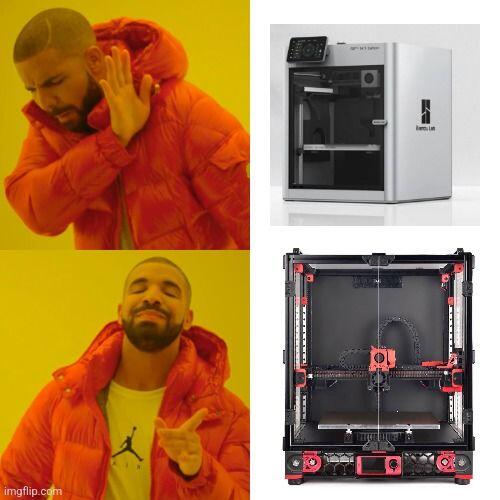

I'm about ready to toss my ender 3 in the trash. what kind of time investment am I looking at if I go full DIY?
Discussion

Start reading documents. They say everything there, including investment
Tbh not too bad. Just run klipper (a flashed RPI connected to your ender)
To put klipper on your ender and upgrade a few parts, you can get by with less than a weekend worth of work (assuming you're starting from absolute scratch; knowing nothing)
& about $200 if you want some nice stuff
Requirements:
- pi zero2 & up (any computer will work tho; old laptop)
Actually that's it; so ~$50
You'll print 2x & 10x quality
Preferred additions:
- new board like bigtreetech ez board ($~35)
- direct drive toolhead (hotend + extruder + high flow nozzle) ~$50
- flatter, light weight bed (~$50)
- ADXL345 resonance board (tunes out vibrations at high speeds) ~$10
sub t. ~$200 and you'll print faster
Many guides and YT videos on how to do this;
I should share a guide on this for Nostr users; we run a large 3D printing meetup for years now, many machines running too

Bookmarked, not that nostr bookmarks work.
I got my camera and filament sensor running on my ender 3 v3 se in mainsail on a pi3b today.
Trying to get my first print after all those changes now.
You can also go for the Ender NG route, if you want to DIY a lot
Need to build one of these great looking build heard lots of positive things about this
Before the pi4 all USB and networking was on a single shared host controller. On a pi3b watching video from a USB camera is enough load on the USB host bus to cause you MCU disconnect issues. CPU and RAM will look fine in the logs, the issue is the USB host controller speed. Highly advised to go pi 4 or higher with separate and faster USB or get a pi camera which uses a different bus to talk to the CPU.
Absolutely
Pi zero is basic setup; no camera
For camera run Pi4 4GB min.