
No problem, glad to help! If you’ll find yourself needing a by more guidancec feel free to hit me up.
Have fun haha
No problem, glad to help! If you’ll find yourself needing a by more guidancec feel free to hit me up.
Have fun haha
Thank you. Ill be sure to reach out if i need some guidance. 🧡🙏
Also, tried to zap you but having issues. Will try again in a bit. You have a wallet attatched right?
Yeah, about wallet… Truth is I don’t have it attached, as I don’t even have a crypto wallet yet.
I know that I seem to be taken out of the blue here, but I’m no cop lol
I’m down for any guidance regarding how to get into this saps thingy and earn some Bitpennies!
Absolutely friend. First start by downloading Wallet of Satoshi from the app store. Create an account in the app, and copy and paste your lightning address into the setting on here on Nostr. Then I can zap on posts or on your profile.
Something is broken.
I copy the Lightning URL from this app. Then, I reach the Wallet setting here at Damus.
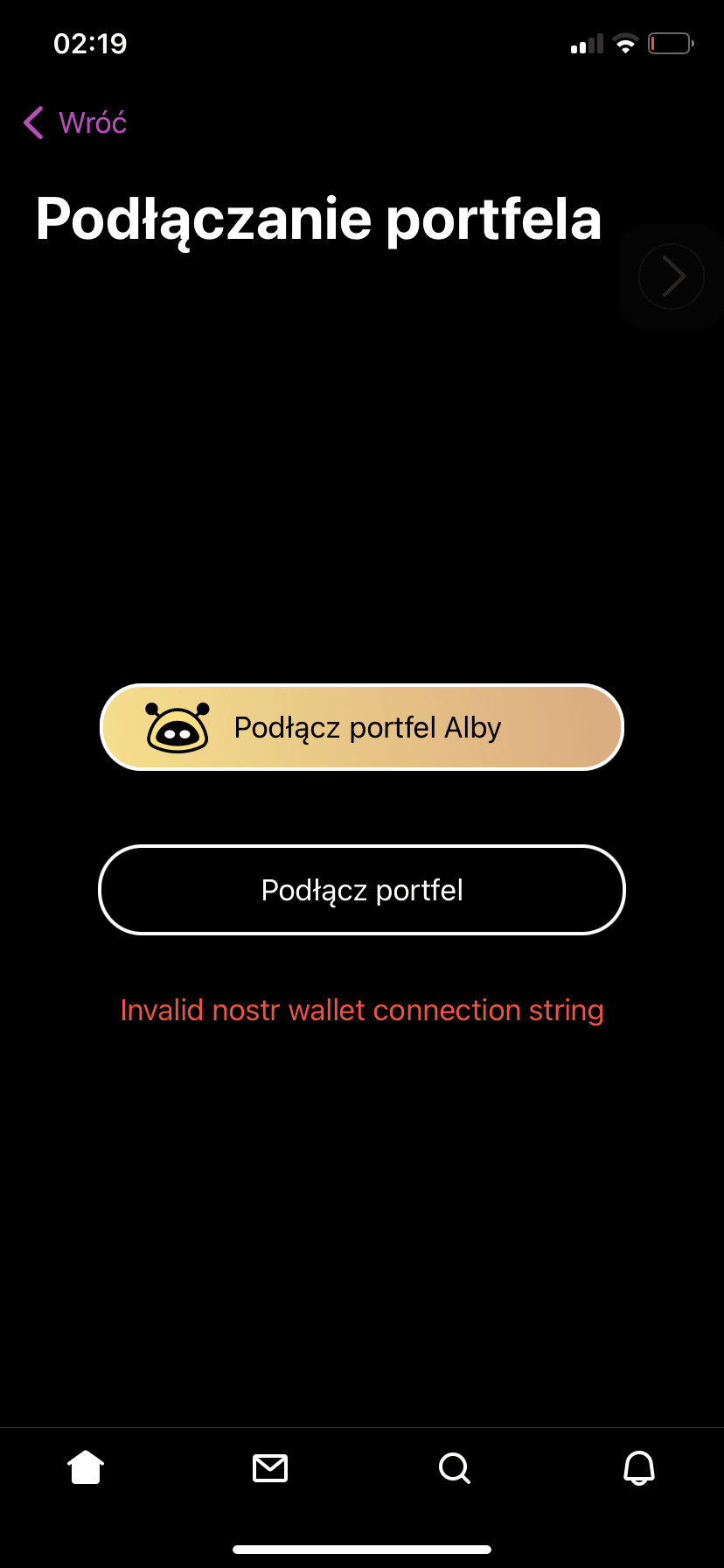
However, upon selecting the bottom option ‘connect wallet’, first I get ‘invalid URL’ error, then the app asks me to allow pasting from the wallet app, and the whole thing finishes with Domus with non-responsive ‘paste’ button.
Is it reproducible, or is it just me? Using iPhone 11 with no jailbreak btw.
Under settings is there a slot that says lightning address or NIP-05? Paste it there and save.
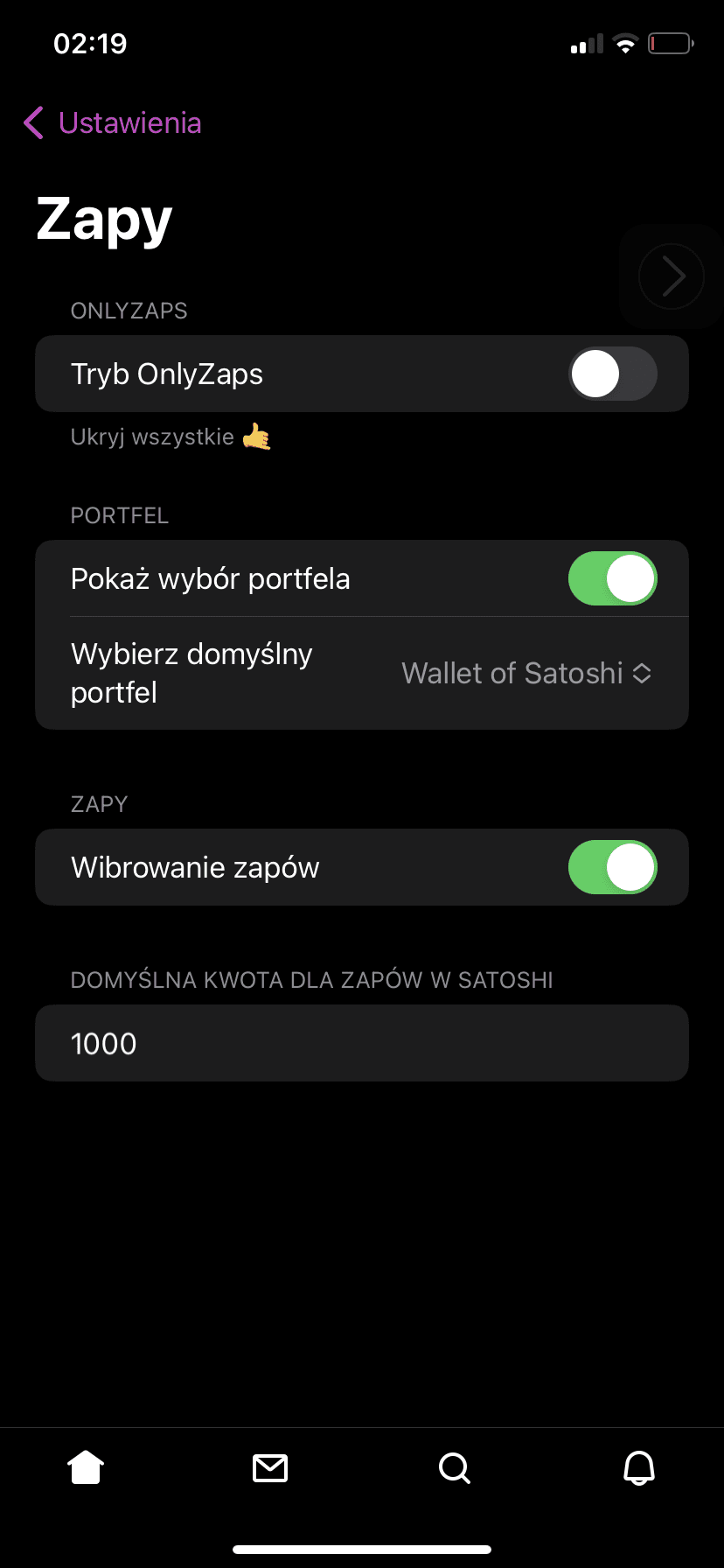
These are my in-app wallet settings. Don’t really have the choice you’re mentioning.
I tried both with the Lightning Address and Lightning Invoice from Wallet of Satoshi, to no avail. 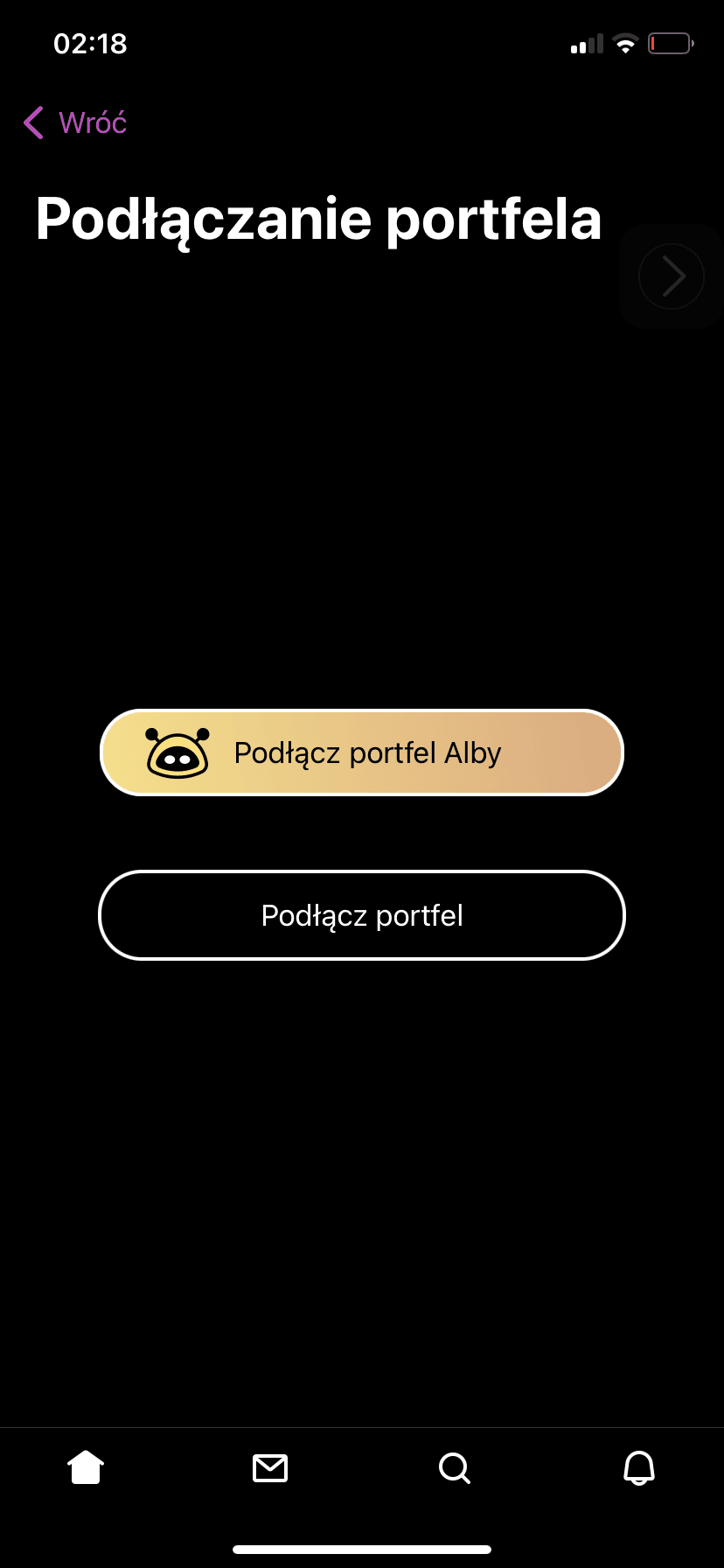
I see. Sorry i cant give a perfect example as i am on a different client at the moment. Try your profile settings where you would edit your name. I made a mistake to say app settings. You should see an area that says lightning address or NIP 05 there
Will take a look again!
In case I fail, should I ask you again or should I contact someone else?