If you maintain your own website, it's as easy as using https://sovereignfeeds.com/
* Build your feed by inputting all the pertinent info it asks for
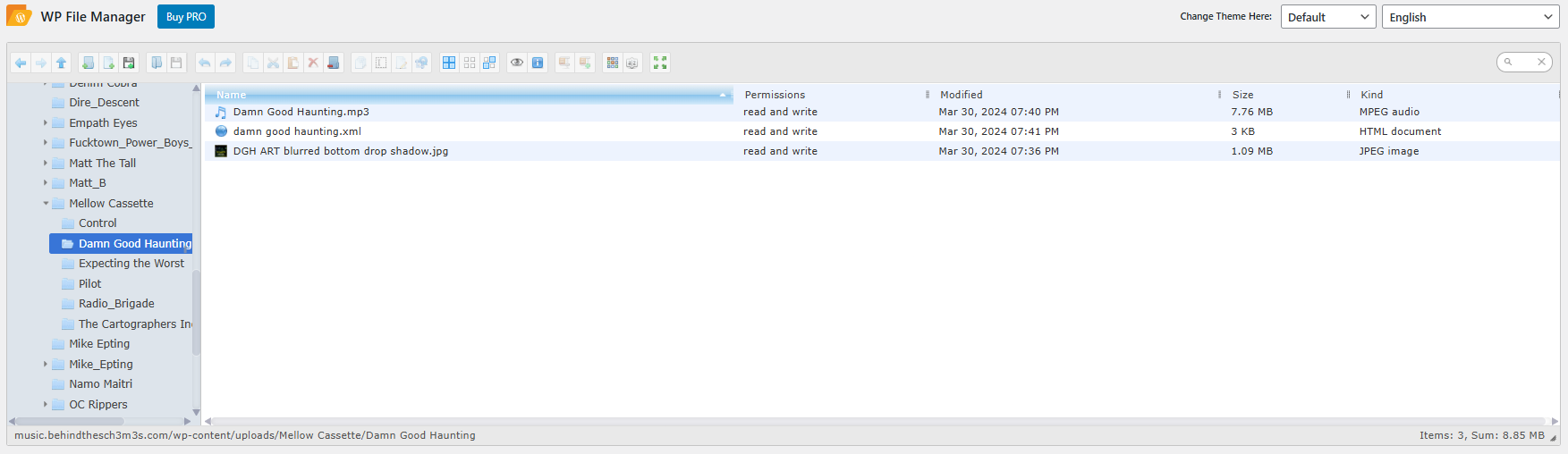
* Host your assets on a website (in most instances, I personally just use wordpress and throw mp3s/jpegs and direct link to them in the feed)
*Upload the newly created rss.xml file onto your website
*Go to https://podcastindex.org/add and paste in a direct link to the feed here and boom within a couple of minutes the podcast will start to populate in the apps.
I've used nostr:npub1yvgrrzf4dnmu30qfhw95x87ruu0g2kpv3a64h8hpvqsre8qeuspsgd6pv9 's tools to upload over 100 different rss feeds and can attest to these steps. Please hit me back with any questions.