Just updated nostr:npub1k5f85zx0xdskyayqpfpc0zq6n7vwqjuuxugkayk72fgynp34cs3qfcvqg2 his #btclock software to V3. It just keeps getting better and better. Brilliant 🕰️
All open sourced as well. Get yours here: https://btclock.store
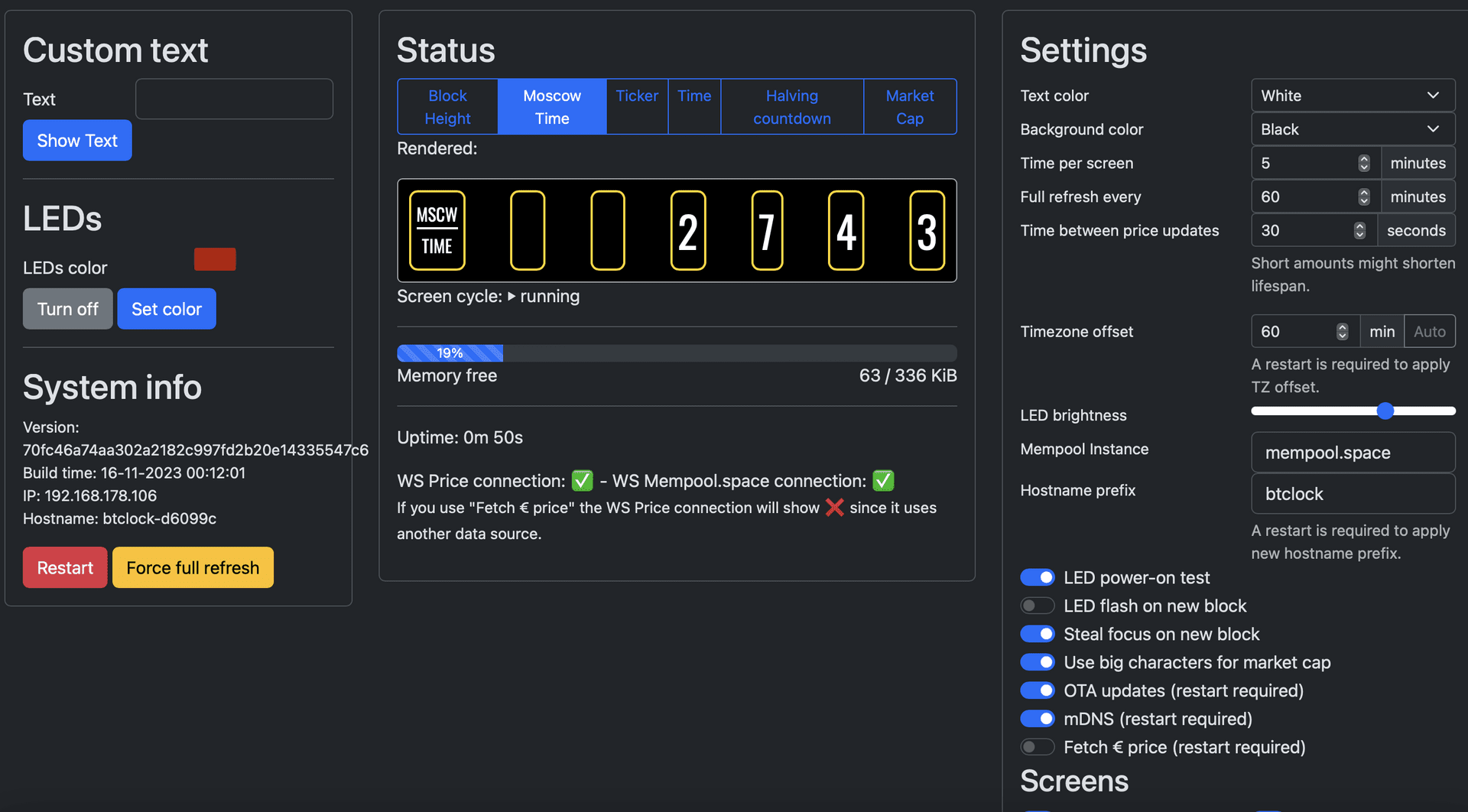
Just updated nostr:npub1k5f85zx0xdskyayqpfpc0zq6n7vwqjuuxugkayk72fgynp34cs3qfcvqg2 his #btclock software to V3. It just keeps getting better and better. Brilliant 🕰️
All open sourced as well. Get yours here: https://btclock.store
This shit is the bomb… API now available as well, so you can program the LEDs, Text to show and so much more via automation via Home Assistant. 🔥
I’m a happy horse now
I just bought the real deal for 100 bucks second hand (with one of the USB connectpr broken but still fonctioning perfectly).
But I was disapointed that it's pull only and not push. I was thinking it would immediately change at each new block and then rotate between the screen until next block.
I know there is an API to make it push, thus we should avoid too many refresh as I understood and I don't know how to run s program that get the info and push them as API.
If this project also have a program for the BlockClock, it would be great.