

I think there are many steps. I would remove the option to save nsec locally and would keep only the option to save it on email.
Say hello to Nstart, Nostr's onbarding tool!
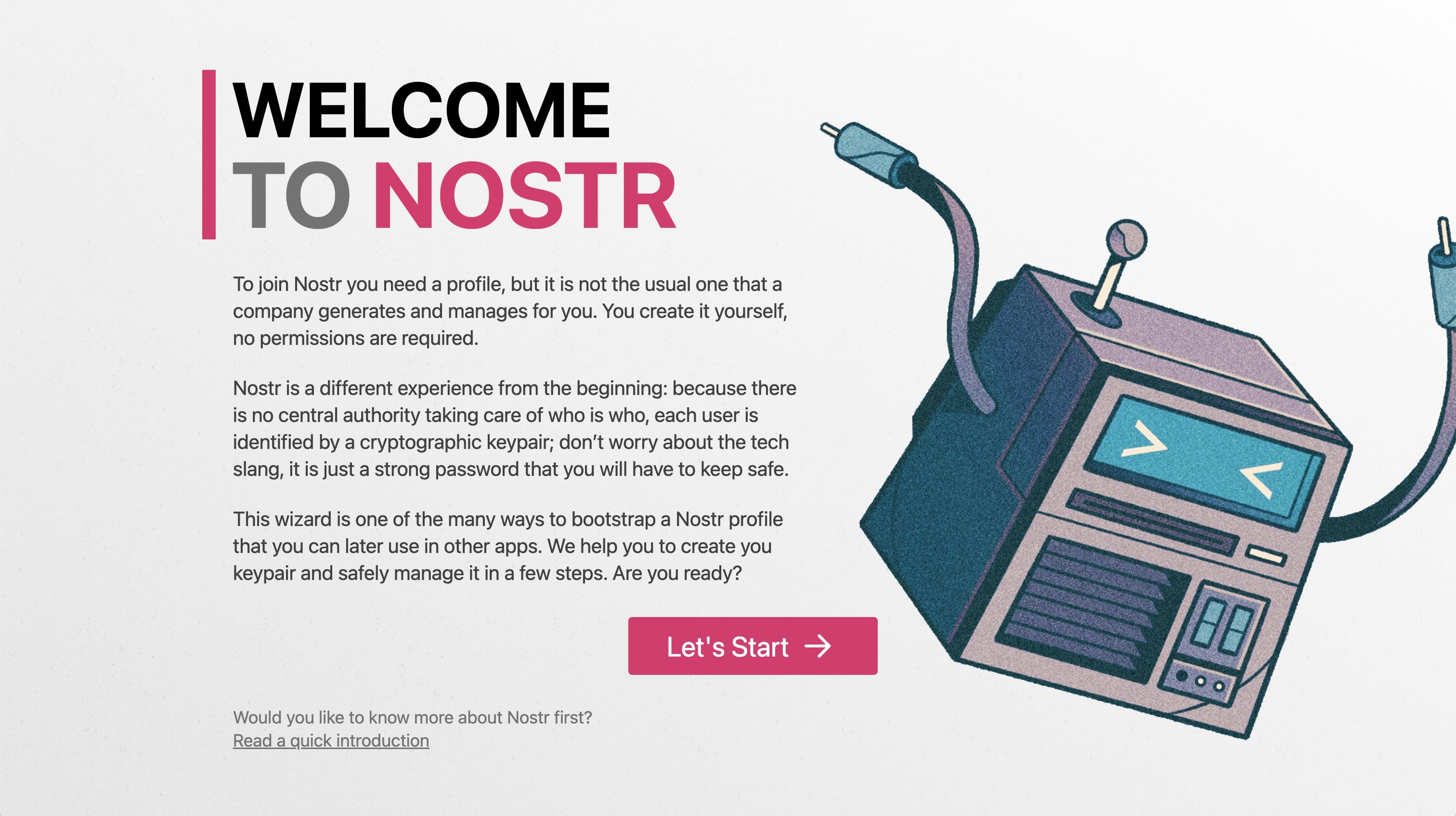
Nstart aims to guide new users to Nostr offering a easy and no-nonsense onboarding wizard, with useful hints about the protocol and some really exclusive features:
- Easy local backup of your nsec or ncryptsec
- Email yourself your ncryptsec, as additional backup location
- Create a multi-signer bunker URL for Nostr Connect (more info below)
- Auto follow the contacts list of some old and trusted Nostr users
- Customize of contact suggestions, useful for onboarding friends & family
Try Nstart live at https://start.njump.me or watch the video below to understand how it works.
A note about the multi-signer bunker. This is really cool stuff made by nostr:npub180cvv07tjdrrgpa0j7j7tmnyl2yr6yr7l8j4s3evf6u64th6gkwsyjh6w6, that uses FROST to split your nsec in 3 (or more) and distribute each shard to an independent trusted remote signer. This will give you a bunker code that you can use to log in to many web, mobile and desktop apps without exposing your nsec. If you ever lose your bunker code, if the signers vanish from Earth, and it stops working, or if it gets stolen by a malware virus, you can use your nsec to create a new one and invalidate the old one.
More info and source code: https://github.com/dtonon/nstart
Enjoy it and send back any feedback!
https://chronicle.dtonon.com/77b9a397cbbcd63f3bfc78ff2b2c0607e4ffa698a1fad33ab4736593c8ad4f90.mp4