

It's easy, I just "fixed" a blockstream jade with version 0.21 firmware (very ancient)
1. Clone this repo on your computer
https://github.com/Blockstream/Jade
2. Plug your jade into it via USB
3. Run this command: `update_jade_fw.py`
4. Profit
Anyone have any ideas how I can get past this screen? Pressed all the buttons, nothing happens.
Been at least a year since I’ve switched it on, the firmware is super old, but I can’t update as I can’t get off this screen.
nostr:npub1jg552aulj07skd6e7y2hu0vl5g8nl5jvfw8jhn6jpjk0vjd0waksvl6n8n
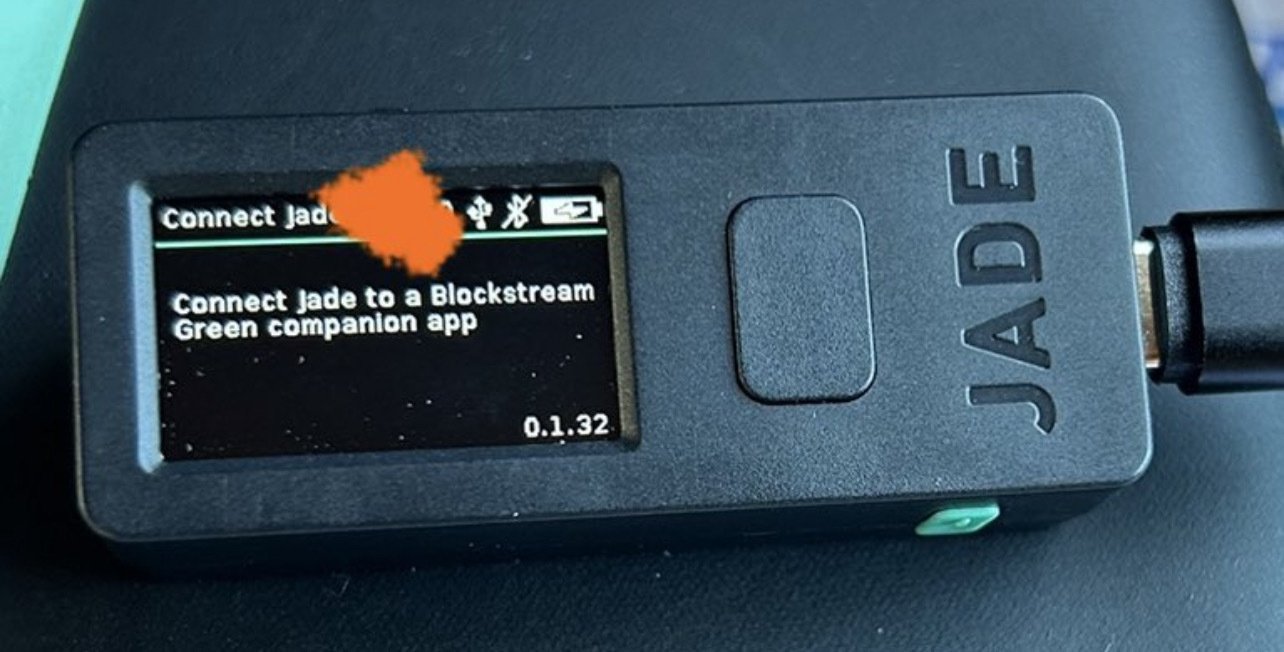
It's easy, I just "fixed" a blockstream jade with version 0.21 firmware (very ancient)
1. Clone this repo on your computer
https://github.com/Blockstream/Jade
2. Plug your jade into it via USB
3. Run this command: `update_jade_fw.py`
4. Profit
Thanks!