Do you guys know if there is a way to Pause apps on nostr:nprofile1qqs9g69ua6m5ec6ukstnmnyewj7a4j0gjjn5hu75f7w23d64gczunmgpz4mhxue69uhhyetvv9ujumt0wd68ytnsw43qz9thwden5te0v35hgar09ec82c30wfjkcctexf34p3? I used to be able to pause my social media apps on my Android so if I compulsively click on any one I can't access it easily and I would have to unpause.

Last time I tested with both nostr:nprofile1qqs9xtvrphl7p8qnua0gk9zusft33lqjkqqr7cwkr6g8wusu0lle8jcpp3mhxue69uhkyunz9e5k7qg4waehxw309ajkgetw9ehx7um5wghxcctwvsqs6amnwvaz7tmwdaejumr0ds2g5zx8 and nostr:nprofile1qqsf3d23f5vqdnkfrem3kmvfq5hf4puwszgfnvurn4syu0s6w53s50cpzemhxue69uhkummnw3ex2mrfw3jhxtn0wfnj7zyu8l4 I clicked disable in the app info window but that basically caused me to have to redownload and reenter my nsec with both when I was ready to use again, which is just not practical and super time consuming.

Any help appreciated. I'd really love to restrict my access to #nostr but conviently to support my productivity.

#asknostr

Reply to this note

Please Login to reply.

Discussion

You should be able in the settings

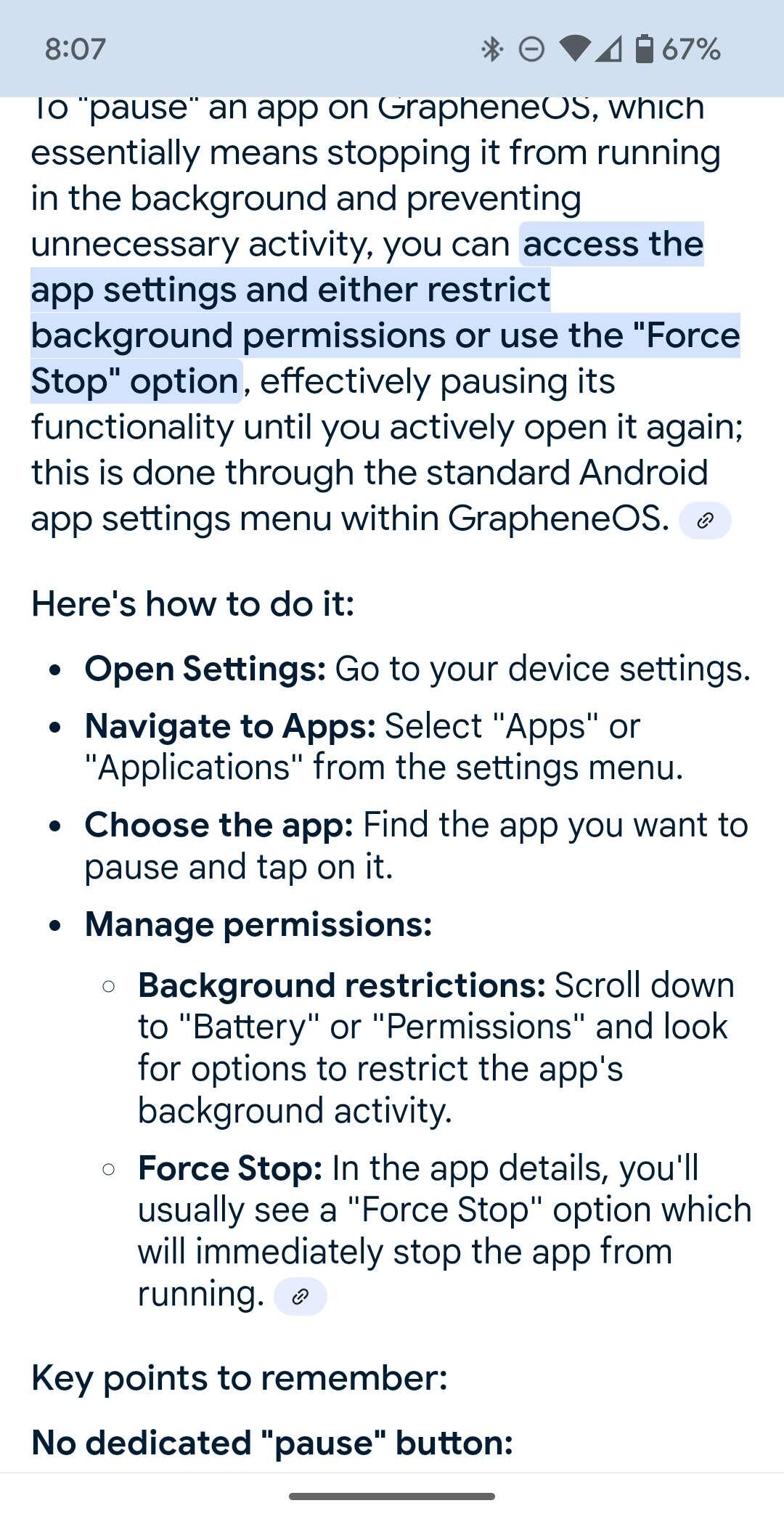
The is what I see. I feel like any one of those causes a significant interruption like the disable I had tried.

Yeah I'd say just use 'disable' but if it causes you problems then don't

I just close the app by swiping up on all the apps, and close which ever one you choose

Use the private profile to add a second pin for access, or a separate user profile for social media stuff. A separate user profile is basically like a mini reboot to switch to it, and looks & acts like another phone, it starts off empty like a fresh graphene install.

I find myself thinking about social media sometimes, but nipping it in the bud because I don't wanna "step out" of the main profile for long.

Oooh, how would I want to approach this exactly? It almost seems like I should lock away banking and wallet stuff in this private space. Do I wanna put my Nostr apps there and only login into the private space when I wanna use them or do I go into the private space when I want to leave behind my current set up as well as Nostr apps? That way I am mostly undistracted.

I separate apps logically into apps I want always running (owner profile), and apps I only want to use deliberately (secondary profile).

For me it's what you described: nostr, banking on the second profile, with messaging, calendar etc on the main profile. The 2nd profile has a power menu option to "end session" which effectively shuts down that profile & returns to the main one when I'm done catching up

I don't think you are able to pause social media apps.

You could make a separate account to isolate your apps

That's Digital Wellbeing: https://play.google.com/store/apps/details?id=com.google.android.apps.wellbeing

Not open source AFAIK but you could try it without giving Internet access upon install.

I get - this phone isn't compatible with this app. Thank you, for sharing though! πŸ™πŸ»

I think the Private Space feature might help.

Settings > Security & Privacy > Private Space.

Awesome. How do you use this space yourself? Do you go to it to retreat or do you put distracting or maybe important things there and enter when you need to access while leaving your main space clutter and distraction free?

Personally I'd use it to obscure Bitcoin/banking or other sensitive apps while travelling.

It's similar to the solution nostr:nprofile1qqs0ye3x49qcnw295rcpg6ckcnu2dnknrv6esjzr87mrqmuddmkrvcgppemhxue69uhkummn9ekx7mp0qy2hwumn8ghj7un9d3shjtnyv9kh2uewd9hj7qg5waehxw309a6xzmtz0yhx66n90qhx6ef0w4mmwr is suggesting, but it doest require a while new user profile to be created - almost like a lighter version of their suggestion.

Ok. So basically still through the private space option though, right? Thank you πŸ™πŸ»β˜ΊοΈ

Yes. It's worth giving a try, it's easy to turn off again if it doesn't work out πŸ€™

Thank you. Curious what do you use to download apps there? Did you download Google play again? On my end it shows the App Store but it doesn't seem I can do anything with it. I want to download zapstore and download Nostr clients from it. Or what would be your advice?

Yeah I just downloaded Google Play again personally πŸ‘

Not sure, but maybe placing both apps inside a time-locked folder would work, if the operating system allows it?

Hmmm that does sound cool. Thank you πŸ™πŸ»πŸ™‚ But not sure that's available or how to access it anyways with nostr:nprofile1qqs9g69ua6m5ec6ukstnmnyewj7a4j0gjjn5hu75f7w23d64gczunmgpz4mhxue69uhhyetvv9ujumt0wd68ytnsw43qz9thwden5te0v35hgar09ec82c30wfjkcctexf34p3

Separate user profile I have to switch into has been good enough for me to limit screen time on problem apps.

Let me clarify I understand correctly. A new user profile for Graphene OS or new profile for your social media accounts?

New profile in graphene. Switching user profiles in graphene was enough of a speed bump to stop a lot of mindless opens.

Added bonus, lock that profile down extra hard. VPN only always, location always disabled and so on.

Ok. Got it. So I just created it. Do I basically have to reinstall all the apps I want in there? I can't just drag them in, right? πŸ˜… That's gonna take some time and dedication. What's your extra hard locking approach btw?

could I ask you. does this new space connect to the internet? I seem to be having issues with easily using it. I started the space and installed Google play so I can download apps and the zap store let say so I can download these other clients. but when I try and login to play store it says I don't have internet. the main profile doesn't have an issue.