Quick FYI for any nostr:npub17xvf49kht23cddxgw92rvfktkd3vqvjgkgsdexh9847wl0927tqsrhc9as Global Bitcoin Summit attendees who are playing with their #Bitaxe:
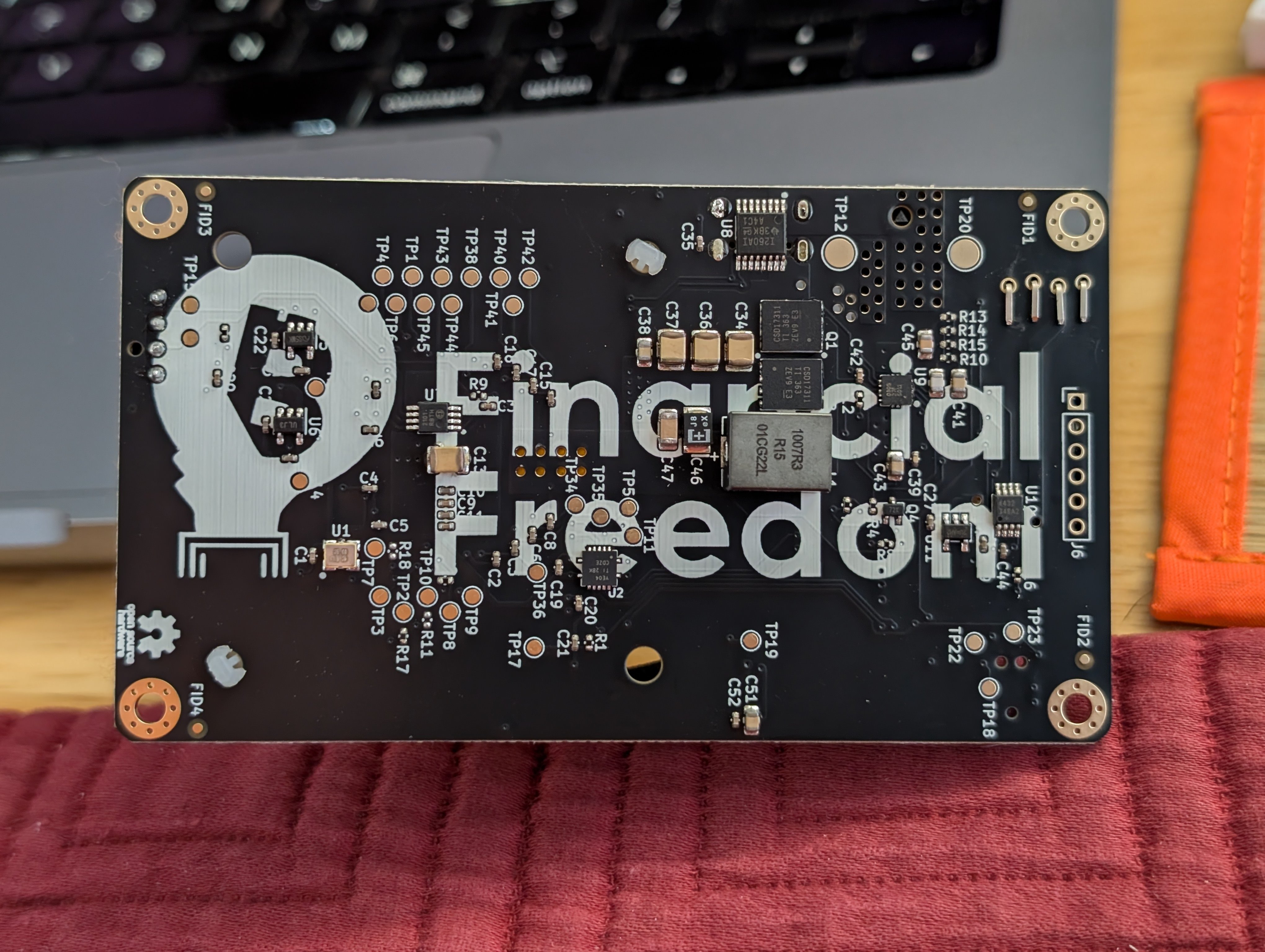
When I plugged mine in, the little display stayed blank. But everything else worked fine. I figured it was just a bad screen.
BUT...
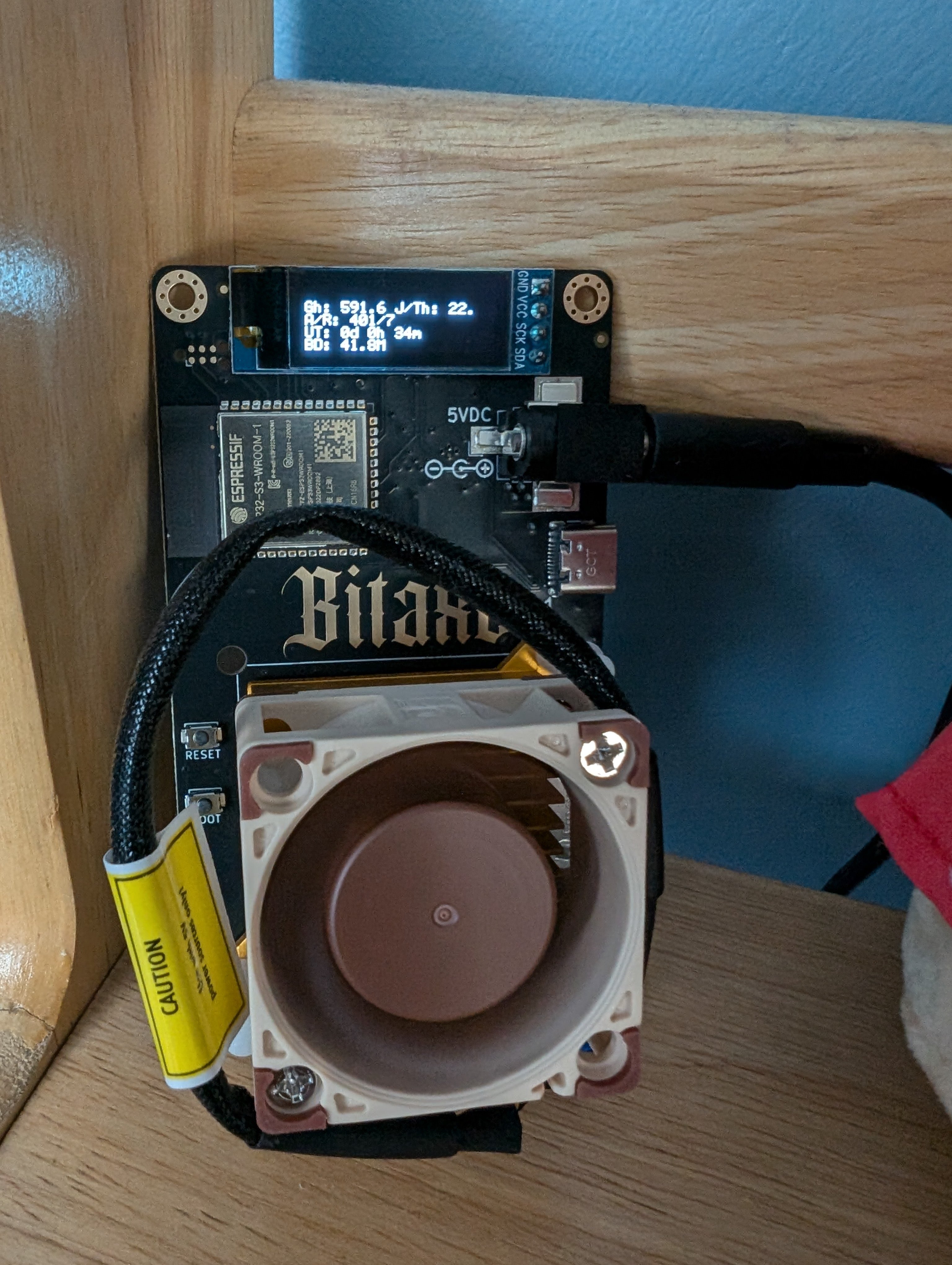
IT LIVES!!!
Turns out I just needed to do a firmware update on it.
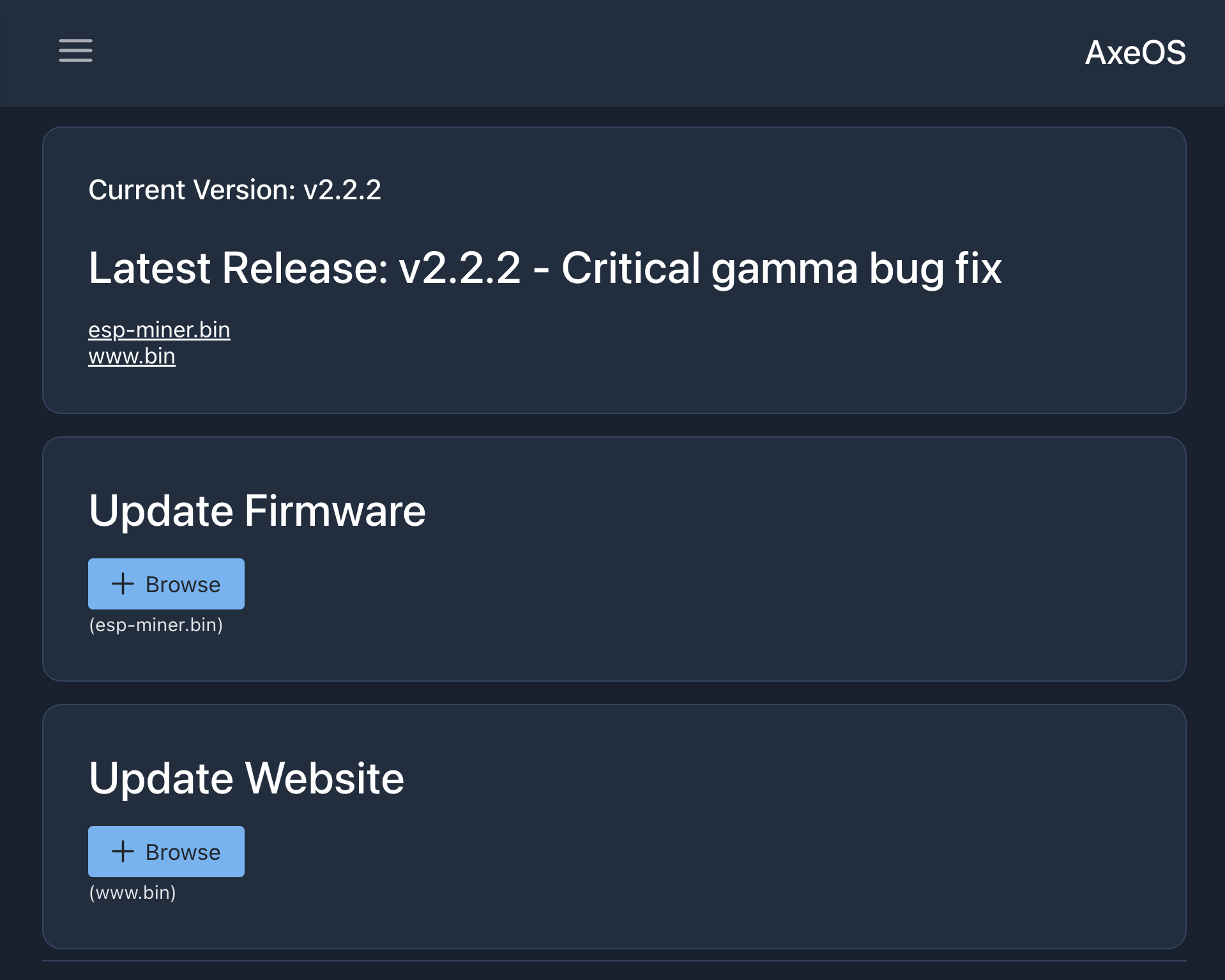
Initial Bitaxe connection:
Plug it in and, even though the screen might be blank, check the available wifi networks on your laptop. One of them should be something like "Bitaxe_blahblah". Connect to it and the Bitaxe web UI should come up.
From there you should be able to go to Settings in the web UI and I'd recommend updating the firmware FIRST.
Update firmware:
Click the links under Latest Release to save the esp-miner.bin and www.bin files. Ideally verify their hashes against the official releases.
Then Update Firmware (select the esp-miner.bin you downloaded) and Update Website (the www.bin file).
It'll reboot and you might need to tell your laptop to reconnect to the Bitaxe's wifi access point. Hopefully your Bitaxe's little display will now come to life.
Once that's done, then you can enter your wifi SSID/password via the web UI to get your Bitaxe onto your local network. Also configure your solo mining pool, btc payout address, and worker name.
Once those are saved, it'll connect to your local wifi and the previous Bitaxe wifi access point will be disabled.
ps: I recommend configuring your Bitaxe to solo mine to https://solo.ckpool.org -- its reporting UI seems to be a bit more reliable than the sexier looking public-pool.io
pps: If you need to get back into the Bitaxe web UI once it's on your wifi network, you'll need to access it via its local IP address (watch the cycling display; one of the readouts tells you its IP) by typing that into a web browser on a device that's also connected to your local network (e.g. your phone connected to the same wifi).
CC: nostr:npub1ql2zzp3g6yndgz05js7wdc4qkr88wkyne5nw2cc7csrtzqs0yeesgwrxya