
iPhone Mirroring in macOS Sequoia and iOS 18 Now Supports Jiggle Mode for Managing Home Screen
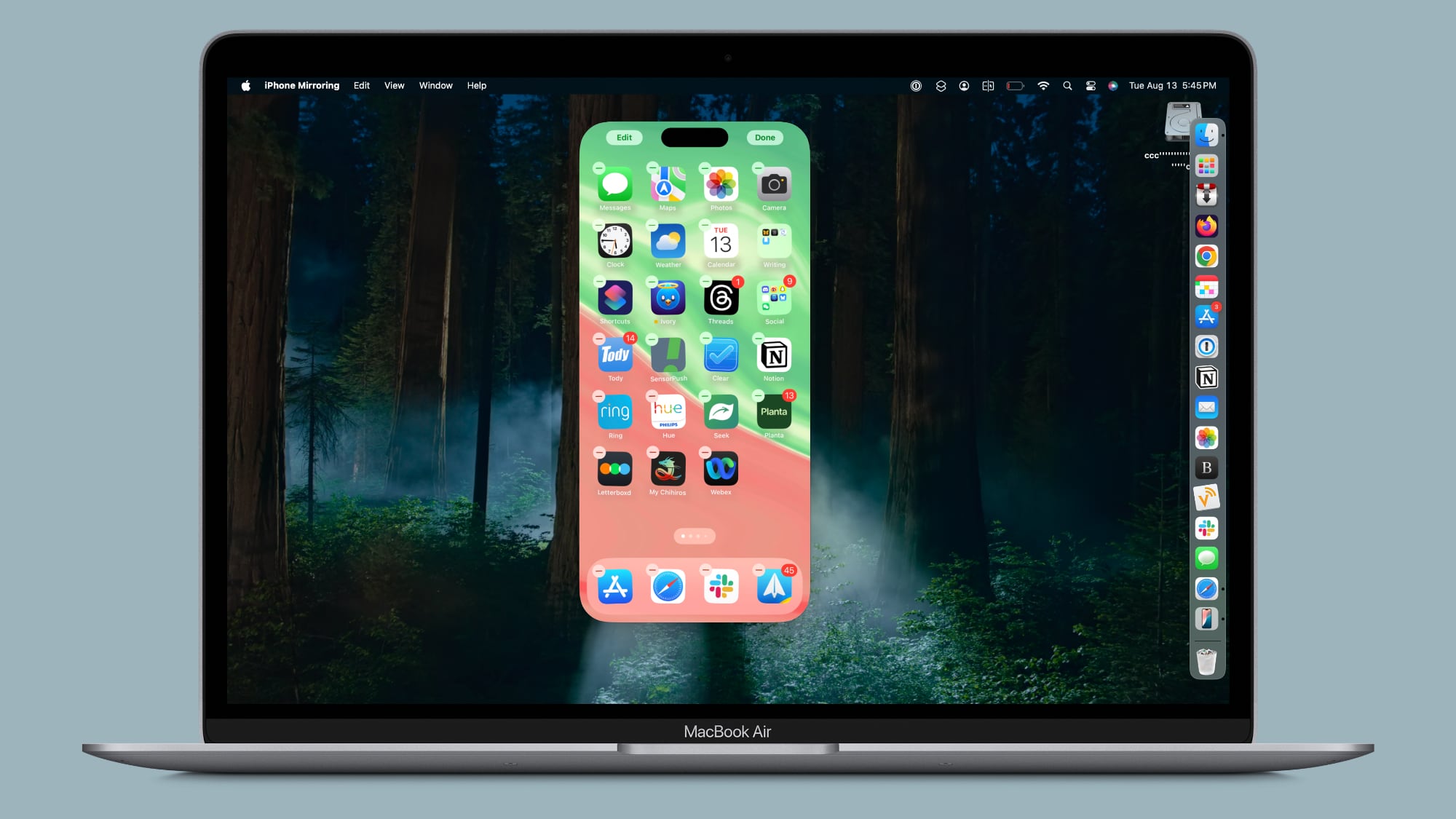
With the latest betas of iOS 18 and macOS Sequoia, Apple added new functionality to iPhone Mirroring, the feature that lets you control your iPhone from your Mac. When iPhone Mirroring first debuted in the betas, there was no support for managing the Home Screen, but that's now changed.
Apple added an option to get into jiggle mode, as noted by 9to5Mac. After activating the iPhone Mirroring app, you can click and hold on the iPhone's Home Screen to activate jiggle mode. In this mode, you can do everything you can in jiggle mode on the iPhone itself, from deleting and rearranging apps to managing widgets.
You can add widgets, change widget sizes, activate app long press functionality, turn on dark mode icons, or opt into icon tinting. There is no option to get to the Lock Screen or Control Center, though, and notifications can only be viewed through the Mac notification center.
Related Roundups: iOS 18, iPadOS 18, macOS Sequoia
Related Forums: iOS 18, iPadOS 18, macOS Sequoia
This article, "iPhone Mirroring in macOS Sequoia and iOS 18 Now Supports Jiggle Mode for Managing Home Screen" first appeared on MacRumors.com
Discuss this article in our forums
https://www.macrumors.com/2024/08/13/iphone-mirroring-jiggle-mode/