I’ve rebooted StartOS to no avail sadly.
I’ll try again later when I can at home.
Any other ideas?
I noticed Alby saying there was a new version but I could t update it due to StartOS.
I’ve rebooted StartOS to no avail sadly.
I’ll try again later when I can at home.
Any other ideas?
I noticed Alby saying there was a new version but I could t update it due to StartOS.
I would try the hosted Alby Hub or Rizful. Trying to run a node on your own hardware is cool, but also takes significant work.
I always go for the road less traveled.
Life is more fun that way. 😏
Did you unlock Alby Hub after the reboot?
Curious, I didn’t know it even gets locked after a reboot, but I did login afterwards to make sure it was up and running which now that I see does unlock it.
I just shutdown StartOS, restarted UTM, started StartOS and confirmed it’s up. Then logged into Alby Hub… it’s all online, but same issue via browser extension and Alby Go.
Ok. It’s working… I did this;
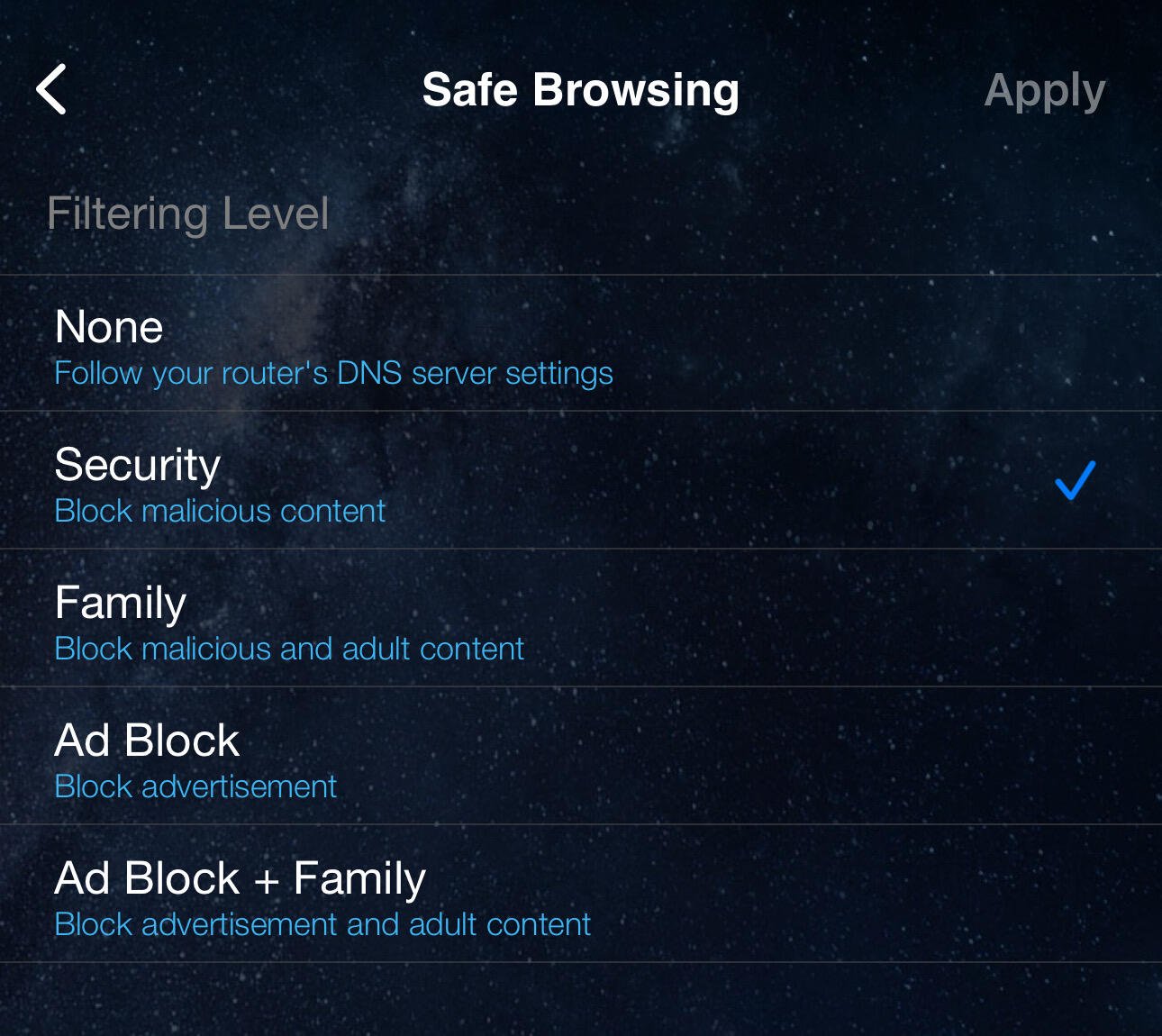
Changed the DNS servers of the VM to be the “Security DNS” profile via my ASUS router (which is set to Quad9 for the whole network) and then rebooted my StartOS, logged into Alby Hub to unlock it and now it’s working…. So unsure if it’s the DNS and/or the 4th reboot that fixed it.
I don’t know what ASUS use for their “Security DNS Profile” but it’s not Quad9 I don’t think.
Either way. It’s working for now! 🥳