# Get Started with Meshtastic
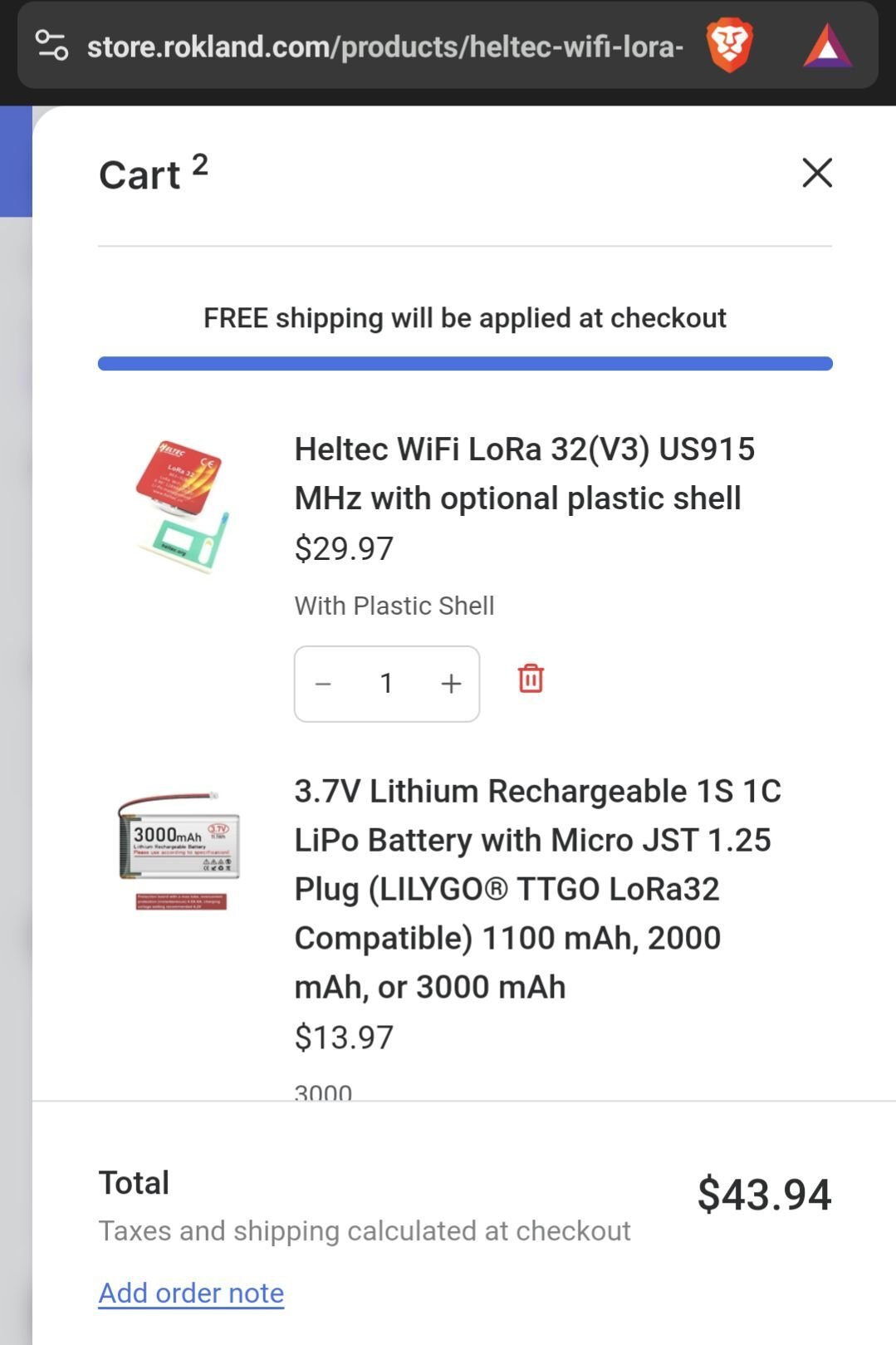
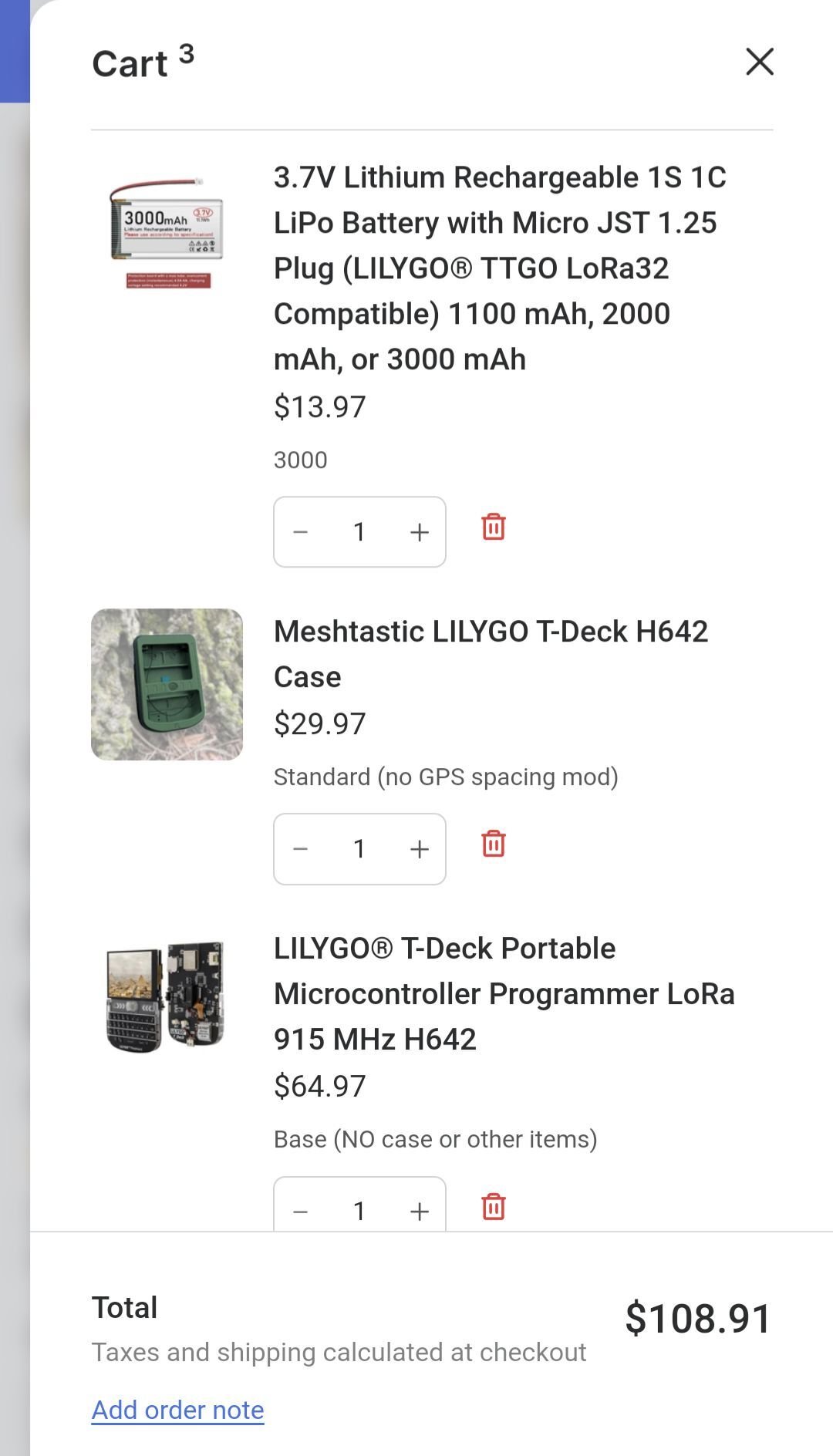
1. Purchase compatible materials to construct your Meshtastic device from a retailer (Rokland, Amazon)
Device + battery + case + antenna
meshtastic.org/docs/hardware/devices/
store.rokland.com/
2. Assemble your device, ensuring that the antenna is connected before powering on the device.
(May require micro screwdrivers (or soldering, depending on hardware purchased))
3. Flash your device with the latest stable firmware using the Flasher in a compatible browser (like Chrome)
flasher.meshtastic.org/
4. Install Meshtastic app on iPhone or Android.
apps.apple.com/in/app/meshtastic/id1586432531
play.google.com/store/apps/details?id=com.geeksville.mesh
5. Pair your Meshtastic app with your device via Bluetooth, or follow app instructions.
6. From the app: Set Region to US (if applicable), Select a device name, modify other settings as desired (power save off, for example) or per recommendations.
7. Send a test message to LongFast channel (public chat) and await confirmation/responses.
8. Have fun and learn lots!
#mesh #meshtastic #decentralization #communications #opensource