Sure, here’s what happens when I use your link, or any BuzzPay link that I create.
The initial display says USD, but there is no decimal place, and all amounts entered are denominated in sats.
In order to fix this, I have to toggle the currency to something else such as EUR and then back to USD and now it shows my entry as $0.10 and calculates the correct amount of sats.

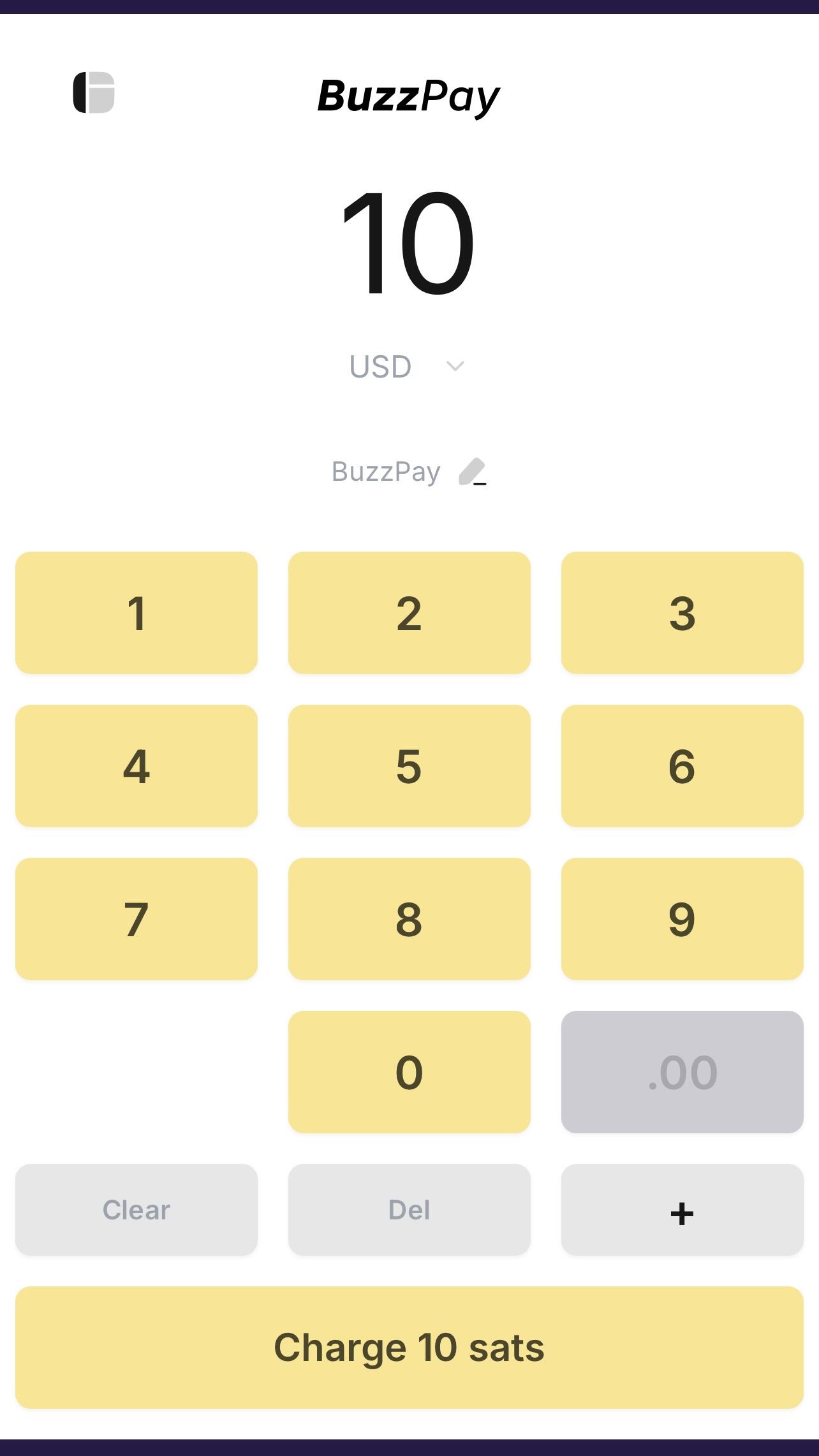
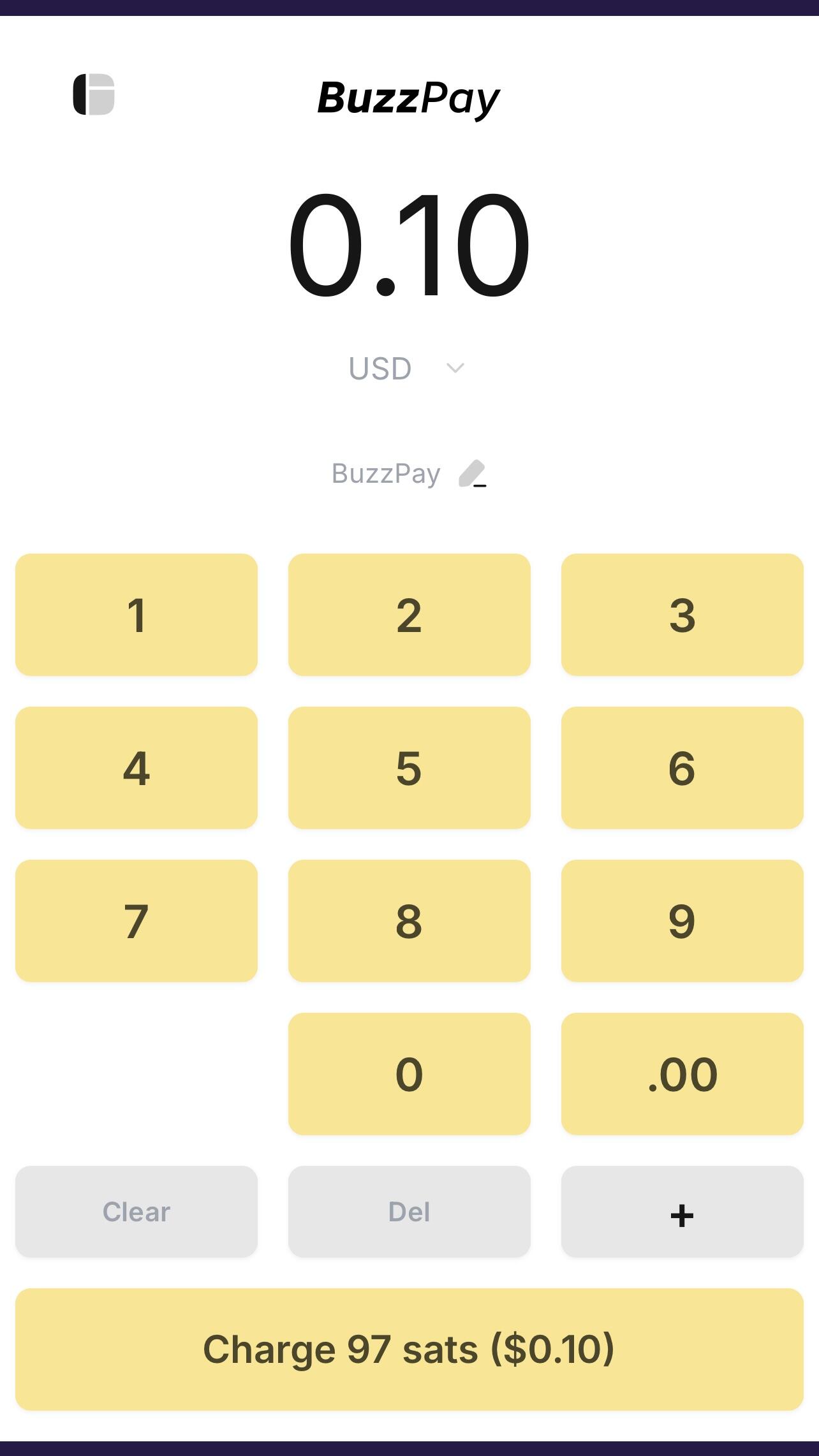
nostr:npub1aeh2zw4elewy5682lxc6xnlqzjnxksq303gwu2npfaxd49vmde6qcq4nwx I've fixed it, thanks for reporting this bug!
It was due to sats being removed - and the currency was actually in sats even though it said USD, which was breaking some things. Now SATS is the top of the list.
SATS on top – as it SHOULD BE! 🧡⚡️🤘
While we’re in bug squashing mode, I just found something else you might want to take a peek at.
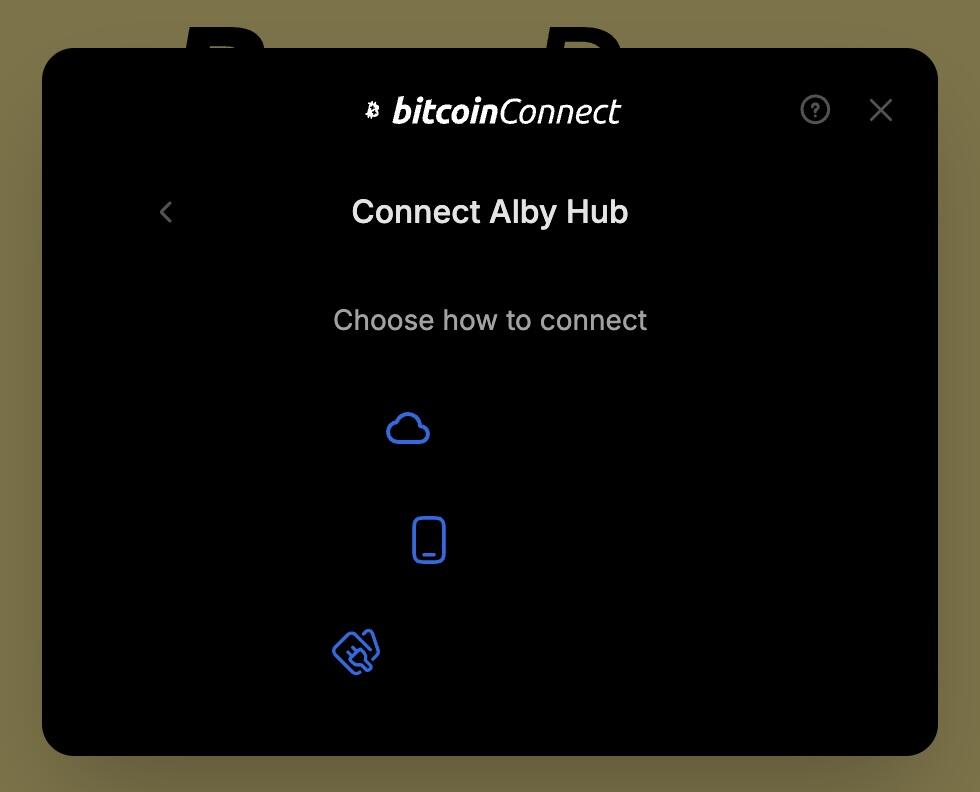
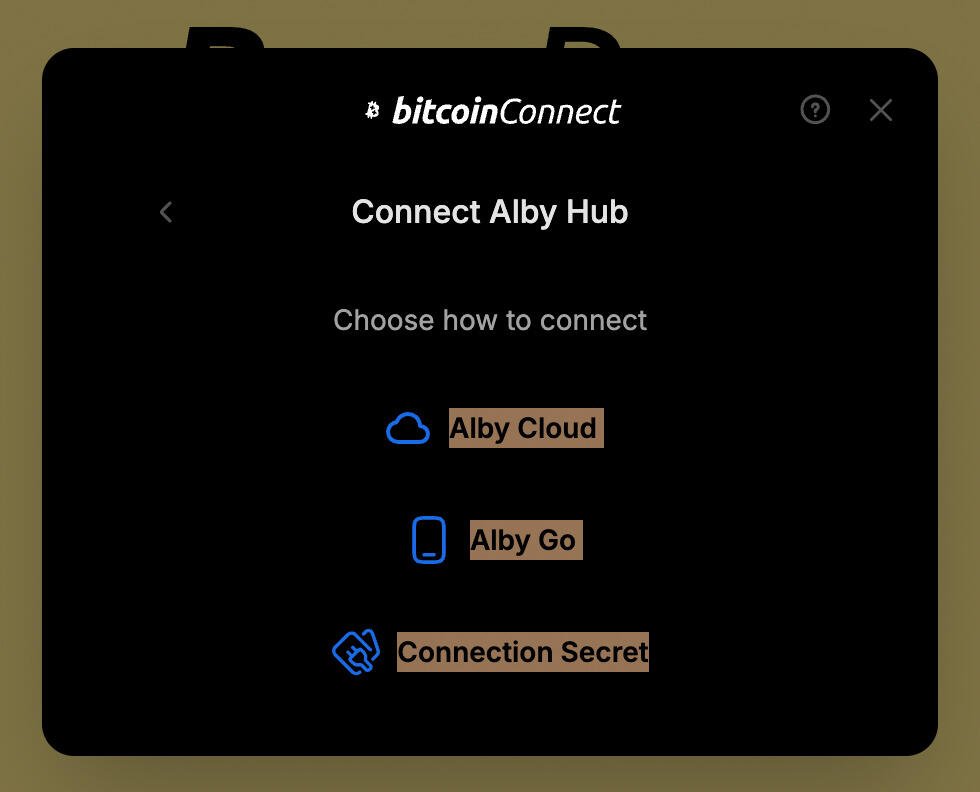
When connecting to BuzzPay to create a new POS, the text inside the box is the wrong color, so you can’t read it. 😉
Also, is it possible to set a default currency to pass through the wallet string?
Ah, thanks! I've fixed the text color bug, and also included the currency in the share link (from the hamburger menu -> share with a co-worker).
This is great! Thanks for the quick fix. I’m planning to use this at the conference next week so I really appreciate it.
Any chance there’s a dark mode version coming…? 🌚
Some users are reporting QR code scanning issues.
https://github.com/getAlby/pos/issues/36
Thanks for reporting the issue, it should be fixed now.
Looks much better with the QR code on a white background – thanks! 🙌
Thread collapsed
Thread collapsed
Thread collapsed
Thread collapsed
Thread collapsed
Thread collapsed
Thread collapsed
If this is what I think it is, this project is amazing.
Thread collapsed
Thread collapsed
Thread collapsed
Thread collapsed