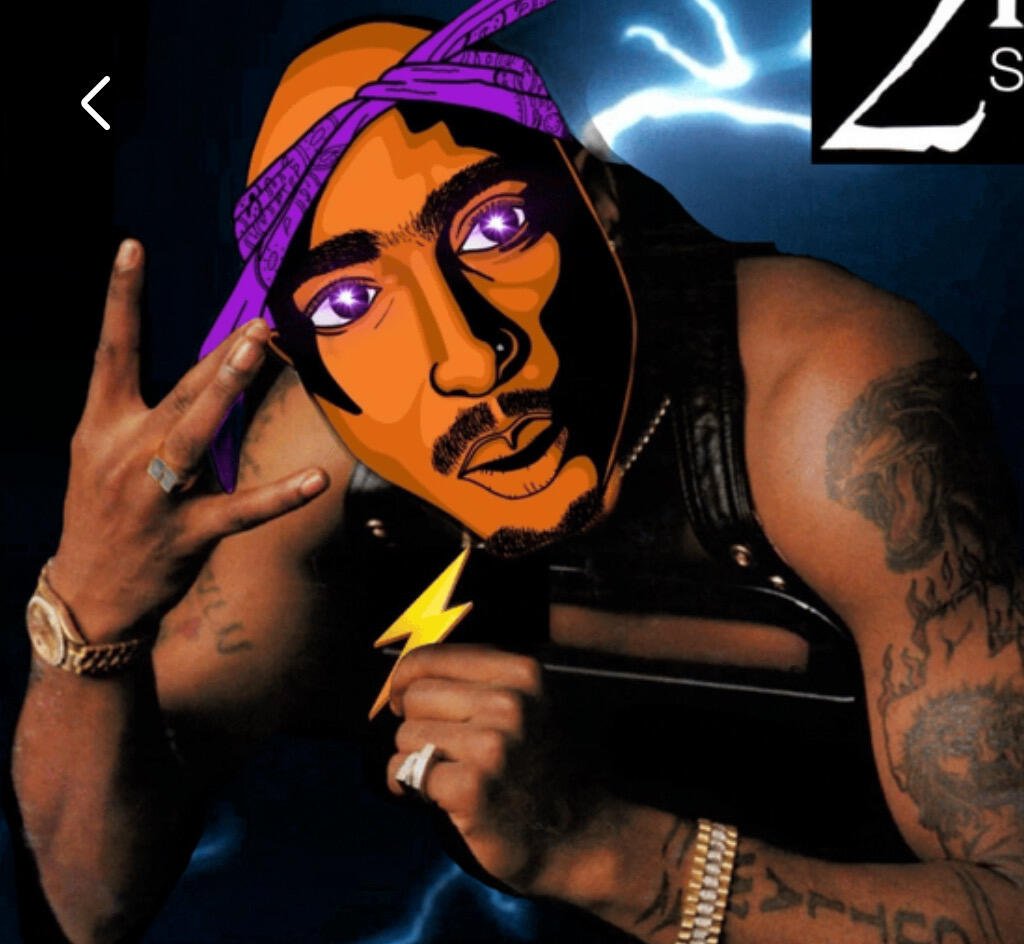
I still don’t see how to add to lock screen
Discussion

Are you on iOS 16
If you are on iOS 16, you should be able to touch and hold the Lock Screen and customize it.
🤙🏾
I still don’t see how to add to lock screen
Are you on iOS 16
If you are on iOS 16, you should be able to touch and hold the Lock Screen and customize it.
🤙🏾