Introducing Mempool Goggles!
Have you ever wished you had x-ray specs to see exactly what's inside the mempool?
No, me neither, but we built you a pair anyway.
 #m=image%2Fjpeg&dim=893x900&blurhash=%7CAGjj%3D%2BwDgE01OKHD%7D-%40%238o%5Df-sFr%3ASJa*xGX8NFD4S%5Eb%24gRT3rY%255Z%7CO%3FrxwHJNKR%24%2BfzJ7nNxcOtWHg9nJj9TKi%5DW%3DV%40nMbuxwnNNHe%3AoHkCWS5ts*xlR%3Az%3FajT0bvS%24ktNHnLt7NZw%40R%3BT1w%5EJENem*XUPD%23%7Es%2BnOr%3F&x=a1f1c72026d28ee865cc29a3c2a0da3bfe676f5f3ad35374b9f1898f27a17e02
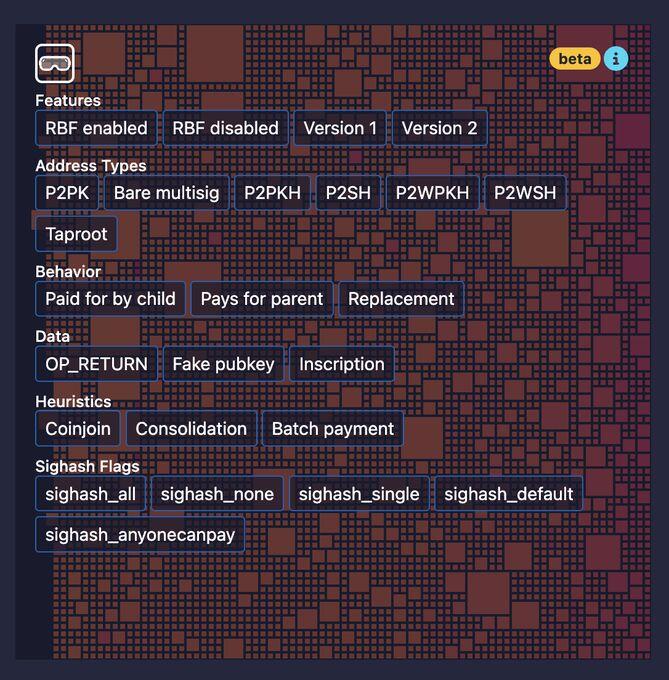
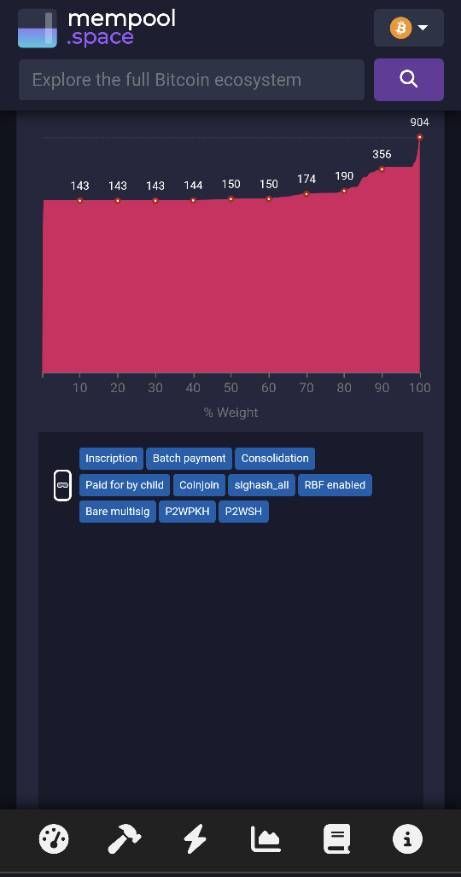
Click on the Mempool Goggles icon at the top left of the mempool block visualization to reveal the new filter menu.
There are 25 different categories to explore, or mix-and-match to narrow down your focus even further.
 #m=image%2Fjpeg&dim=669x680&blurhash=%7C29ZWg*JS6XR9_In0zRO0f-%3AoM%251kWkXs%2CR.w%5BIV9EMdtlWYbHxao%23xtj%5E%25Ms%3Bt7V%40kCoeRjt6R-9ERPoyV%40tlt7ogxaa%23VrM%7Bg3bIR*oLbct7o2EhV%40ofogf5ofV%40o0ofIAR%25R%2BaKWBflj%3FW%3DxtGbs%3ARPWVZ%7ER*slR-t6&x=78b74823e7a3f02cefef36ed5c2f7eb2ef596bae239446ff995de73ec8efd13a
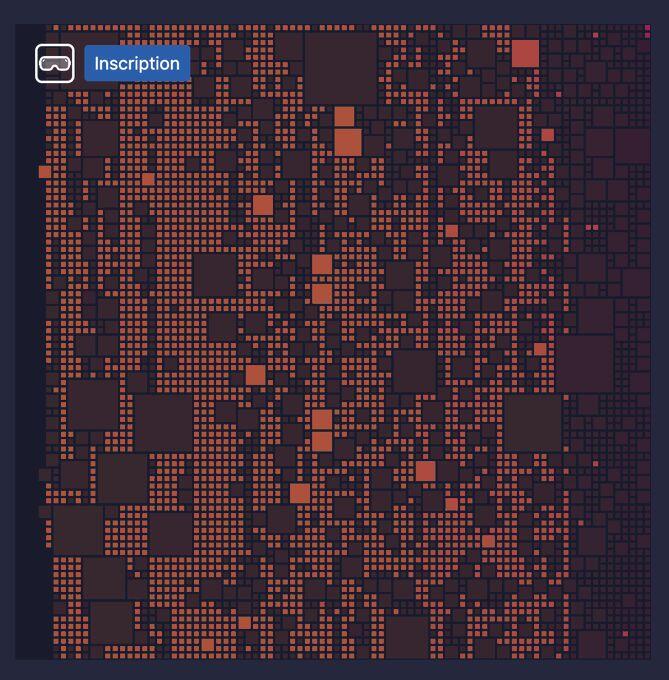
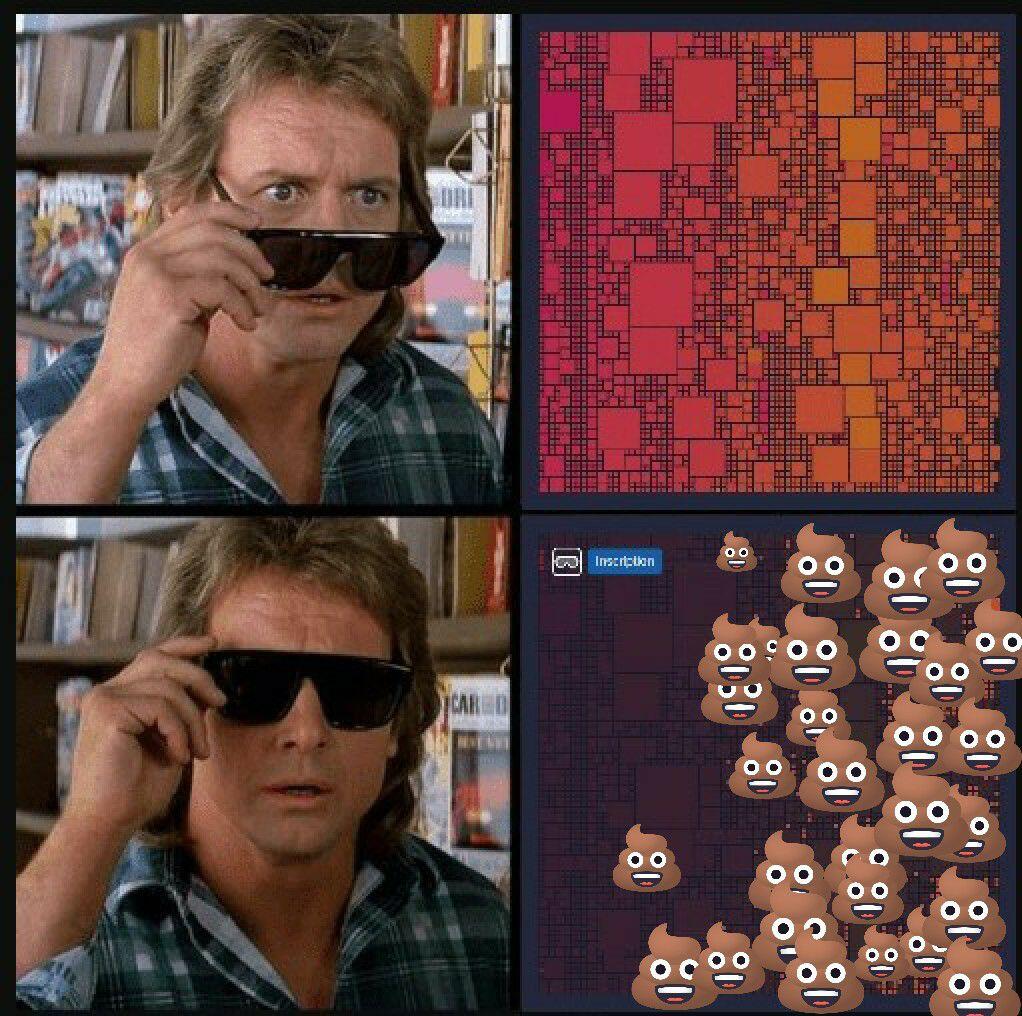
Want to see how much of the mempool is occupied by monkey jpegs? Try the "Inscription" filter.
Curious how many transactions use both RBF and CPFP to bump fees? Hit the "Replacement" and "Pays for parent" filters.
 #m=image%2Fjpeg&dim=669x680&blurhash=%7C29PQd%5Ek1PNZ0%7CaIEfNGxHtTx%5ExuoIacRhRiaeo3Bqkr%252oIjDngngniWXOtT1X9sls8ngr%3DWBS4BWXAxaj%3Fn%23nhWAaxWXs%3BShoLxFS1axf5S2WWE%25WBjYa%7Ds%3Aofs%3AW%3BS2V%3FV%3FjEWXSis%3Bs%3BofWoM%7BV%3DnhS5S%24bdogs%3AoJ&x=81cf8255ab24c9456ed933da5f475b24f76334c8d3e20637aad3420af5f108f7
From simple mempool analysis to advanced technical insights, Mempool Goggles has something for everyone.
Check it out now on the mempool block page


 #m=image%2Fjpeg&dim=461x877&blurhash=%5DIB_GdX8J6axEy%7CNW%3BOEWVOBBNWUxIbIsC2Bof%23%3AWB%2477foMwcaxr%40%23RoLS%24a%23W%3B%7Cwo2OXa%7DNu%2C%5DogR%25aeS1XSbIn%24juay&x=508a4c9f3e449d6bea5a8a17bb716808542f58098eb0f797fad6acc923d14295


 #m=image%2Fjpeg&dim=1022x1016&blurhash=%7C8DuJV7d%5E*%2CcGHx%5B9aZ%24OX%7C%7B%25%23EM%23%3BXTNuRki%7BS%23oeR*NHWUWCofxFs%3At7K1rqofEgoJsoafbcxG5RR*t8xunOnO%252xusARPofjGxFs%3As.R%2BofNbbFNGj%5Bj%5BazR%2BR%2BIpX8ODsAoLX8s%3AjZNGW%3AadE*xGWBbb%251ofR*I%3AWC&x=352f43144cb736ce287db31b765614a91b1f208f3dafad278db1f648e6cf07dc