
HDR Bug Impacts OLED iPad Pro, Apple Working on Software Fix

Some new OLED iPad Pro models appear to have an issue with HDR content in select shades of blue, according to a review from iMore. The site found that some blue colors cause HDR highlights to blow out and appear nearly white, a defect that can be spotted in the form of compression artifacts in sample images.
Image via iMore
In a relatively specific set of circumstances, HDR highlights are blown out on certain blue shades including navy and indigo to a point that they almost appear white on screen. The best way to spot it would be to look at a character wearing a navy blue shirt -- the creases appear to shimmer, like a spider's web placed over the surface; at other times it appears like an inky blob morphing over it.
iMore said that the problem is visible "under very specific circumstances" and it can't be seen on other OLED devices such as the iPhone 15 Pro. It's also a bug that is hard to spot most of the time, and there's no clear reason why it's happening.
iMore that it is aware of the issue and is working on a software update to fix it.
Related Roundup: iPad Pro
Buyer's Guide: iPad Pro (Buy Now)
Related Forum: iPad
This article, "HDR Bug Impacts OLED iPad Pro, Apple Working on Software Fix" first appeared on MacRumors.com
Discuss this article in our forums
M2 iPad Air Reviews: A Larger Display at a More Affordable Price
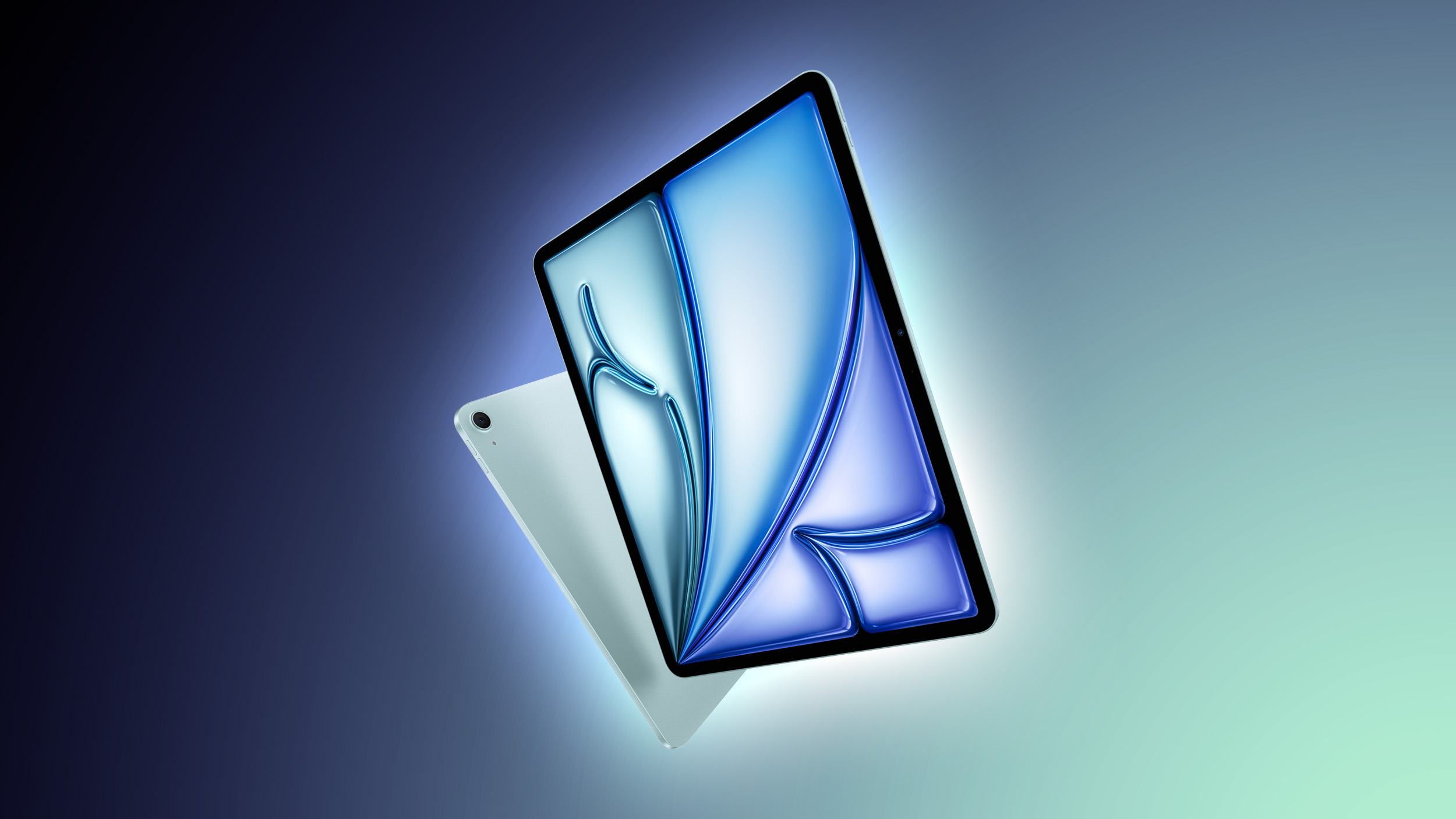
While the iPad Pro models were the star of last week's event, Apple also introduced a refreshed version of the iPad Air. The new iPad Air is set to come out on Wednesday, May 15, and prior to launch, members of the media have shared their first iPad Air impressions.
For the most part, the iPad Air is the same as the prior-generation model, with one major exception: the screen size. Apple now has a 10.9-inch version and a 12.9-inch version, so the iPad Air lineup is similar to the iPad Pro lineup. Both versions are equipped with an M2 chip and lack the higher-quality display of the M4 iPad Pro.
Larger Size
The 13-inch iPad Air weighs less than the prior-generation 12.9-inch iPad Pro at 1.36 pounds vs 1.5 pounds, but it's not as light as the M4 iPad Pro. Engadget said that the 13-inch model offers a solid option for someone who "wants a big display" without spending iPad Pro money.
That doesn't sound like a major difference, but it's been just enough for me to feel more comfortable using the Air as a tablet rather than just docked in a keyboard case. It's still a little more unwieldy than I'd like, and it's still heavier and thicker than the new 13-inch iPad Pro. But, the iPad Air is $500 cheaper; at that price, I'm willing to accept a little trade-off.
While the 13-inch model is new, the 11-inch model is indistinguishable from the 10.9-inch model in terms of design. It is worth noting that Apple is just rounding differently for its size options, and there is no actual difference in screen size.
CNET pointed out that the "Air" name has lost its meaning because the Pro is the thinner and lighter tablet.
The first Apple "Air" device, the MacBook Air, was called Air because it was super thin. Don't apply this logic to the iPad Air, because the iPad Pro is actually thinner. The iPad Air is far from chunky, though; it's the same-looking tablet as previous iPad Pro or Air models. I'm just here to say maybe I agree that the term "Air" has lost its meaning (unless we're talking about it just being lighter in features and performance). I'd suggest getting rid of the "Air" name and call it the iPad Pro, and then change the iPad Pro to the iPad Ultra.
M2 Chip
The M2 chip in the iPad Air is the same chip in the prior-generation iPad Pro. The Verge said it's a "fast and reliable chip" and it runs the same in the iPad Air as it did in the iPad Pro, according to benchmarking tests.
Ars Technica said that the M2 chip is a "solid generational jump up from the M1," and that the M1 was "already generally overkill" for most iPad apps. The M2 is "unquestionably powerful enough to do everything people currently use iPads to do."
Display Quality
The iPad Air has an LCD display that is not as good as the OLED iPad Pro display or the prior-generation 12.9-inch mini-LED iPad Pro display, but it's "more than bright enough for indoor use," according to Engadget. The main downside is the lack of a higher frame rate and no support for ProMotion technology.
Mashable compared the iPad Air to the OLED iPad Pro and said that it can be difficult to tell the difference in good lighting, but in "challenging lighting situations" like a brightly lit office or outdoors, the iPad Pro display is much better.
Other Features
The relocated camera on the landscape edge is a solid quality of life improvement, and Engadget said that it's actually useful for video calling.
That camera is basically the same as the one in the last iPad Air, but now that it's on the landscape edge it's much better for video calling when you're using it with a keyboard. I'd actually consider taking work calls with the iPad now, something that wasn't the case before.
The Verge said that the relocated camera is about the only noticeable change to the iPad Air.
Apple moved the front-facing camera to the middle of the landscape edge, which means I can use it for video calls without looking like I'm always staring up and away from the screen. This is a great change, and one Apple should have made a long time ago. If you do want to buy an Air, I'd recommend this one over the previous generation just to get the camera in the right place.
Another bonus is the 128GB starting storage space, up from 64GB in the prior-generation model, along with the option for 1TB of maximum storage.
Mashable was able to get a full 13 hours from a single charge when watching TikTok videos.
Cost
Engadget said that the iPad Air offers 80 percent of the Pro experience at a more affordable price, and TechCrunch said that while the iPad Pro is the best tablet if money is no concern, the iPad Air is a good option when money matters and for non-creatives. More importantly, "paying MacBook prices for an iPad is a bridge too far."
The Verge said that the iPad Air is a "study in tradeoffs," describing it as a "Goldilocks" iPad. The $250 cheaper standard iPad is "just about as good at every common iPad activity" and a better option for casual users. Exceptions include users who want a big screen or who use the Apple Pencil often, as the iPad Air supports the new Apple Pencil Pro.
If you're just looking for a way to send emails, browse the web, play games, and maybe make an iMovie or two, none of that will really change the way you use your iPad. An iPad is an iPad is an iPad, and until Apple either fixes a bunch of things or opens up the operating system -- and I wouldn't hold my breath on either one -- you just aren't going to get enough out of all that extra power to make it a must-have upgrade.
More Info
Pricing on the iPad Air starts at $599, and it can be ordered from Apple's website.
Related Roundup: iPad Air
Buyer's Guide: iPad Air (Buy Now)
Related Forum: iPad
This article, "M2 iPad Air Reviews: A Larger Display at a More Affordable Price" first appeared on MacRumors.com
Discuss this article in our forums
M4 iPad Pro Reviews: Incredible Speed and Display Hampered By Software
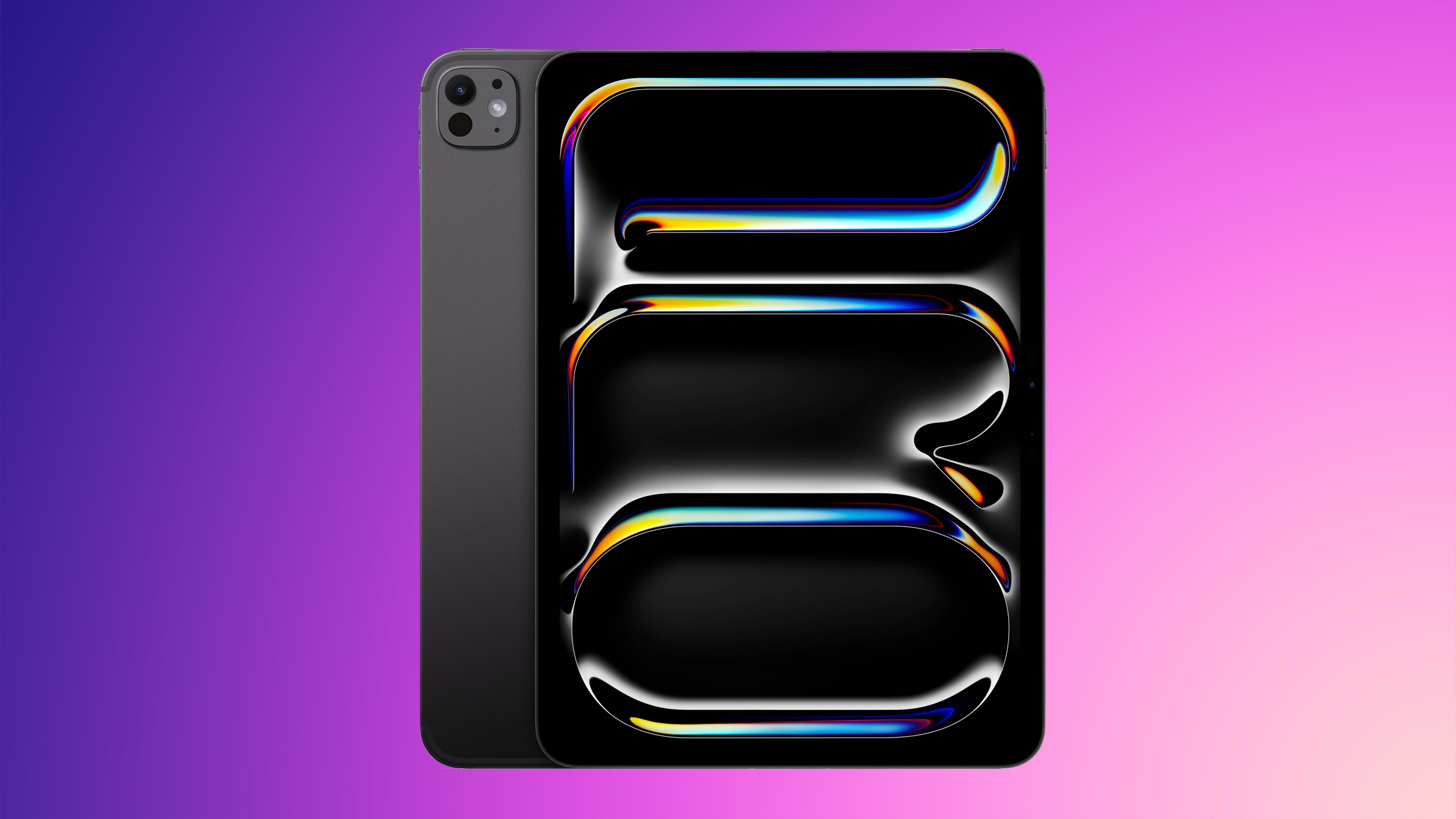
The M4 iPad Pro models are set to be delivered to customers starting on Wednesday, May 15, and ahead of that date, members of the media have shared their opinions on the device in official reviews.
Written Reviews
With M4 chips, OLED displays, and a thin and light design, the new iPad Pro models mark a significant upgrade over the prior-generation versions.
M4 Chip Performance
The iPad Pro is equipped with Apple's next-generation M4 chip, and as Engadget points out, it offers "more power than almost anyone buying an iPad will know what to do with."
Gizmodo said the M4 "feels more like a fork of the M3 than real new hardware." As an example, an Octane X rendering test took 1 minute and 53 seconds with the M4, and the same test on a MacBook Air with M3 chip took 57 seconds.
If I run Octane X on the latest MacBook Air 15 with the same amount of RAM as my review copy of the iPad Pro, it will run down the screw scene in about 57 seconds. There aren't many ways to compare Apples to Apples from a tablet ecosystem to a full-fledged Mac. For one, the iPad doesn't have an easy, established way of tracking framerates in games. But for the sake of argument, I loaded up Resident Evil 4 on iPad Pro 2024, iPad Pro 2022, and the M3 MacBook Air. All ran with a relatively solid performance on the default low-to-mid settings. There are no graphics options on the iPad, but the two look identical across the older and new tablets.
According to The Verge, the M4 iPad Pro scored 50 percent higher than the M3 version in benchmark tests, but while it feels faster, it doesn't feel 50 percent faster. There likely isn't a way to tell the difference between the 9-core and 10-core M4 iPad Pro models.
Apps load and close a half-beat faster with the M4, even complex games run perfectly smooth (I still can't believe how good Call of Duty: Warzone Mobile looks on this device), and iMovie renders video noticeably more quickly than on the 11-inch M2 Pro I've been using for a couple of years. Individually, these aren't earth-shattering upgrades, but particularly if you're doing a lot of intense photo and video work or even love a long Warzone session, it's a real performance bump.
Software
Despite the incredible performance that the M4 chip brings, reviewers pointed out the shortcomings of iPadOS. SixColors Jason Snell said that the iPad Pro is able to "handle pretty much any task it's capable of executing," but that it's "let down by iPadOS limitations."
Federico Viticci of MacStories didn't share a full review of the new iPad, but he penned a piece pointing out the many shortcomings of iPadOS. It's well worth a read to see what it's like using an iPad as a main machine, with highlights on the pain points of multitasking, limited apps, and more.
The Wall Street Journal's Joanna Stern said that using the iPad Pro is like "driving a Ferrari on a golf course" because the iPhone-based operating system hampers what the iPad could be capable of doing.
Gizmodo said that despite the creativity apps available on the iPad, it "still isn't direct competition for the versatility of a MacBook" and it's not a good platform for those who want to "multitask on multiple windows."
Almost every review mentioned the shortcomings of iPadOS as the major fault with the new iPad Pro models.
OLED Display
Engadget said that the new iPad Pro is "incredibly bright, sharp, and vibrant" regardless of task. Going from an LCD to OLED is a massive upgrade, but updating from the mini-LED model won't feel quite as impressive.
Everything is incredibly bright, sharp and vibrant, whether I'm browsing the web, editing photos, watching movies or playing games. I cannot stress enough how delightful this screen is -- I have a flight this week, and I can't wait to spend it watching movies. Watching a selection of scenes from Interstellar shows off the HDR capabilities as well as the contrast between the blackness of space and the brightness of surrounding stars and galaxies, while more vibrant scenes like the Shire in Fellowship of the Ring had deep and gorgeous colors without feeling overly saturated or unrealistic.
TechCrunch said that the optional nano-texture matte add-on brought an "extra level of tactility" and "welcome friction" to the iPad's display when using it with an Apple Pencil. The OLED display is noticeably brighter than the LCD display of the iPad Air, but it may not be an upgrade worth $500 for most users.
The Verge said that the OLED display "works beautifully" and that colors can even look like they have too much HDR. It can also have more glare and reflection than expected.
All of the traditional upsides of OLED are immediately apparent: since OLEDs control each pixel individually, you get much richer blacks, so the letterboxes above and below a video just disappear into the bezel, and photos look much more dynamic. Colors are incredibly vibrant -- to the point of occasionally looking too contrasty and HDR-y to my eyes. The Pro's peak brightness is significantly brighter than the new Air, too, which is tough to pull off with an OLED.
Design
Jason Snell of SixColors said that while the iPad Pro's internals have been updated, it looks a lot like a "thinner version of the 2018-era design." It's a "good design" that didn't need to be updated, but the lighter weight makes it less awkward to hold in one hand.
There continues to be just one Thunderbolt 4 port that limits connecting external devices and charging at the same time without a dock.
Engadget went further and said that the thinner design and lighter weight "radically" changes the experience of holding the 13-inch iPad Pro, and it's now comfortable to use as a hand-held tablet.
But with something like an iPad, where you're meant to pick it up, hold it and touch it, shaving off a quarter of a pound and 20 percent of its thickness actually makes a huge difference in the experience of using the product. It's more comfortable and easier to use -- and, provided that there are no durability concerns here, this is a major improvement.
The Verge said that the iPad Pro is the "closest thing" to the vision that a tablet should feel "like a piece of glass in your hand."
Apple Pencil Pro and Magic Keyboard
SixColors' Jason Snell said that the Magic Keyboard is an improvement over the original model thanks to the full function row, the larger trackpad, and the addition of haptic feedback. With aluminum, it feels "a bit more like one of Apple's laptops."
Engadget said that the Magic Keyboard is thinner and lighter than before, for a more compact and portable feel.
iMore, the Apple Pencil Pro's squeeze gesture saves wasted hand movements and simplifies navigation, while the barrel roll option allows for flourishes and sweeps in supported software.
Other Features
Apple moved the camera to the landscape edge of the iPad rather than the portrait edge, which means video calls are now in the appropriate orientation when the iPad is connected to a keyboard, and that's a feature reviewers liked. CNBC said the camera is "finally in the right place."
The camera is finally in the right place. It's along the landscape edge of the iPad so that, when it's propped up, it's dead center for FaceTime calls. It used to be on the top of the iPad, forcing that awkward glance to the side during video calls. The quality was nice and clear during my tests and I like that the camera, using the Center Stage features, followed me as I moved around the room.
iMore commented on the speakers and said that they "sound pretty good" both for watching TV shows and for video calls.
Multiple reviews also covered battery life, and said that the iPad Pro gets the expected 10 hours that Apple advertises.
Videos
Pricing on the M4 iPad Pro begins at $999, and it can be purchased from Apple's website.
Related Roundup: iPad Pro
Buyer's Guide: iPad Pro (Buy Now)
Related Forum: iPad
This article, "M4 iPad Pro Reviews: Incredible Speed and Display Hampered By Software" first appeared on MacRumors.com
Discuss this article in our forums
Apple Releases Logic Pro for Mac and iPad Updates With New AI Features
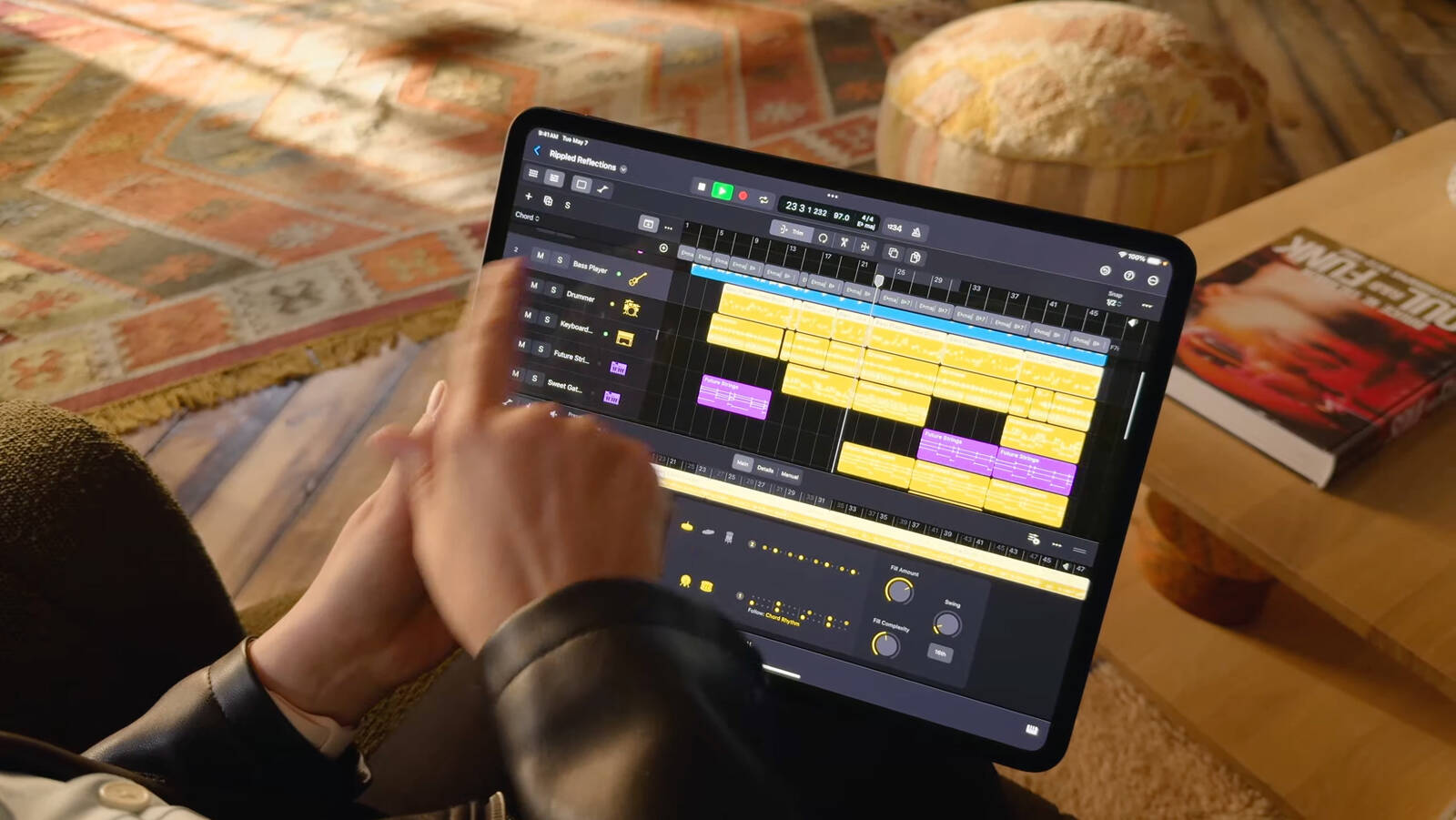
Apple today released an updated version of Logic Pro, introducing all of the new features that were previewed last week. New versions of both Logic Pro and Final Cut Pro were announced alongside the new iPad Pro models last Tuesday, and the updates are available for Mac and iPad.
Logic Pro has new AI-based studio assistant features that help artists make music, with these options joining Smart Tempo and the Pitch Correction plug-in. Session Players expand the Drummer capabilities in Logic Pro, with Apple adding a new Bass Player and Keyboard Player. Session Players are able to follow the same chord progression using Global chord track.
With a new ChromaGlow feature, users can dial in the perfect tone and choose from five different saturation styles to add warmth, presence, and punch to tracks by simulating the sound of vintage analog hardware.
AI Enhanced Tools
- New AI enhanced tools join Smart Tempo and the Pitch Correction plug-in to augment your artistry
- Bass Player and Keyboard Player join Drummer to complete a set of Session Players -- all built with AI making it easy to create performances that respond to your direction
- Session Players can follow the same chord progression using Global chord track
- Add warmth to any track with ChromaGlow, an advanced plug-in with five saturation models designed to simulate the sound of vintage analog hardware. Requires M1 chip or later.
- Separate a stereo audio file into stems for vocals, drums, bass and other parts with Stem Splitter. Requires M1 chip or later.
- Session Players, ChromaGlow, and Stem Splitter also come to Logic Pro for iPad 2 -- making it simple to move between projects created in Logic Pro for Mac
Sound Library
- Play any of six deeply-sampled acoustic and electric basses with Studio Bass
- Perform any of three meticulously-sampled pianos with Studio Piano
- Loops that contain chord tags will automatically populate the chord track when added to a project
- Three new Producer Packs are available: Hardwell, The Kount, and Cory Wong
- Original multi-track project of "Swing!" by Ellie Dixon available as in-app demo song
Spatial Audio
- Downmix and trim options allow custom mixing for non-Atmos channel configurations
- Exported ADM BWF files have been expanded beyond Dolby Atmos and can contain settings for stereo and other multi-channel formats
Enhancements
- Bounce in place adds automatic realtime recording for External Instrument regions or tracks that utilize external hardware using Logic's I/O plug-in
- MIDI generated by supported software instruments and effects can be routed to the input of other tracks for creative layering during playback or recording
These features are available for Logic Pro on the Mac, with Session Players, ChromaGlow, Stem Splitter, and the new Sound Library options also available on Logic Pro 2 for the iPad.
Tag: Logic Pro
This article, "Apple Releases Logic Pro for Mac and iPad Updates With New AI Features" first appeared on MacRumors.com
Discuss this article in our forums
https://www.macrumors.com/2024/05/13/apple-releases-logic-pro-ai-update/
When to Expect the First Macs With the M4 Chip to Launch
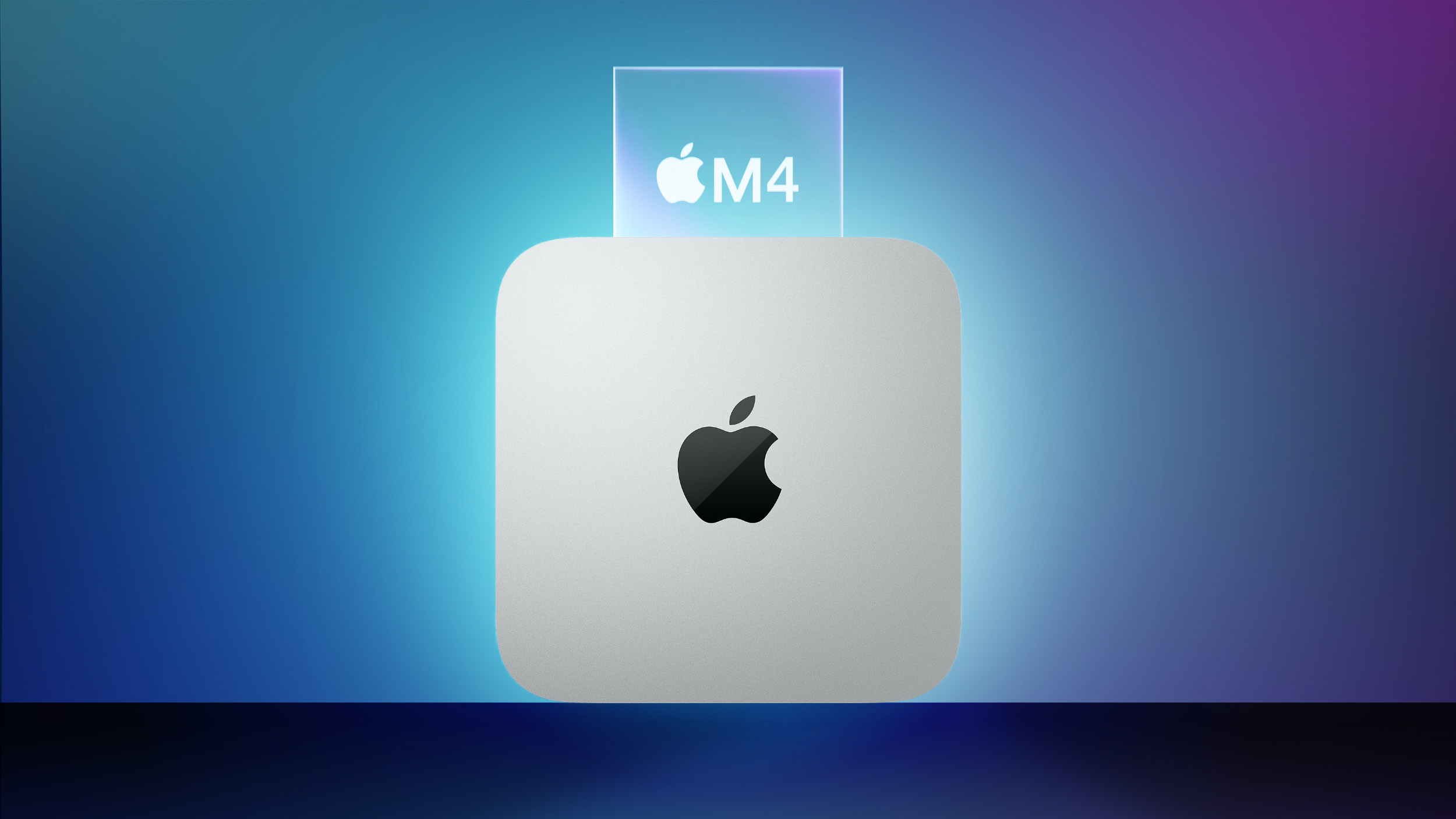
Apple last week updated the iPad Pro with the M4 chip, marking the first time that it introduced an M-series chip in an iPad instead of a Mac. However, the first Macs equipped with the M4 chip will allegedly be released in a matter of months.
In his latest Power On newsletter on Sunday, Bloomberg's Mark Gurman said the MacBook Pro and Mac mini will be updated with the M4 series of chips later this year. Specifically, he expects a 14-inch MacBook Pro with the M4 chip, 14-inch and 16-inch MacBook Pro models with M4 Pro and M4 Max chips, and Mac mini models with M4 and M4 Pro chips.
He expects the MacBook Air, Mac Studio, and Mac Pro to be updated with M4-series chips throughout 2025, but he did not mention the iMac.
already shared a roadmap for M4 Macs, but he was more definitive this time with his claim that the first Macs with the M4 chip will be released later this year, rather than at some point between late 2024 and early 2025. October is a common month for Apple to release new Macs, so the MacBook Pro and Mac mini could be updated in around five months from now if Gurman's timeframes prove to be accurate.
up to 25% faster than the M3 chip for multi-core CPU performance. Manufactured with TSMC's second-generation 3nm process, the M4 chip is also more power efficient than the M3 chip.
Tag: M4 MacBook Pro
This article, "When to Expect the First Macs With the M4 Chip to Launch" first appeared on MacRumors.com
Discuss this article in our forums
https://www.macrumors.com/2024/05/13/when-to-expect-the-first-m4-macs/
OpenAI Announces ChatGPT App for Mac, GPT-4 for Free, and More
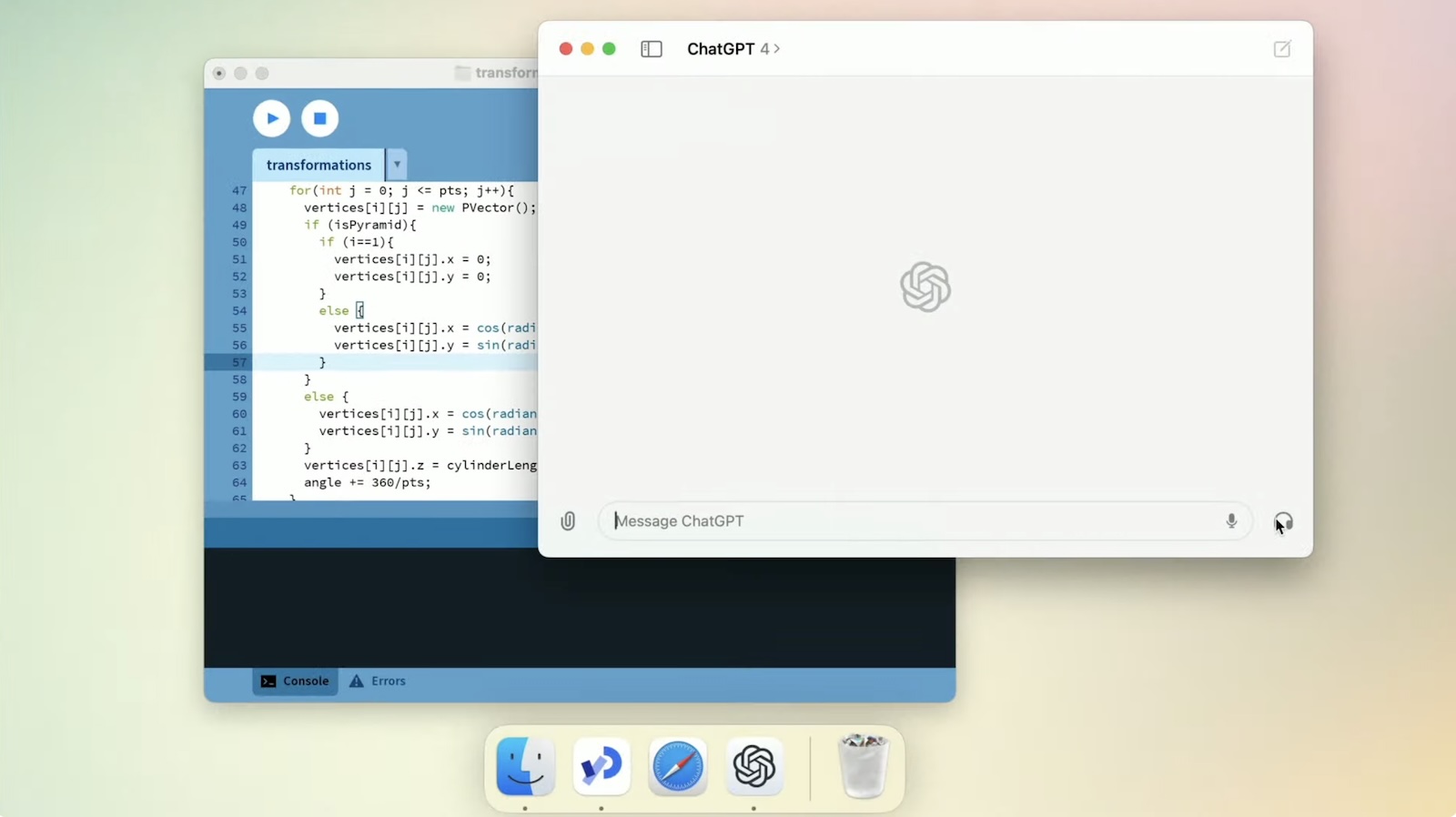
At its Spring Update event, OpenAI announced that it will be releasing a desktop app for the Mac, as seen in the screenshot below. The app will be rolling out to ChatGPT Plus subscribers starting today, ahead of a wider launch "in the coming weeks."
"With a simple keyboard shortcut (Option + Space), you can instantly ask ChatGPT a question," OpenAI's press release says. In addition, Voice Mode will allow you to have voice conversations with ChatGPT directly from your Mac.
for the iPhone and iPad, and it plans to release a Windows version of the desktop app later this year.
OpenAI is also making some updates to ChatGPT's web interface, introducing a new home screen, a redesigned message layout, and more. The new look is "designed to be friendlier and more conversational," the company said.
OpenAI also announced that it will be making its all-new GPT-4o large language model available for free, meaning that no ChatGPT Plus subscription will be required to use it. OpenAI says GPT-4o provides "GPT-4-level intelligence," but is "much faster and improves on its capabilities across text, voice, and vision." Until now, users without a ChatGPT Plus subscription have been limited to the older GPT-3.5 model.
final stages of discussions with OpenAI to integrate ChatGPT on the iPhone starting with iOS 18, which is expected to be unveiled at Apple's annual developers conference WWDC next month. iOS 18 is also rumored to feature many new on-device AI features from Apple directly.
available on YouTube.
Tags: ChatGPT, OpenAI
This article, "OpenAI Announces ChatGPT App for Mac, GPT-4 for Free, and More" first appeared on MacRumors.com
Discuss this article in our forums
Here's How Fast the 9-Core M4 Chip is Based on Early Benchmark Result
An alleged Geekbench 6 benchmark result for the lower-end version of the M4 chip with a 9-core CPU surfaced over the weekend, providing a first look at how it performs compared to the higher-end M4 chip with a 10-core CPU.
The result indicates that the 9-core M4 chip is around 10% slower than the 10-core variant in terms of multi-core performance. While that outcome might seem obvious at first glance, the 9-core variant of the chip has three performance cores, instead of four in the 10-core variant, so this result was not guaranteed.
Assuming that the Geekbench 6 listing is accurate, the 9-core M4 chip is still around 13% faster than the M3 chip for multi-core performance, and up to 35% faster than the M2 chip in the previous-generation iPad Pro.
Here's how the 9-core M4 chip stacks up in multi-core Geekbench 6 results:
M4 chip (10-core CPU): ~14,600
M4 chip (9-core CPU): ~13,000
M3 chip (8-core CPU): ~11,600
M2 chip (8-core CPU): ~9,600
The new 11-inch and 13-inch iPad Pro models are equipped with a 9-core M4 chip when configured with 256GB or 512GB of storage, while models with 1TB or 2TB of storage are equipped with a 10‑core M4 chip. Both variants have a 10-core GPU.
For reasons unclear, the Geekbench 6 listing shows the iPad Pro with the 9-core M4 chip as running iPadOS 17.6, whereas all results for the 10-core model have shown iPadOS 17.4 so far. The first beta of iPadOS 17.6 will likely be made available for testing later this month, following the upcoming release of iPadOS 17.5.
The new iPad Pro models launch on Wednesday.
Thanks, Michael Burkhardt!
Related Roundup: iPad Pro
Tags: Geekbench, Benchmarks
Buyer's Guide: iPad Pro (Buy Now)
This article, "Here's How Fast the 9-Core M4 Chip is Based on Early Benchmark Result" first appeared on MacRumors.com
Discuss this article in our forums
https://www.macrumors.com/2024/05/13/m4-chip-9-core-cpu-benchmark-result/
Apple to Expand Vision Pro to Additional Countries After WWDC
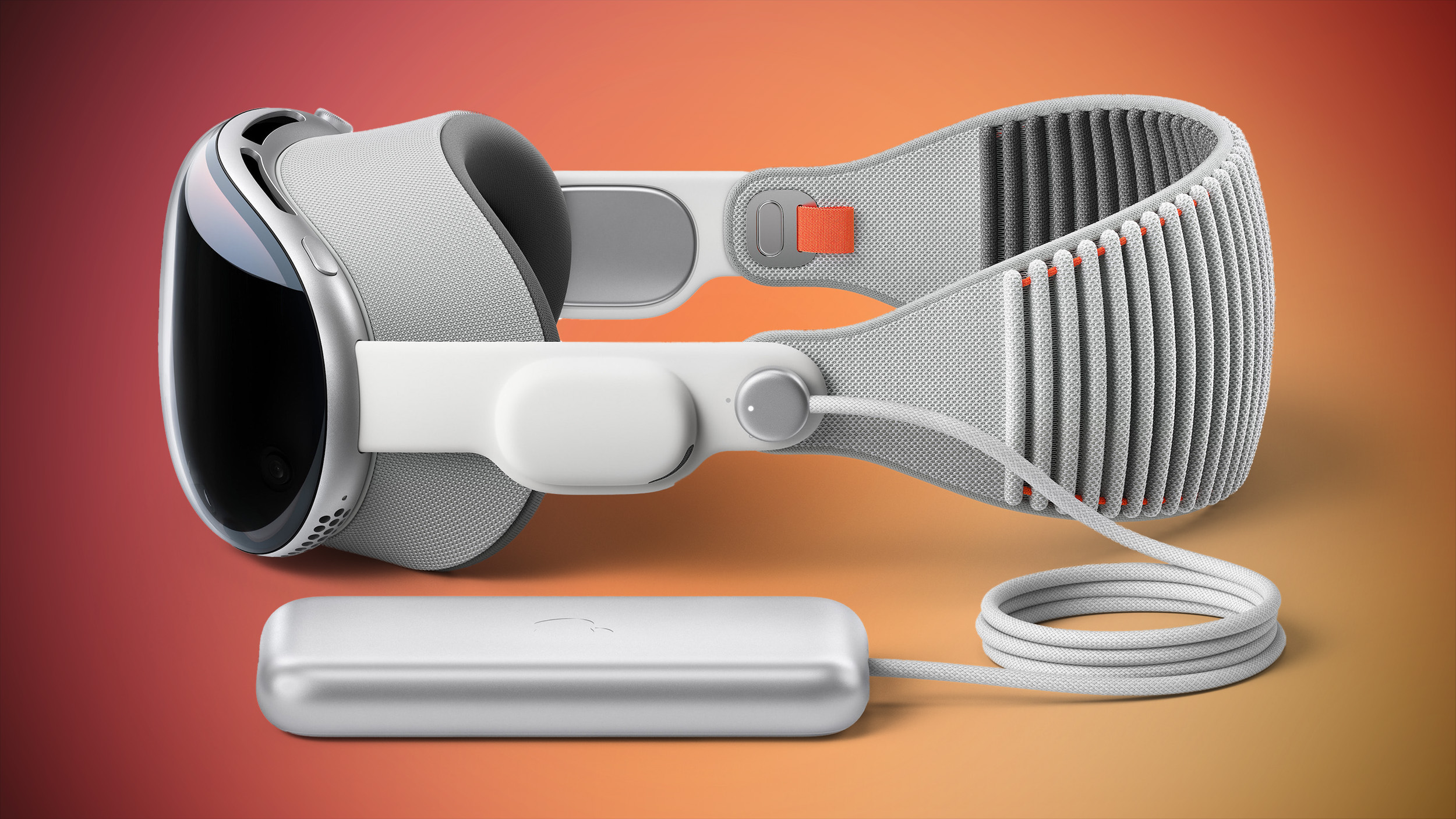
Sales of the Apple Vision Pro will soon begin in countries outside of the United States, reports Bloomberg. Hundreds of employees from international retail stores have been flying into Cupertino for multi-day Vision Pro training sessions.
Apple held similar training sessions ahead of when the Vision Pro launched in the United States, with employees learning how to provide customer demonstrations and answer customer questions. An exact launch date for the Vision Pro hasn't yet been announced, but it is expected to expand to additional countries after WWDC. This year's Worldwide Developers Conference is set to take place from June 10 to June 14.
Ming-Chi Kuo previously said the Vision Pro would launch in more countries prior to WWDC, but that may now be inaccurate with Bloomberg's information suggesting a June debut.
has died down in the months following the launch of the device, and Apple has allegedly cut Vision Pro shipments as a result. International sales could bring a renewed wave of excitement over the device, but at $3,500 USD, the price is still prohibitive. Pricing in non-U.S. countries has not yet been announced.
Related Roundup: Apple Vision Pro
Buyer's Guide: Vision Pro (Buy Now)
Related Forum: Apple Vision Pro
This article, "Apple to Expand Vision Pro to Additional Countries After WWDC" first appeared on MacRumors.com
Discuss this article in our forums
https://www.macrumors.com/2024/05/13/vision-pro-expanded-launch-after-wwdc/
Amazon Takes Up to $49 Off Apple's Brand-New iPad Models
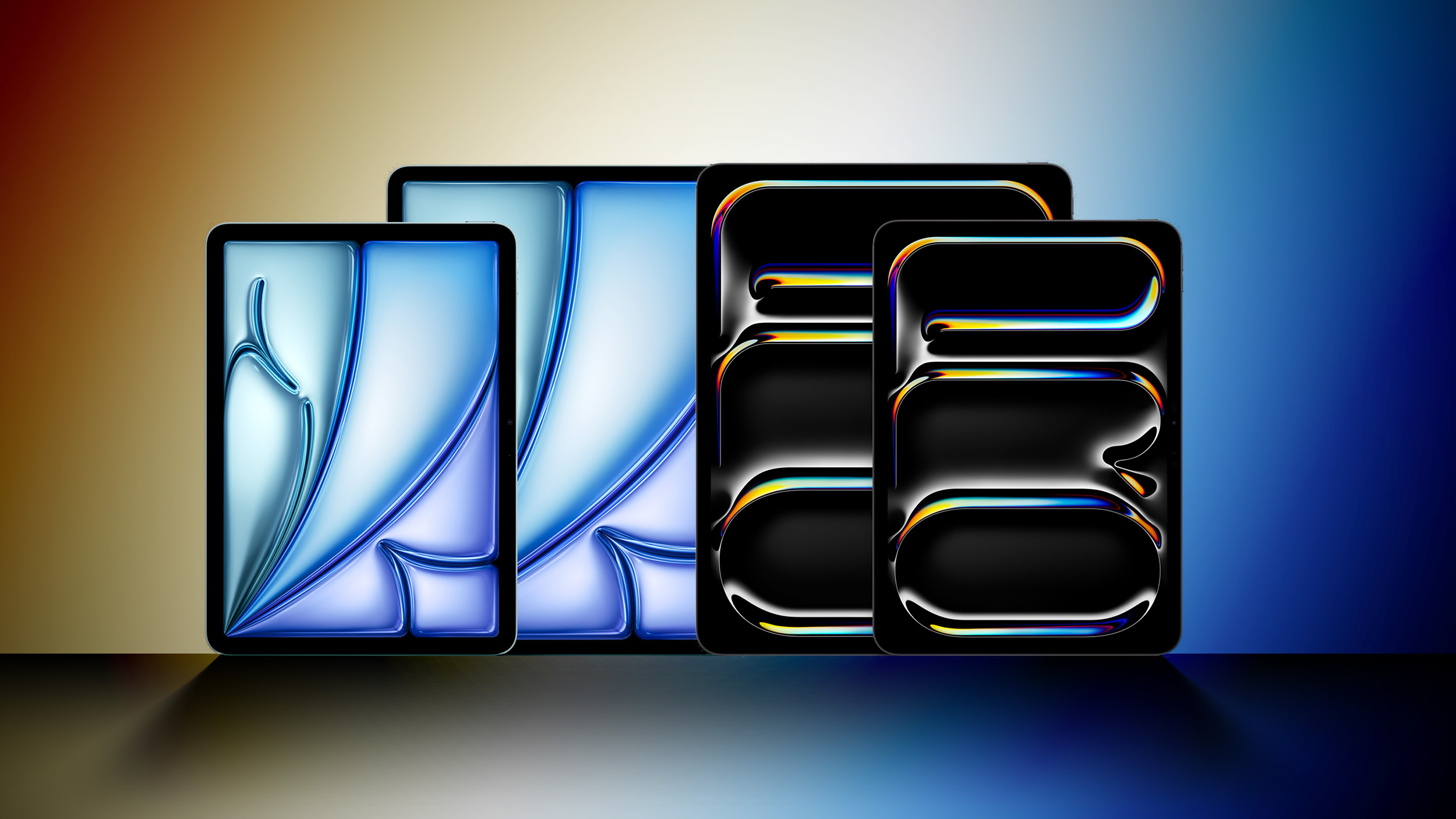
Following some early discounts for Best Buy members, we're now seeing the first discounts on the brand-new iPad Air and iPad Pro models available to all customers thanks to Amazon. The discounts are modest at up to $49 on select models, but any pre-order discounts are always welcome news.
Note: MacRumors is an affiliate partner with Best Buy. When you click a link and make a purchase, we may receive a small payment, which helps us keep the site running.
UP TO $49 OFF
Apple's Latest iPad Models
Only select configurations and colors are seeing discounts and these may fluctuate over time, but at the moment we're seeing the following discounted prices:
11-inch iPad Air
128GB Wi-Fi for $569.99, down from $599 in Space Gray and Purple
256GB Wi-Fi for $669.99, down from $699 in Blue
512GB Wi-Fi for $889.00, down from $899 in Purple
13-inch iPad Air
128GB Wi-Fi for $769.99, down from $799 in Blue and Space Gray
256GB Wi-Fi for $869.99, down from $899 in Purple
512GB Wi-Fi for $1,069.99, down from $1,099 in Space Gray
11-inch iPad Pro
256GB Wi-Fi for $949.99, down from $999 in Silver and Space Black
dropping the regular price of the 10th-generation price by $100 last week, we're also seeing some record-low prices on those models with Amazon offering even steeper discounts at an additional $15 off to bring prices down to $334.00 for the 64GB Wi-Fi model in all colors. Cellular models are also at all-time lows starting at $474.00.
check out our recap article of last week's Apple event, and be sure to visit our full Deals Roundup to shop for even more Apple-related products and accessories.
Related Roundup: Apple Deals
This article, "Amazon Takes Up to $49 Off Apple's Brand-New iPad Models" first appeared on MacRumors.com
Discuss this article in our forums
https://www.macrumors.com/2024/05/13/amazon-m4-ipad-pro-m2-ipad-air-discounts/
AppleCare+ Extends $29 Screen Repairs to New iPad Pro and iPad Air
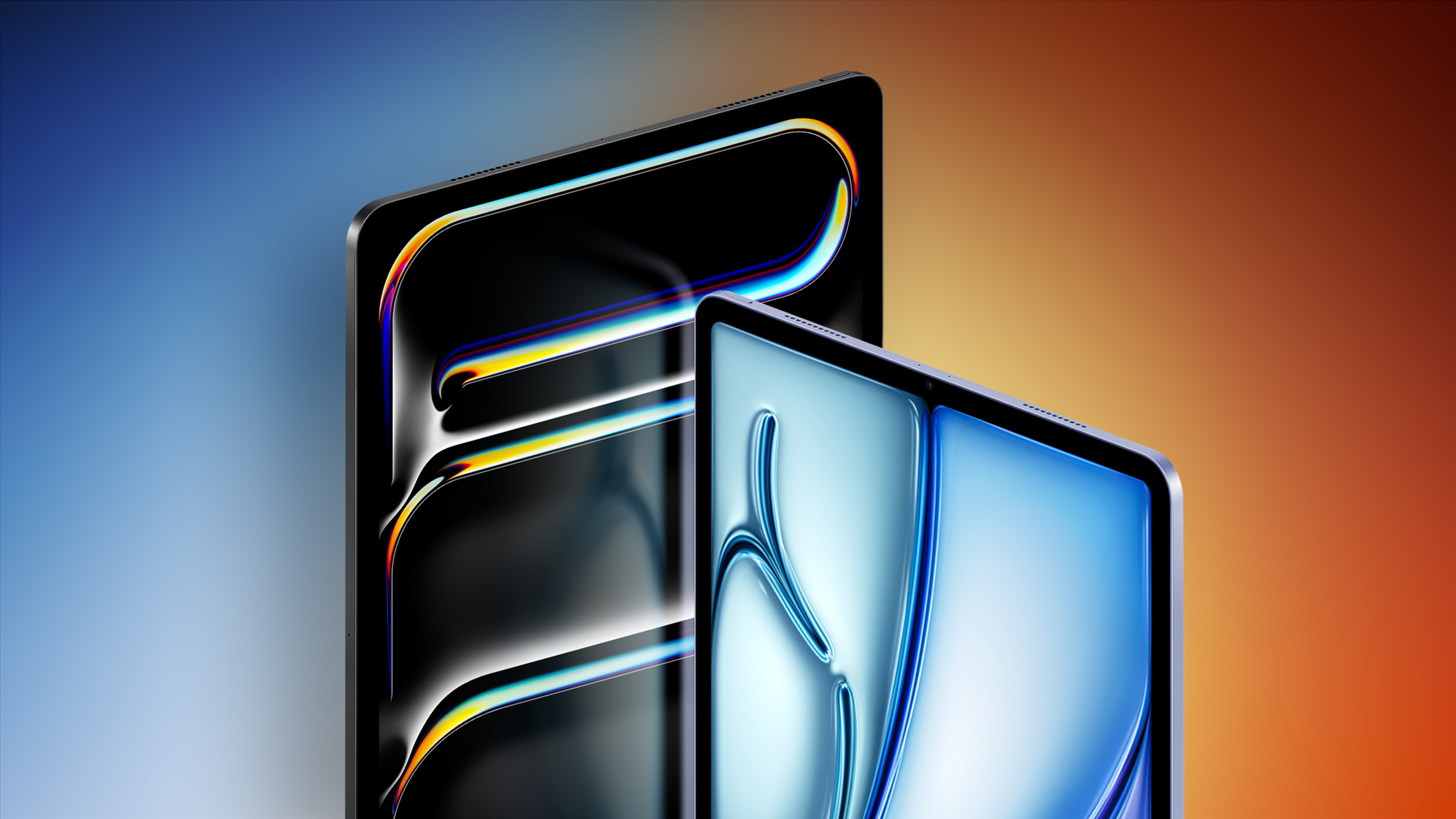
AppleCare+ has long offered iPhone screen repairs for $29 in the U.S., and this option is now available for the new iPad Pro and iPad Air models too.
Apple says the $29 screen repair option is limited to the 11-inch and 13-inch iPad Pro models with the M4 chip, and the 11-inch and 13-inch iPad Air models with the M2 chip, and the devices must have no other damage in order to qualify.
For any other damage to the new iPad Pro and iPad Air, AppleCare+ charges a $99 fee. For previous-generation models, Apple charges $49 for screen repairs or any other damage if the device has AppleCare+ coverage.
As usual, skipping AppleCare could prove to be costly, with Apple charging between $449 and $999 for uncovered repairs of the devices.
Here is how much AppleCare+ costs for the new iPads:
13-inch iPad Pro: $169 or $8.49 per month
11-inch iPad Pro: $149 or $7.49 per month
13-inch iPad Air: $99 or $4.99 per month
11-inch iPad Air: $79 or $3.99 per month
The new iPad Pro and iPad Air models are available to order now and launch on May 15.
Thanks, Dylan McDonald!
Related Roundups: iPad Air , iPad Pro
Tag: AppleCare
Buyer's Guide: iPad Air (Buy Now), iPad Pro (Buy Now)
Related Forum: iPad
This article, "AppleCare+ Extends $29 Screen Repairs to New iPad Pro and iPad Air" first appeared on MacRumors.com
Discuss this article in our forums
https://www.macrumors.com/2024/05/13/applecare-ipad-cracked-screen-repair-fee/
Apple Music Counting Down 100 Best Albums of All Time
Apple today announced a new 10-day event counting down the 100 best albums of all time, as judged by Apple Music experts and a select group of artists. The event will see Apple Music revealing 10 albums from the list per day alongside a new microsite featuring analysis of each album, interviews, and more.
"Putting this list together was a true labor of love, both in that it was incredibly difficult to do and in that we are all so passionate about it," said Zane Lowe, Apple Music's global creative director and lead anchor for Apple Music 1. "We were tasked with selecting the 100 best — that's practically mission impossible. But as music fans, it was also amazing to really take a minute and sit and think about the music and albums and artists that we love so much in this context. If this list sparks more debate among fans outside of Apple Music and gets people talking passionately about the music they love, then we've done what we set out to do."
The first 10 albums from the list revealed today include:
100. Body Talk, Robyn
99. Hotel California, Eagles
98. ASTROWORLD, Travis Scott
97. Rage Against the Machine, Rage Against the Machine
96. Pure Heroine, Lorde
95. Confessions, USHER
94. Untrue, Burial
93. A Seat at the Table, Solange
92. Flower Boy, Tyler, The Creator
91. Listen Without Prejudice Vol. 1, George Michael
Apple Podcasts. The event will culminate in a roundtable discussion among artists Nile Rodgers and Maggie Rodgers alongside Apple Music hosts Zane Lowe and Ebro Darden as the top 10 albums are revealed on Wednesday, May 22.
Tag: Apple Music
This article, "Apple Music Counting Down 100 Best Albums of All Time" first appeared on MacRumors.com
Discuss this article in our forums
https://www.macrumors.com/2024/05/13/apple-music-100-best-albums/
Gamma Emulator Brings Classic PS1 Gaming to iPhone and iPad

Gamma, a new emulator for playing classic PlayStation 1 games on iPhone and iPad, has just hit the App Store.
Developed by Benjamin Stark, aka ZodTTD, Gamma features customizable onscreen controller skins, and includes support for Bluetooth controllers as well as wired and non-wired keyboards.
Delta emulator, the Gamma app uses third-party cloud syncing services for backing up game files and save states, and also downloads game cover artwork.
Fortunately for PS1 fans, Gamma does not require BIOS files to run games, although some users have reported a few issues getting some ROMs to run smoothly, but bug fixes are likely coming soon. Stark is a veteran of the emulator field and has been making retro game emulators on mobile for over 15 years.
Apple's emulator rules) its App Store page says that it collects identifiers that can be used to track you, and may collect location and usage data.
This article, "Gamma Emulator Brings Classic PS1 Gaming to iPhone and iPad" first appeared on MacRumors.com
Discuss this article in our forums
https://www.macrumors.com/2024/05/13/gamma-ps1-emulator-released-iphone/
Best Apple Deals of the Week: First Discounts Hit M4 iPad Pro Alongside Sales on AirPods, MacBooks, and More

This week's best deals included a wide variety of Apple products and related accessories, ranging from the brand new M4 iPad Pro to Samsung's ViewFinity S9 5K Display.
Note: MacRumors is an affiliate partner with some of these vendors. When you click a link and make a purchase, we may receive a small payment, which helps us keep the site running.
M4 iPad Pro
What's the deal? Get $50 off M4 iPad Pro
Where can I get it? Best Buy
Where can I find the original deal? Right here
Note: You need a My Best Buy Plus/Total membership to see these deals.
$50 OFF
M4 iPad Pro at Best Buy
The most notable deal of the week appeared at Best Buy, which still has the new M4 iPad Pro on sale at $50 off for My Best Buy Plus/Total members. These iPad Pros were just announced this week, so this is the first pre-order discount we've seen on the tablets.
Adobe
What's the deal? Get 40% off Adobe Creative Cloud All Apps
Where can I get it? Adobe
Where can I find the original deal? Right here
40% OFF
Adobe Creative Cloud All Apps for $35.99/month
Adobe is offering first-time subscribers of the Creative Cloud All Apps plan a 40 percent discount on the service, priced at $35.99 per month. This is for your first year of the subscription plan, and it includes access to more than 20 creative apps like Photoshop and Illustrator.
AirPods
What's the deal? Get up to $49 off AirPods
Where can I get it? Amazon
Where can I find the original deal? Right here
$49 OFF
AirPods 2 for $79.99
$29 OFF
AirPods 3 for $139.99
$69 OFF
AirPods Pro 2 (USB-C) for $179.99
Amazon kicked off the week with the first notable discount on the AirPods 3 since February. You can still get these earbuds for $139.99 right now, down from $169.00, and the AirPods 2 and AirPods Pro 2 are also on sale.
M3 MacBook Air
What's the deal? Get up to $149 off M3 MacBook Air
Where can I get it? Amazon
Where can I find the original deal? Right here
Note: You won't see the deal price until checkout.
$149 OFF
15-Inch M3 MacBook Air (8GB RAM, 256GB) for $1,149.99
$149 OFF
15-Inch M3 MacBook Air (8GB RAM, 512GB) for $1,349.99
$149 OFF
15-Inch M3 MacBook Air (16GB RAM, 512GB) for $1,549.99
Amazon introduced $149 off the M3 MacBook Air this week, starting at $1,149.99 for the 256GB model, down from $1,299.00. You can also get a few discounts on the 512GB models with both 8GB and 16GB RAM.
Samsung
What's the deal? Save on Samsung's best monitors and TVs
Where can I get it? Samsung
Where can I find the original deal? Right here
$600 OFF
27-inch ViewFinity S9 5K Smart Monitor for $999.99
$300 OFF
27-inch Smart Monitor M8 for $399.99
Samsung marked down a collection of monitors and TVs earlier in the week, with notable deals on the popular ViewFinity S9 5K Smart Monitor ($600 off) and Smart Monitor M8 ($300 off).
M1 iPad Air
What's the deal? Get $150 off M1 iPad Air
Where can I get it? Amazon
Where can I find the original deal? Right here
$150 OFF
M1 iPad Air (64GB Wi-Fi) for $449.00
$150 OFF
M1 iPad Air (256GB Wi-Fi) for $599.00
Finally, Amazon is discounting every model of the M1 iPad Air this week. You'll find $150 off these tablets, priced starting at $449.00 for the 64GB Wi-Fi model.
Apple Deals roundup.
Related Roundup: Apple Deals
This article, "Best Apple Deals of the Week: First Discounts Hit M4 iPad Pro Alongside Sales on AirPods, MacBooks, and More" first appeared on MacRumors.com
Discuss this article in our forums
https://www.macrumors.com/2024/05/11/best-apple-deals-of-the-week-5-10-24/
Top Stories: Apple Event With New iPads, Apple Pencil Pro, and More
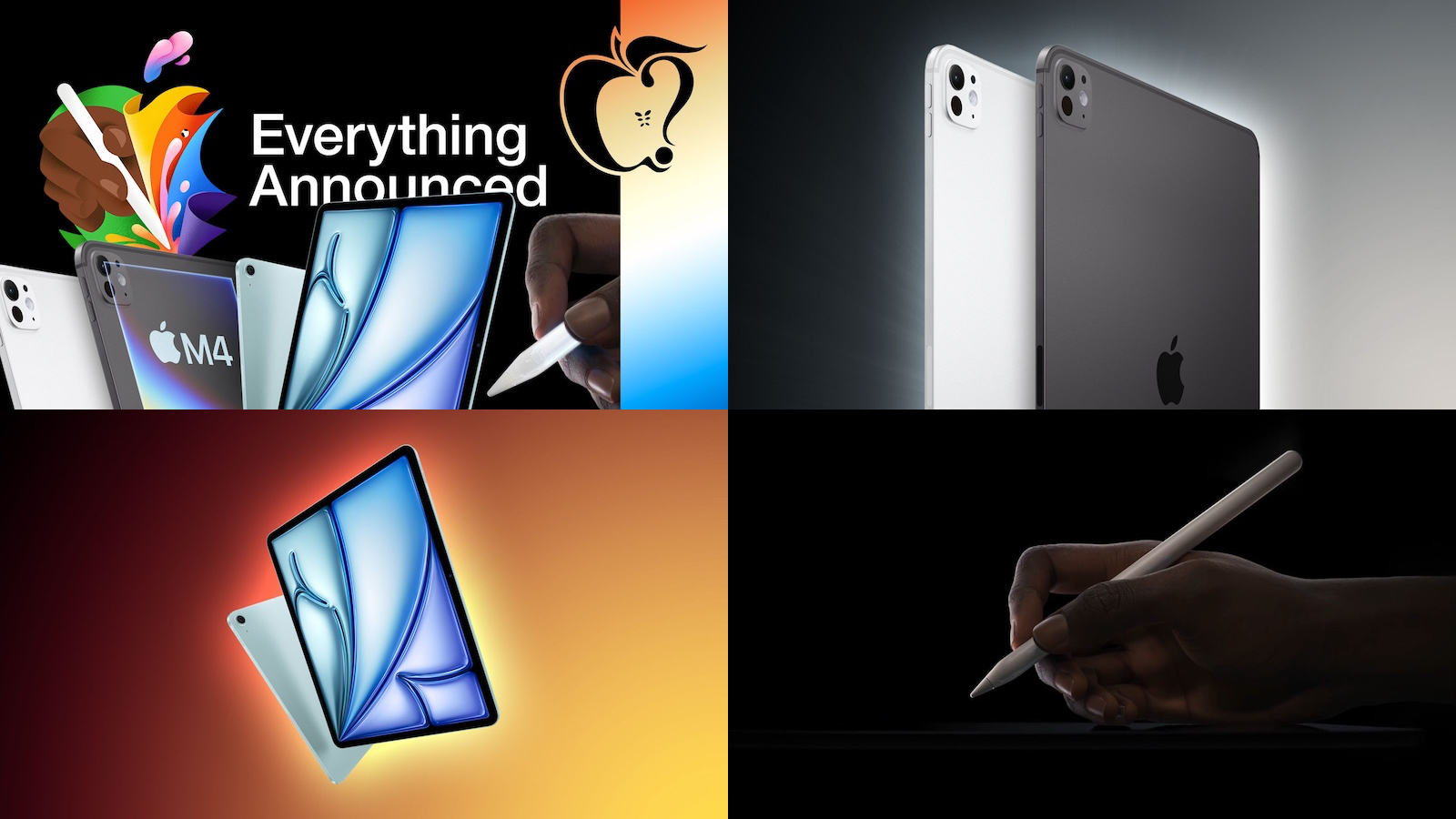
Apple's "Let Loose" event this week went off largely as expected, headlined by new iPad Pro and iPad Air models.
The updated higher-end devices are complemented by some new accessories, while Apple also tidied up the lower-end of the lineup a bit, so read on below for all the details!
Everything Announced at the Apple Event
Apple held its first event of the year this week to announce several new devices and accessories, including new iPad Pro models with OLED displays and the M4 chip, new 11-inch and 13-inch iPad Air models, the Apple Pencil Pro, and a redesigned Magic Keyboard for the iPad Pro.
The event ran for nearly 40 minutes, but we have shared a video recapping the key announcements in just eight minutes. Check out all of our event coverage to learn more about the new products.
Apple Announces New iPad Pro With M4 Chip, OLED Display, and More
The new 11-inch and 13-inch iPad Pro models feature the M4 chip, OLED displays with increased brightness, a thinner design, a new Space Black finish, a front camera/Face ID system moved to the landscape edge of the devices, and more.
In the U.S., the 11-inch iPad Pro now starts at $999, while the 13-inch iPad Pro starts at $1,299. The devices are available to order now and launch on May 15.
Apple Announces New iPad Air Models: M2 Chip, First-Ever 13-Inch Model, and More
The new 11-inch and 13-inch iPad Air models feature the M2 chip, a front camera on the landscape edge of the devices, Wi-Fi 6E support, new color options, and a few other minor changes.
This is the first time that Apple has offered the iPad Air in two display sizes. In the U.S., the 11-inch model starts at $599, and the 13-inch model starts at $799. The devices are available to order now and launch on May 15.
Apple Pencil Pro Unveiled With New Squeeze Gesture, Haptic Feedback, Find My, and More
The rumored Apple Pencil Pro has arrived, and it includes several new features for the accessory.
You can squeeze the Apple Pencil Pro to bring up a tool palette, and a built-in gyroscope allows users to roll the Apple Pencil Pro's barrel for precise control of shaped pen and brush tools. You can also track the location of the Apple Pencil Pro in the Find My app if it is misplaced, and it supports haptic feedback for certain actions.
Apple Announces Redesigned Magic Keyboard for New iPad Pro Starting at $299
Key new features of the redesigned Magic Keyboard for the new iPad Pro include an aluminum palm rest, a larger trackpad, and a row of function keys with shortcuts for brightness, volume, and more.
The new Magic Keyboard is compatible with the new iPad Pro models with the M4 chip only. It is available in black and white, with U.S. pricing set at $299 for the 11-inch model and at $349 for the 13-inch model.
iPad 9 Discontinued, iPad 10 Now Starts at $349
While only the iPad Pro and iPad Air were updated this week, Apple did make some changes to the lower end of the iPad lineup.
First, Apple discontinued the ninth-generation iPad with a Lightning port. Second, Apple lowered the starting price of the tenth-generation iPad with a USB-C port to $349 in the U.S., compared to $449 previously.
There are no changes to the iPad mini.
MacRumors Newsletter
Each week, we publish an email newsletter like this highlighting the top Apple stories, making it a great way to get a bite-sized recap of the week hitting all of the major topics we've covered and tying together related stories for a big-picture view.
top stories like the above recap delivered to your email inbox each week, subscribe to our newsletter!
Tag: Top Stories
This article, "Top Stories: Apple Event With New iPads, Apple Pencil Pro, and More" first appeared on MacRumors.com
Discuss this article in our forums
https://www.macrumors.com/2024/05/11/top-stories-new-ipad-pro-air/
Sonos Said Rolling Out Widely Criticized App Redesign Took 'Courage'
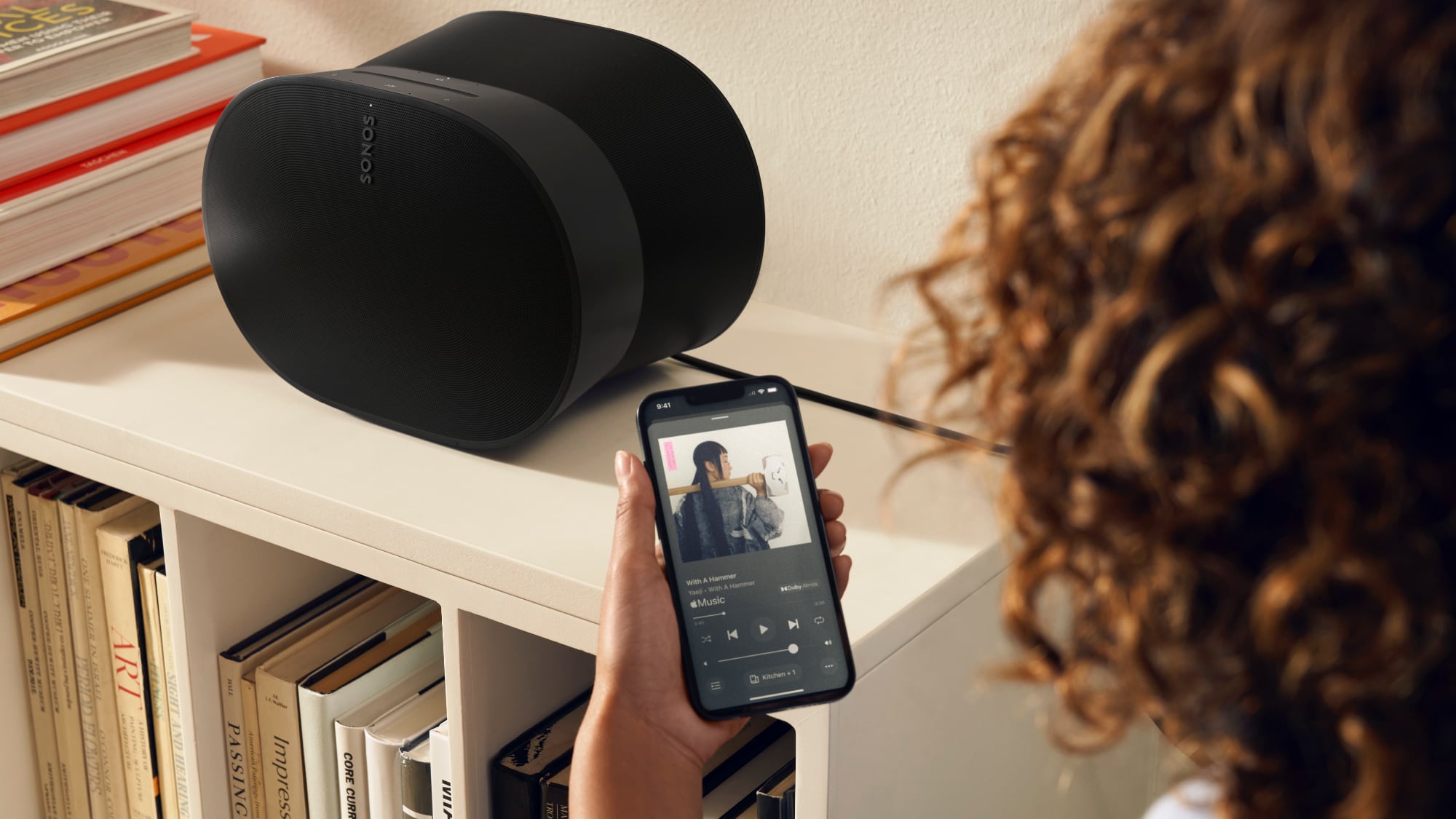
Sonos this week released a major redesign for the Sonos app, introducing customizable home screen meant to deliver a personalized listening experience. The update was announced back in April, but just went live, and unfortunately, it removes a number of features while also introducing several bugs.
Multiple complaints on social media have called the app a "step back" with missing features like editing a song queue, managing playlists, shuffling a music library, and setting alarms and timers, along with slow performance and hard-to-access system controls. There has also been feedback from users about missing accessibility features.
The Verge asked Sonos about the negative feedback, and in response, Sonos said that it's aware of the complaints, but "it takes courage" to rebuild a core product.
Redesigning the Sonos app is an ambitious undertaking that represents just how seriously we are committed to invention and re-invention. It takes courage to rebuild a brand's core product from the ground up, and to do so knowing it may require taking a few steps back to ultimately leap into the future.
The app's revitalization not only aims to address what customers have been asking us for in the short-term, but is also critical for supporting the exciting innovations to come from Sonos in the years ahead.
We realize there are beloved features our listeners are eager to continue enjoying now. We are working diligently to reintroduce them in the coming months, alongside additional enhancements that will make for an even better app experience.
Sonos said that it is working to address the missing features "in the coming months," and the update will ultimately lead to "exciting innovations" in the years to come. There is no way for iOS customers who have already upgraded their apps to go back to the prior version, though users are calling for Sonos to roll back the update until the new app is more fully fleshed out.
Tag: Sonos
This article, "Sonos Said Rolling Out Widely Criticized App Redesign Took 'Courage'" first appeared on MacRumors.com
Discuss this article in our forums
TikTok Becomes First Social Network to Auto Label AI-Generated Content
TikTok this week announced that it has started automatically labeling AI-generated content created on third-party platforms, preventing AI images and videos from confusing and misleading viewers.
Content made using TikTok's AI creation tools has included an AI label for more than a year, but going forward, TikTok will also label AI images made through other platforms. TikTok's tool will read Content Credentials, a technology from the Coalition for Content Provenance and Authenticity (C2PA). Content Credentials are designed to attach metadata to AI content, facilitating AI labeling.
TikTok's AI labeling started rolling out today on images and videos, and it will soon be coming to audio-only content. Content created with AI will have a label that says "AI-generated" under an account's TikTok username.
Labeling may be gradual, as content needs to have Content Credentials included for it to be identified and labeled. As other platforms adopt credentials, AI identification will increase across all social networks.
Tag: TikTok
This article, "TikTok Becomes First Social Network to Auto Label AI-Generated Content" first appeared on MacRumors.com
Discuss this article in our forums
https://www.macrumors.com/2024/05/10/tiktok-label-ai-generated-content/
Report: Revamped Siri to Be at the Core of Apple's New AI Strategy
Apple's shift to develop its own AI technology to keep up with competitors was today detailed in a The New York Times report.
Citing sources familiar with Apple's work, the report explains that the decision to revamp Siri was taken early last year by Apple's most senior executives. Senior vice president of software engineering Craig Federighi and senior vice president of Machine Learning and AI Strategy John Giannandrea are said to have spent several weeks testing OpenAI's ChatGPT to understand the ways in which the competitor made Siri look antiquated. The Siri team purportedly failed to receive attention and resources compared to other groups inside Apple, and the company has struggled to recruit and retain leading AI researchers.
iPhone's market share because it has the potential to become a more compelling operating system with an ecosystem of AI apps that undermine the App Store. Apple apparently fears the iPhone becoming a "dumb brick" compared with other technology.
iPhone 16 models will supposedly feature more memory to support AI features.
The New York Times article for more information.
Tags: New York Times, Artificial Intelligence
This article, "Report: Revamped Siri to Be at the Core of Apple's New AI Strategy" first appeared on MacRumors.com
Discuss this article in our forums
https://www.macrumors.com/2024/05/10/revamped-siri-to-be-at-core-of-new-apple-strategy/
Automatically Trigger iPhone Low Power Mode Earlier
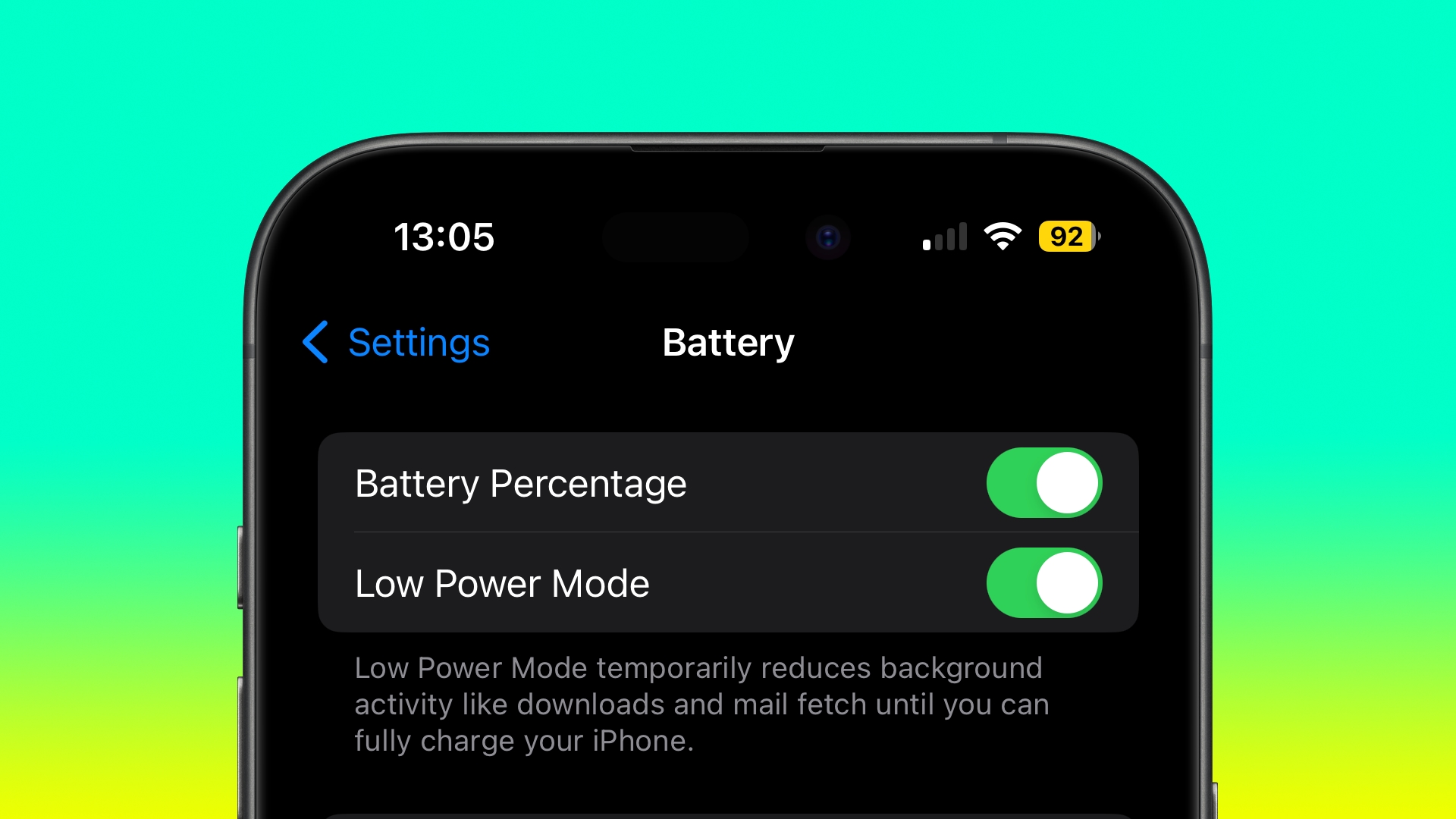
If your iPhone regularly runs out of battery later in the day, Low Power Mode is one way to make it last longer. You can also make Low Power Mode automatically turn on when your battery reaches a certain custom level. Keep reading to learn how.
Most iPhone users are familiar with the way iOS throws up a prompt to turn on Low Power Mode when the battery reaches 20%. Low Power Mode can also be turned on manually at any time by going to Settings -> Battery and toggling on the switch next to Low Power Mode.
If you find yourself constantly having to turn on Low Power Mode late in the day, you can save some time by setting it up to run automatically when your battery is depleted to a specific custom level. This can be done in the Shortcuts app, as the following steps show.
Bear in mind that Low Power Mode reduces your iPhone's performance and cuts out some background activities. For example, mail must be fetched manually, background app refresh is disabled, and motion and brightness are reduced.
If you're okay with those limitations, follow the steps below to automate the setting on your iPhone.
Open the Shortcuts app and select the Automation tab at the bottom of the screen, then tap the + button in the top-right corner.
Scroll down and select Battery Level from the options.
Check Falls Below 50% and then drag the slider to adjust the percentage level for when Low Power Mode should be activated.
To ensure the automation runs in the background, toggle off the switch next to Ask Before Running, then tap Next.
Search for "Set Low Power Mode" and select the card from the results, then tap Next.
Lastly, tap Done in the top-right of the screen.
Your "Set Low Power Mode" personal automation should now be listed in the automation list, and will automatically trigger whenever your iPhone reaches the threshold you selected.
This article, "Automatically Trigger iPhone Low Power Mode Earlier" first appeared on MacRumors.com
Discuss this article in our forums
iOS 18: Audio Transcriptions Rumored for Notes and Voice Memos Apps
iOS 18 will include new audio transcription features in the Voice Memos and Notes apps, according to information obtained by AppleInsider.
The report claims that transcriptions of audio recordings will be available in both the Voice Memos and Notes apps on iOS 18. In addition, the Notes app will apparently be able to provide AI-generated summaries of key points in audio recordings. These features are also expected to be included in iPadOS 18 and macOS 15.
AppleInsider previously reported that the Calendar and Reminders apps and Calculator and Notes apps will be integrated on iOS 18, and said that the update will include new Safari features such as "Intelligent Search" and "Web Eraser." We recently recapped iOS 18 rumors on a per-app basis, with new features also expected for Apple Music, Messages, and more.
WWDC keynote on June 10. The first betas of the updates will likely be made available to members of Apple's Developer Program immediately following the keynote, and they should be widely released in September.
Related Roundup: iOS 18
Tags: Apple Notes, Voice Memos
This article, "iOS 18: Audio Transcriptions Rumored for Notes and Voice Memos Apps" first appeared on MacRumors.com
Discuss this article in our forums
https://www.macrumors.com/2024/05/10/ios-18-audio-transcriptions-rumor/
The MacRumors Show: M4 iPad Pro and M2 iPad Air Are Finally Here!
On this week's special episode of The MacRumors Show, we discuss Apple's newly announced iPad Pro, iPad Air, Apple Pencil Pro, and revamped Magic Keyboard accessory.
Subscribe to The MacRumors Show YouTube channel for more videos
iPad Pro's hardware, such as the introduction of the M4 chip, OLED displays, a landscape front-facing camera, an Adaptive True Tone flash, and a thinner design. The iPad Air is now available in a larger, 13-inch display size option and offers the M2 chip, a landscape front-facing camera, and Apple Pencil hover.
Magic Keyboard for the iPad Pro now features an aluminum top case, a new trackpad with haptic feedback, and a function row, while the Apple Pencil Pro introduces the squeeze gesture, barrel roll, haptic feedback, and Find My integration.
iPad out in the field. The MacRumors Show is now on its own YouTube channel, so make sure you're subscribed to keep up with new episodes and clips going forward:
Subscribe to The MacRumors Show YouTube channel!
Apple Podcasts, Spotify, Overcast, or your preferred podcasts app. You can also copy our RSS feed directly into your podcast player.
If you haven't already listened to the previous episode of The MacRumors Show, catch up for our predictions about Apple's "Let loose" event to see what we got right and wrong.
MacRumors, often joined by interesting guests such as Matthew Cassinelli, Brian Tong, Quinn Nelson, Kevin Nether, Jared Nelson, Eli Hodapp, Luke Miani, Mike Bell, Sara Dietschy, iJustine, Jon Rettinger, Andru Edwards, Arnold Kim, Ben Sullins, Marcus Kane, Christopher Lawley, Frank McShan, David Lewis, Tyler Stalman, Jon Prosser, Sam Kohl, John Gruber, Federico Viticci, Thomas Frank, Jonathan Morrison, Ross Young, Ian Zelbo, and Rene Ritchie.
@MacRumorsShow, so be sure to give us a follow to keep up with the podcast. You can also head over to The MacRumors Show forum thread to engage with us directly. Remember to rate and review the podcast, and let us know what subjects and guests you would like to see in the future.
Tag: The MacRumors Show
This article, "The MacRumors Show: M4 iPad Pro and M2 iPad Air Are Finally Here!" first appeared on MacRumors.com
Discuss this article in our forums
https://www.macrumors.com/2024/05/10/the-macrumors-show-m4-ipad-pro-and-m2-ipad-air/