


Very sad news. I know you gonna miss him a lot and all the memories.
Take care.
#nostrfitness #tennis #tennistr #training #grownostr 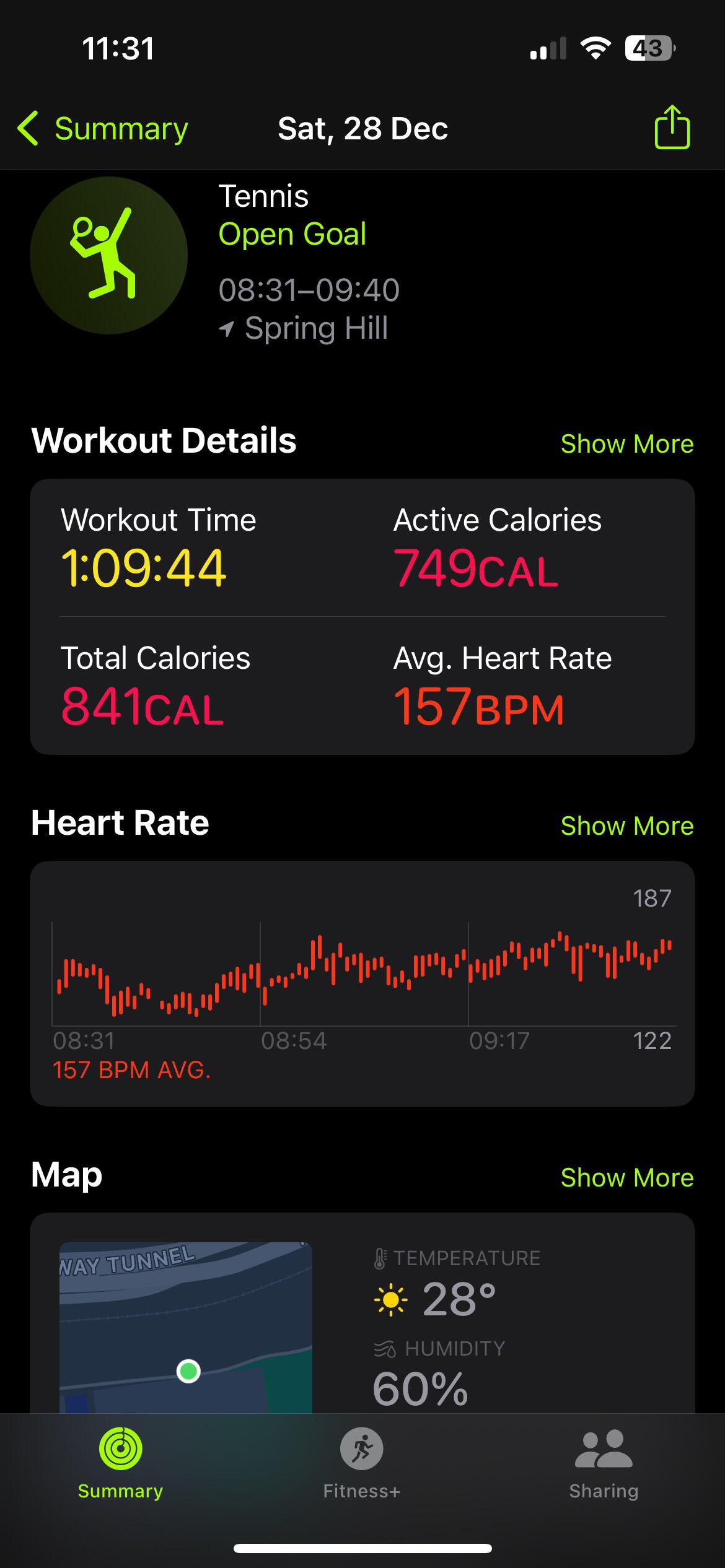
#run #runstr #running #runchain #19minchallenge #nostrfitness 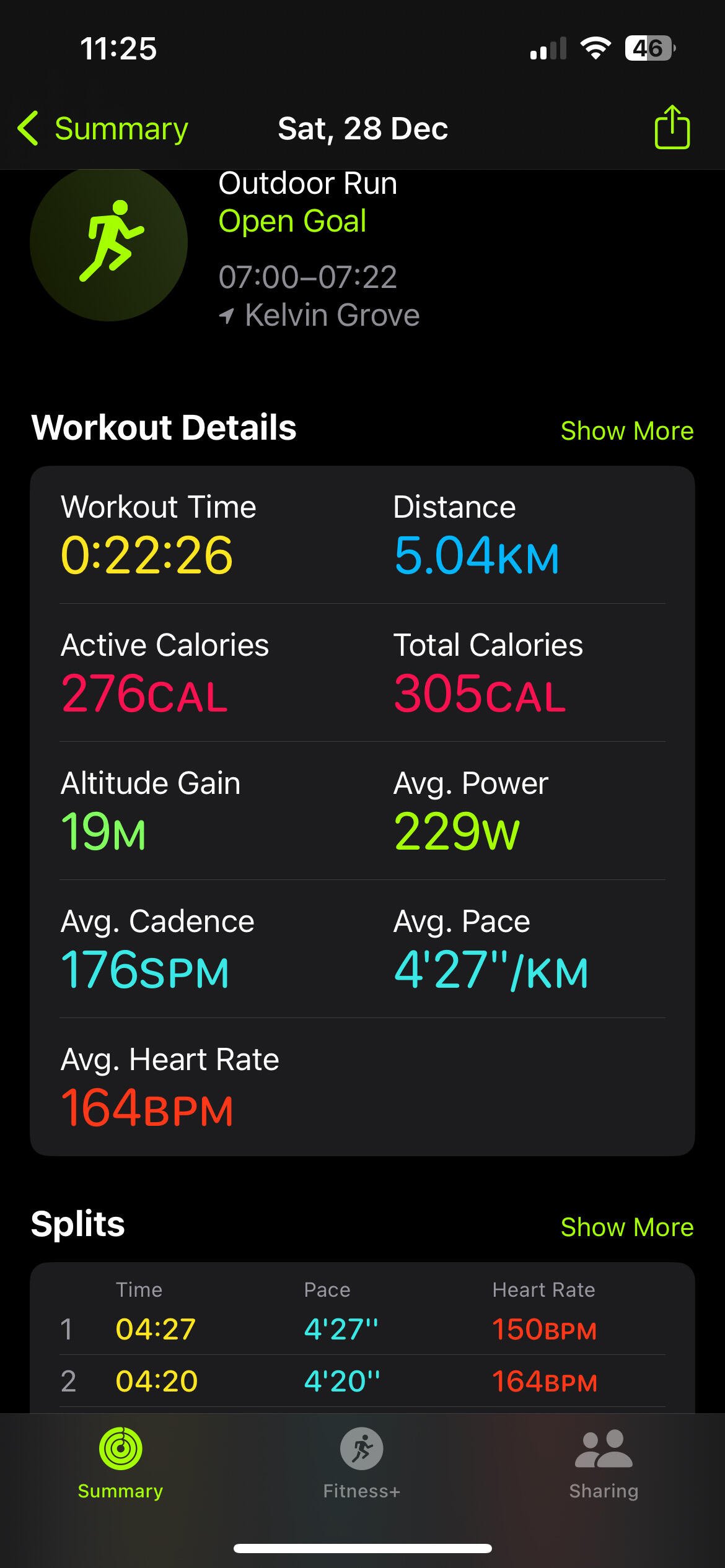


Professional tennis is a Winner's Game: 80% of points are won on incredible shots. You win by hitting incredible shots.
#tennis #winners
Let’s see if this work on Damus nostr:npub18m76awca3y37hkvuneavuw6pjj4525fw90necxmadrvjg0sdy6qsngq955 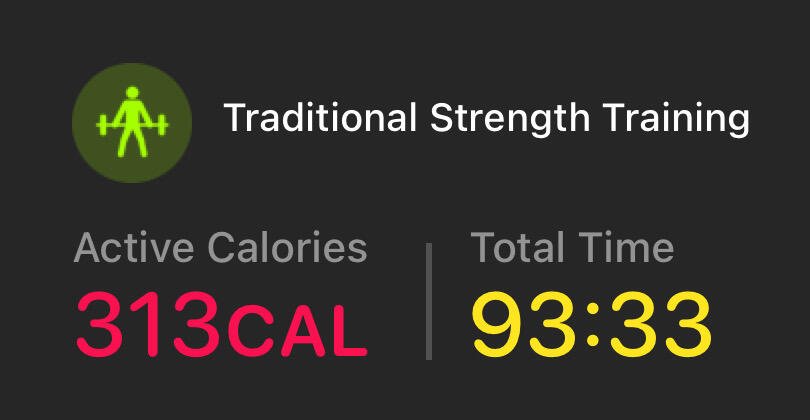
Scam 1992 series debunked the institutions
I’m loving this life. Do I need a car?
#Asknostr #nostriches #austriches.
Groceries done for the week.
Serotonin dose. 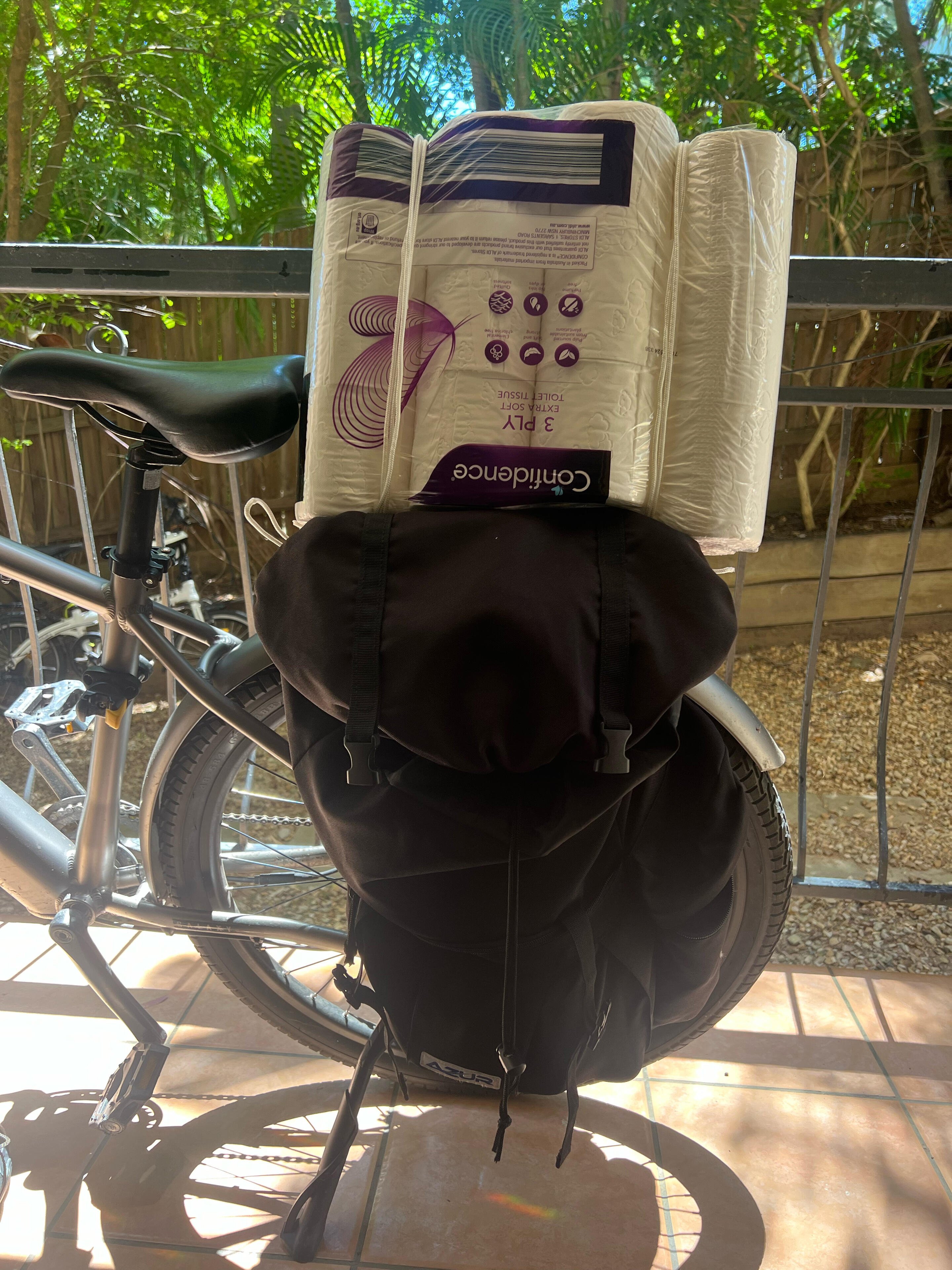

 ?RTUdGk5cXyJFAQgJSEc4egtnfAYYGkVUGwBdOh80SxgRBAAhdSMKY1dhB2osTU0LIjUVDw==
Might be cousins?? lol

nostr:npub1hthle2cjcmlqddxk4a45lkc99kn20zgv92tjk7smvtltcqs98glqsr6g4v here your best fiend watch out when you visit Oz
Parrots I don’t know but they are beautiful pack of birds I ever seen so close. !! #Asknostr #nostriches #austriches. nostr:npub1rjwumr7j6tac08t0qttvc44walt549nc4eyyxjc0phn6yxzj7uzq0accc9
Yeh I have find it out this one in Aussie nostr:npub1jmy8weweqzckna0amz7pn0uhhkxx693l7st23829ewmu43yvjsesfp6xcq
Seems they are trying to attack or maybe they’re looking for food. This is one of the most intelligent species among birds and animals.
nostr:npub18m76awca3y37hkvuneavuw6pjj4525fw90necxmadrvjg0sdy6qsngq955 can’t upload on your client but primal is awesome in loading videos.
#asknostr
#tor on Apple macOS
Enabling Tor via the terminal involves installing and running the Tor network software, which allows you to access the internet anonymously and securely. Tor (The Onion Router) routes your internet traffic through multiple servers (nodes) worldwide, masking your IP address and encrypting your communication.
Here’s how to enable Tor via the terminal:
For Linux:
1. Install Tor:
Open your terminal and run the following commands:
sudo apt update
sudo apt install tor -y
For other Linux distributions, use the equivalent package manager (e.g., yum or pacman).
2. Start the Tor Service:
Start and enable the Tor service:
sudo systemctl start tor
sudo systemctl enable tor
3. Test Tor:
Verify that Tor is running by checking its status:
sudo systemctl status tor
4. Use Tor:
You can use Tor via the command line by using tools like torify to anonymize commands. For example:
torify curl http://check.torproject.org
For macOS:
1. Install Homebrew (if not already installed):
/bin/bash -c "$(curl -fsSL https://raw.githubusercontent.com/Homebrew/install/HEAD/install.sh)%22
2. Install Tor:
brew install tor
3. Start Tor:
brew services start tor
4. Use Tor:
Similar to Linux, you can use tools like torify.
For Windows (via WSL or Command Prompt):
• Install a Linux distribution via WSL, then follow the Linux steps.
• Alternatively, use the Tor Browser directly for GUI-based access.
What It Means:
• Anonymity: Your IP address and location are hidden.
• Security: Communication is encrypted within the Tor network.
• Access to Hidden Services: You can access .onion websites, which are not available on regular browsers.
Let me know if you’d like further details or help configuring Tor!


Put some highlighters and inverted commas

80s are the best generation of all time.

Today I am releasing "narr", a lightweight RSS and Nostr longform reader for the desktop: https://github.com/fiatjaf/narr
It supports all sorts of RSS feed discovery from HTTP URLs and renders them beautifully in a simple straightforward interface, you can also paste nostr:... URIs, including nip05, npub and nprofile codes (they should also work without the nostr: prefix).
If you install narr and use it in the next 2 hours you'll be entitled to our special bonus offer: you'll get one free complaint and one free feature request, which you can write as a reply to this note -- but only if you include a screenshot of your setup.

Nostr aggregator rss reader