


A song I wrote at 3AM for a friend who passed 6 years ago.
I’ll be posting the recorded song on nostr:npub1yfg0d955c2jrj2080ew7pa4xrtj7x7s7umt28wh0zurwmxgpyj9shwv6vg when it is complete. #tunestr 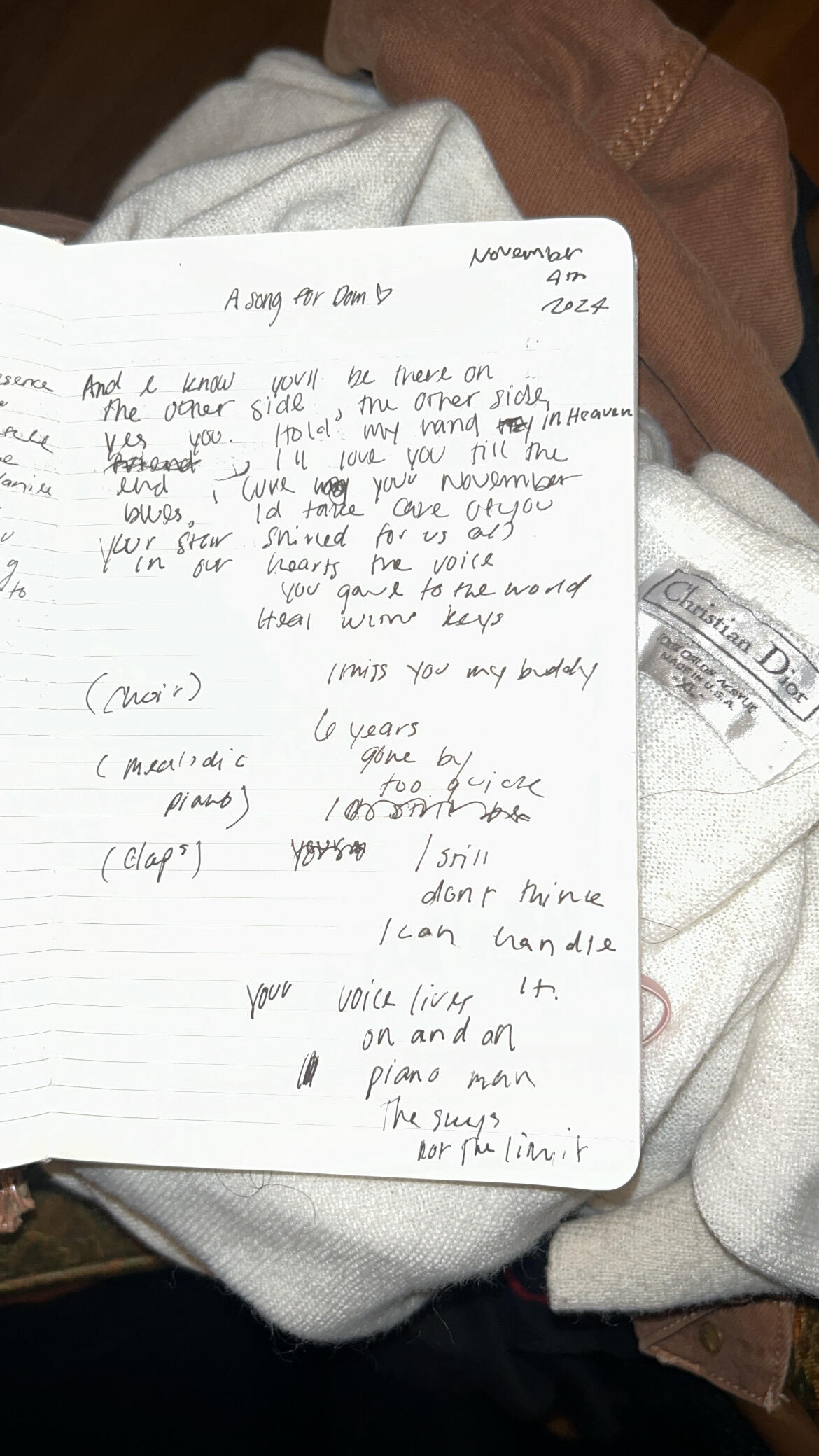
Looking forward to it ✌️

Should be noted, this feature is currently unavailable if you’re not using a Wavlake wallet.
We're excited to (re)introduce Listen To Earn, a new way to earn rewards by listening to promoted music. Ready to start earning? Update your mobile app now to join our beta test. https://app.wavlake.com 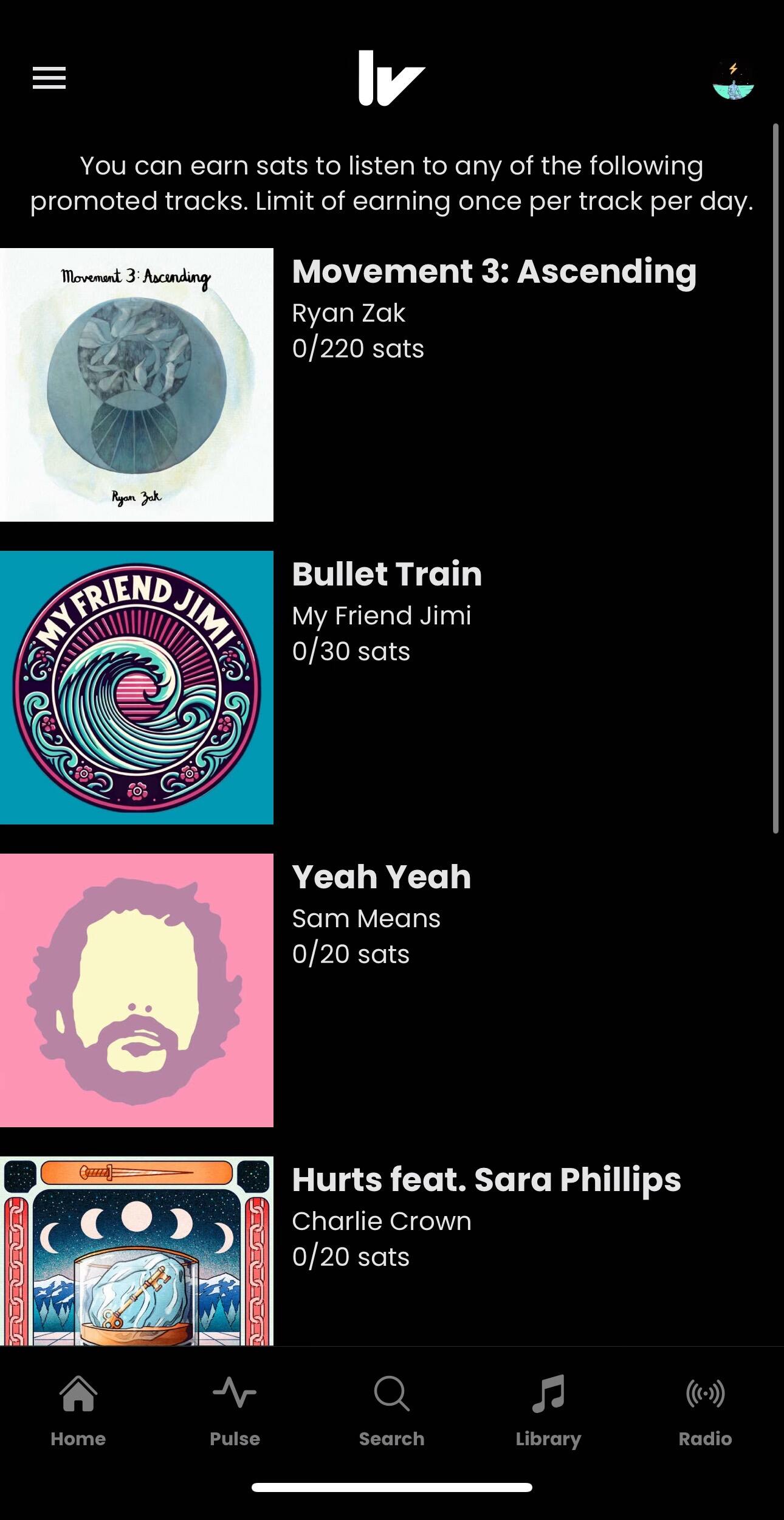
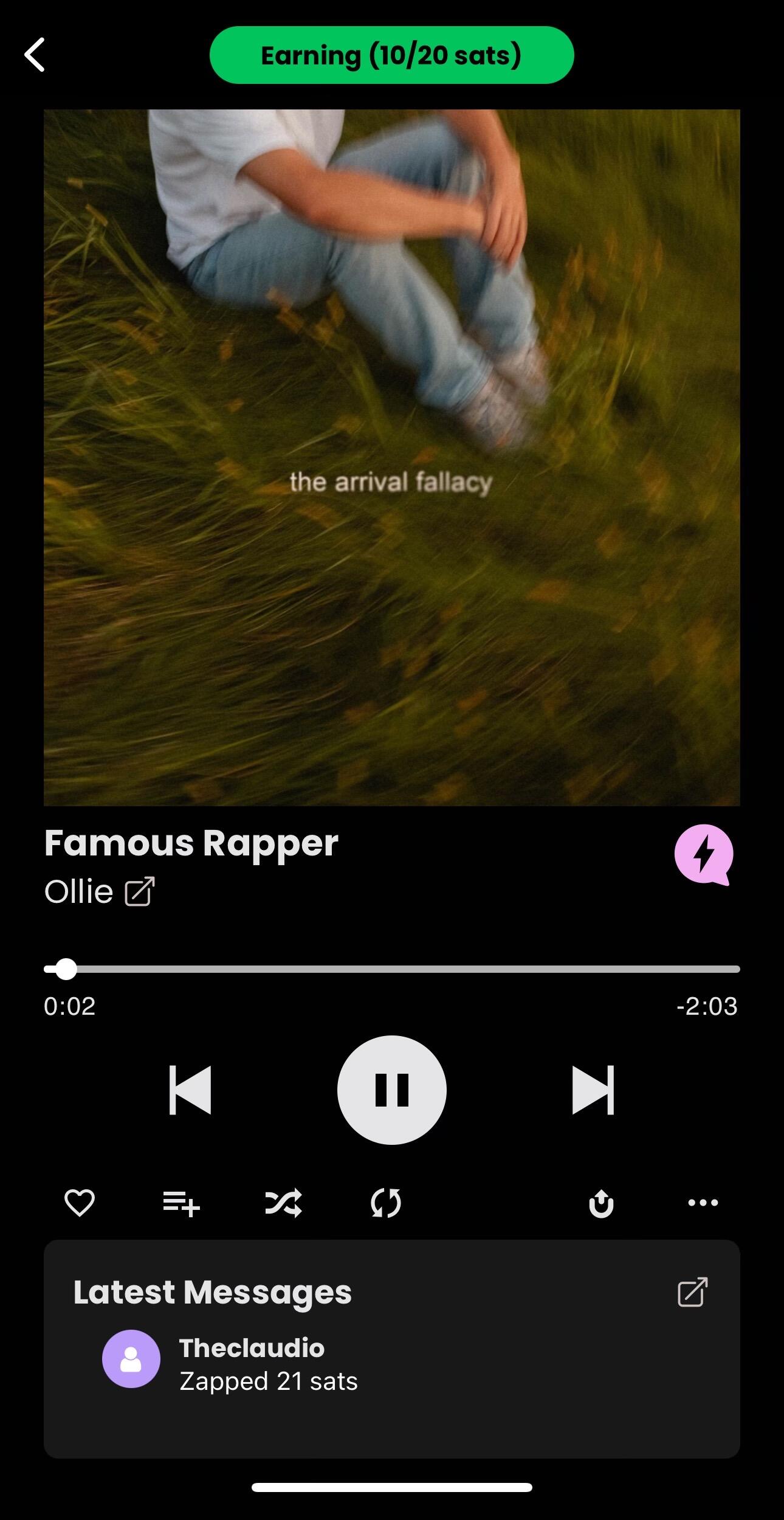

Awesome! You may have initially logged in when our NWC service was restarting 😅
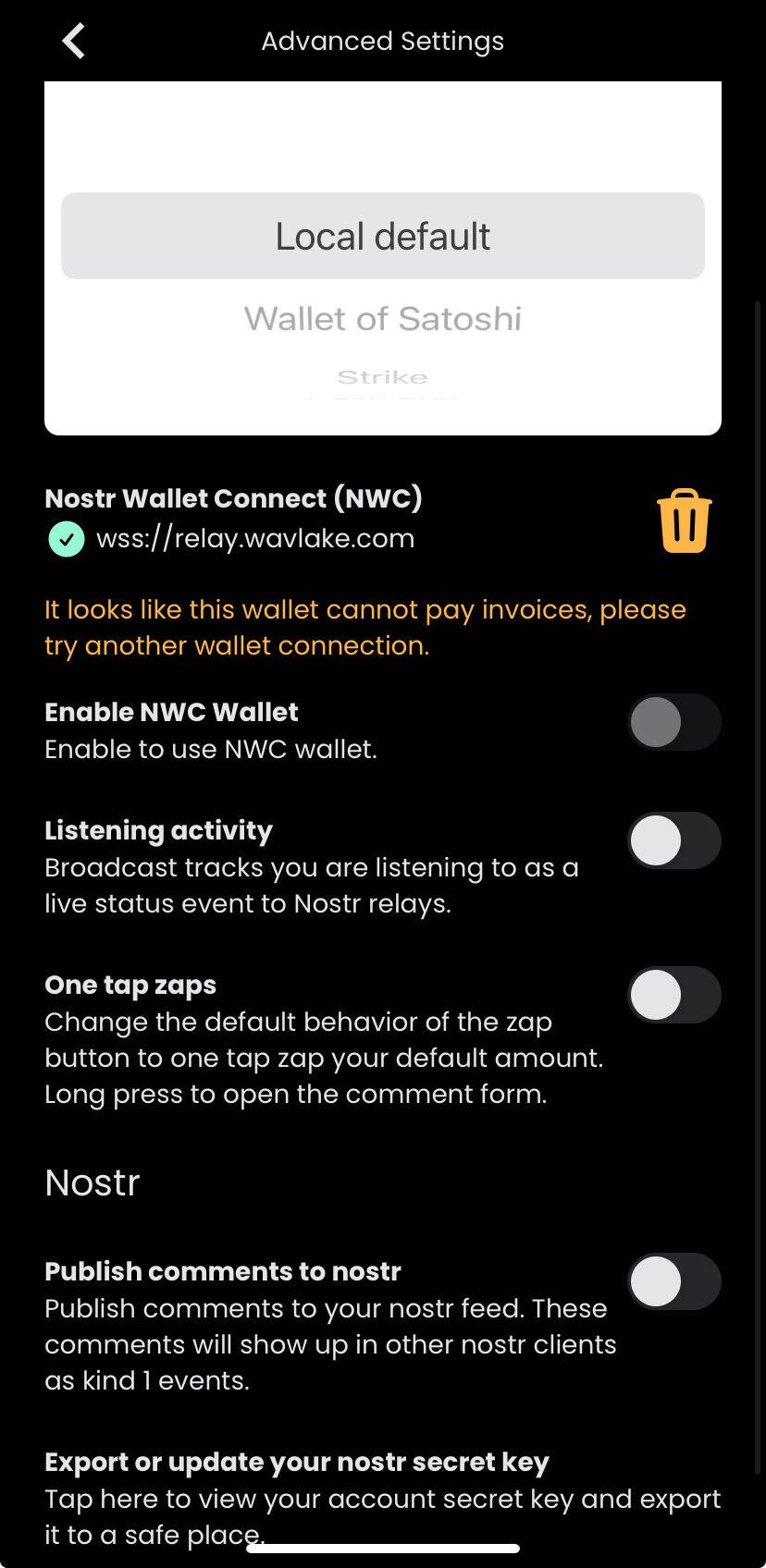
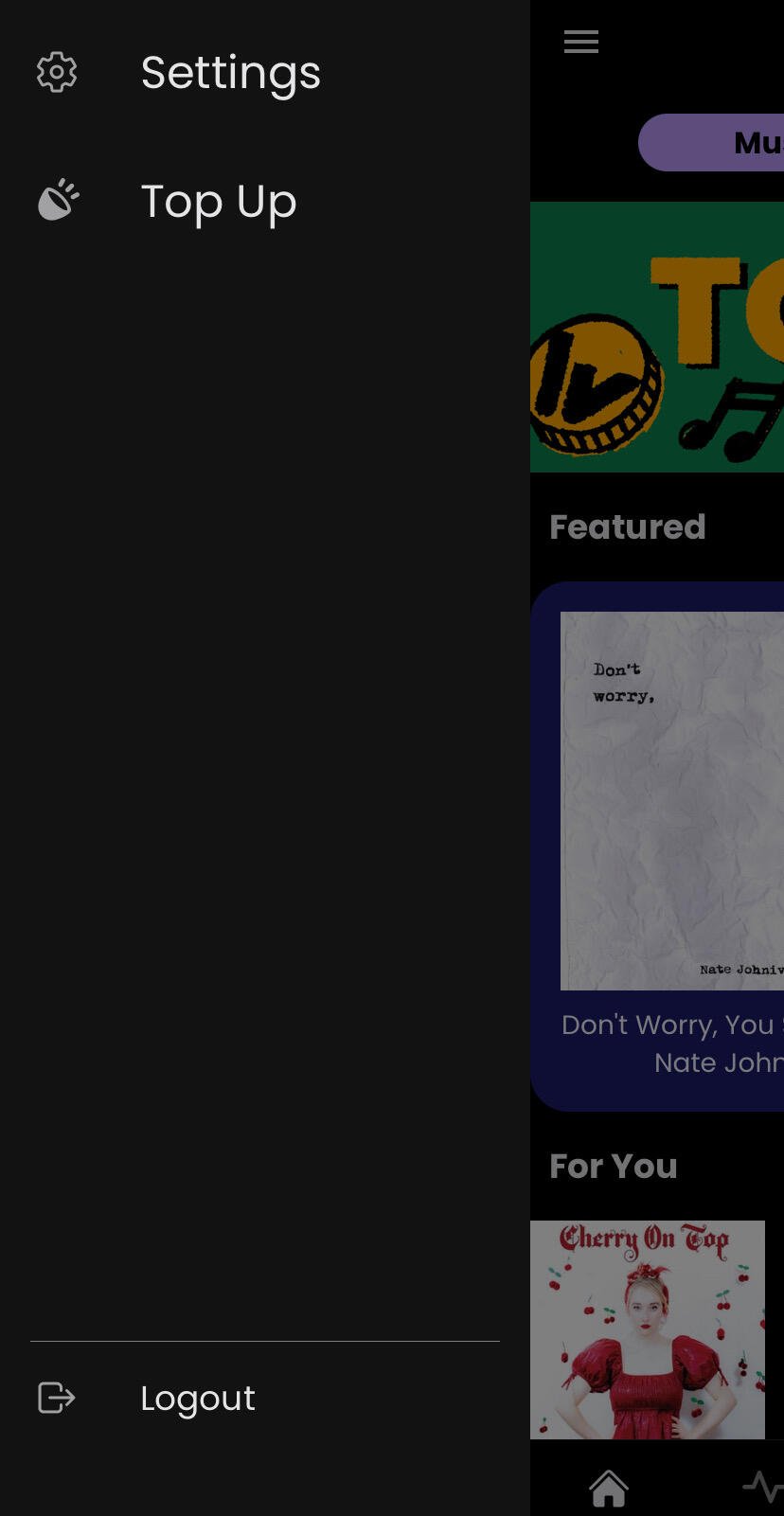
Can you click through settings > advanced settings and show us what you see? Can also email support@wavlake.com if you want to take this off Nostr. Thanks!
It’s still in the top left corner. If you’re not seeing it there, log out and back in with Wavlake account. 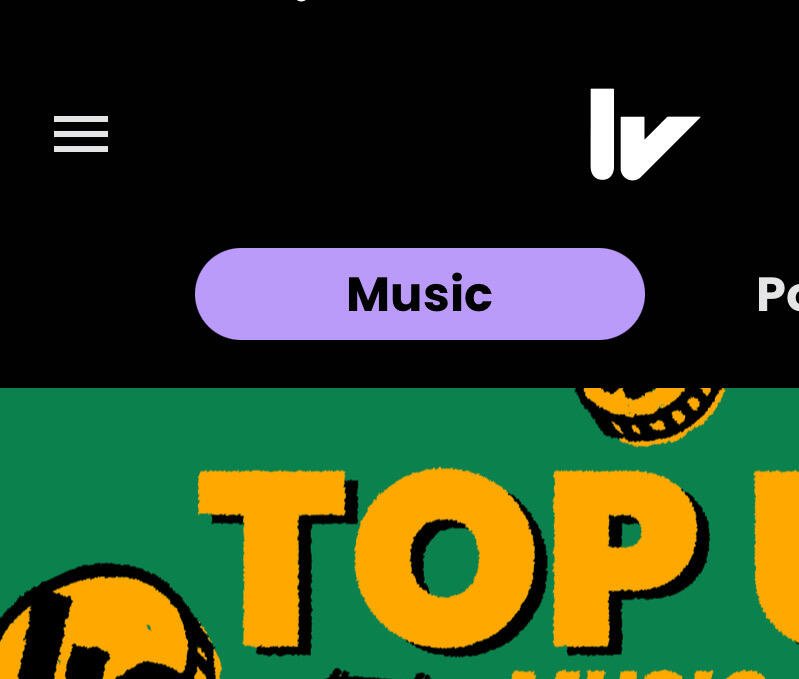

Yes, you’ll have full control of the promotion spend. Thanks for the feedback, Ryan!
 nostr:note1htvs0fy5l8hk5tmu0trqa3ca9vay462x3ayhcg79sqayseatvm3s2fm85n
Wavform Episode 15: Top Up? Fan Connection, Public Libraries, Smashing Pumpkins, AI Music https://wavlake.com/episode/3531f164-93d3-43c9-b1f0-a09b191bad45
i think it would be easy to add the audio file link in the nostr:npub1yfg0d955c2jrj2080ew7pa4xrtj7x7s7umt28wh0zurwmxgpyj9shwv6vg live status events. if i make a PR to add it, would you add a music player to damus? 😀
💯

This currently only works if you have a Wavlake wallet activated, otherwise you won’t see it. When you select Top Up in the app, you’ll see a list of promoted tracks. In beta, all promoted tracks are set to earn 10 sats per minute, so the length of the track determines how much you earn. Once you hit that amount on each track, the earning is disabled until the next day, or whenever the track promotion ends. 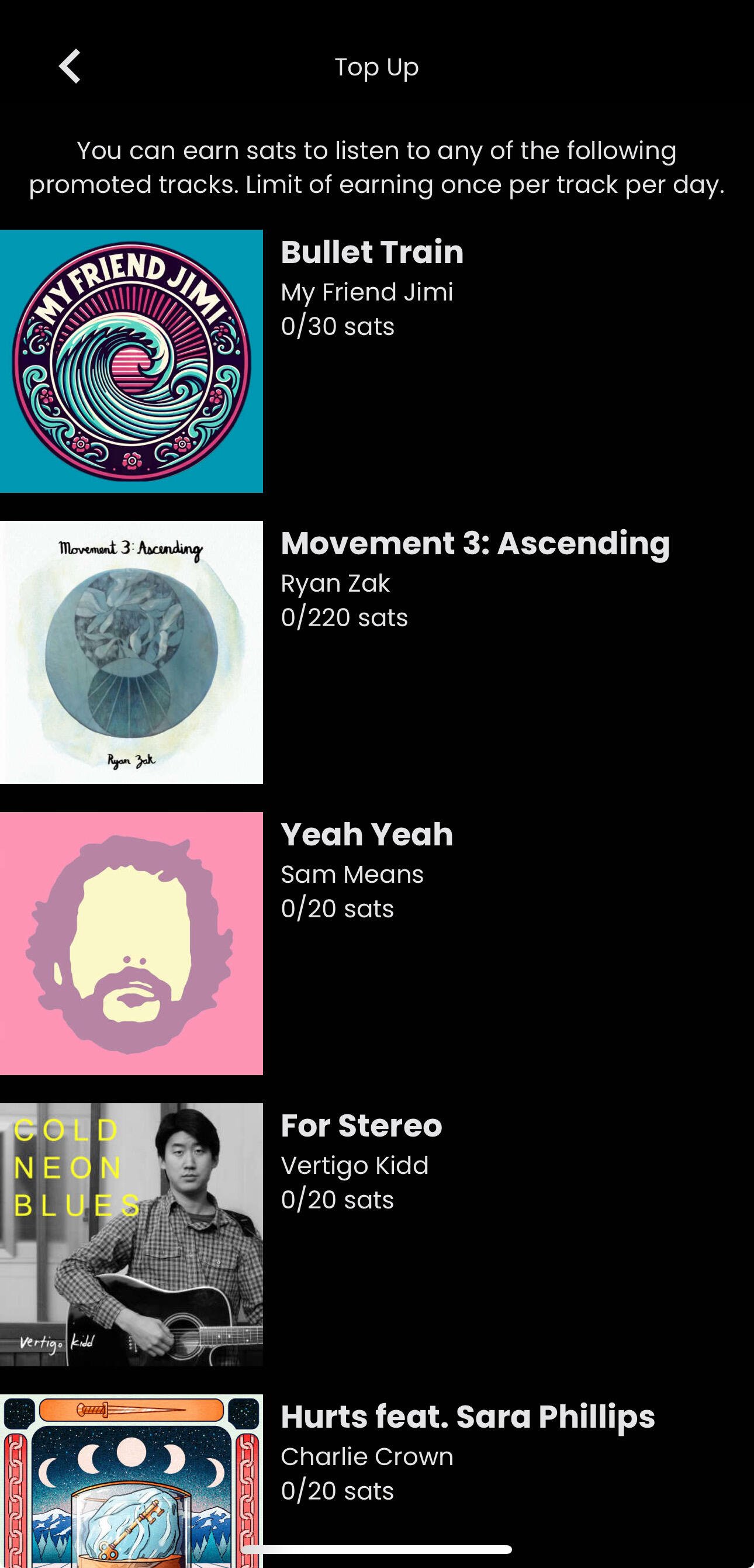

After you log in and it loops back, hit skip for now and let me know if that gets you in.

On mobile everyone gets a keypair, or can bring their own. Wallet option provided as well. These two features operate somewhat differently between mobile and web, as well as artist vs. listener profiles, but will soon be functioning more consistently across the board.