

Have you tried creating a new Terminal session?

Apologies. We will look to add some peers in LatAm in a coming release.
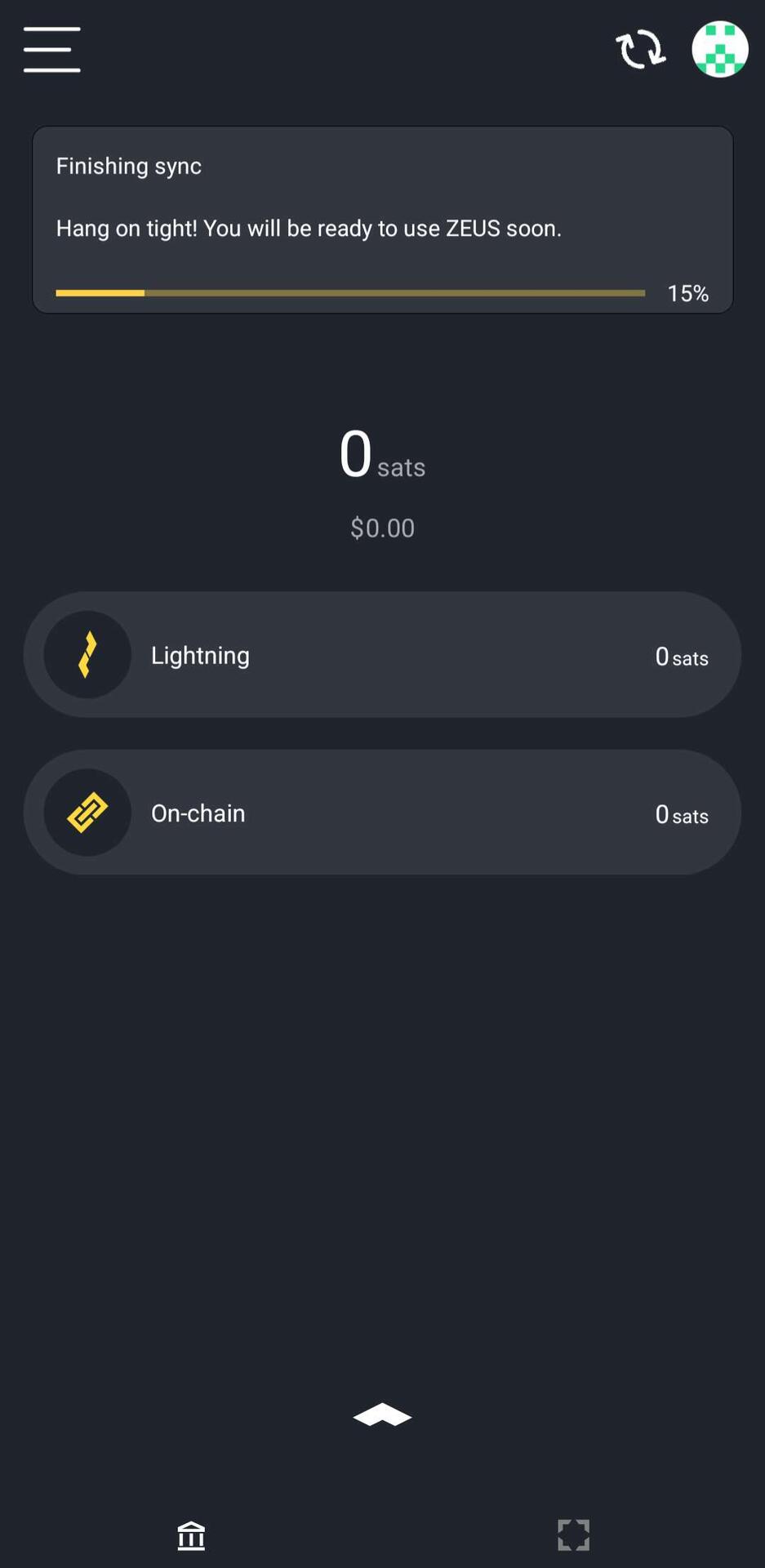
We recommended going through your Neutrino peer list and removing all the peers with high ping times. <200ms is optimal. <1000ms should still work. Menu > Embedded Node > Peers > Neutrino.
Next build should have some sync optimizations for users in Asia.
Is this guy serious? nostr:note180yate8pg69xr3qmk5zdw2qw742ujt93yrj5pcqueda044pnxprqpfvun5

Hope you give us another shot! Happy to help troubleshoot

2 private channels been open to nostr:npub1xnf02f60r9v0e5kty33a404dm79zr7z2eepyrk5gsq3m7pwvsz2sazlpr5 for months, always on, great experience. although a little fee may be charged, absolutely worthy.
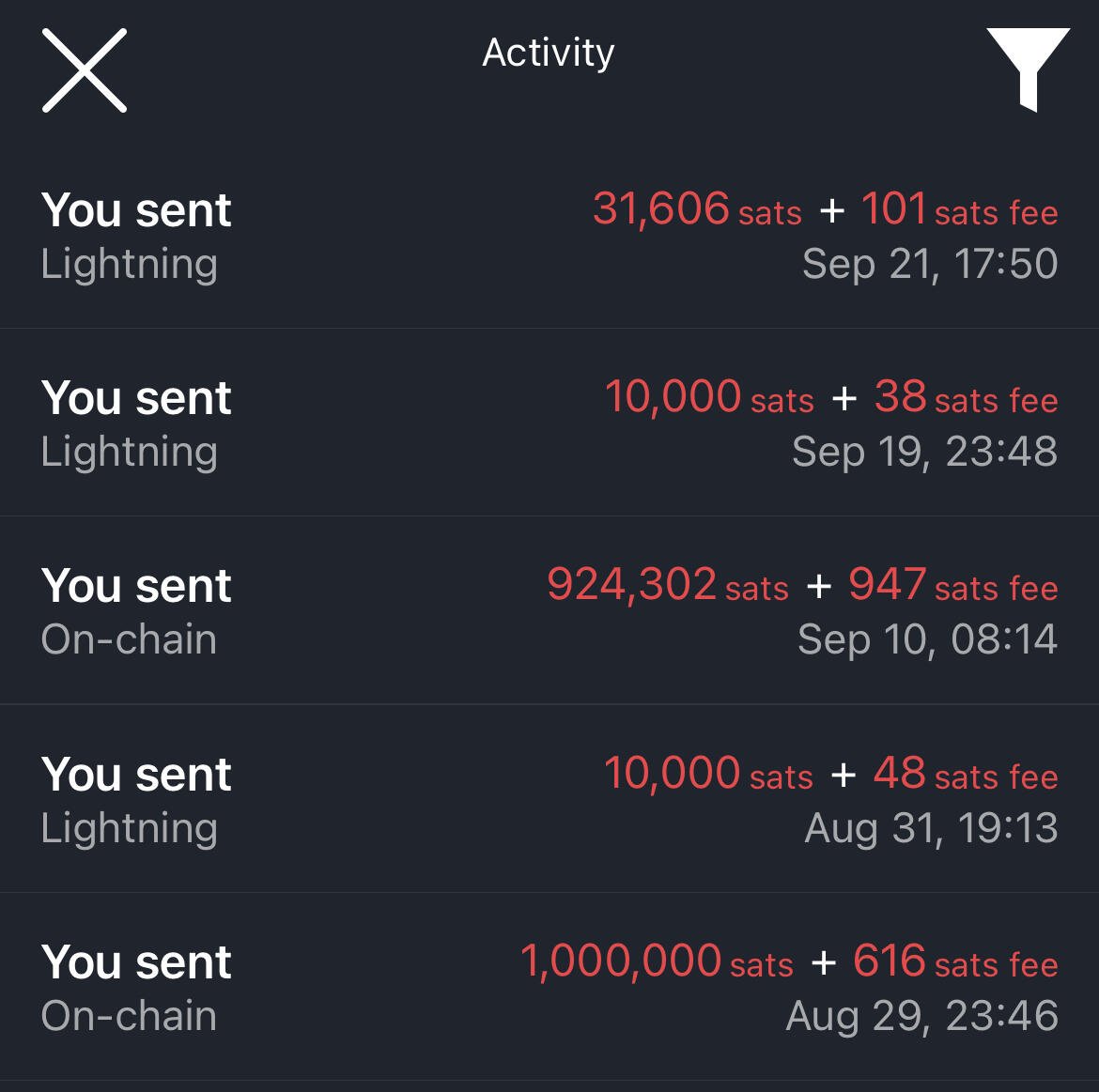
Glad you’re enjoying it!
What’s your ram usage look like?

On a related note, nostr:npub1xnf02f60r9v0e5kty33a404dm79zr7z2eepyrk5gsq3m7pwvsz2sazlpr5 do you have a URI that can pop a user straight into the NFC pay flow in your app?
Not yet

Bitcoin Optech newsletter #321 is here:
- links to a proof-of-concept implementation for
proving in zero-knowledge that an output is part of the UTXO set
- describes one new and two previous proposals for allowing offline LN
payments
- summarizes research about DNS seeding for non-IP network
addresses
- summarizes changes to services/client software
- Optech Newsletter #321 Recap on Twitter Spaces
https://bitcoinops.org/en/newsletters/2024/09/20/
Johan Halseth posted to Delving Bitcoin to announce a proof-of-concept tool that allows someone to prove that they control one of the outputs in the current UTXO set without revealing which output...
https://bitcoinops.org/en/newsletters/2024/09/20/#proving-utxo-set-inclusion-in-zero-knowledge
Andy Schroder posted to Delving Bitcoin to sketch a communication process an LN wallet could use to generate tokens that could be provided to an internet-connected wallet in order to pay it...
https://bitcoinops.org/en/newsletters/2024/09/20/#ln-offline-payments
Virtu posted to Delving Bitcoin a survey of the availability of seed nodes on anonymity networks and discussed methods for allowing new nodes that exclusively use those networks to learn about peers through DNS seeders...
https://bitcoinops.org/en/newsletters/2024/09/20/#dns-seeding-for-non-ip-addresses
Changes to services and client software:
- Strike adds BOLT12 support
- BitBox02 adds silent payment support
- The Mempool Open Source Project v3.0.0 released
- ZEUS v0.9.0 released
- Live Wallet adds consolidation support
- Bisq adds Lightning support
https://bitcoinops.org/en/newsletters/2024/09/20/#changes-to-services-and-client-software
Bitcoin Optech will host an audio recap discussion of this newsletter on Twitter Spaces Tuesday at 14:30 UTC. Join us to discuss or ask questions!
Thanks for the mention!

# Connect Zeus with ZeroTier to LND
## 1 Sign up at zerotier and create a network
- visit https://my.zerotier.com
- sign up
- create a network and you get a `network-id`
## 2 Install zerotier on your lnd node and join the network
- log in with `ssh` to your node
- visit https://www.zerotier.com/download/
- go to linux and copy the desired install command
- paste and execute the install command on your node
- you got a `zerotier-address` for the lnd node
- test the zerotier-cli `sudo zerotier-cli info`
- join the network with the node `sudo zerotier-cli join network-id`
## 3 Authorize the lnd node to the network
- visit https://my.zerotier.com
- select the network with the `network-id`
- auth the `zerotier-address` of the lnd node
- you get a `managed-ip` for the lnd node
## 4 Configure and restart lnd
- locate `lnd.conf` on your node `sudo find . -name lnd.conf`
- edit `lnd.conf` with vi or nano
- add an additional `tlsextraip=managed-ip` line
- save and exit `lnd.conf`
- restart lnd
## 5 Install zerotier on your mobile device and join the network
- install `ZeroTier One` from the app store
- start the app and you will see the `zerotier-address` for the device at the bottom
- press add network and scan the `network-id` on `my.zerotier.com`
- press add
## 6 Authorize the mobile device to the network and connect
- auth the `zerotier-address` of the mobile device on `my.zerotier.com`
- connect in the app to the network with the `toggle switch` on the right side
## 7 Configure zeus and connect with zerotier to lnd
- open the nodes in the zeus app
- open an existing tor node config or add an new one
- duplicate the tor node config
- change the host to `https://managed-ip` of the lnd node
- use tor `no`
- certificate validation `no`
- press save node config
- connect
## Sources
- https://docs.zerotier.com/start
- https://tutorials.lightningnode.info/zerotier/
- https://darthcoin.substack.com/p/tailscale-tunnel-zu-deiner-node-aufsetzen
#bitcoin #selfcustody #plebchain
Thanks for sharing!
You may have too many processes running on your node. Terminal uses a good deal of ram
nostr:nprofile1qqsrf5h4ya83jk8u6t9jgc76h6kalz3plp9vusjpm2ygqgalqhxgp9gprpmhxue69uhhyetvv9ujuumwdae8gtnnda3kjctvqyxhwumn8ghj7mn0wvhxcmmvqy28wumn8ghj7mn0wd68ytn00p68ytnyv4mqszh5dv I can't connect to my Start9 node any more. Pixel 8a CalyxOS
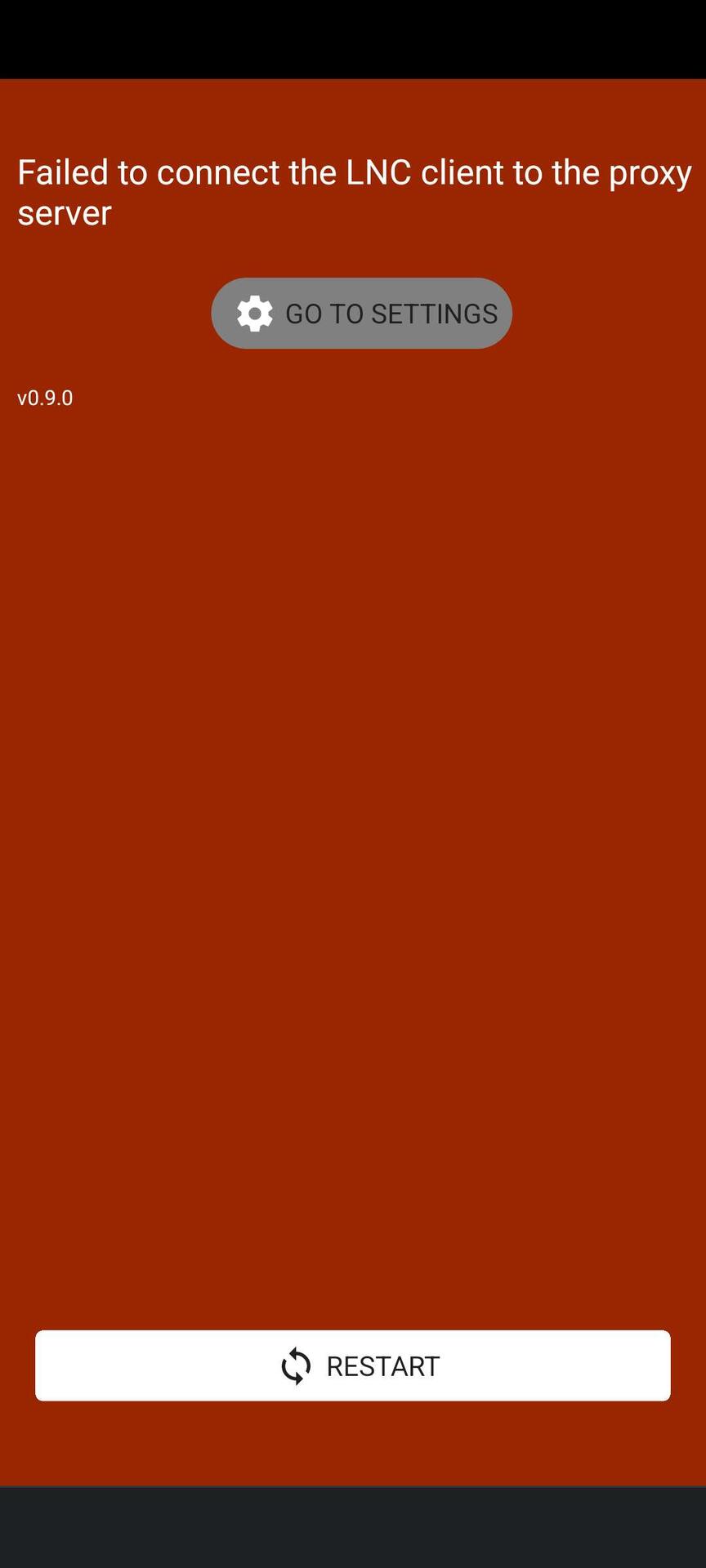
Try restarting the node or at least the Terminal process
If that fails, create a new LNC session
They’re eating the hotdogs. nostr:note1xvmrfd7zg0jxezaapak4k3zyrd05zlh2klenvanky4z8v8z307eq99zc5h

Please nostr:nprofile1qqszmxrnkfdl9hdxzstgf4zdt6mk4avlzemc3fvwxcatzeclalhg0uspzamhxue69uhhyetvv9ujumn0wd68ytnzv9hxgtczgwl6r don't rebuild it Nikólaos Balános style
No promises

🫡

Opt in. But we’ll let you toggle it on on the Receive view or permanently through Invoice settings.
Blinded paths.
That’s it. That’s the note.

Not sure why/how but someone just sent me two 2.9k sat payments to my lightning address
Anyway to find out who sent them?
nostr:npub1xnf02f60r9v0e5kty33a404dm79zr7z2eepyrk5gsq3m7pwvsz2sazlpr5

Nope. The beauty of lightning is that it has excellent sender privacy, by default.

Go back to housing without plumbing or electricity
We said thank you!
Instead of eating the cats, you can simply employ them to do code review. 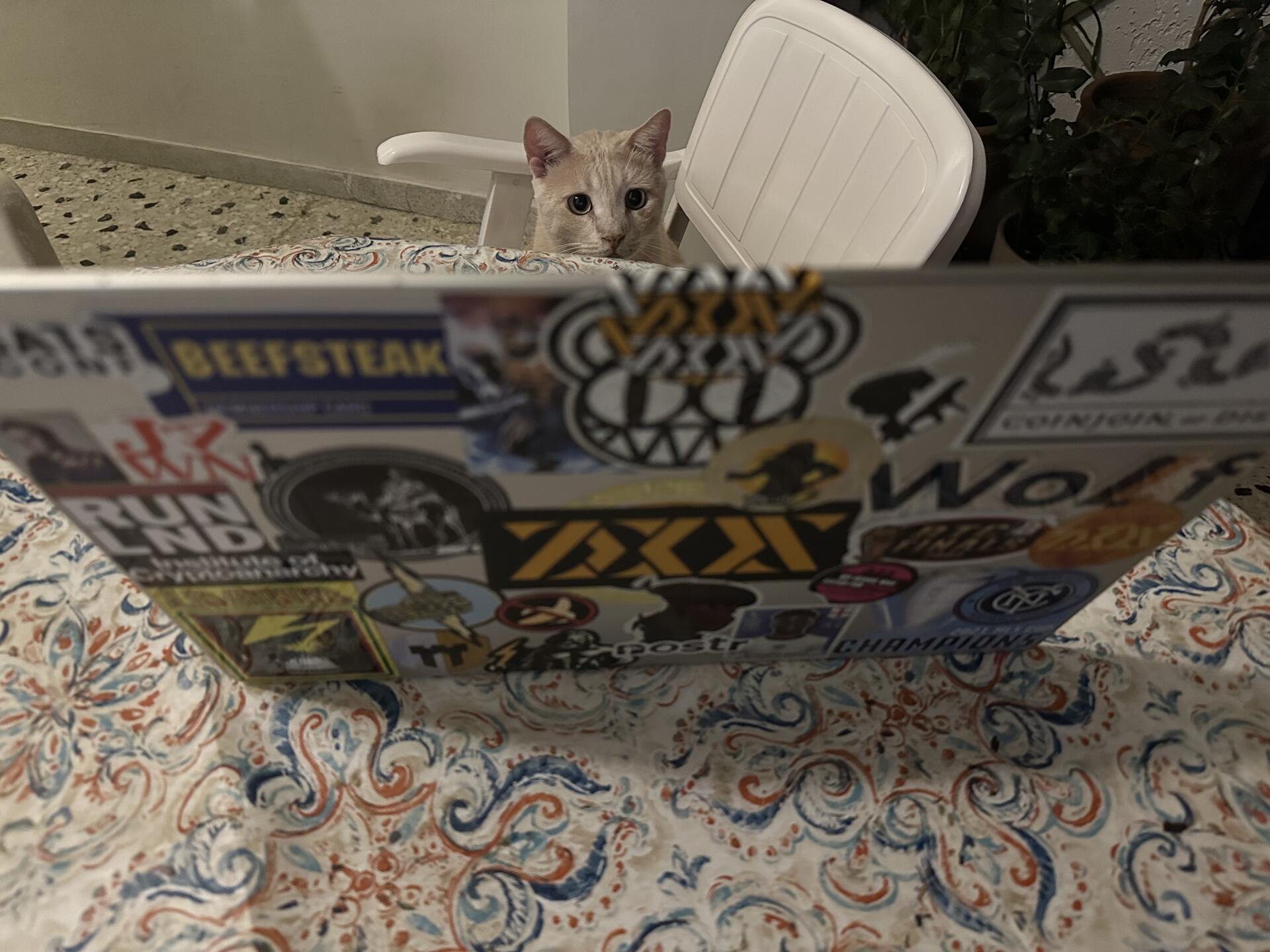
Someone send this man a lint roller nostr:note14y6k6y59f4ena0tg5xurf48zhcrlcx7a3j0q4zjs7zyk3d6v58jsamnt6u

That’ll do it! Keys need to be regenerated on the new device

nostr:nprofile1qqsrf5h4ya83jk8u6t9jgc76h6kalz3plp9vusjpm2ygqgalqhxgp9gpzfmhxue69uhk7enxvd5xz6tw9ec82cspzpmhxue69uhkummnw3ezuamfdejszyrhwden5te0dehhxarj9ekxzmnytql6f0 Is there something I am overlooking with the fee settings sending lightning txs? I have set the fees from 1K sats at the way to 10k & the tx keeps getting denied sating my fee setting is to low. #askNOSTR
You may just have to reset your express graph sync. The tell is if you have a high zombie chan count under Network Info

nostr:npub1xnf02f60r9v0e5kty33a404dm79zr7z2eepyrk5gsq3m7pwvsz2sazlpr5 Does your LSP only work with the Olympus node?
No, it works with all Lightning nodes

LDK doesn’t have an API interface built in it so it’s unlikely we’ll have something like that unless someone popularizes a node implementation with its own API.
Custodial warning will be dismissible in a future release.
We’re Bitcoin guys. Of course we have our savings in cold storage and use Lightning for our day to day payments. nostr:note1dsdsgllxlevxru4qw40gg7x77pp39xgs76lssal5tpcvktq2j69qzdt2hn
We’ll give a thought to the UX. You can also disable it under Settings fwiw
No plans for that at the moment
Tbh the spec should be expanded to include route hints

Sparrow is godly. nostr:note1akpe4jlecf7xuueup2l5m03tncpp0tctca44qml33gzaxjvmp8rst9u6fw


Access to the network is to allow the node to sync the lightning graph p2p
We’ve made optimizations to Express Graph Sync that should drastically speed up sync time. If you don’t have great internet speeds on your device you’re better suited with a remote node

Thanks for the support today nostr:npub1xnf02f60r9v0e5kty33a404dm79zr7z2eepyrk5gsq3m7pwvsz2sazlpr5 Service with an npub 😎
Cheers
Have fun paying with your bitcoin.

GM!
what’s this nostr:npub1xnf02f60r9v0e5kty33a404dm79zr7z2eepyrk5gsq3m7pwvsz2sazlpr5 / #asknostr- i need to spend more or I loose my Zeus wallet? 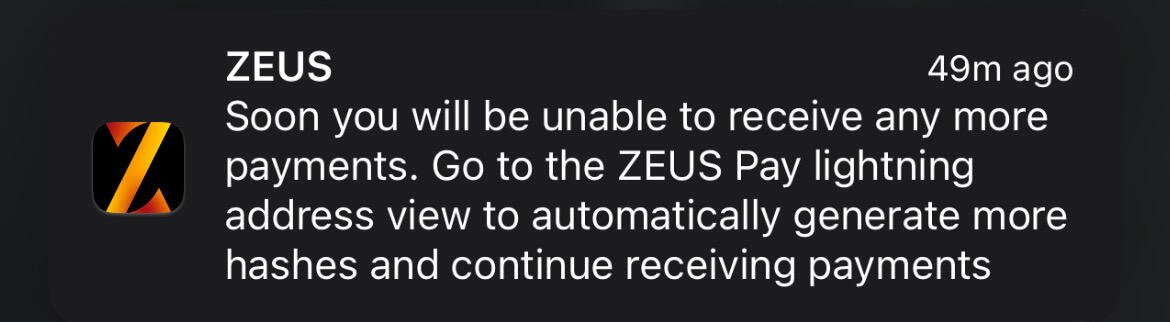
Nope. Just go to Settings > Lightning Address and your wallet will automatically generate more payment secrets for you to receive to your Lightning address

Hmmm, a bit weird situation today, after today's update nostr:nprofile1qqsrf5h4ya83jk8u6t9jgc76h6kalz3plp9vusjpm2ygqgalqhxgp9gpr3mhxue69uhkummnw3ezumt4w35ku7thv9kxcet59e3k7mgpzemhxue69uhkkmr0vd4k2mn8vyh8xmmrd9skcqguwaehxw309ahx7um5wghxy6t5vdhkjmn9wgh8xmmrd9skctylktc is showing my payments as failed
I just made a payment of 10€ but it was showing as failed payment, therefore I made a 2nd one just in case, then I tried to check in Thunderhub and it's showing as paid, I think it's just UI right?
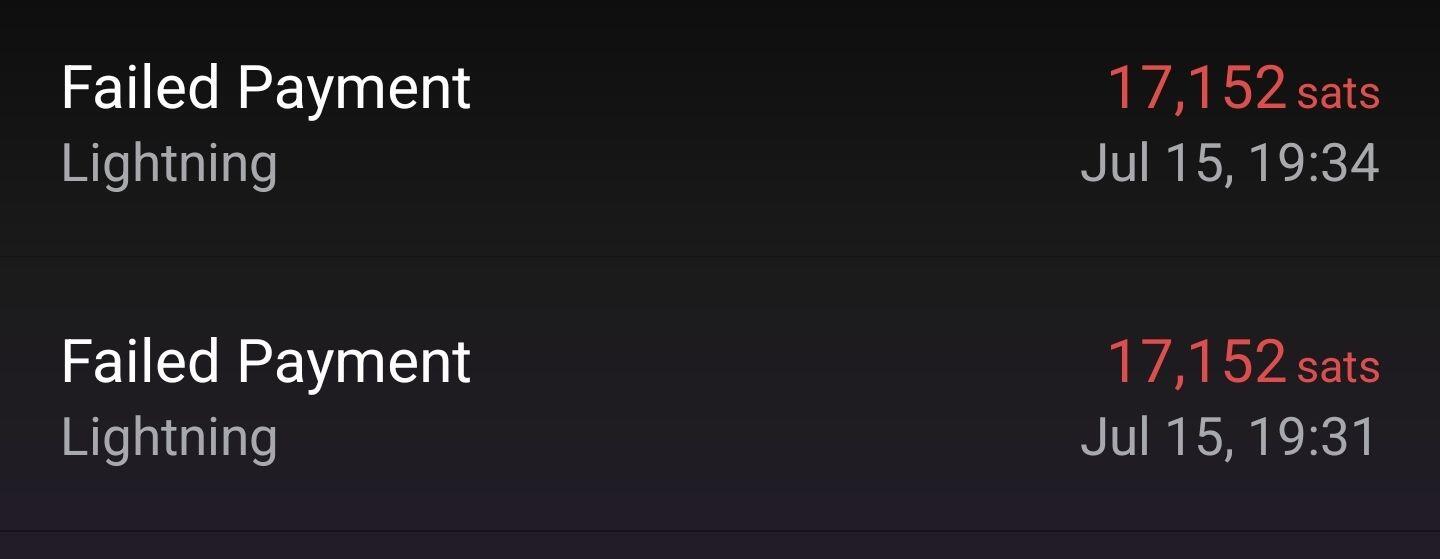
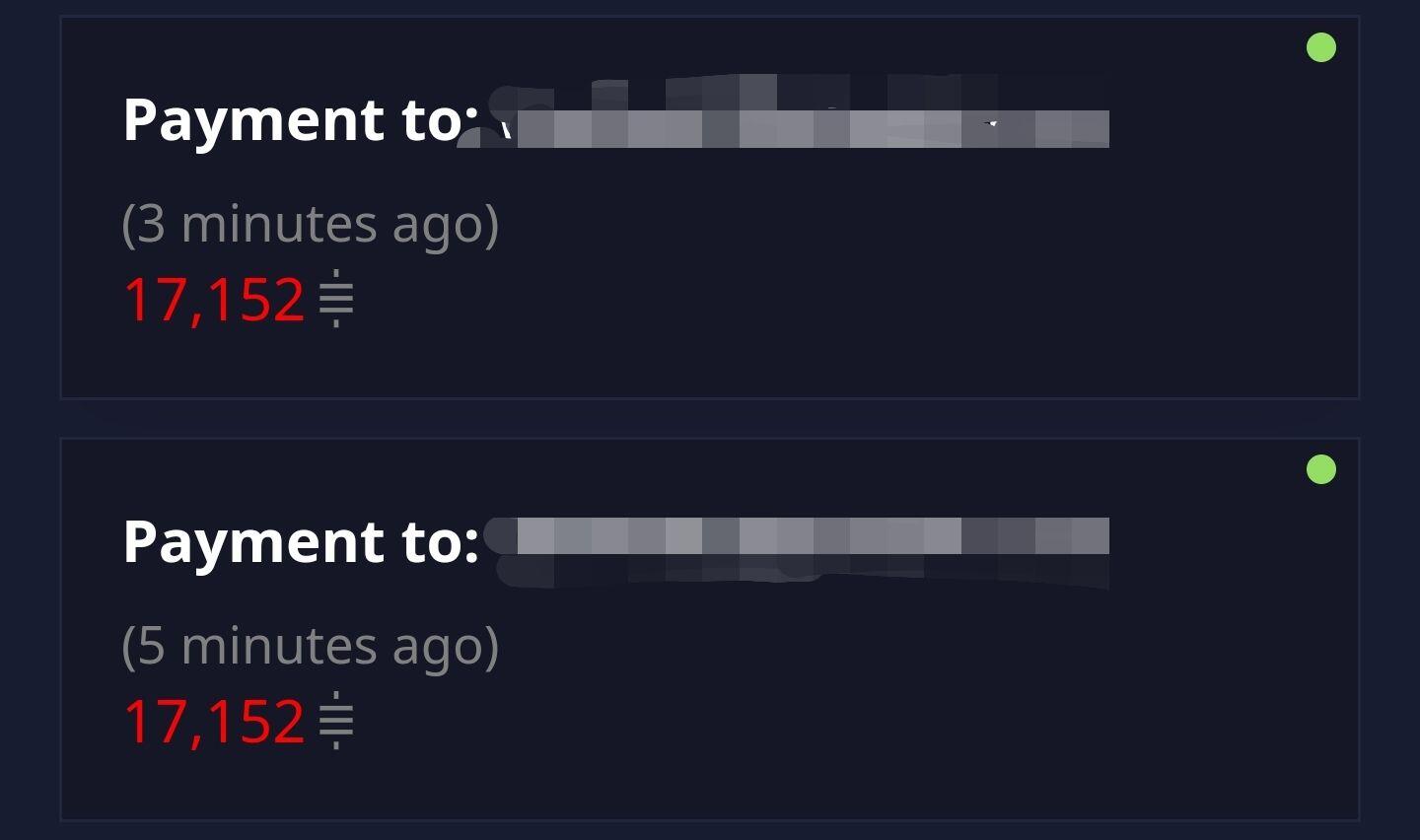
UI bug most likely. Would be helpful if you could provide version info on the backend you’re using

Could you provide some system info?
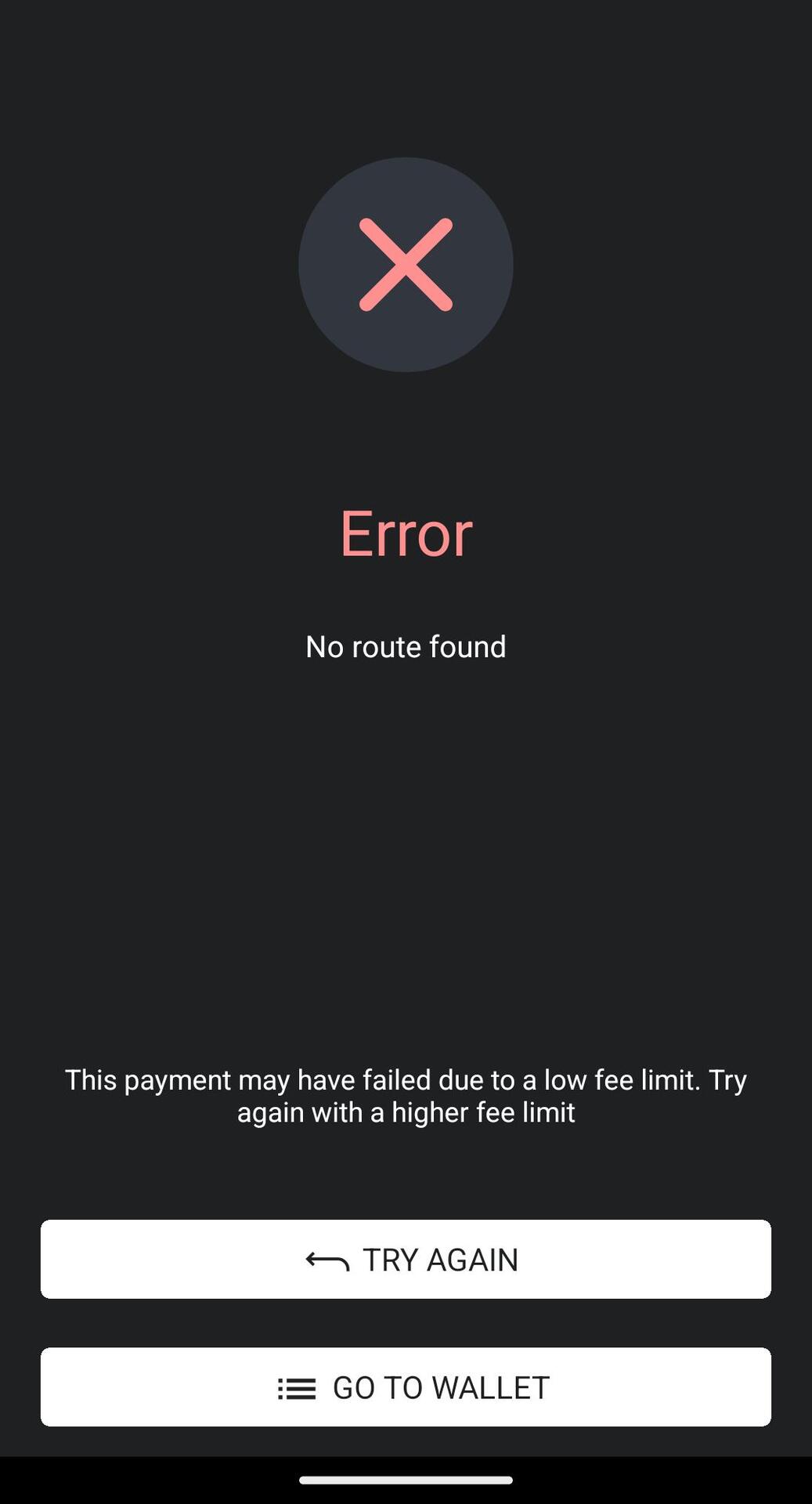
Where are you trying to pay to?
Under Settings > Network Info so you have a lot of zombie channels?

It needs to be a wallet that supports BOLT 12 because the actual invoice is fetched w onion messages
So far Zeus alpha, Phoenix, Plasma iOS

Rusty has a good post about onion messaging we just renoted yesterday, it is quite technical though

Can’t pay from the same node. Only a few wallets support BOLT 12 rn