

I did not know that small part of the story 😅 At least he did not drop a meme token. But Bitcoin is for everyone, either we like it or not.
Farage was debanked in the UK earlier cause of his politics. It is exactly what bitcoin was made for.
Bitcoin Conference 2025 
#bitcoin

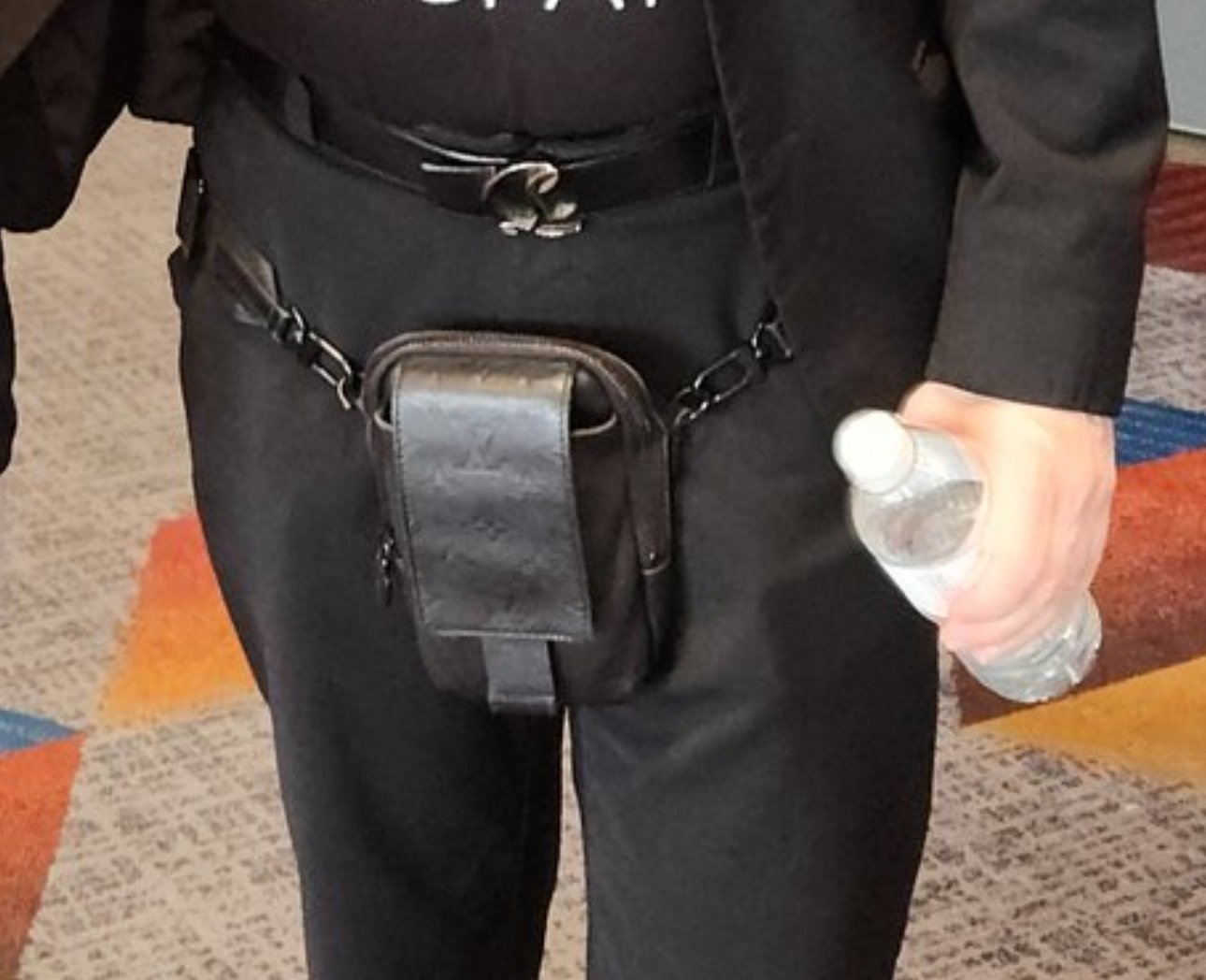
So what the fuck is this thing?
nostr:note1wa32mwyacmcxqq92n69hu0fte8l04y2et47uyemc6ndpk9a066jq92capf

Does nostr:nprofile1qqsraldwhvwcjgltmxwfu7kw8dqef2692yhzheuurd7k3kfy8cxjdqgpz3mhxue69uhhyetvv9ujuerpd46hxtnfduq3samnwvaz7tmhv4kxxmmdv5hxummnw3ezuamfdejsz9thwden5te0v4jx2m3wdehhxarj9ekxzmnype9f6h Purple currently give access to updated Notedeck alpha/beta android APK's? nostr:nprofile1qqsr9cvzwc652r4m83d86ykplrnm9dg5gwdvzzn8ameanlvut35wy3gpzdmhxw309aex2mrp0yhx5c34x5hxxmmdqyxhwumn8ghj7mn0wvhxcmmvqyg8wumn8ghj7mn0wd68ytnvv9hxgpywa92
Happy bitcoin pizza day! 
#bitcoin

Also really happy with it at long last filling the void after Mutiny nwc.


Think the controller boards will be sold separatly, easily replacable and cost below $100.

Starting with version 2025.2, our Android app builds are reproducible. This means you can verify that the app you download and install is built from the open source code we publish.
Read more here: https://mullvad.net/blog/reproducible-builds-verify-our-android-app-builds-bit-for-bit
🙏
On Palm Sunday, Jesus stood up and chose violence against the money changers in the temple 🐣🐤🐥 



### Sherpa TTS
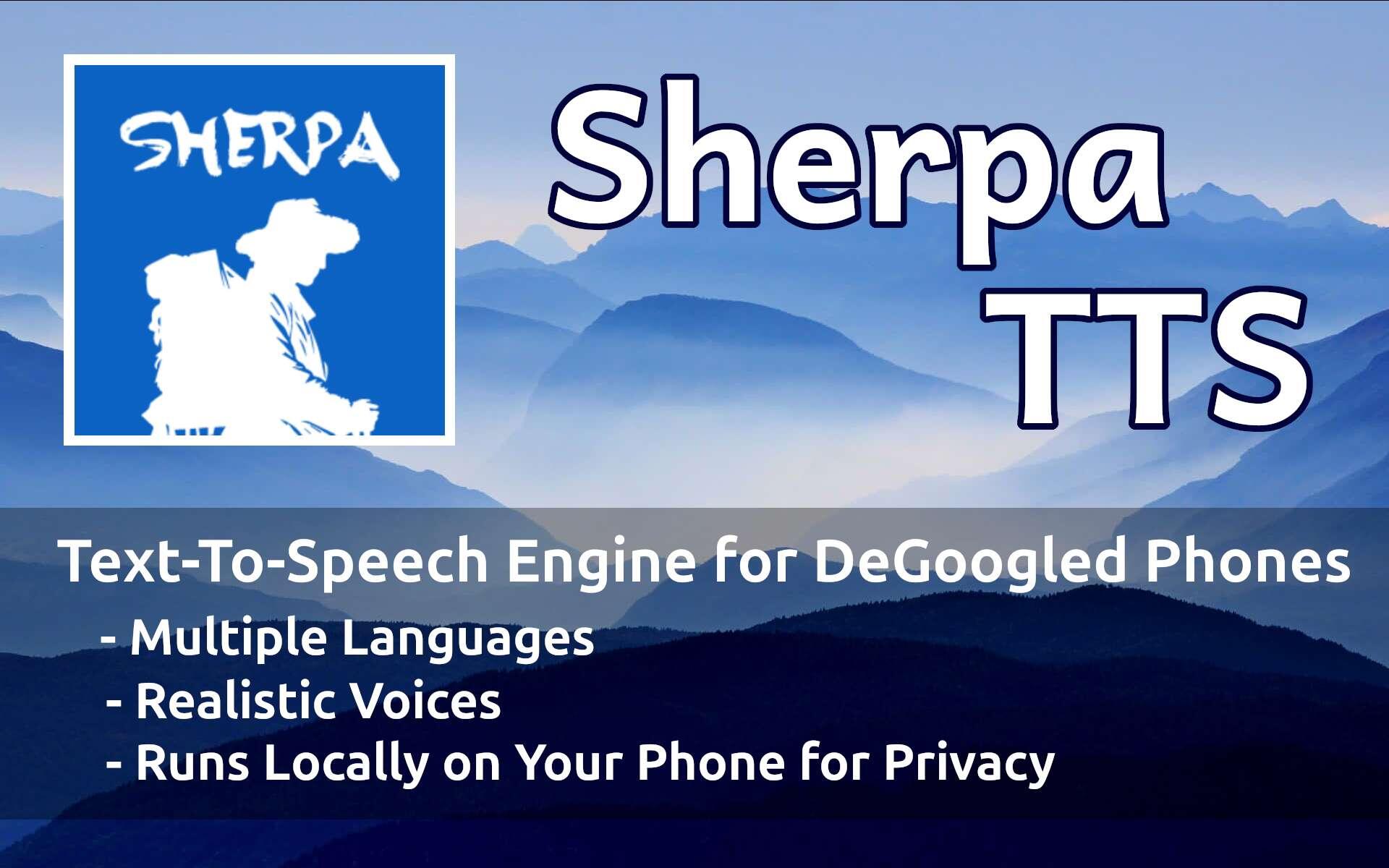
(A Text-to-Speech Engine for DeGoogled Phones)
Sherpa TTS (github.com/woheller69/ttsengine) is a really good open source Text-to-Speech (TTS) engine for Android phones. It runs locally on your phone, which means you aren't sending your data back to some Big Tech company to be collected, analyzed and sold to suspicious 3rd party entities, whether they be government and private.
Sherpa TTS works really well with apps such as:
- Navigation Apps:
- OsmAnd~
- Organic Maps
- Librera - You can turn any ebook file into an audio book using Sherpa as the Librera TTS engine.
- Voca - copy and share any text to Voca, which reads it back to you.
Pros:
- A ton of Language Packs
- Language packs have many voices
- Whisper AI based
- Works really good
- Fully offline (runs on your phone)
- Open Source
Cons:
- Chinese developer with no credibility in the western world (yet)
### To Get Sherpa TTS Working
1. Install Sherpa TTS from the Zapstore (zapstore.dev) or From F-Droid (f-droid.org)
2. Search your DeGoogled phone settings for "text-to-speech output"
- select "text-to-speech output"
- select "Preferred engine"
- select "Sherpa TTS"
3. Open Sherpa TTS app and download a Language
- Most languages come with different voices, so try a few out. You might surprise yourself with a better voice.
⚡️ [Follow](nostr:nprofile1qqsym07t03wahqjfl8r7hrppuqvlpralklk9mm25pzmpgkgtawx3d9gpz4mhxue69uhhyetvv9ujuerpd46hxtnfduhszyrhwden5te0dehhxarj9ekk7mf0qyt8wumn8ghj7mn0wd68yetvd96x2uewdaexwtcs3ewhj) | 🗣 [Discuss](nostr:nevent1qqsyle9lxzgt5zvd84yhvcdgm7mtthuva2fn076nhzd6qaxd4jyudzqzypxmljmuthdcyj0ecl4ccg0qr8cgl0aha3w764qgkc29jzlt35tf2qcyqqqqq2q4hy6hy)
#sherpaTTS #texttospeech #degoogledphones
Fully open source Sherpa TTS android app so far work great running fully locally and offline on nostr:nprofile1qqs9g69ua6m5ec6ukstnmnyewj7a4j0gjjn5hu75f7w23d64gczunmgpz4mhxue69uhhyetvv9ujumt0wd68ytnsw43q4gnztg and paired with Librera FD reader app it instantly turn any PDF in to a audiobook. Just remember in addition to the install steps below, do disable network access to the app after completing download of the voice model (as its made by unknown dev and so far unaudited).
#OpenSource #FOSS
Tremors felt in Bangkok after the 7.4 earthquake in Myanmar. https://video.nostr.build/f3751a90bcbfb07f33794ecaf0d81f1d16357dd5495525aae58fef1070fc2b92.mp4

The Anglosaxons in Britannia haven’t been this furious since Emperor Honorius dropped his 410 AD rescript—abandoning the province, pulling Roman administration and legions back to Rome’s collapsing heart.

I’m really honored I had the chance to do an interview with freedom fighter Ron Paul!
I asked Ron about auditing the Fed, U.S. gold holdings, how politicians making $200k are worth $50 million, Bitcoin (we need to work on orange pilling him more) and much more:
https://youtu.be/HJ2qsKHEymM?si=TUmYiUhsWhB95ug8

🔥
Really happy with nostr:nprofile1qqst4dr6ttrw6s28squnwwuj5vsvsly33h7r4nsuzz3f8nf3wjsmk9cpzamhxue69uhhyetvv9ujumn0wd68ytnzv9hxgtc0cavz4 - but it keep waking up my screen pretty frequently (GOS). Not sure if it happen from last update or earlier.