

They work. Just that some launchers haven't built support for Android 14, never mind Android 14 QPR2. The options are quite limited but make sure to check if they work on Android 14 first.

Removing it should remove the records.
"You can provide an external email address for notification or password recovery purposes. Should you choose to provide it, we associate this email address with your Account (for password recovery or notification purposes). Such data will only be used to contact you with important notifications about the Services, to send you information related to security, to verify your account or to send you password recovery links if you enable the option. We may also inform you about Proton products in which you might have an interest. The legal basis for processing is consent and you are free to modify this in your Account settings panel at any time."
https://proton.me/legal/privacy
They mention nowhere that they keep older records. Typically the things that they can see are things they either cannot encrypt for technical reasons or if it is something you chose them to store (like Login history logs for example).
General #Android tip which also works in #GrapheneOS: You can split screen apps. I don't see people do it a lot but it's pretty awesome.
Go to your recent apps menu and tap the icon above the screenshot of the app from where it is left off and select "Split screen". The first choice goes at the top, so pick the one you want at the top first!
You can adjust the width of the apps too.
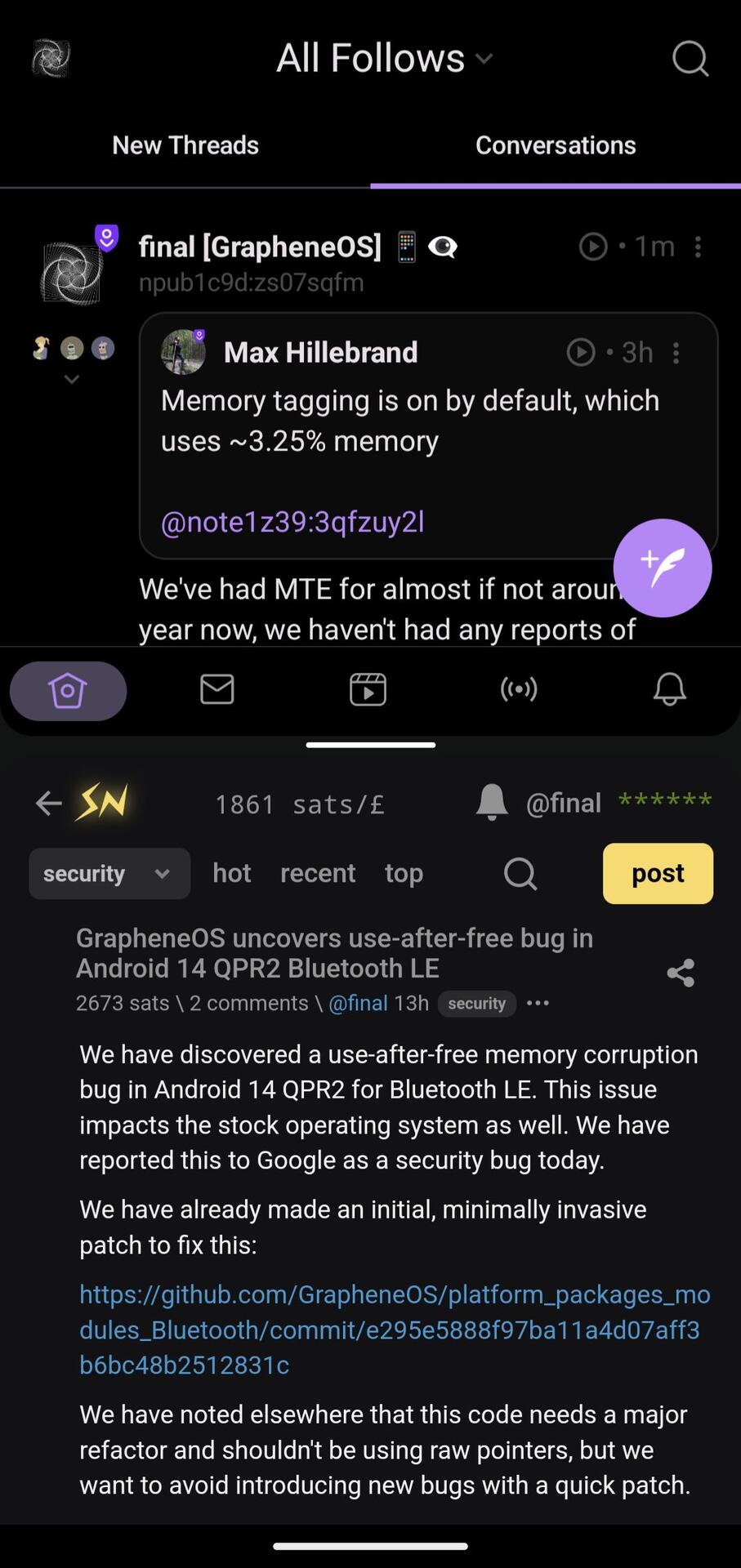

We've had MTE for almost if not around a year now, we haven't had any reports of battery usage going down... I am a biased source obviously, but I too haven't felt any battery usage going up like the people in the comments have said.


This is a Mostr bridge as you can tell by the domain name. It's just a bot posting the posts from our grapheneos.social Mastodon page.
Some community members are on Nostr like me and nostr:npub1gd3h5vg6zhcuy5a46crh32m4gjkx8xugu95wwgj2jqx55sfgxxpst7cn8c
#GrapheneOS has discovered a use-after-free memory corruption bug in Android 14 QPR2 for Bluetooth LE. This issue impacts the stock operating system as well. We have reported this to Google as a security bug today.
We have already made an initial, minimally invasive patch to fix this:
We have noted elsewhere that this code needs a major refactor and shouldn't be using raw pointers, but we want to avoid introducing new bugs with a quick patch.
The hardware memory tagging support for Pixel 8 and later has helped massively. On devices earlier than them it likely would manifest as BLE audio devices not working without an error message since it wouldn't crash. Our MTE implementation detects it which is what led to us being able to fix it so quickly.
The hardening GrapheneOS implements doesn't just help the users by making them safe from exploits, it helps developers by helping them to create more secure software by catching memory corruption bugs and uncovering them thanks to our features.
See: https://grapheneos.org/usage#bugs-uncovered-by-security-features
Pixels shipped a humongous hardware security feature by having memory tagging support but they do not use it for the OS to save around ~3.25% of memory usage. GrapheneOS enabled it by default for the OS and known user-installed apps compatible with it. As we have mentioned before, GrapheneOS is the first platform using MTE in production and Vanadium is the first web browser too.
Progress towards Android 14 QPR2 is coming along nicely and hopefully all (which are minimal) regressions will be fixed soon.
#GrapheneOS version 2024030900 now patches this.
See the changes:
- fix upstream Android 14 QPR2 use-after-free bug impacting Bluetooth LE audio with certain devices (reliably caught by our hardware memory tagging integration on the Pixel 8 and Pixel 8 Pro, but also impacts previous devices and breaks with zero-on-free)
- Settings: hide placeholder dates for Battery information screen in Settings > About device due to 6th/7th generation Pixel batteries having a placeholder value for the first use date

Our recommendation is to try Organic Maps for maps. It is open source and operates entirely offline with data from OpenStreetMap. It has real time navigation support and Android Auto.
#GrapheneOS has discovered a use-after-free memory corruption bug in Android 14 QPR2 for Bluetooth LE. This issue impacts the stock operating system as well. We have reported this to Google as a security bug today.
We have already made an initial, minimally invasive patch to fix this:
We have noted elsewhere that this code needs a major refactor and shouldn't be using raw pointers, but we want to avoid introducing new bugs with a quick patch.
The hardware memory tagging support for Pixel 8 and later has helped massively. On devices earlier than them it likely would manifest as BLE audio devices not working without an error message since it wouldn't crash. Our MTE implementation detects it which is what led to us being able to fix it so quickly.
The hardening GrapheneOS implements doesn't just help the users by making them safe from exploits, it helps developers by helping them to create more secure software by catching memory corruption bugs and uncovering them thanks to our features.
See: https://grapheneos.org/usage#bugs-uncovered-by-security-features
Pixels shipped a humongous hardware security feature by having memory tagging support but they do not use it for the OS to save around ~3.25% of memory usage. GrapheneOS enabled it by default for the OS and known user-installed apps compatible with it. As we have mentioned before, GrapheneOS is the first platform using MTE in production and Vanadium is the first web browser too.
Progress towards Android 14 QPR2 is coming along nicely and hopefully all (which are minimal) regressions will be fixed soon.
anyone else have haptic feedback when they unlock their pixel with biometrics since the last graphene update? i have it turned off and it wasnt happening before the update. its a pixel 6a by the way.
nostr:npub1c9d95evcdeatgy6dacats5j5mfw96jcyu79579kg9qm3jtf42xzs07sqfm?
Looks like Android 14 QPR2 turns this on unconditionally now. It could be for accessibility purposes but yes, it's like that.

GrapheneOS can run and support tablets providing it meets necessary requirements. At the moment only the Pixel Tablet meets them. If you want a tablet experience then get one of those.
The official GrapheneOS web site is most reliable to get information as we keep it up to date. Other people's blog posts may not be, and videos are less useful as they age since they'll not be updated about future developments. Better to rely on the source instead.
nostr:npub1c9d95evcdeatgy6dacats5j5mfw96jcyu79579kg9qm3jtf42xzs07sqfm in the latest Graphene update the icon size of the app list is larger, now there's more scrolling required.
Any plans on making the app list and home screen a grid of 7 wide?
The QPR2 update made some visual changes. The launcher made app labels two lines long instead of one. It's unlikely we'll change them since it's really minor but I can see why it would be annoying for some. We had changed some things back to how they were pre-QPR2 but it was usually because some menus were missing. The work for QPR2 is still ongoing and there's active testing and even some more security bugs we've uncovered because of it. Lots of work and time.
It could be best to configure your home screen(s) rather than rely on the drawer to open your favourite apps faster. A launcher app may also do this job but a lot don't get support for Android 14 and I can't recommend any due to the very large amount of trust you need when using one, it would be risky.
 &f=1&nofb=1&ipt=b879f1bc029cfc5de0681f4b10dd4a944c543607406f3f3f34a5edeaabc4455e&ipo=images
You can't always reach everyone. But, that is okay. The best way we can continue our growth is by evidently being better. What the project has done improved mobile security systematically and has helped the broader landscape of software too from the upstream contributions, bounties and innovations made. The more successes to make, the more attention will come.
We would still recommend an iPhone above the hundreds of insecure devices out there. I personally find it is a shame that their services are so deeply ingrained to their product, but, hopefully legislation bites their hand. Although, it would make sense a company with such a huge budget and likely extremely talented research teams definitely would have the security posture.
There are sadly many products marketed as private and secure while in reality being less than simply using an iPhone/Macbook. That's not to say that Apple does a great job but rather this space is ripe with scammers and charlatans selling misleading products or promoting problematic approaches and software. As for real companies, they always either miss the mark, do something that makes improving the platform harder or they simply do not care.
Privacy and security is an extremely easy thing to sell and mislead people into believing they have to buy. Companies who've talked down on us included people reselling insecure phones with flawed software like device managers with a trivially bypassable duress feature. There's no point in reasoning with fraudsters.
There will always be more. People find GrapheneOS and use it from what they find. The ones who use it will hopefully always be the ones who want it and that's what matters.
#GrapheneOS: #Google has awarded bounties of $5000, $3000 and $250 for our 3 vulnerability reports related to physical data extraction attack vectors. Both $5000 and $3000 issues are being exploited in the wild. $250 bounty is for a minor issue we found while doing general USB hardening work.
Most serious issue is the one with a $3000 bounty. We provided proof of in the wild exploitation and a proposal for preventing exploiting the class of vulnerabilities which is being implemented. For the one they're awarding $5000, we weren't sure they'd even consider it a bug.
The most serious issue is likely only getting $3000 because we do not know the specific bug being exploited. It was classified a low quality report, not because we did a bad job but because we don't have that info. We did provide a way to prevent getting data by exploiting it.
Our proposal for preventing getting data by exploiting the main issue should ship as a Pixel firmware update next month and the feature will become one of our baseline hardware requirements. It's already harder to use it with GrapheneOS and we've made major recent improvements.
Our recent improvements:
1) New USB-C port control setting integrated into the USB-C controller driver to disable USB at a hardware level. It will become "Charging-only when locked, except before first unlock" by default" soon. Shipped in 2024022600: https://grapheneos.org/releases#2024022600
2) We reimplemented our auto-reboot feature with a more hardened implemented which can't be bypassed by crashing system processes. This starts a timer when the device is locked which reboots unless it's successfully unlocked first. Shipped in 2024011300: https://grapheneos.org/releases#2024011300
3) We reduced the default auto-reboot timer from 72 hours to 18 hours. This also shipped in 2024011300. 18 hours is enough that users don't encounter it in practice as long as they unlock their phone a couple times per day. Users who need max security can use 10 minutes.
4) We run a full compacting garbage collection in SystemUI and system_server when the device is locked. Android already does this after unlock to clear credentials. Goes well with our kernel zero-on-free since it zeroes the data. Shipped in 2024020500:
https://grapheneos.org/releases#2024020500.
Our main proposal should ship for the Pixel firmware in April, resulting in the firmware's fastboot mode fully clearing all of the device's regular memory before enabling USB. We could implement the same thing for the OS to make sure there's no data left from an unclean reboot.
Forensic companies keep misrepresenting adding support for extracting data from GrapheneOS via ADB based on a user providing lock method as being something more in their marketing. This is start of our response. We'll be pushing for much bigger changes for Android and Pixels.
We fully intend to make the same proposals to other Android OEMs like Samsung. We're starting with Pixels because they're the devices we use due to their high level of security. We're also going to begin advocating for big changes like encrypted memory and funding PoC attacks.
We've been working on a duress PIN/password feature for a while that's nearly ready to ship. It's taking so long because we had to prevent bypasses impacting existing panic / duress wipe apps and OS features. We also decided to do the USB-C control and auto-reboot features first.
Since 2016, we've planned to support adding a PIN as a 2nd factor for fingerprint unlock. A new contributor has started working on this feature. We'll get it done after duress PIN/password. This will allow using passphrase primary unlock with fingerprint+PIN secondary unlock.
We're working on a revised release based on Android 14 QPR2 with fixes for various regressions found by the early Alpha channel testers. We didn't keep the initial release in Alpha for long due to an issue impacting USB functionality on 6th gen Pixels.
New 2024030700 is currently building across our 3 official build machines and will be available soon. The new release should be able to make it through Alpha channel testing to the Beta channel. If there are no serious issues after 24h of Beta testing, we'll move it to Stable.
USB HAL was significantly changed in QPR2. A major part of of the port was porting our recently added USB-C control feature providing the ability to truly disable USB at a hardware level. Android 12+ USB HAL toggle being used elsewhere only disables high level USB features in OS.
We've disabled USB peripherals while locked since June 2016. Android itself has USB gadget functionality (MTP, PTP, MIDI, Webcam, ADB, etc.) disabled by default. Standard Android USB toggle disables these, not USB data itself. There's also now DisplayPort alternate mode too.
Our USB-C port control feature is not possible through generic Linux kernel code. It requires device specific integration into the USB-C controller driver and USB HAL. It's an extremely valuable feature and supporting a small set of very secure hardware allows us to work on this.
#GrapheneOS

I use GBoard with the internet access disabled and shortcuts to internet-required services like GIF search removed the taskbar.

Most people would compartmentalize with user profiles in these situations:
- Having a separate profile with Sandboxed Google Play Services to run apps requiring it or to separate two apps known to do IPC with one another.
- Managing separate online identities or multiple accounts in the same app that only allow one at a time.
- Having a profile for handling sensitive data or work (like a profile just to manage a Cryptocurrency wallet or a profile just for Tor-only)
- Additional antiforensics measures and resistance against attackers with proximity of an AFU device by being able to purge encryption keys of other users on device by ending their session.
You'll find making separate profiles for apps for no reason to not be necessary due to the nature of sandboxing, but if you'd need the app to go through a different VPN than your current then this is one example of a way a profile is beneficial. If you make your setup unnecessarily complicated you'll find that you might not enjoy using the OS as much as you could be. Have a threat model in mind and consider how necessary your options are.
A lot of people will just do normal apps and google apps as profiles, but this can vary. I have those but also a profile just for Tor. I also keep the Owner profile completely empty (except for VPN) and do everything in another. This comes with a UX cost for some people if you have auto-reboot or need to change options only the Primary let's you do. That being said, some just don't use them...
As for the 2FA, some apps don't let you import/export them. If this is the case, turn off the 2FA on those accounts and add them again on a new app. Aegis is a great 2FA app that also lets you export them.

This also includes users for #Molly. Molly is recommended if you decide to use Signal as a messenger.
While the new #GrapheneOS version based on Android 14 QPR2 is now available as per the website and RSS feeds, this is an alpha build and will likely have bugs that need to be seen and fixed. It's been agreed instead that it wouldn't be appropriate to make such an announcement. Alpha/beta testers are welcome to use the community social platforms on the site to discuss their reports on the alpha.
A proper announcement will be made when the Android 14 QPR2-based release is available in stable for everyone.
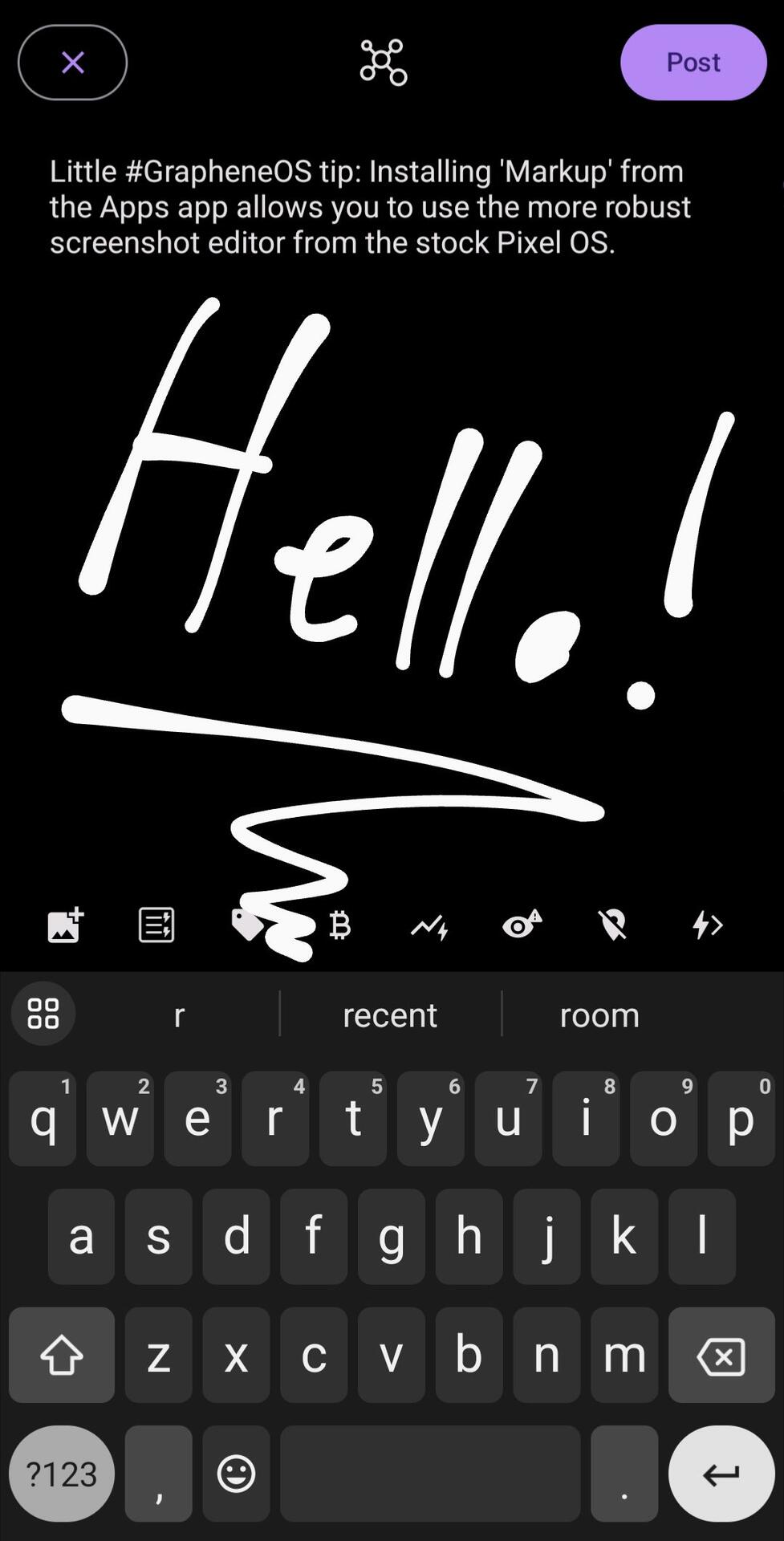
Little #GrapheneOS tip: Installing 'Markup' from the Apps app allows you to use the more robust screenshot editor from the stock Pixel OS. While you miss certain things like filters, the freehand drawing and cropping is far better.
The Markup app has no permissions, nor can it access the Internet.
Hi again, #GrapheneOS version 2024030300 released:
This is a quality of life improvement update, mainly with improvements to the updater and for the settings app to help with the migration over to Android 14 QPR2.
Changes since the 2024022800 release:
- System Updater: ignore configured constraints for user-initiated update checks
- System Updater: avoid automatic retry for user-initiated update checks
- Settings: migrate to new Compose-based Settings infrastructure in preparation for Android 14 QPR2
- improve GrapheneOS infrastructure for per-app notifications
- Setup Wizard: improve wording for secondary user setup word
- adevtool: fix overlay parsing issues
-adevtool: include missing "Learn more" fingerprint setup text
- GmsCompatConfig: update to version 97
https://grapheneos.org/releases#2024030300
#privacy #security