



Thank you for the advice but I need a good graphic card

rough cut sneak peek at this year’s song 😈
nostr:npub1ahxjq4v0zlvexf7cg8j9stumqp3nrtzqzzqxa7szpmcdgqrcumdq0h5ech can you guess who inspired me in this? 😂🤌 https://video.nostr.build/8e49250e1b76decb540db74edbe4f35c4fc037b811ecec33fdd8ee8d9301ae7d.mp4
funny, cause is true 😂

Thanks broster
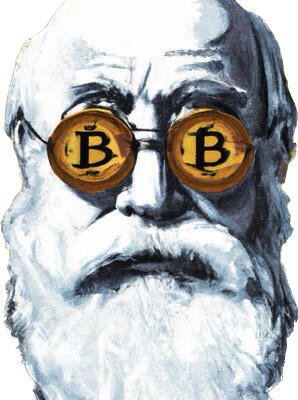
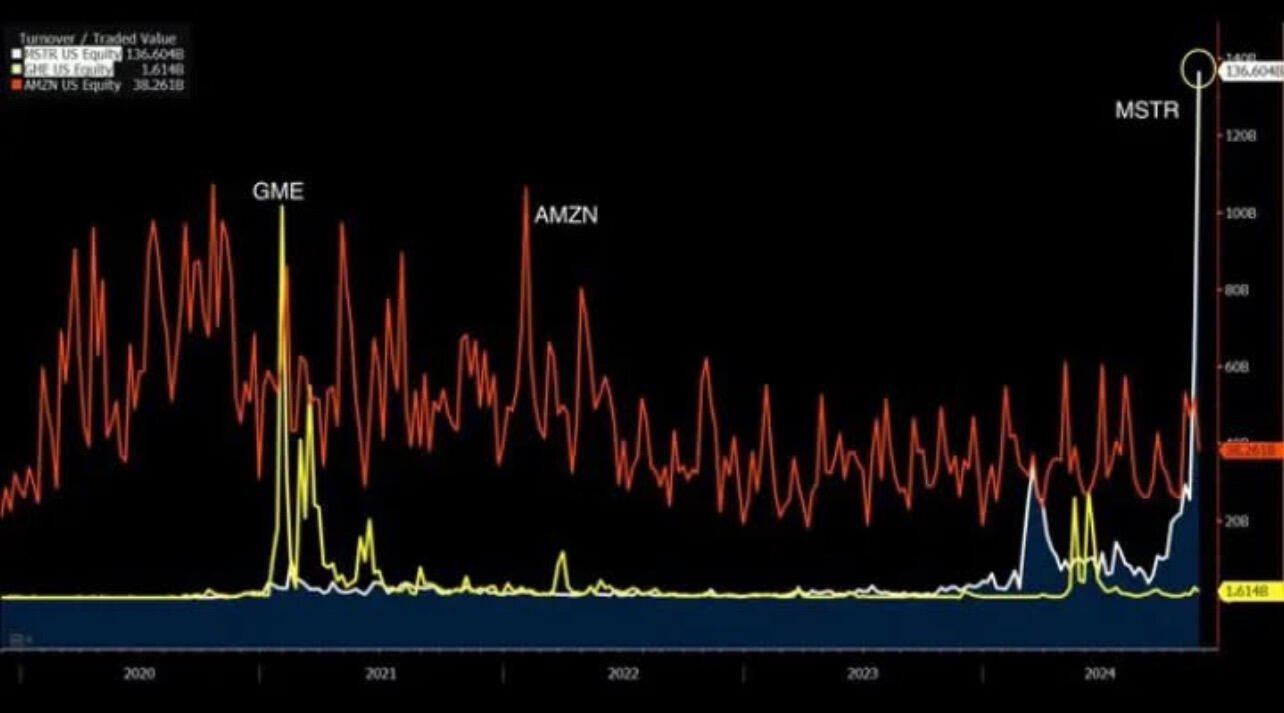
the signal is strong

tank you, i'll take a look

Looking to purchase a new laptop and pay with real money.
Any suggestions ?
#asknostr
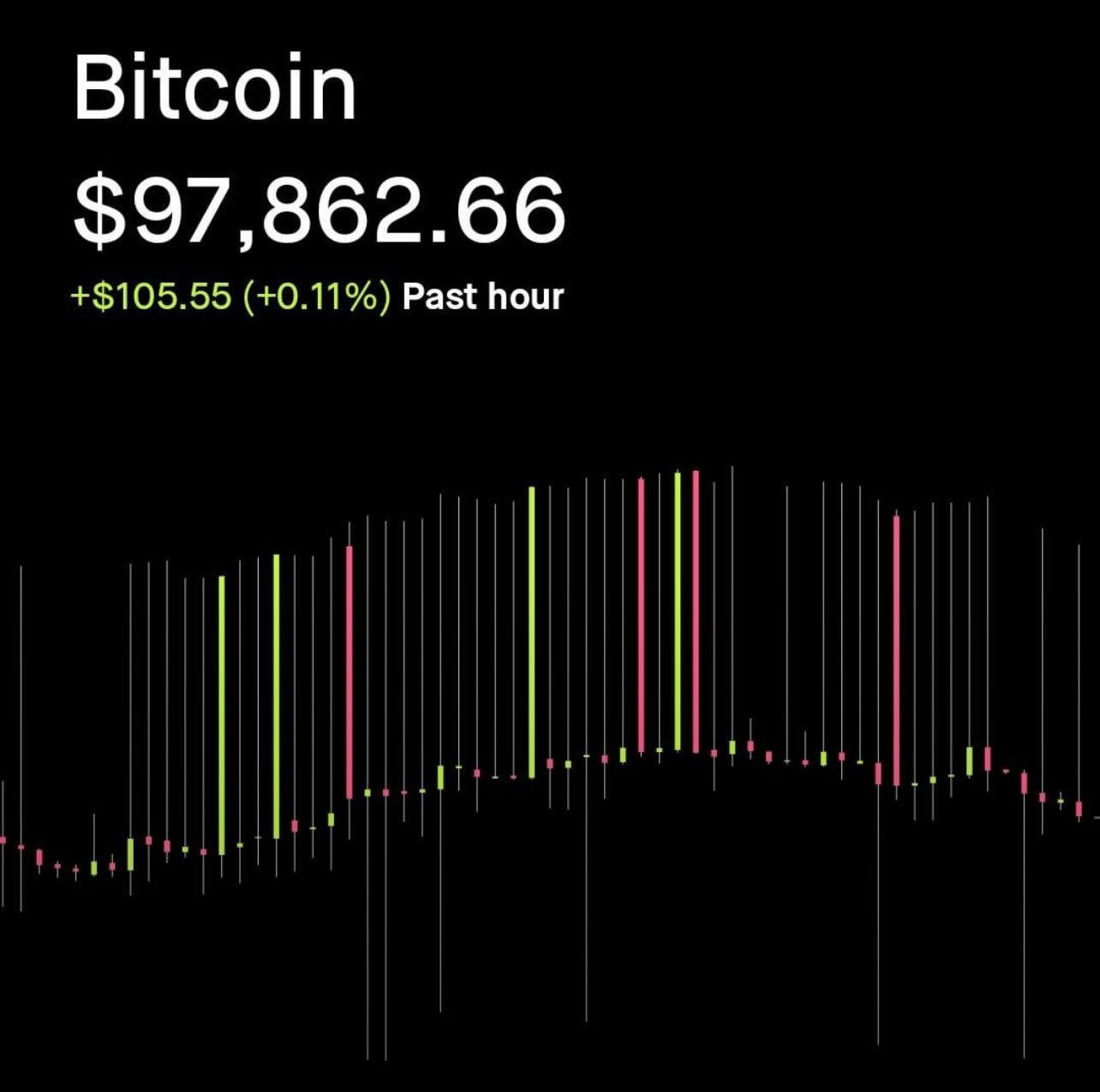

This must be the place, where I want to be.. #Nostr
Audio ON 🔊
https://v.nostr.build/JFEbSE5bCVxsFGyJ.mp4
#tattoo #art #growNostr
Yeah bro, the must be the place
/home/umbrel/Downloads

Has anyone checked on Blackstone? Did they recover from this black pit of cringe ?
nostr:note1zwc4tj8p2uj5853zeweg7js3hep6uga7wnk3mgma48rwdhkwgups7pq852






We are the first hotel listed and claimed on Nostr via nostr:npub15xd2mmjnh3caykh77djsv73e0zkrp42jp5mwerx8f4m6su40wdvss7t3l3!
If you want to come and enjoy the best of Salvador and Bitcoin Beach, follow us on Nostr.
We look forward to welcoming you to Bitcoin Country!
#ElZonte #Bitcoin #salvador

Welcome to the new world. Don’t forget to set up the wallet 😉⚡️⚡️⚡️

Indeed correlation is not causation, but the fact that multiple parameters all started to deteriorate around the same time does suggest that there might be some underlying factors at play. If you think that the Nixon Shock is not the main issue you don't really get the impact money have on society.
Try this:
To create a backup of your Umbrel node for restoring during an SSD upgrade, you'll want to back up your LND (Lightning Network Daemon) and Bitcoin node data. Here are the command lines you would use in the Umbrel terminal:
Navigate to the Umbrel root directory:
cd /home/bitcoin/.umbrel
Backup the Bitcoin blockchain data:
tar -czf bitcoin.tar.gz bitcoin/bitcoin/
Backup the LND data:
tar -czf lnd.tar.gz lnd/
Backup the Umbrel app data (if needed):
tar -czf apps.tar.gz apps/
Verify the backups are created:
ls -lh bitcoin.tar.gz lnd.tar.gz apps.tar.gz
After creating these backups, you can transfer them to an external drive or a cloud storage service. When you're ready to restore the data on your new SSD, follow these steps:
Copy the backup files back to the Umbrel root directory on the new SSD.
Stop the Umbrel services:
sudo systemctl stop umbrel
Remove existing data (if reinstalling or replacing):
sudo rm -rf /home/bitcoin/.umbrel/bitcoin/bitcoin/
sudo rm -rf /home/bitcoin/.umbrel/lnd/
sudo rm -rf /home/bitcoin/.umbrel/apps/
Extract the backup files:
tar -xzf bitcoin.tar.gz
tar -xzf lnd.tar.gz
tar -xzf apps.tar.gz
Start the Umbrel services again:
sudo systemctl start umbrel
This process should help you safely upgrade your SSD while keeping all your cryptocurrency and Lightning Network data intact.
Don’t take it out of context, check https://wtfhappenedin1971.com/


JFC, is more then 1 month from now