


Have to shout out to #[3] for this setup, he showed it off a bit ago and I fell in love with it. 
Discussion
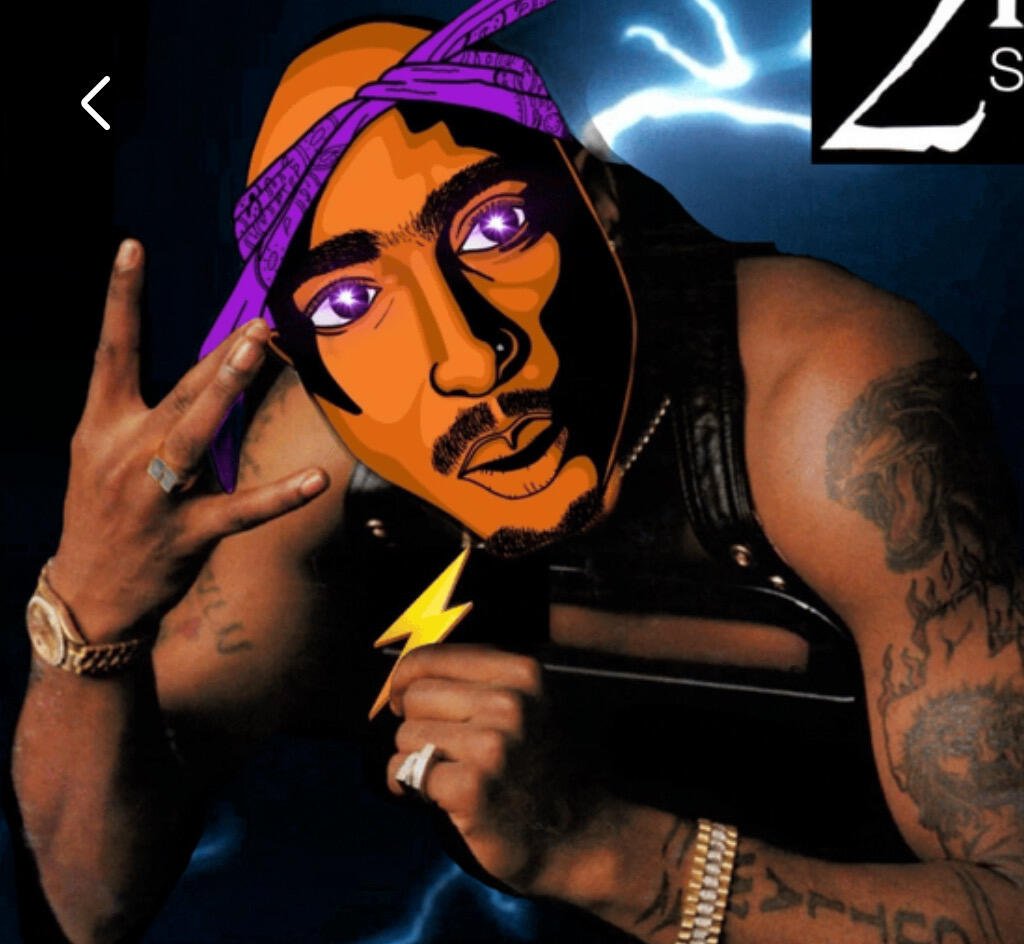
How?
How what exactly?
How bitcoin price and halving in Lock Screen?
An app called Block Screen on iOS, has several cool widgets you can use.
I still don’t see how to add to lock screen
Are you on iOS 16
If you are on iOS 16, you should be able to touch and hold the Lock Screen and customize it.
🤙🏾
🤙🏾

How.
Halving, price, block height, etc
I’m assuming you are asking about the widgets? It’s with an app called Block Screen. Has a lot of cool widgets you can add.

It’s really neat
Nice and clean👀