
Mike, I have installed a few Linux distro in the past, and I really wanted to give Nixos a try today.
The interface install didn't complete initially because, regardless of which option I choose in the partition step, it either failed, or the installer had the "next" button grayed out.
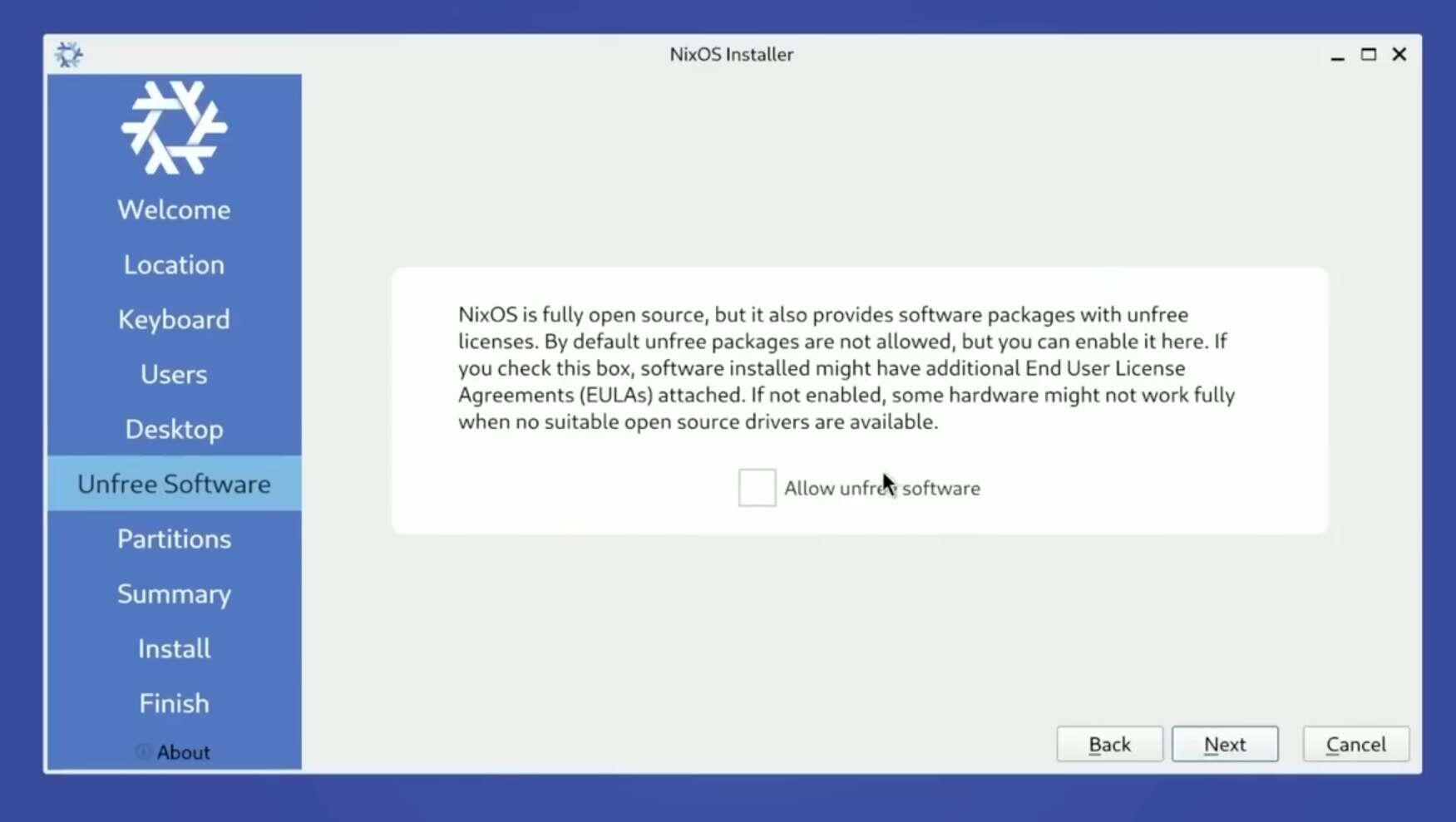
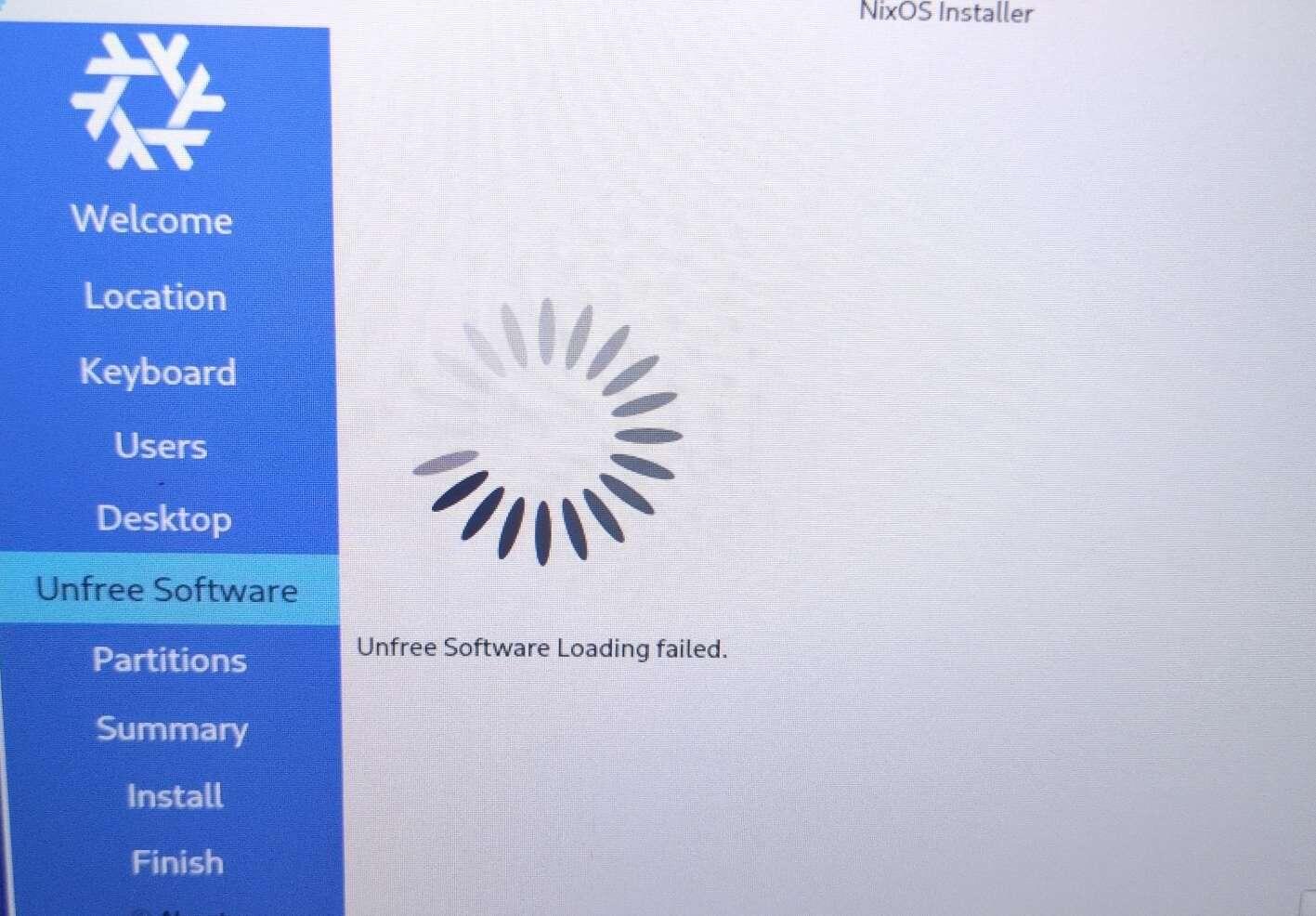
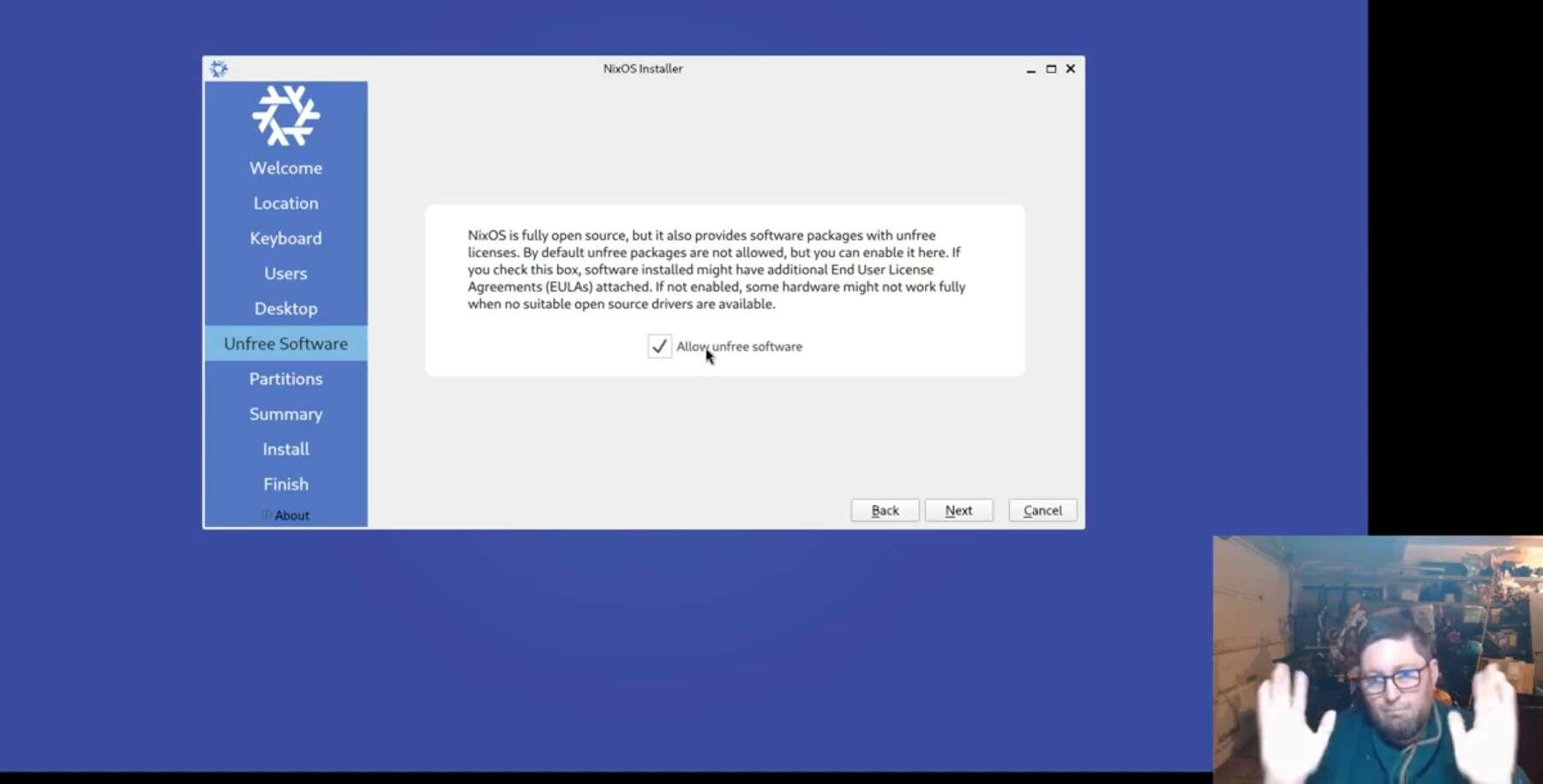
Also, in the previous step, Unfree Software, documentation and tutorials show an additional dialog box; however, during my setup, that dialog was missing, and I just got a message that it failed.
I tried on two machines already, and it failed on both. I then switched to the manual installation, and that didn't fully work either, but at least it deleted tbe old partitions, and after restarting it, the interface installer worked, except for the unfree software step.
Kind of frustrating, but at least I got it up and running, and I also managed to make a few changes to the config file, rebuilt, amd rolled back and to the previous generation as a test.
I am still concerned about the unfree software step though.