So cool.
https://video.nostr.build/9ea18c5cc11f5b06b83f244343bf75304edc25f992bc2c7abc58acc4b17036bf.mp4
Gimmie
Oh my. I want.
Did you already find the settings interface? It should illuminate the displays and give a lightning effect on the LEDs as well https://video.nostr.build/9fda9cff0156f14a5c8a0a4a7742263928fb70ecd5197343b45fd448faa0f9f9.mp4
Oh that's awesome! What settings do I turn on to make it look that way?
It’s the frontlight setting 💡
Also is there anything I need to turn on to display zaps? I’ve entered my npub already but I wasn’t able to see any zaps displayed… it keeps circling between my price settings. 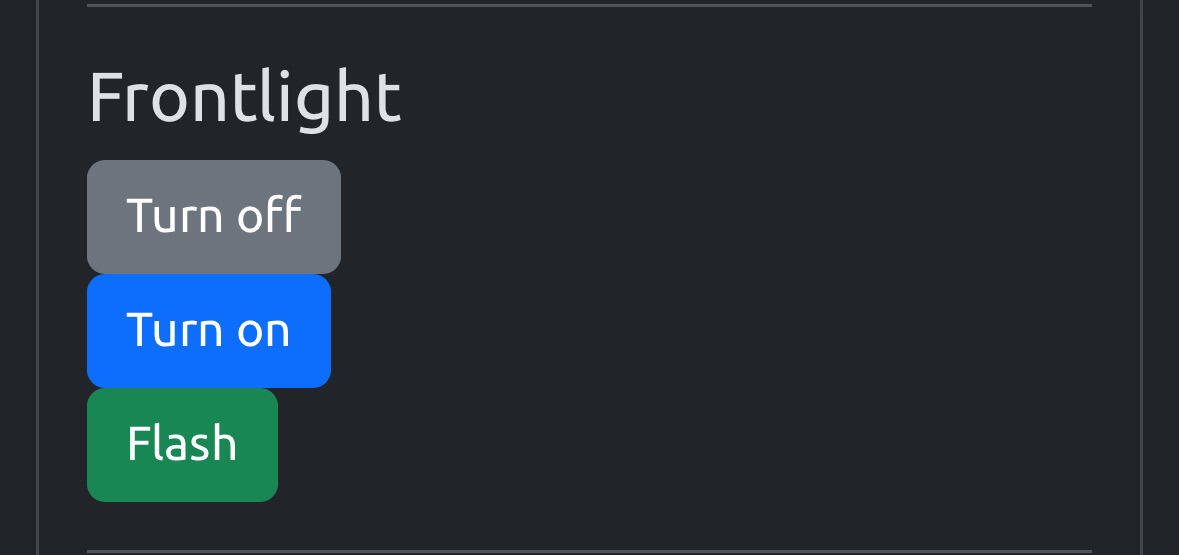
It only shows zaps to your npub as soon as you get zapped, and if you restart the #BTClock it shows the last zaps from the last hour. Make sure that the address you receive zaps on sends proper zap receipts (kind 9735) back to the relay you configured.
Currently it's tied to the "Frontlight flash on new block" setting, also make sure "Disable all LEDs effects" is off.
I should probably make it configurable separately from flashing on new block...

Weird I changed a setting and now I'm not seeing zaps pop up when they happen. Anything I should change?
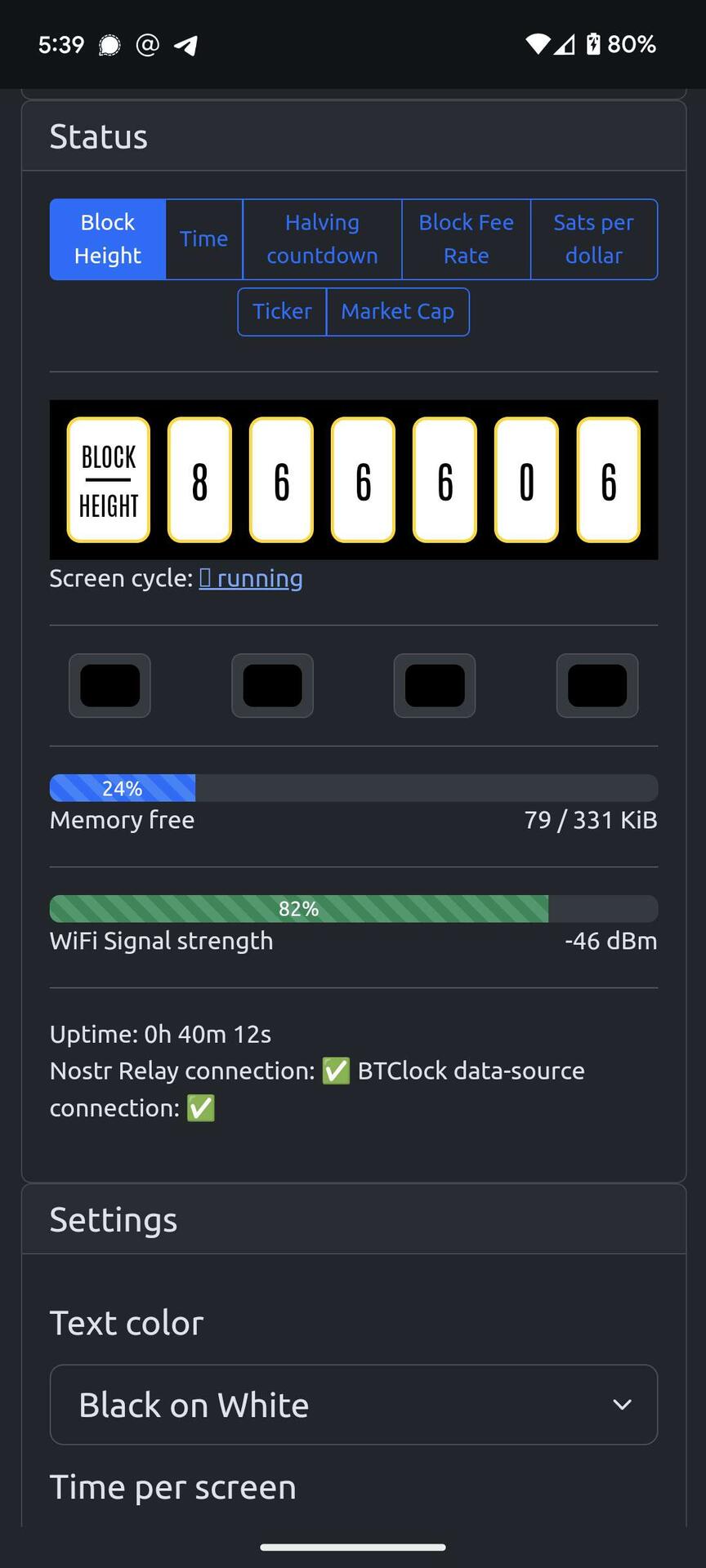
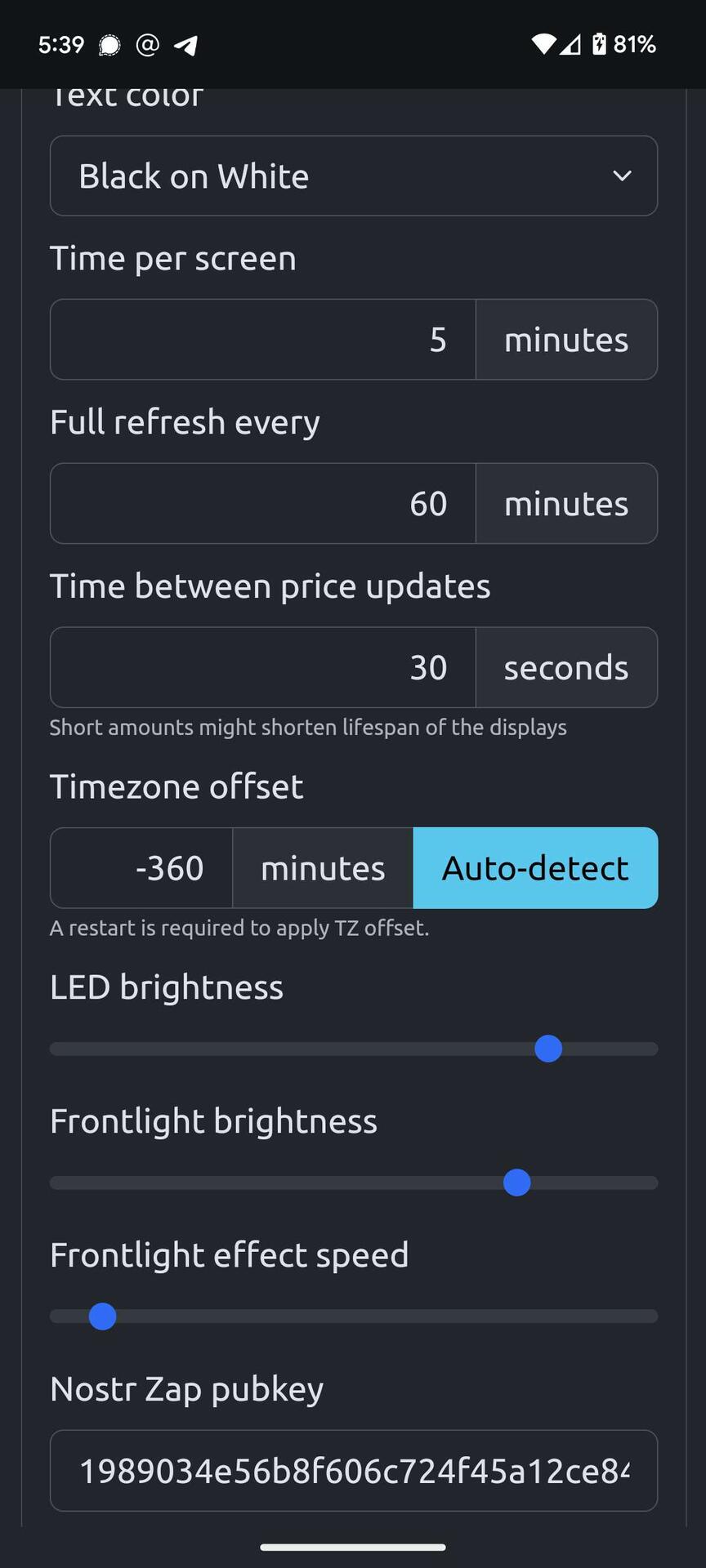
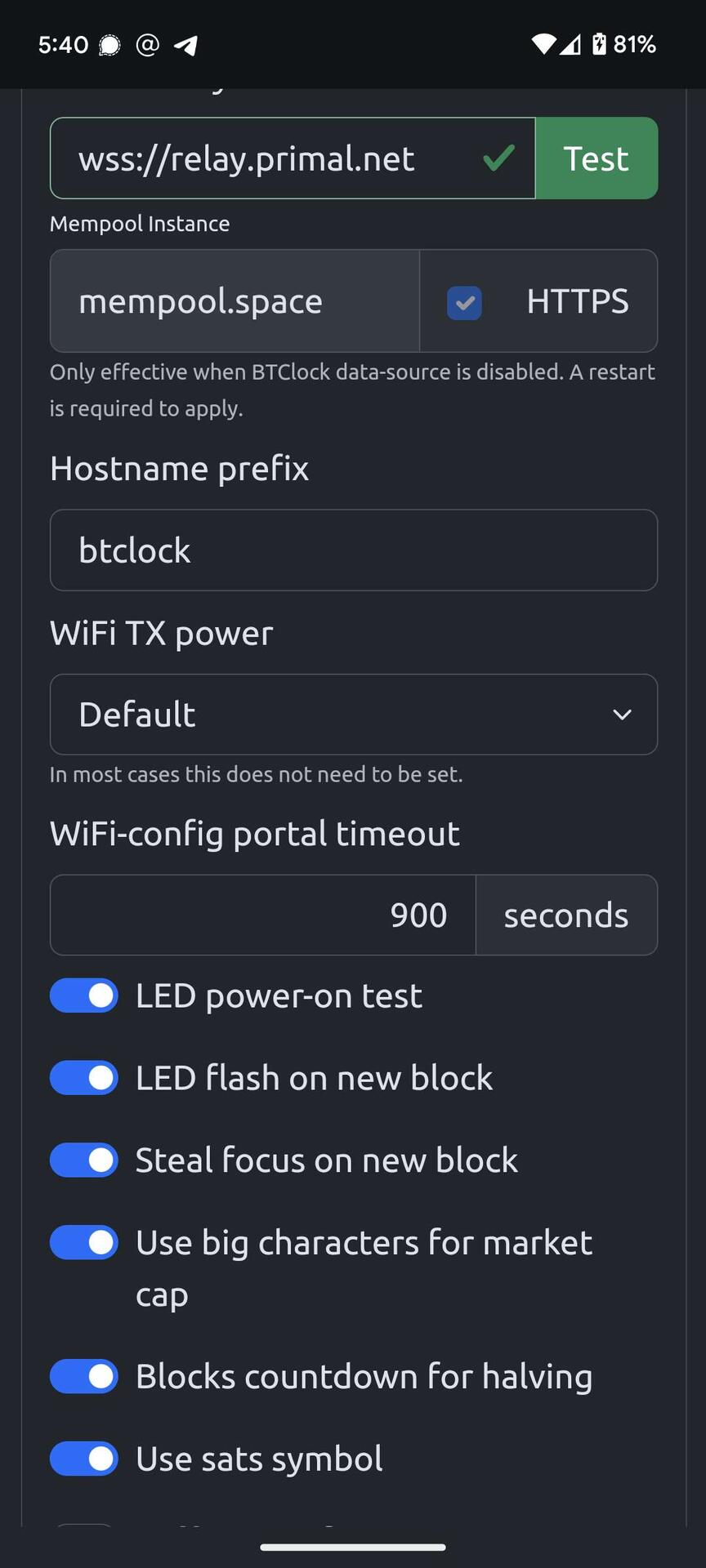
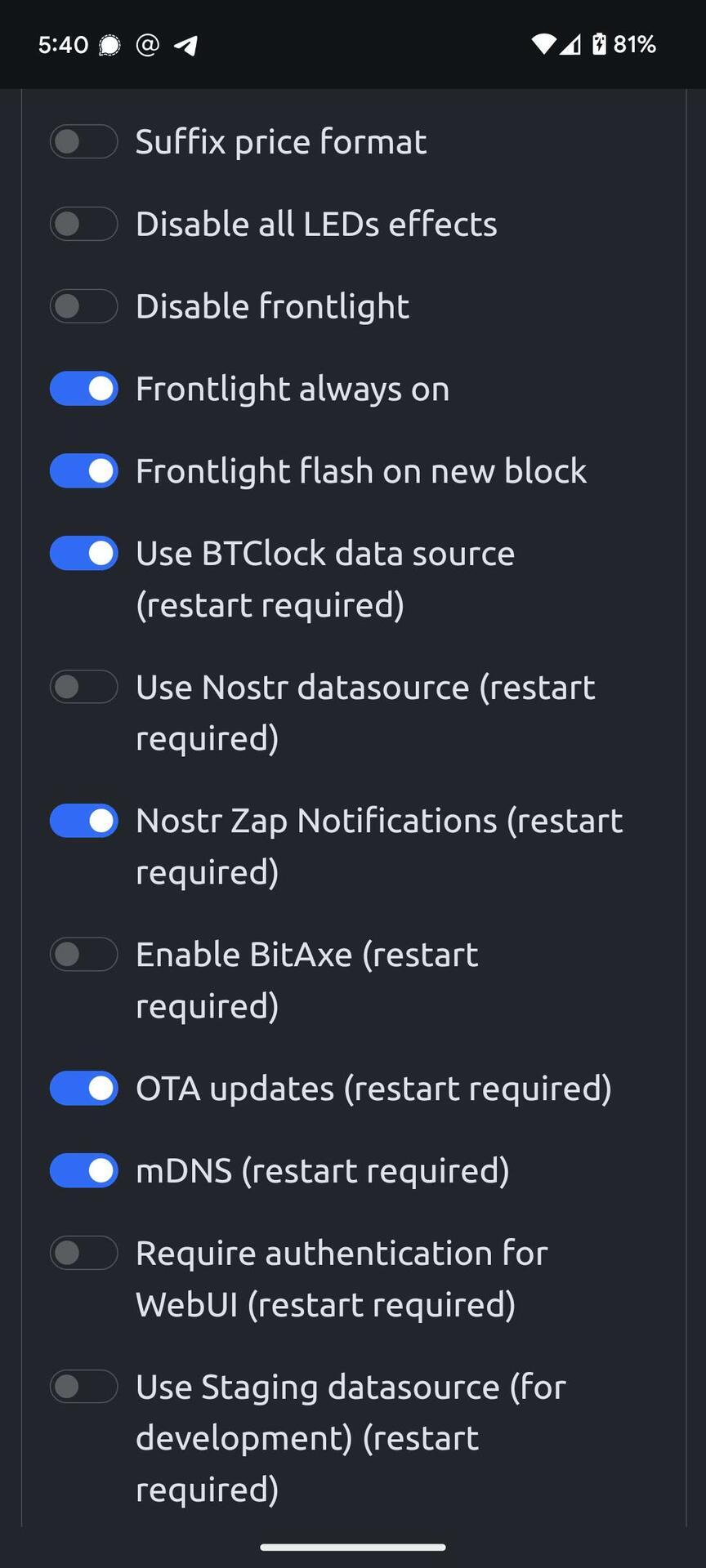
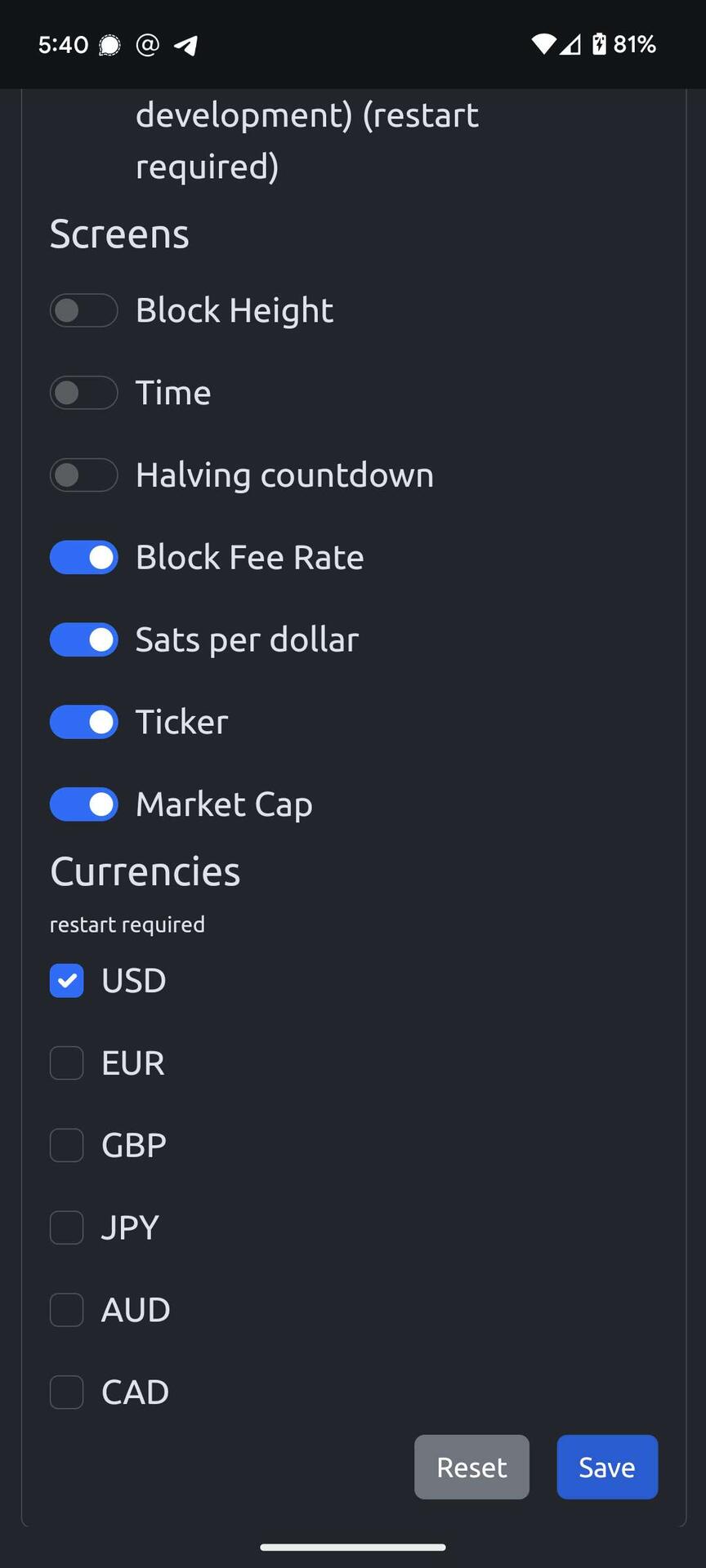
What relay are you connected to with the clock? By default it’s set to primal but you might need to change it to getalby relay
I wish the official #BitcoinClock would have such update, or any update by the way.
I mean Blockclock (edited for those who see).
And I thought I was completely happy. 😅