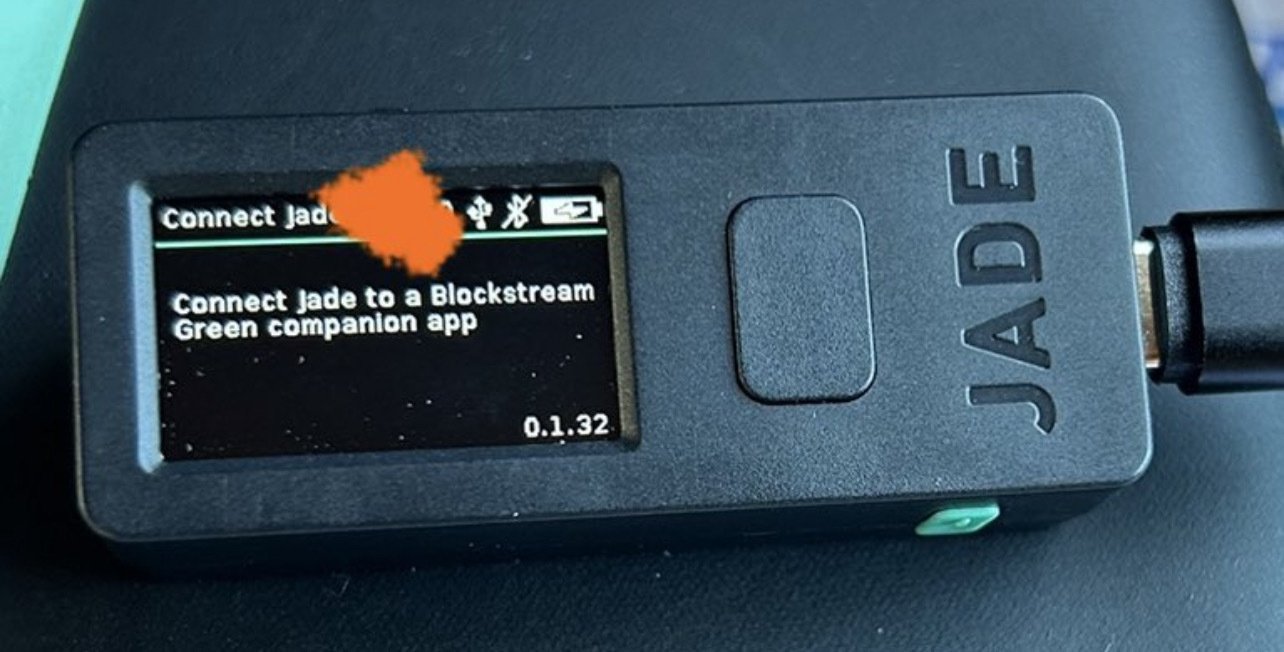
Thanks for the response. I was hoping to keep it air-gapped, but sounds like that may not be an option.
I can’t activate the blue tooth (which is currently disabled) since I can’t get off that screen.
I guess losing the airgap just to update might be fine, since my
purpose for the device is to calculate a 24th word checksum for a seed-rolling tutorial
Only the Jade Plus can maintain a true airgap. The original needs a hard connection (USB/BT) to upgrade firmware, and since the stock firmware is defective, you have little choice.
One option is to boot up Tails on a computer, install Green, then use that to upgrade Jade.
Thread collapsed
Ohh you’re right! I forgot I did have to connect it once before!
Thread collapsed
Thread collapsed