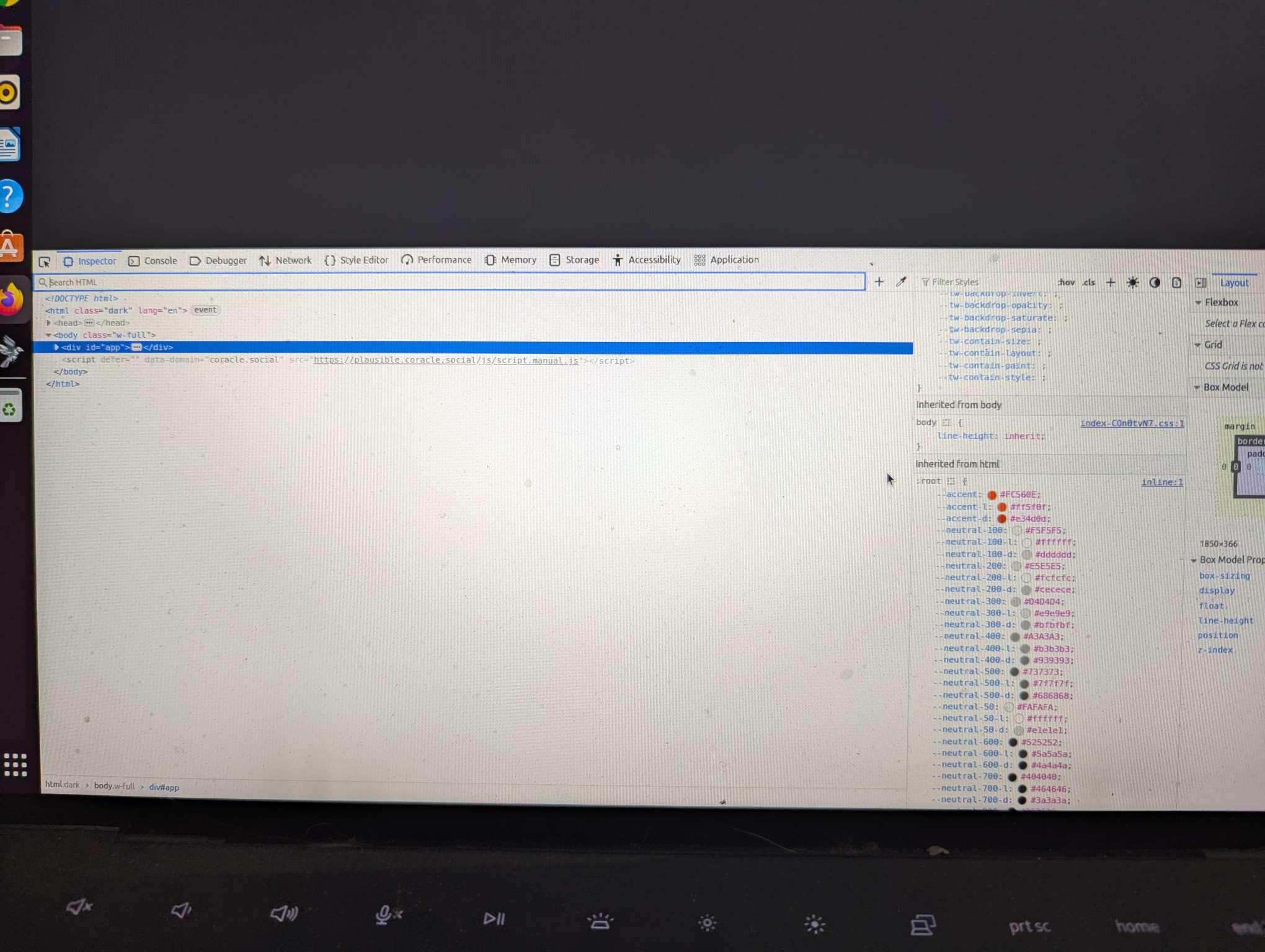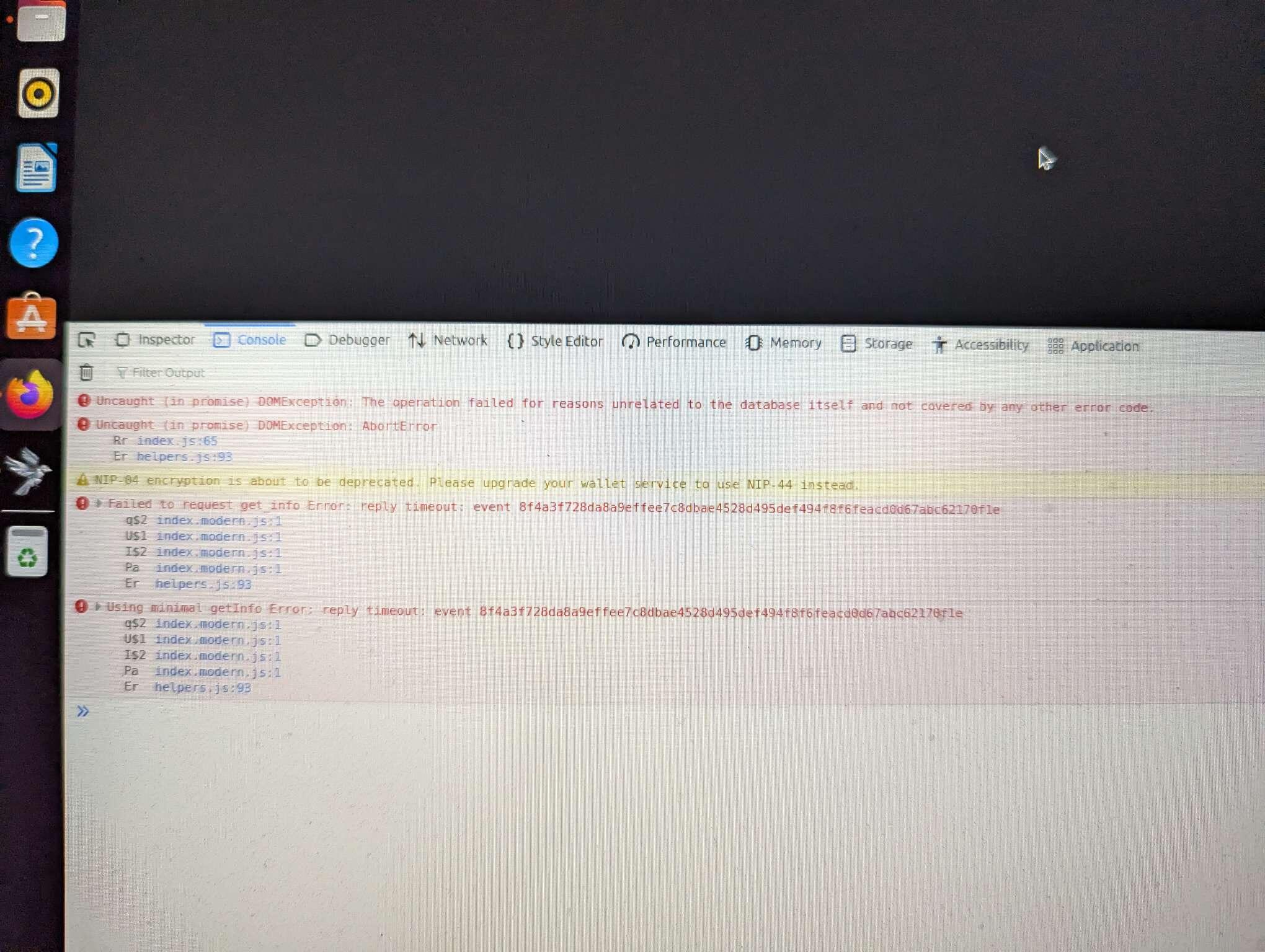

This is usually due to storing too much in browser storage. I've reduced the limits and hope to address it more granularly at some point
Discussion
nostr:nprofile1qy88wumn8ghj7mn0wvhxcmmv9uq3vamnwvaz7tmwdaehgu3wwpexjmt69ehhyee0qyfhwumn8ghj7ur4wfcxcetsv9njuetn9uq3samnwvaz7tmhvvcjucm4wfex2mn59ehxjmn2vyhsz9mhwden5te0wfjkccte9ec8y6tdv9kzumn9wshsqgqskenqevr4f0acjfj5whtk0q6eaaz7c5nh352zv8gh6rfuk4g8muqyue6x have you been able to get coracle to load? Are there any errors in the devtools console?
No, I have not sir. Just gives me a blank page, and kinda retarded when it comes to tech issues. 🤷
If you wouldn't mind, here are the steps to get the error message:
- Right click anywhere on the page and click "Inspect"
- A new window will pop up, click "Console"
- Take a screenshot
Ok, when I do that a screen with code pops up on bottom of page, but will not let me screenshot it.
Oh, that's weird. Is there any red text under console?
I don't know if you're going to be able to see this, but...