

If you go to Settings / Feeds in any Primal app, you'll be able reorder the feeds there. The top feed is the default one when you load the app.
Discussion
Sorry but I can't understand how. It seems there is no way to drag and reorder elements.
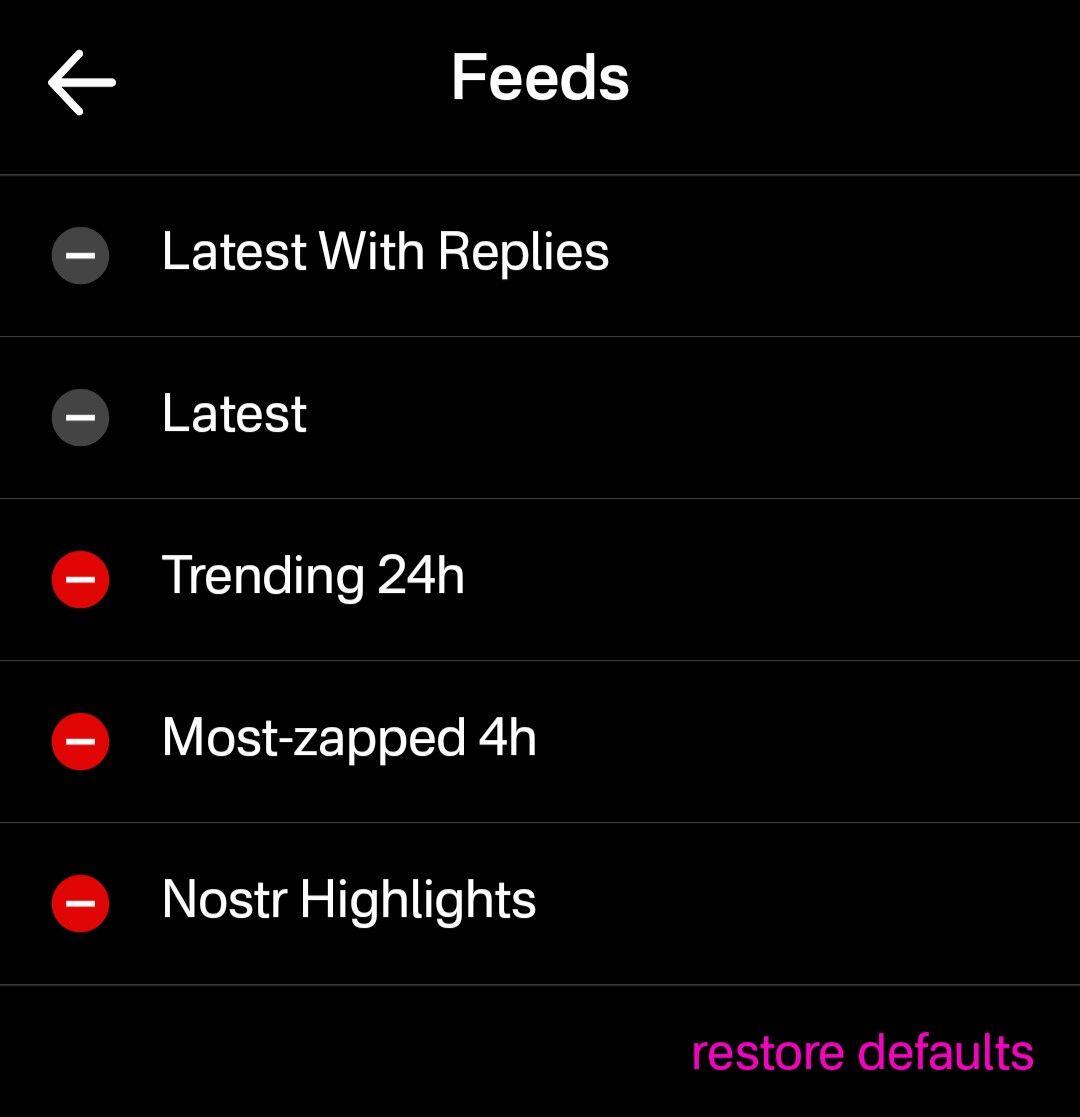
Looks like you are not on the latest version of our Android app. After you update, you'll have the option to reorder the feeds:
You're right! Thanks for the patience